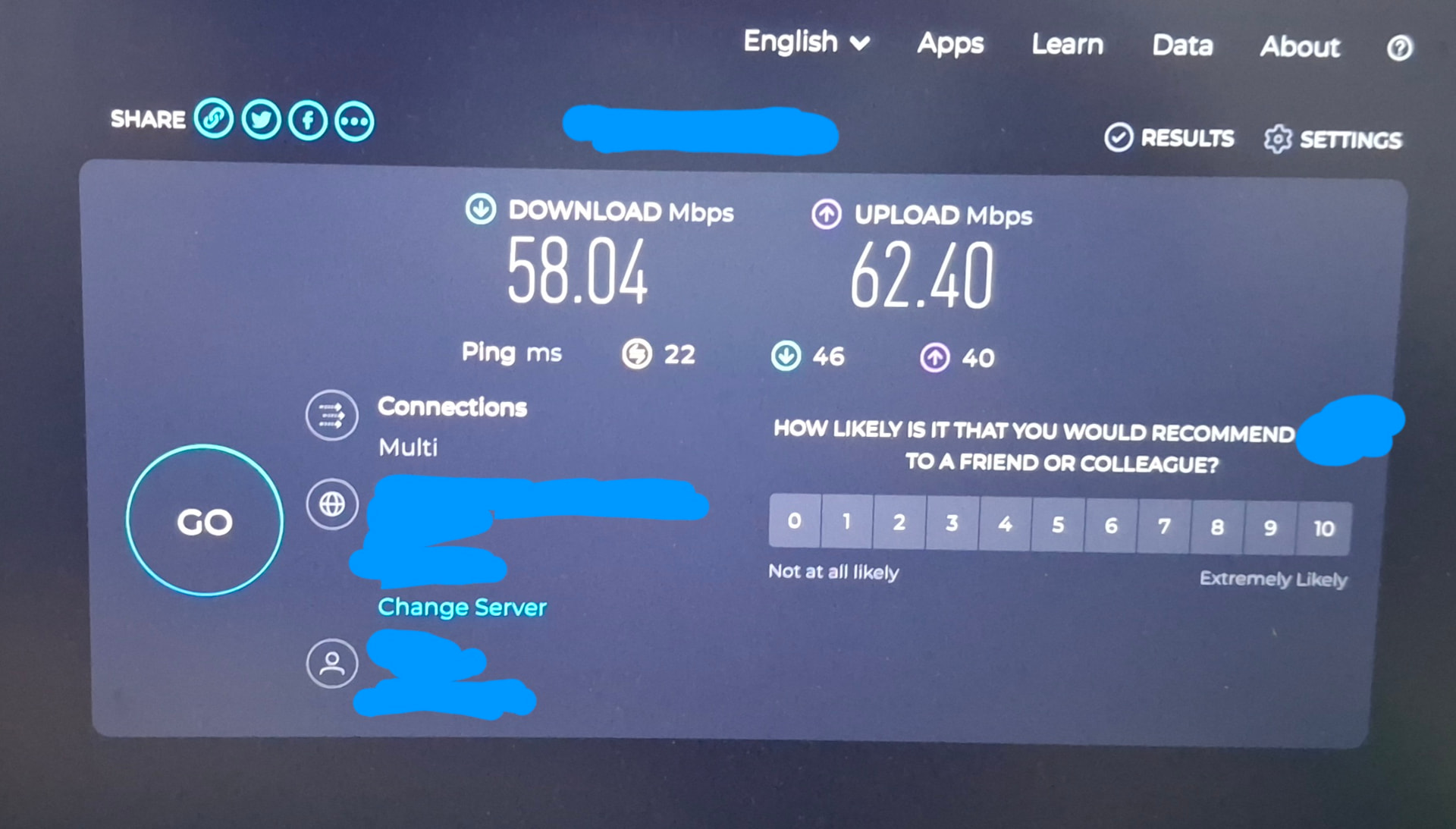
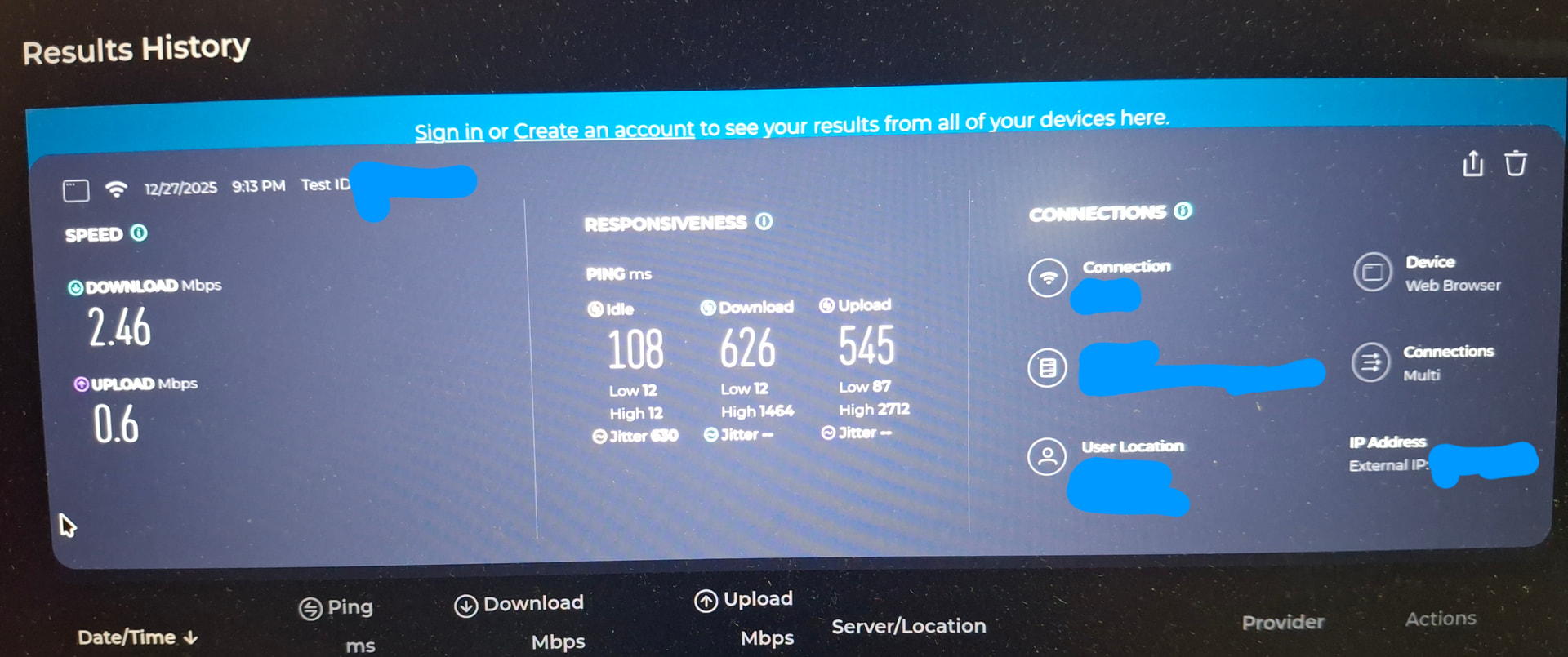
I tried alot of things disabling power save for wifi. Option iwwifil disable 11n=8(not the exact command i wrote but close enough). Updating firmware. Disabling firewall But now of them worked
I finally thought to reinstall endavourOS again will this fix my issue?(if this fixses the issue can some send the link of a video or form on how to do it without breaking windows in dual boot)
In short that person set “iwlwifi.disable_11ax=true” as a kernel parameter, if those don’t work there are a few others mentioned there that you could try as well.
iwlwifi.disable_11ax=true", “iwlwifi.disable_11ac=true” or “iwlwifi.11n_disable=1”
Thank you for your suggestion. I shut downed my Laptop opended it up again this morining and the internet speed seems to work really good only to drop after a few minute so i wrote the first line of code you send(iwlwifi.disable_11ax=true) on sudo nano /etc/modprobe.d/iwlwifi.conf file and The internet speed improved and is now back to the usual standard speed.
Thank you so much for spending you’re valuable time in helping me. And Happy early new year.