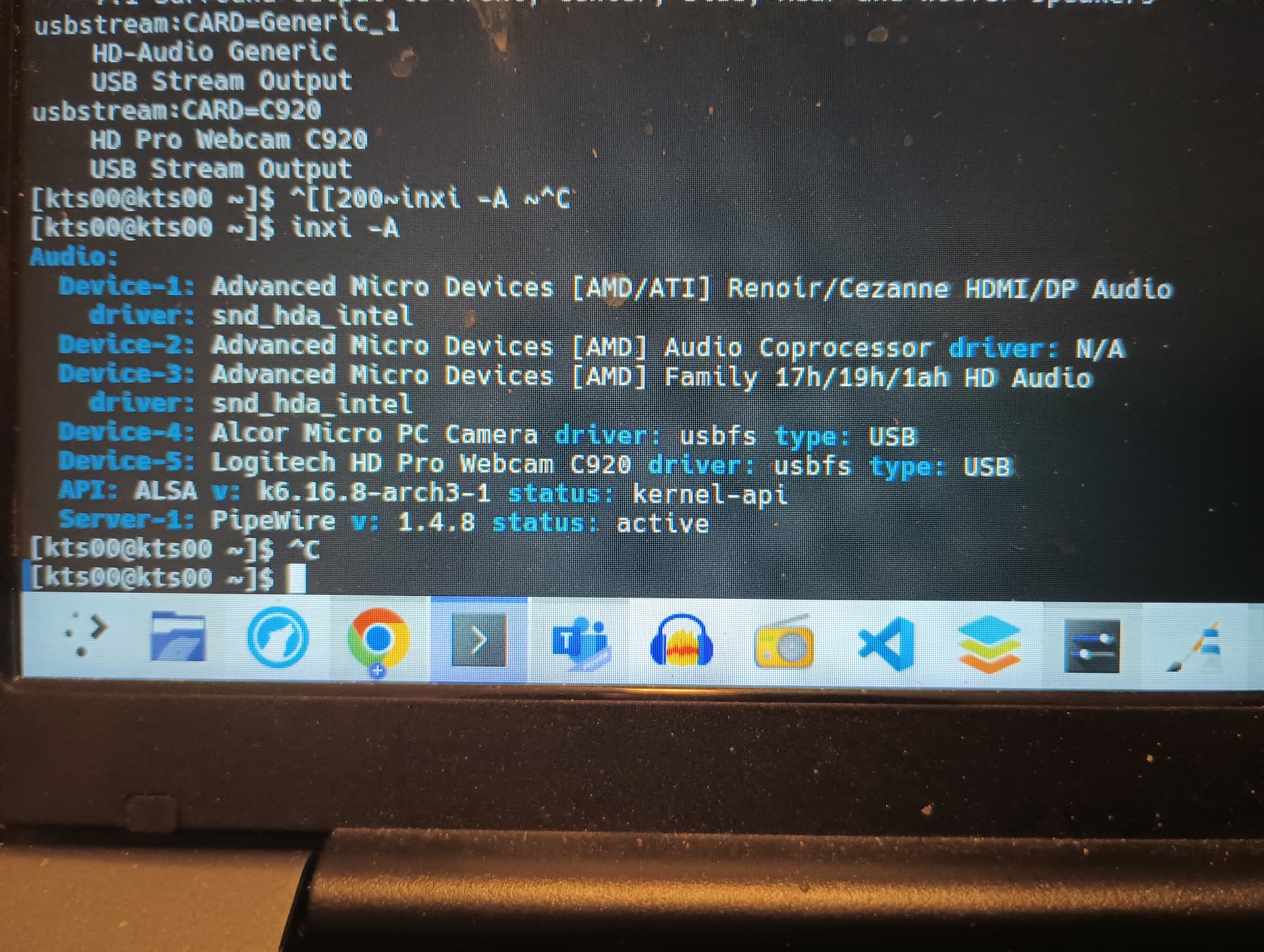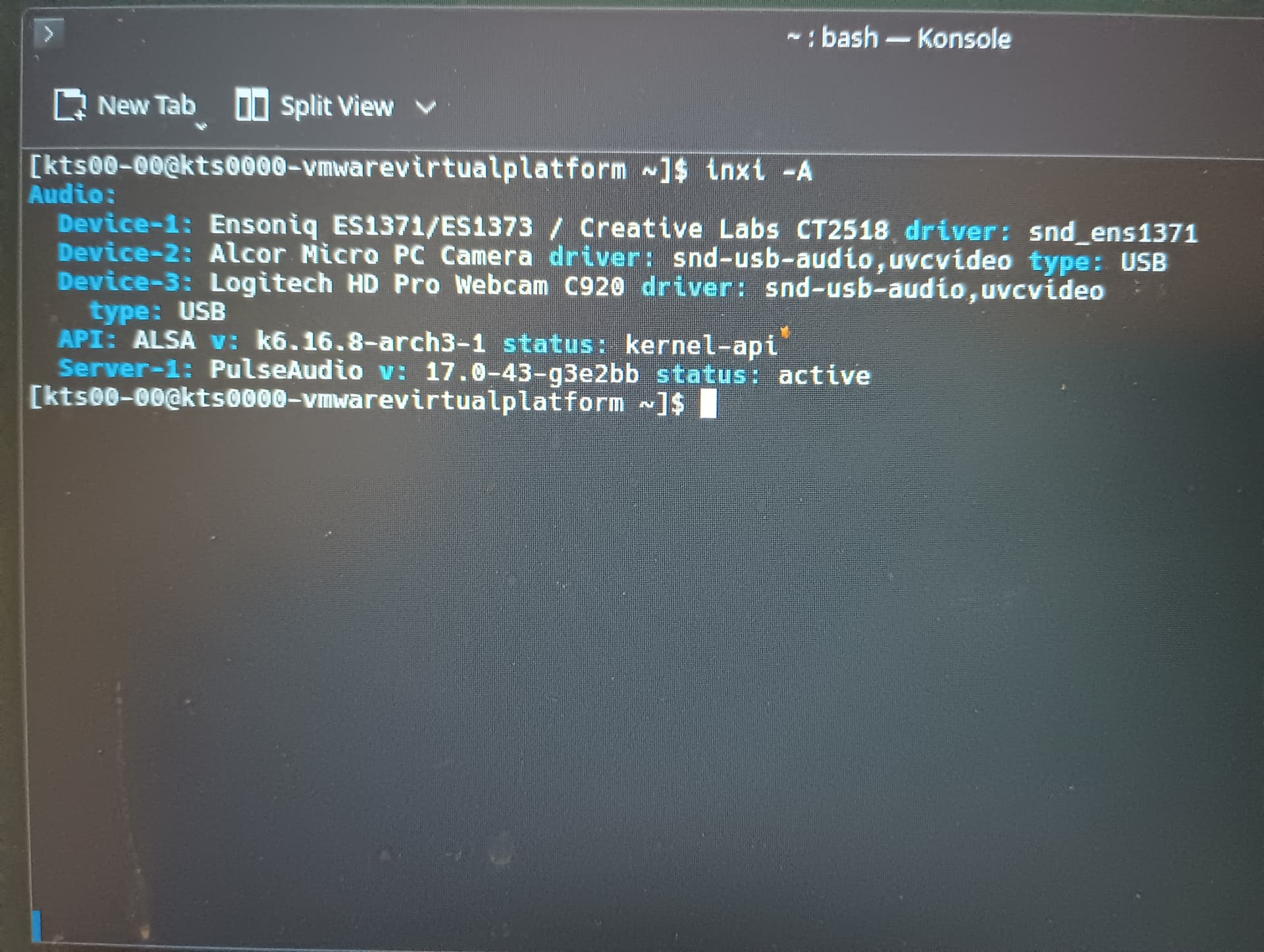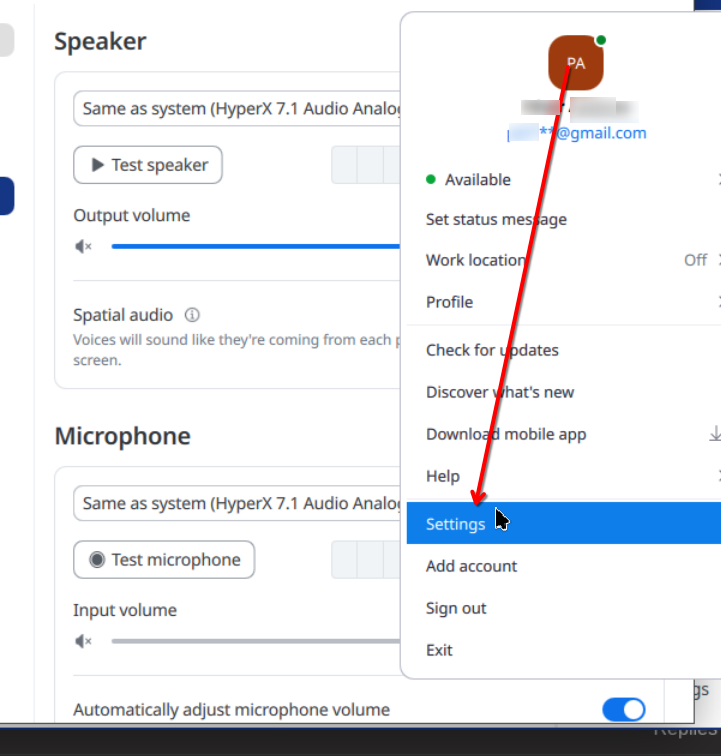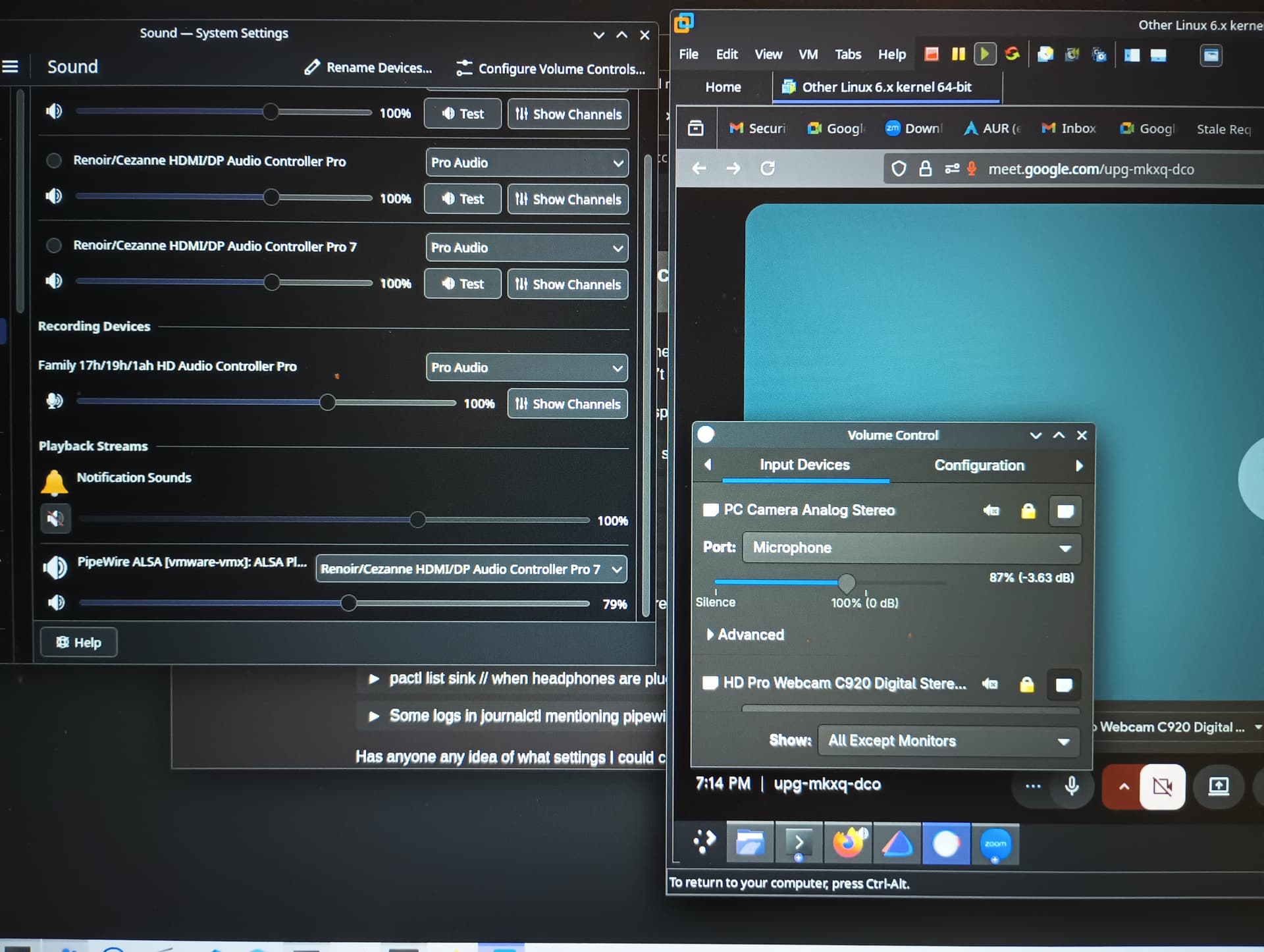
Hi I have latest endeavourOS on main computer. I installed latest VMware workstation. Installed VM with EndeavourOS. When I go to Google Meet or Zoom. I cannot get the microphone to work.
Please help me get microphone to work on VM. I have connected all driver to VM. Webcam works but it’s microphone does not. Microphone works on main computer and I can join meeting with microphone.
I have several pro audio, analog stereo duplex and analog stereo output. Tried all combination, setting front right to 0 but nothing works on VM.
I have university project to demo and this is major blocker.