I’m starting to wonder if this is a symptom of a deeper issue with my laptop. I kinda want to take a step back and actually try to consider the error itself quickly and not directly look into it but see if there is any issue with stuff surrounding it. The error is about some sort of interface while it is warning that the laptop could reboot during the process. What “level” would this be operating at? I can only guess boot settings but I’ve searched that thoroughly already I believe.
It’s hard to say what the problem is but if your interest is in knowing why you may have to turn to Lenovo to ask for some guidance. Other than that it’s trying Windows which is what i would do because then if you have the same issue then it should be warranty if it’s a new product. If it’s not or out of Warranty then maybe there are other steps you have as an option.
Edit: If it doesn’t work on Windows then it would be telling. You have the option to use lenovo advantage instead of the exe file on Windows also.
1 Like
Should probably not tell them I have completely erased the drive before to change operating system. If anything voids a warranty beyond trying to DIY the hardware it would be that no?
I’m not sure what there policies are with that.
This doesn’t seem to be an “error” this is expected. In order to update the Bios it needs to be written to which can only happen when the files its overwriting are not in memory.
That reminds me of the original mystery that prompted me to that this thread in the first place, innoextract. I was originally following the arch linux article about flashing the bios for Lenovo, and there was an interesting hiccup at the first step. They suggested to use innoextract on the file, since these files are supposed to be developed by inno setup and that package is designed to extract those files specifically. Yet the package kept telling me that it wasn’t a proper inno setup file. Maybe the issue is with the version of the file they are supplying for my laptop? Unless they changed this so recently enough that the arch article hasn’t had time to update this assumption of Lenovo = inno setup bios file.
It could even be that it is not the correct Bios file. I have a K14 Lenovo and every time i have called about it they can’t even figure out what it is. It actually falls under the Thinkpad. Some models are kind of weird.
1 Like
Could you expand? I don’t think “Secure flash interface failed” that DuckDuckGo says returns no search results when I put it in quotes is exactly expected.
My suggestion is try it with Windows and if it doesn’t work try the update using lenovo advantage. Then contact Lenovo if necessary.
Roger that. I’ll try first thing tomorrow.
1 Like
Arch suggested to use an innoextract on the file? Is this an Arch install or EOS? Is this also posted on Arch? Cross distro forum posting is a pretty bad practice and could likely get you banned from at least Arch. . . Just an FYI.
I haven’t made a post on the Arch forum. I’m talking about a wiki article.
https://wiki.archlinux.org/title/Flashing_BIOS_from_Linux#Lenovo
I am on EOS, not Arch.
Should I not be making use of the Arch Linux wiki since I am on an EOS install? I have found it really useful.
The answer to this is very well documented.
You said when you faced a “hiccup” THEY suggested to use innoextract. They implies arch community, not the wiki. It suggested would have implied the wiki. Your statement reads very confusing as if you were getting help from Arch. I just wanted to be clear on that.
That is confusing phrasing, my bad. Dunno why I phrased it like that.
So there are rules around using the arch wiki? I may have missed that. I’ll go read them for future reference
1 Like
That isn’t what I said either. I’m going to just bow out of this thread. It’s way too long and is changing directions now. It is utterly confusing for anyone who may be here searching the forum looking for help sincerely with their bios on a lenovo laptop. We’re just making it even worse the longer we let this run on.
The answer should be obvious for you at this point. Good luck.
2 Likes
I have a new ideapad too, I had no problems using hirens. I think you did something without paying enough attention and you forgot about it. Maybe got the wrong firmware?
Also I can’t find anything about your error. I’m not sure, maybe there is something that resets the default configs for your firmware? Try again with the default settings.
1 Like
BIOS upgrade. I’m wondering whether you have to go from v1 to v2 to v3 etc and you’re going from from v to to v3
@Andrew
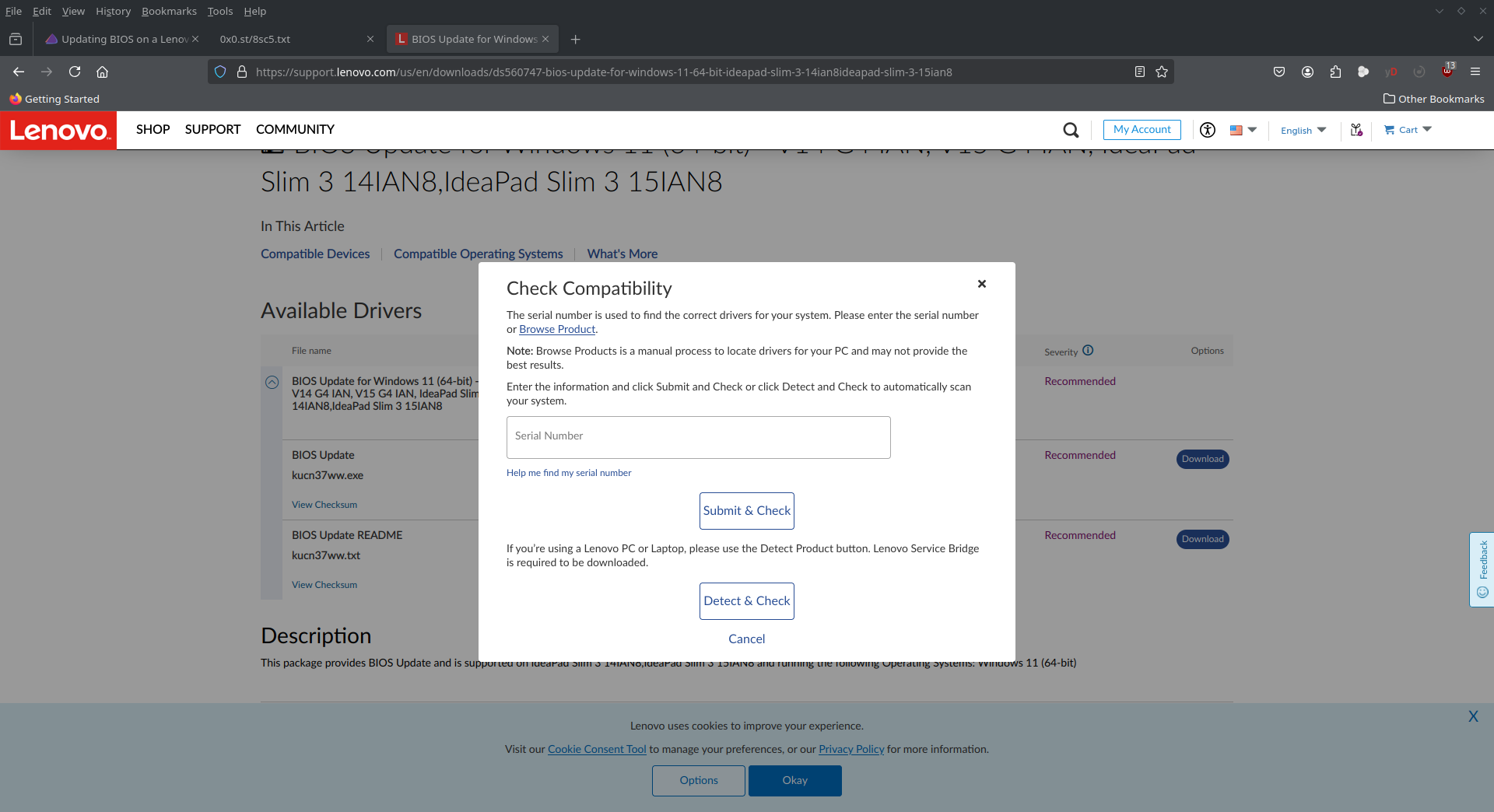
On the lenovo website did you enter your serial number to make sure you are getting the correct Bios update files. When you click on the download it asks for your serial number in another window.