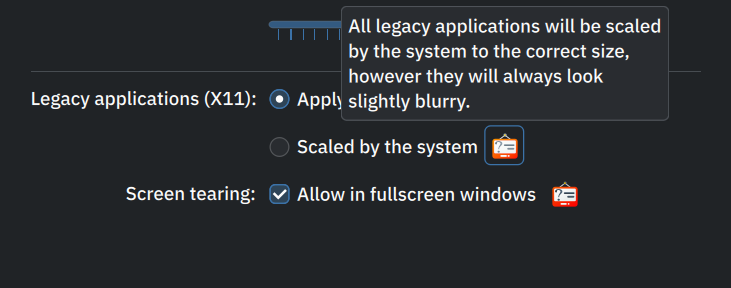
I first thought this is font issue, but now I pretty sure it has something to do with rolled updates changing my “hardware accelerated” drivers or some settings.
E.g. KDE screencapture is something I love to use, but it blurs everything on screen. Somehow it feels that the hardware is not doing its job.
So x11 vs. wayland nor change of fonts helped. Only toggling hardware acceleration application by application of has helped.
Any stepwise suggestions to get rid of the blurry stuff on my kde wayland?
Iterated basically all options and between each iteration the screen capt. looked blurry still. So reverted back. Isn’t there any feat. to see hw accel. settings and what could be wrong with those ?
rgrds Paavo
Strange, during the last 24h my rolling updates have fixed this issue. So screencapture is no more blurred.
Now gotta wait some time and then toggle hw accel on and original noto fonts.
And note that screencapture when taking the capture blurred the screen and area under to be captured. But the file was clear not blurred.
Now its like it was and doesnt blur during nor after.