It has been quite a while since I updated my laptop because of these errors. Anyone have a clue?

This is a fairly common error. Did you review / try the following?
Did you see the “Important announcement” box at the top of this forum? It has specific instructions for this issue (caused by splitting the linux-firmware package).
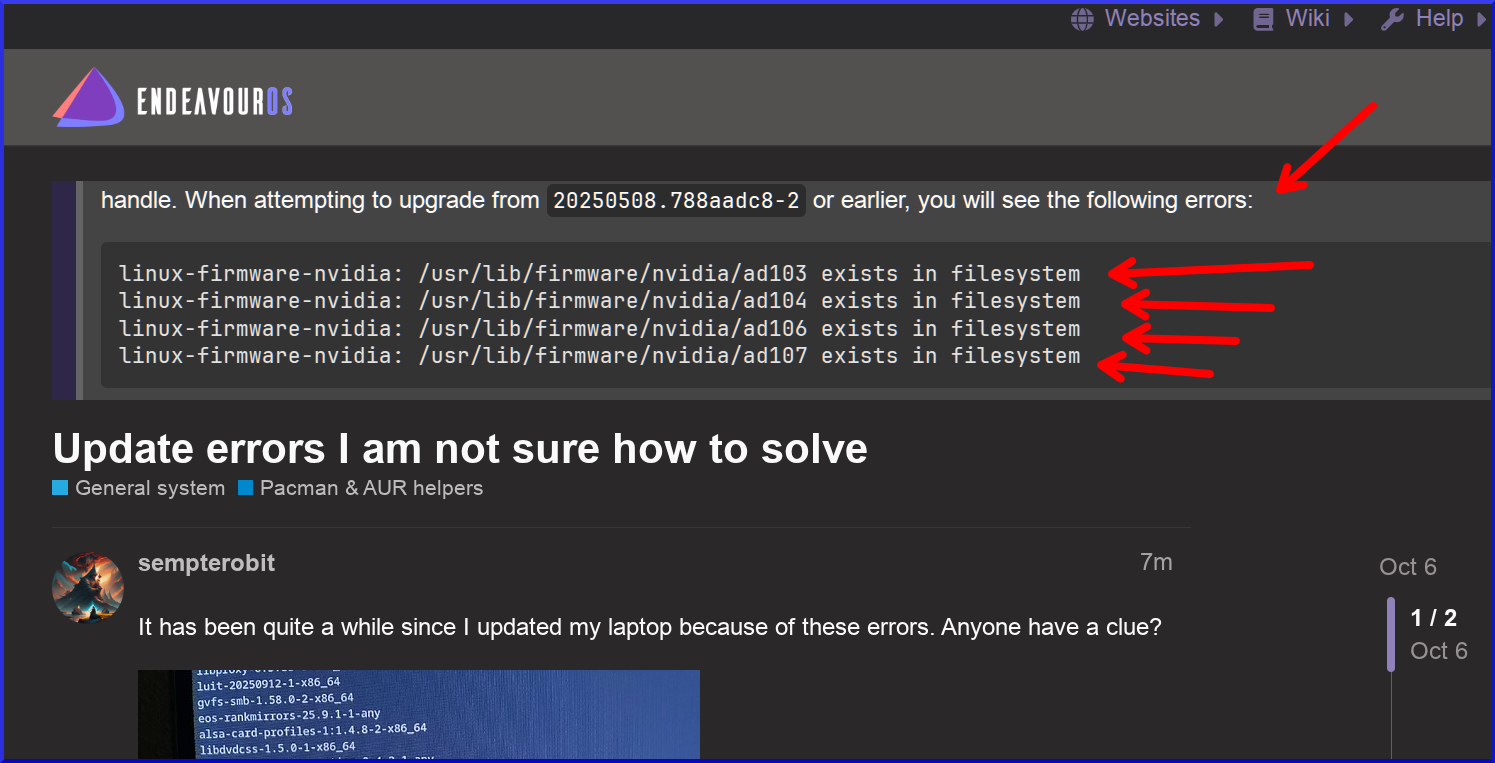
sudo pacman -Rdd linux-firmware
sudo pacman -Syu linux-firmware
1 Like
Hahaha good point! Do what he has said!

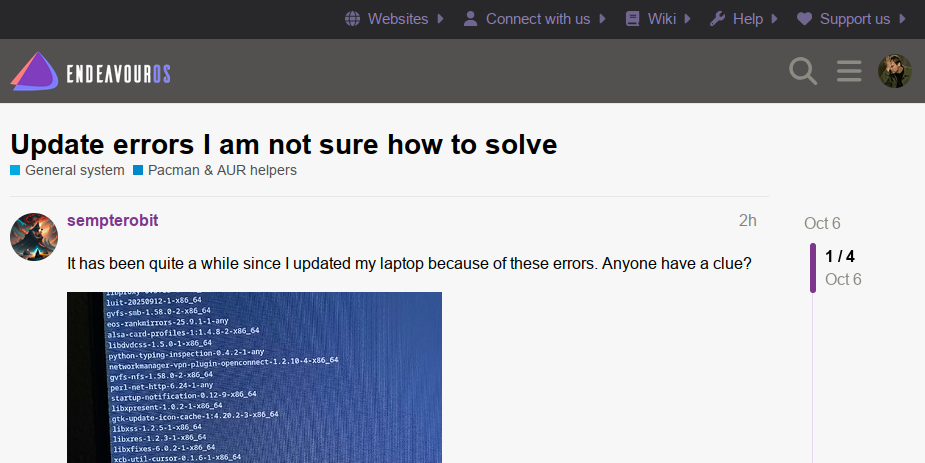
If you don’t see the banner, it’s because you dismissed it (by hitting the X in the top corner):
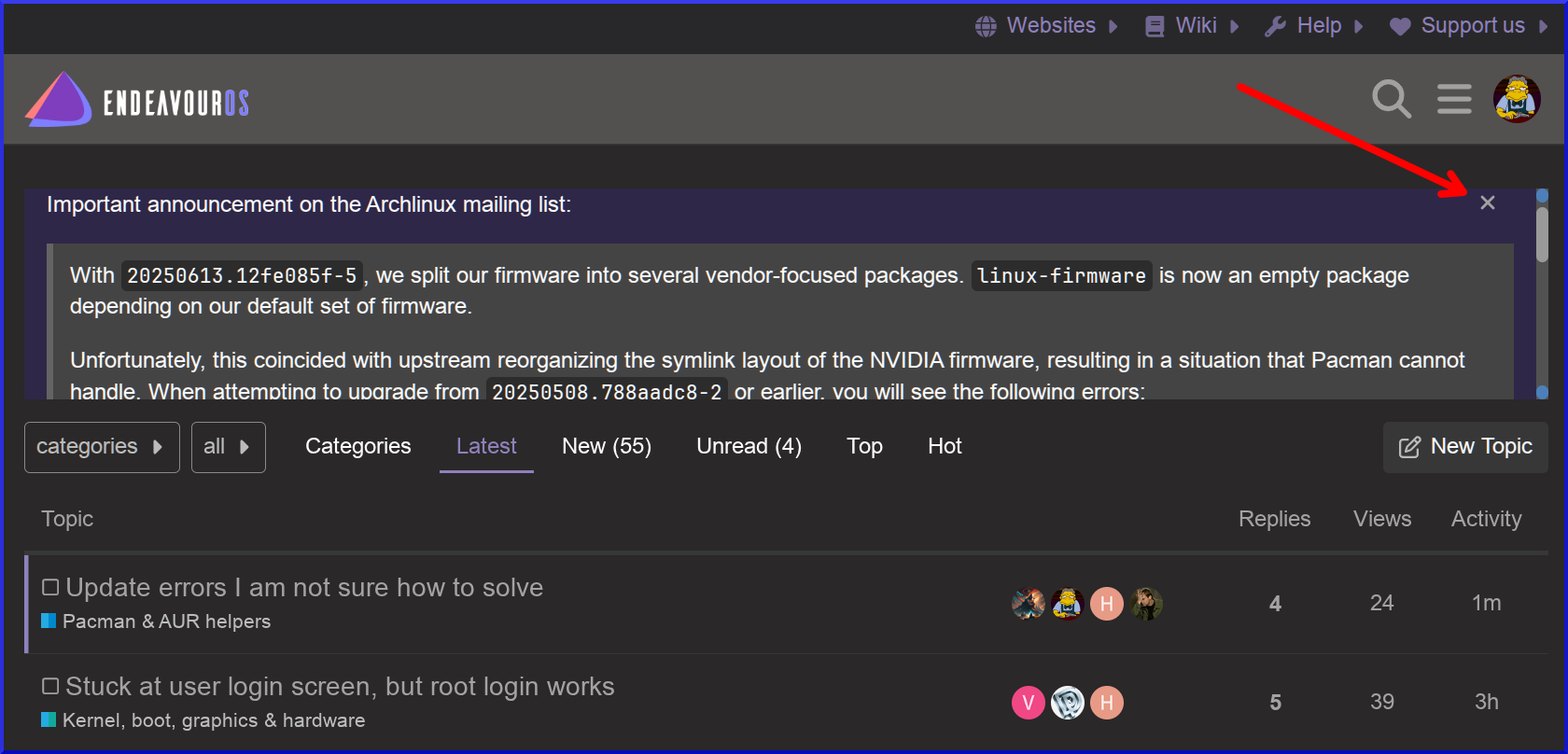
It was originally an announcement post (june 21), which was first pinned and then later made into the banner:
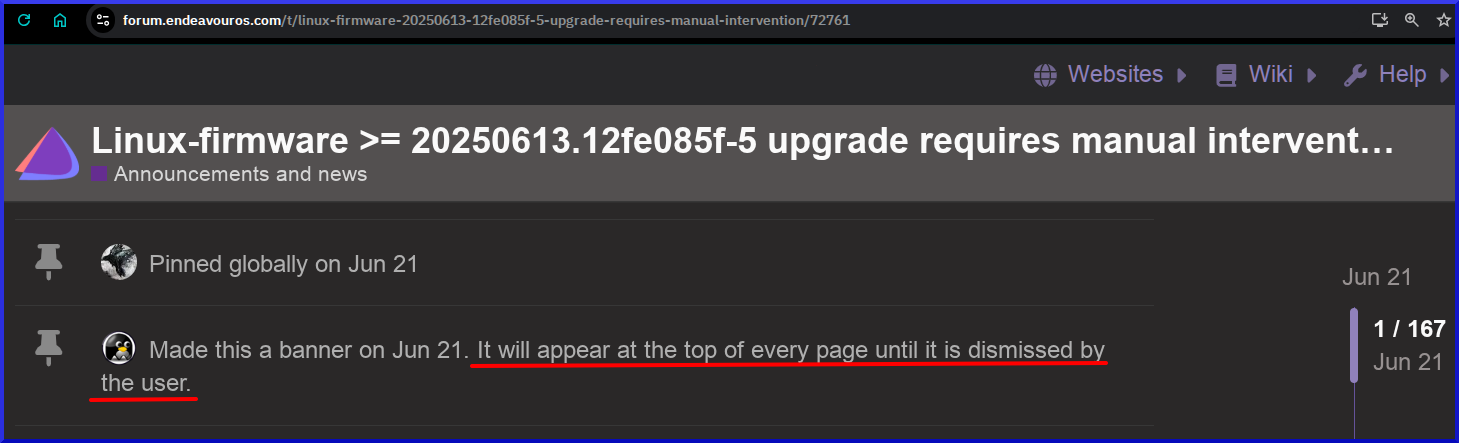
Ahhhh. I don’t remember hitting the X, but it’s also 4 months old, so I could be mistaken. Thanks for the clarification.
1 Like
I didn’t install linux-fimware after sudo pacman -Rdd linux-firmware.
linux-firmware is a meta package which would install some firmware packages not needed for my hardware.
If you know well what your hardware require, I would install the specific firmware package for it.
Name            : linux-firmware
...

Description     : Firmware files for Linux - Default set

...

Depends On      : linux-firmware-amdgpu  linux-firmware-atheros  linux-firmware-broadcom  linux-firmware-cirrus  linux-firmware-intel  linux-firmware-mediatek  linux-firmware-nvidia  linux-firmware-other
                  linux-firmware-radeon  linux-firmware-realtek
Do this in connection to your update and not after reboot as you may lack some stuff needed for your hardware which may stop working.
Agree with your point.
I also didn’t install the whole package after uninstalling it. Because yeah, I’ve noticed that there was unnecessary packages like linux-firmware-broadcom and linux-firmware-intel being installed on my system(I use AMD CPU). Therefore I’ve done the same thing - installed just necessary packages.
And my point is the same: Beware to check what packages you really need. If don’t know, installing linux-firmware would be a better option, just in case if some necessary packages aren’t installed.
To know what types of hardware your computer has, try lscpu, lsusb, lspci and similar commands. This should let you know which package you need to install.
1 Like
Normally it has all firmware packages installed whether you have the hardware or not. It’s not a big deal. It’s not like it takes up that much space.