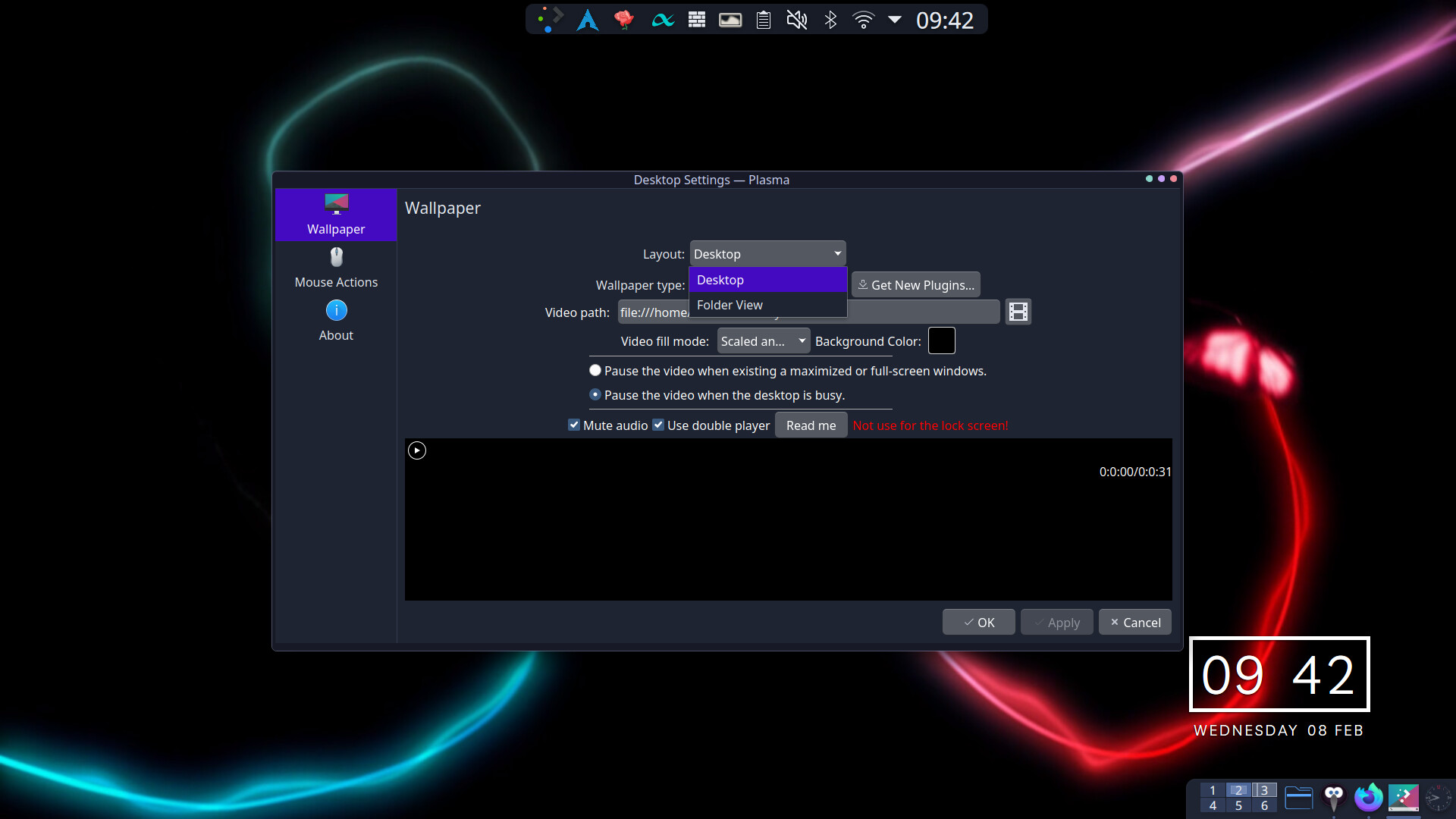
Hello, I recently updated and realized that I could not open any apps from their launchers on the desktop and toolbar, not even konsole or settings, I had my browser open when I ran the update, and it reopens after a restart, but apart from that and apps open in the background, I cannot start any app. Additionally, my desktop seems to be clear of all files and shortcuts I had on it. Attempting to launch a program from the taskbar results in it going through the animation but not opening.
do you run KDE?
I had a similar issue there (empty desktop, launchers in menu not working) - but starting from konsole/yakuake or dolphin or ckb-next-configured shortcuts worked.
I had to rename plasma-org.kde.plasma.desktop-appletsrc in ~/.config and restart Plasma twice to reset the things configured in there to default but after that it worked again.
Edit: Just do add, my dmesg was spammed with __vm_enough_memory: pid: 1000, comm: plasmashell, no enough memory for the allocation with almost no memory used, and that also disappeared with resetting that config file.