Okay i have installed Xfce to use the efi partition from my Kde install but the only way i could get the installer to let me do that was to use replace partition. Then it automatically picks up the efi partition. This has been a common issue with users installing dual boot with Windows and things not working also because of this. I had to install both with grub first in order to be able to have the installer find the efi on kde using replace partition.
You can’t set a swap file when using replace partition.
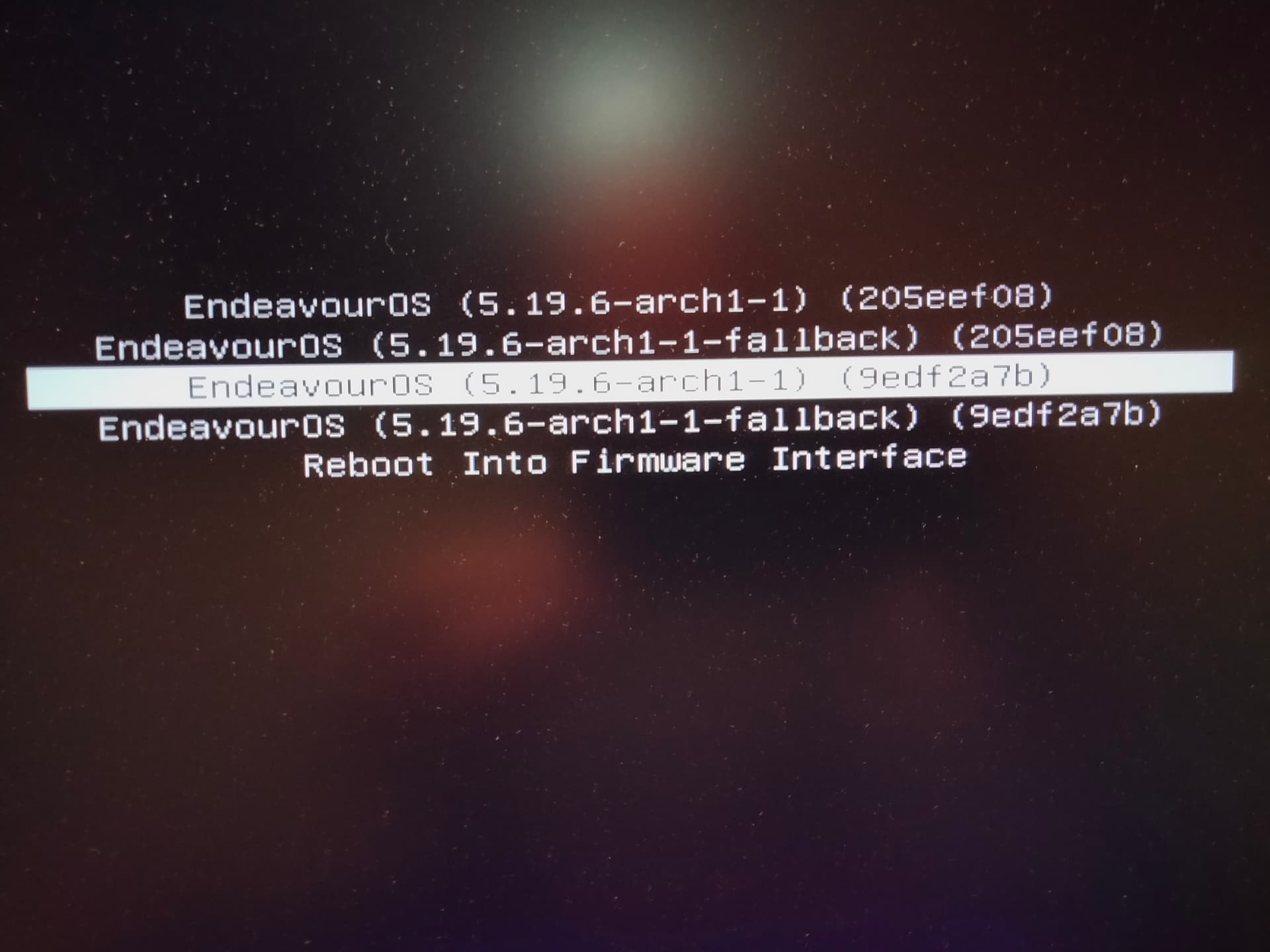
So i converted both again to systemd-boot and this is what i have at boot. I did have an issue with grub booting again related to this grub issue even on a new install. Had to fix that and it wasn’t letting me chroot. But i just ran the grub update command and i was able to boot.
I don’t like the numbering system on the folders either. All the info related to this grub problem is confusing. Does one run sudo grub-install or do you have to have all the other info to go along with the command? Depending on how you do this the folder gets named differently. Not sure what all the numbering is on the menu here? What are the numbers in brackets for?
It does work but the first entry is Xfce. Second one is Kde.
The identifier in the parens are probably part of your machineid. It is probably because you have entries that are otherwise identical. I don’t see those on any of my installs because I don’t dual-boot the same distro
Well at least i know how i can install it. It might be better to install to the same drive and just create another root partition and use the same swap file? Not sure i can if it’s swap on btrfs?
I think that depends on how many kernels you want to install. I have the main kernel and LTS installed and it fits with ease on the standard partition Calamares is dedicating it.