Trying out Aurora

Over the years I have constantly switched out the distro on my laptop. In part this was because I was using it as a long-term tester to test various distros and in part because I always end up disatisfied with whatever I was running. However, I have a reached a point where I just want my laptop to work and so went to search for a distro that would make that easy.

First, I think it is important to understand what I was looking for, since it is a pretty specific use case. My laptop is not my primary machine. I use it fairly casually as both an interface for browsing/emails and also as a portable terminal. My usage is very sporadic though. I may use it every day for a week and then not pick it up for a month. Because of that, I want it to be easy to keep updated and hard to break.

I have a had a lot of distros on my laptops over the years. Off the top of my head, Arch, Debian, EndeavourOS, Fedora, Gentoo, KDE Neon, Kinoite, Linux Mint, Mageia, Manjaro, MX Linux, NixOS, OpenSUSE, PopOS, Solus, Void and probably 10 more I have forgotten about. None of them were ever quite right for this specific use case.

I had recently tried Bazzite out when I was doing some gaming benchmarks and had been impressed with it so I decided to try Aurora Linux as a change of pace. Aurora is an immutable distro running KDE based on Universal Blue which, in turn, is based on Fedora Atomic. The base image is very clean, applications are installed as flatpaks or via homebrew. The base image and all applications are updated transparently and automatically(automatic updates can be disabled if you prefer).

I have been using it for a short while and now and my early impressions are that it fits this use case really well. It took me almost no time to setup. There was a few too many applications installed by default but they were all flatpaks and it took less than a minute to remove all of those using the buiilt-in app store. Every application I wanted to use I was able to install without issue. Updates truly are painless and transparent so far. Every time I pickup my laptop it is ready to go and working fine. Power management works without any hassle. It even has out of the box zfs support.

Honestly, I have no major complaints so far. We will see if that changes over time.

That being said, there are some downsides. For example, I doubt it is possible to install VMware workstation because of it’s kernel modules. There were also too many GTK apps in the default install for my liking. Some of them I understand like the terminal and Baazar(the app store) but others seemed to have obvious non-GTK alternatives like Distroshelf, Mission Center and DejaDup. To be fair, the last point is more of a nitpick and, except the terminal, all those applications are flatpaks so they can be easily removed.

I think this may be my new recommendation for the casual user. It is close to zero maintenance and requires no understanding of how it works at all.

8 Likes

A Fedora knock-off is an interesting choice.

ā€œMy usage is very sporadic though. I may use it every day for a week and then not pick it up for a month. Because of that, I want it to be easy to keep updated and hard to break.ā€

I have a casual laptop the is running dormant Lillidog right now. I understand. my desktop is 95% of my life, not the laptop.

you are taking one for the team with the immutable (questions: why Fedora knockoff rather than Fedora?). I was going to try their (Fedora’s) Budgie 10.10 Wayland Immutable but could not bare metal it onto and older thinkcentre.

I understand all of what you are saying. And I’ve had this talk with myself. When I’m ready I’m going the MUSL route for this just to change it up. See what the ā€˜handcuffs’ are like in Linux’s (allegedly) smaller attack vector. I really like Alpine but I really love my time with Adelie.

this mystical Utopia does not exist :grinning_face: :wink:

I am not sure I would call it a knockoff…

But to answer your question, usability is much better on Aurora than, for example, Kinoite(Fedora Atomic KDE).

To be more specific, here are some examples:

  • Integration of homebrew and distrobox in the base image
  • The addition of ujust which is a CLI tool that automates common tasks and makes things easier
  • When you open a terminal you get a description of how to use brew and ujust making onboarding easier
  • The base image includes more drivers including an image with NVIDIA drivers
  • The flatpak experience is based on flathub alone simplifying installing applications and avoiding conflicts
  • Updates are fully automated by default including the OS, flatpaks and homebrew
  • The app store is better laid out and curated in a useful way
  • ZFS support
  • It isn’t an in your face gaming distro but it includes a lot built-in support for gaming to make life easier.
  • The system automatically updates to new ā€œmajorā€ versions without any user intervention as part of the normal update process

A lot of that could be setup with a base Fedora Atomic spin, but you would need to do a lot more work and in some cases the result would be inferior. In base Fedora you would need to a lot more layering which increases the maintenance burden. Just figuring out how to get media codecs working on Fedora Atomic since the included Firefox is part of the base image can be painful. For the record, I did use Fedora Kinoite for a while on this laptop and while it works, it is a very different user experience despite using the same technology.

None of this is to say that Fedora Atomic is bad but I would absolutely not give a Fedora Atomic spin to a casual user and expect them to be able to use it. The learning curve is much more substantial.

2 Likes

Aurora one step ahead and I’m very intrigued after reading this. like you, I think at the very end of the day that simpler is always better in this case. great response, thanks for the insight

1 Like

Thanks for the review, @dalto . I never used Aurora but took a short look onto it on their website. Maybe I should try Aurora and give it a chance? :wink:

1 Like

Wow, that is what I call user-friendly!

Your review makes me very curious. I think I’m going to give it a spin.

3 Likes

I’m not yet over ā€˜morning eyes’ and your long long post was daunting (so I only scanned), but as to the content, I agree totally. It was my choice for a beginner too.

Edit: I woke up and was able to ingest the full post. No changes needed to my reply :0

4 Likes

I have an onyx install, for trying out budgie. They did something with updates and somehow I couldn’t update, had to run a few commands to fix it.

On the other hand I have also a Silverblue install going for like 4 years, has no issues upgrading and updating it. I think these kinds of system are the best choice for regular computer users. Easy to recover. I’m also interested in Vanilla OS. Since I’m trying to distance myself anything purple hat.

This is fascinating, and in some ways confirms what I’ve been thinking about, - that for the ā€œI have a job and mortgageā€ Linux, immutable distros may potentially be the future in a way that existing bleeding-edge distros don’t fully serve.

In a perfect world, I’d put something like this on my M4, and a part of me wonders whether an immutable EndeavourOS would ever be a thing, or whether it conflicts with the ethos of what EOS is.

1 Like

In some ways, a ā€˜rolling immutable distro’ just sounds wrong…but fundamentally it isn’t…BUT…can you imagine a big snag coming along if everyone’s daily update went bad and wouldn’t boot into a GUI ? :slight_smile: (generally these Aurora ISOS are daily updated).
1 Like

I wouldn’t mind trying it in virtualbox or boxes but I couldn’t find any info on the site if it would work.

Should work fine in either. (Well, at least as much as anything works in VB)

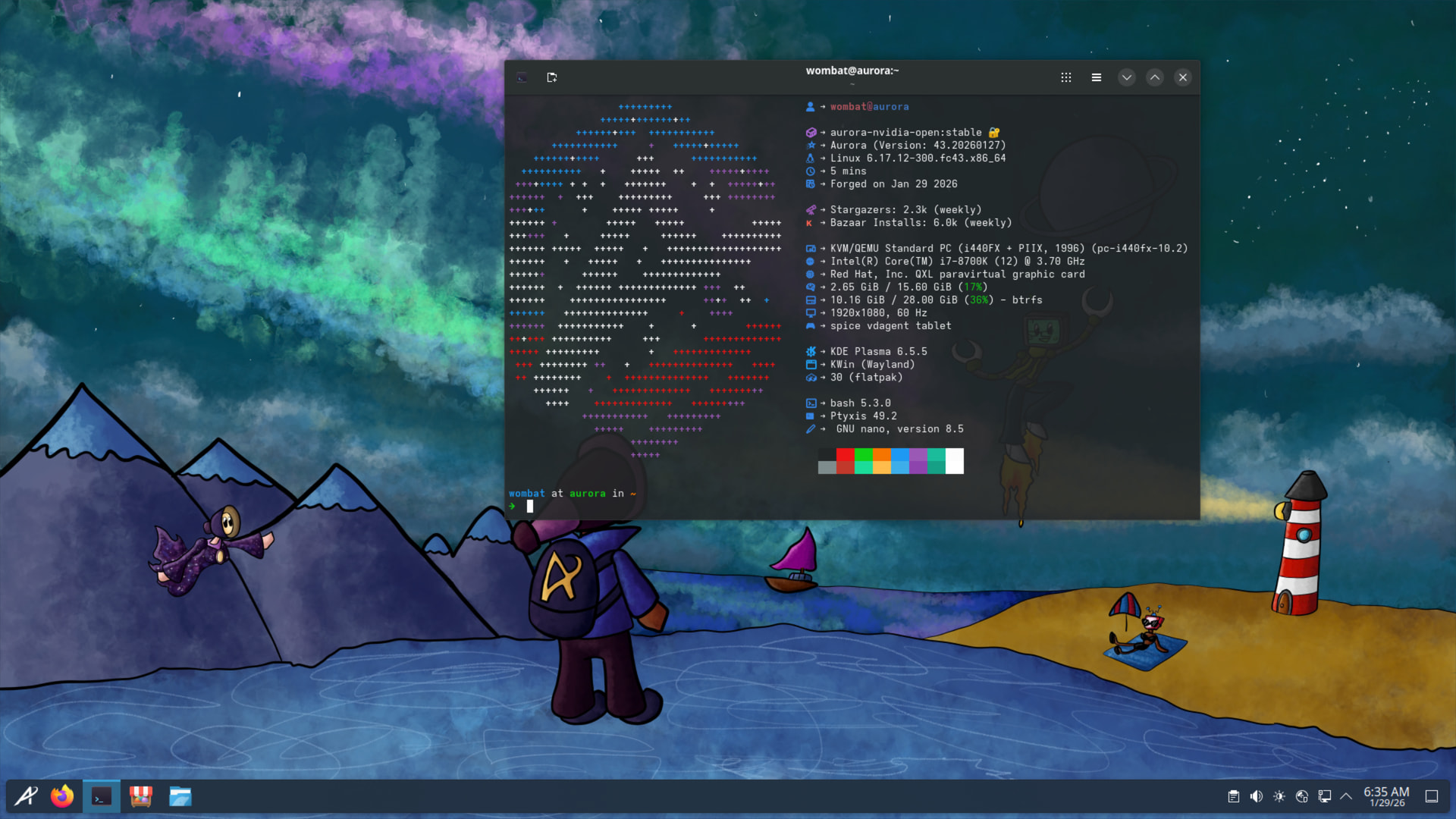
The image includes support for vmtoolsd, vboxservice and spice-vdagent so it should work on all the common VM platforms.

1 Like

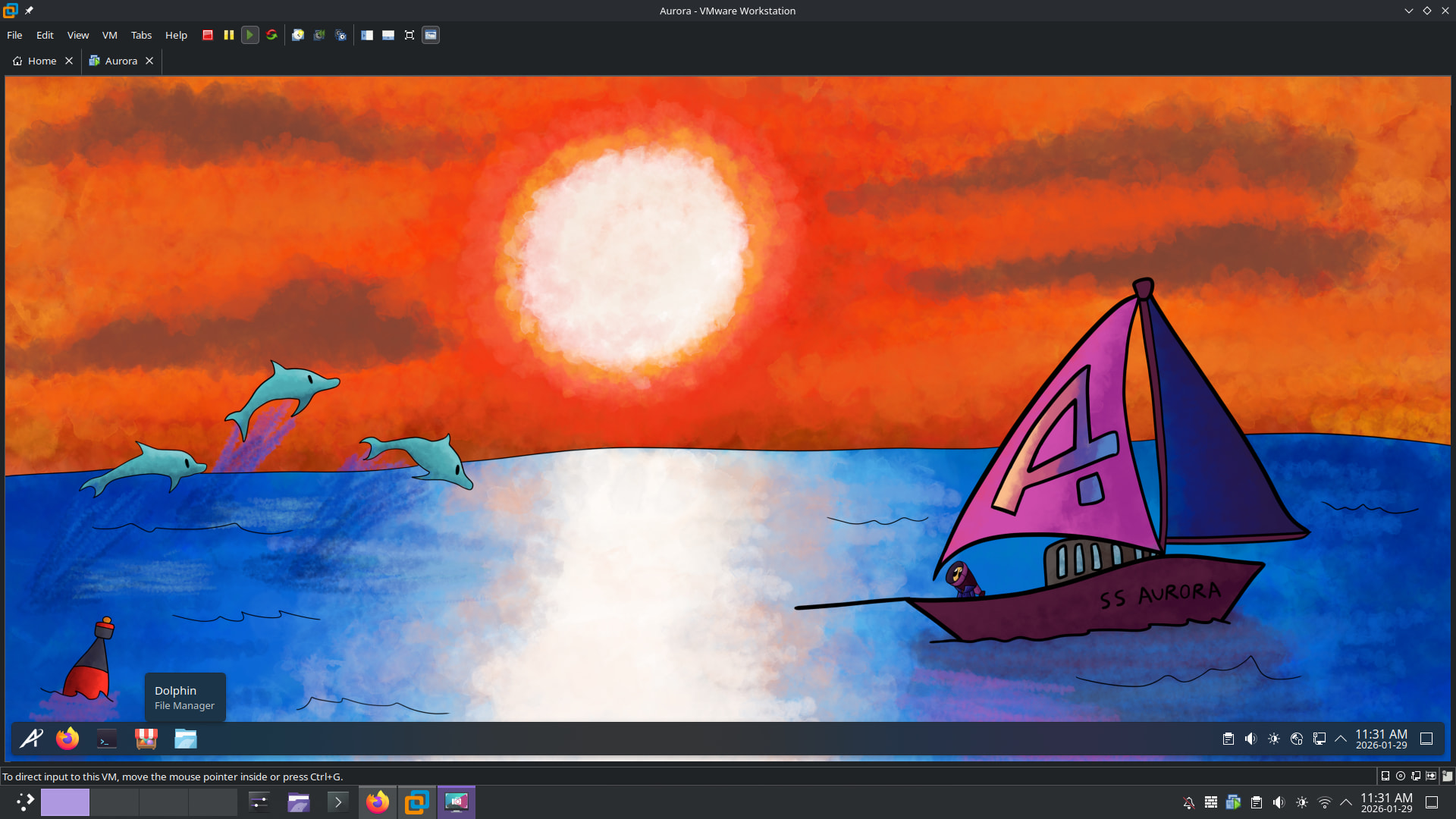
I have it loaded on vmware without any issue.

3 Likes

Working just fine on Boxes.

2 Likes

I have been on Fedora Silverblue for going on three years now. All of these immutable distros based on Fedora Atomic are generally solid and absolutely fantastic. Bad update simply rollback to an earlier image. You can even lock the image in place so you always have a known good one to rollback to. A lot of distros like Aurora, Bazzite, and others are too opinionated for me. Layering really only affects things occassionally, and the fact that it fails during the process simply prevents the update until it won’t break things. It is no different than failing a container build. Also you can load up a container and expose the apps to the desktop directly. The container can then be updated like a normal distro. You can easily do this with toolbox or distrobox.

All of it is a matter of familiarity. It took me about a month of cussing it out, to shift my thinking toward a containerized experience and since then it has been my daily driver. I have found it damn near impossible to break. I don’ thave any accidental venv, pip, or other types of environment slip ups followed by having to clean up my OS. I do all of that in containers now. In a couple of years the likely model will actually be a customised OCI compliant container that you update and reboot into. Essentially allowing you to create your own localized distro spin all without fear of breaking your install.

While this is not something I will play around with on a server yet, it is fully baked for workstation use for a reasonable experience user, and for a casual user there is no bar to entry. Everything just works out of the box…well except themes can take a few additional steps in order to get the immutable and the flatpak worlds to meet.

2 Likes

If immutable distros do it right they set up an appropriate filesystem layering and keep at least a few previous versions in place. If for some reason the newest image is bad you just boot into the previous system and keep using that.

1 Like

I just had to print something so decided it would be an interesting test for the laptop and, yeah, it worked no problem. Printer automatically detected and worked first time.

2 Likes

Glad to hear it, i gave up on printers several years ago (cartridge always dried out, printed like twice a year) and wondered exactly how printing was these days.

About the only thing I print is shipping labels when I need to return something.

I tired to run bazzite off a usb stick a few days ago, but was met with errors at boot. After fiddling around with the boot options, I learned it was normal boot that was causing problems. I could boot with grub2 option. Not sure the implications of it all though…