Titan Neo with some fixes and upstream updates is available

Six weeks after our Titan release, we refreshed our ISO, Titan Neo, with some fixes and minor improvements.

Our team is hard at work on the development of our next major release, Triton, which will come with new changes with the future in mind. I can reveal that Triton will be shipping new DE and WM options, but we are also going to say goodbye to some of our current installation options.

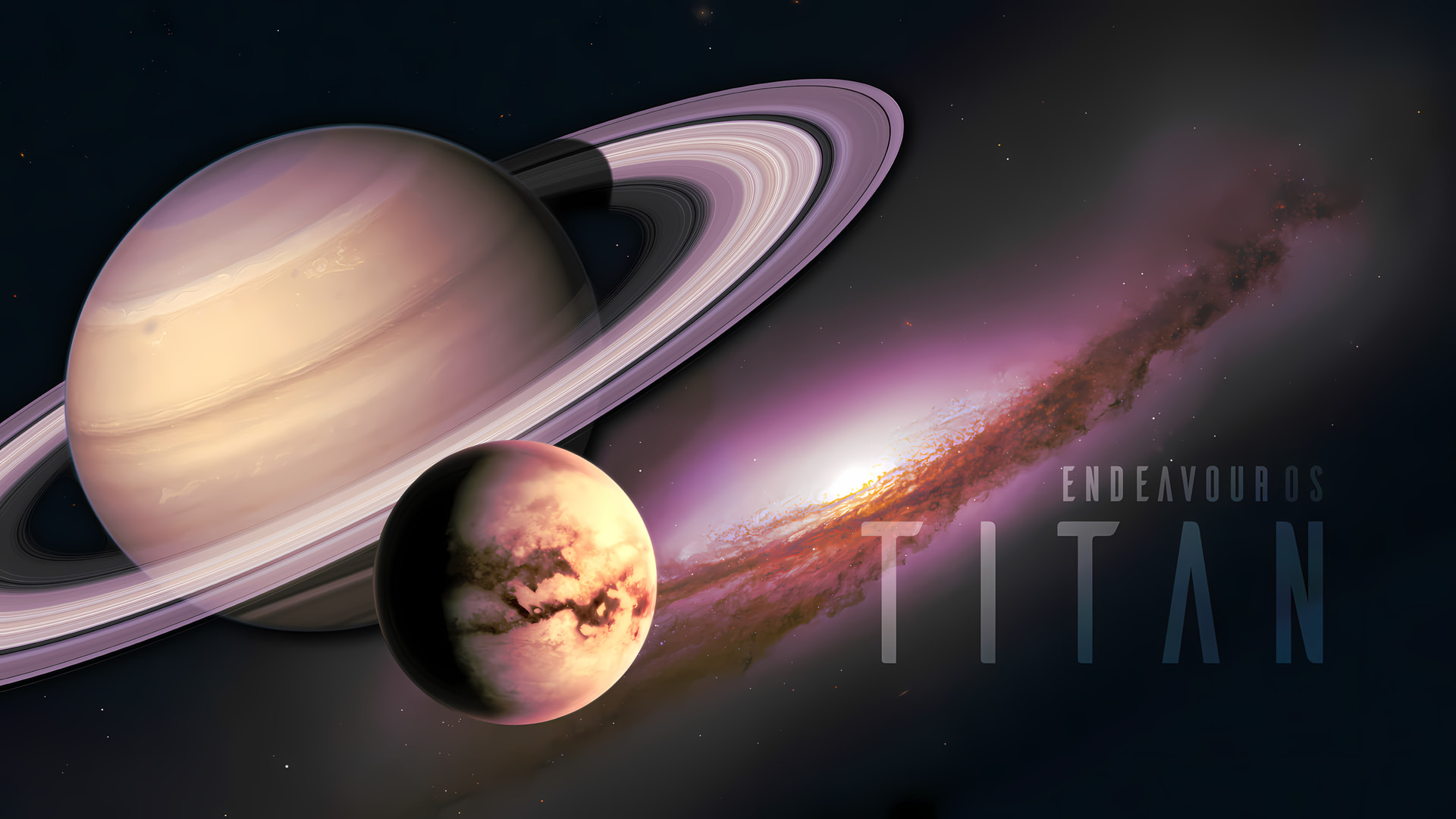
The image used above is not our new wallpaper for Titan Neo, but an earlier draft for the Titan release, created by our community member @Unclespellbinder. If you want to download the image, click on this link to retrieve it.

The Titan Neo release

Of course, it is unnecessary to mention, but I will remind you, though.

The changes described over here are affecting new installs, our Calamares installer, the offline installer and the Live environment on the ISO only. Running systems don’t have to “upgrade” to Titan Neo; if you update regularly, your system is fine.

Titan Neo’s live environment and offline installer are shipping with:

  • Calamares 26.03.2.3-1
  • Firefox 150.0-1
  • Linux 6.19.14.arch1-1
  • Mesa 1:26.0.5-1
  • Xorg-server 21.1.22-1 (xorg)
  • Nvidia-utils 595.58.03-2

Fixes

  • Resolved a problem where eos-settings packages utilising skel were being installed post user creation, guaranteeing that your personal configurations are applied correctly.
  • XFCE Desktop: Removed xfce4-datetime-plugin from the package list, as it is no longer available in the repositories.
  • Printing Support: The splix package has been removed from the “Support for printing (Cups)” netinstall option to keep the installation lean and functional.

Small improvements

  • Plasma KDE & Nvidia: To provide a more stable experience for Nvidia users, we have switched from SDDM to plasma-login-manager. This significantly improves compatibility when running proprietary Nvidia drivers.
  • Torrent downloads have been improved to provide a faster download speed.

You can download Titan Neo from our homepage.

Thanks for all your hard work.

:vulcan_salute:t2:

As before, will leave the torrent for Titan Neo seeding overnight to spread the load :flexed_biceps:

EDIT: The torrent link on the homepage hasn’t been updated to Neo yet, but is available here - https://mirror.rznet.fr/endeavouros/iso/EndeavourOS_Titan-Neo-2026.04.27.iso.torrent

Great to see the shift to Plasma Login Manager, it’s been eminently stable since installing it and removing SDDM. Will be interested to see what DE’s are being let go though! KDE Plasma, Gnome and XFCE seem to be the three big hitters now..

Русскоязычная версия :russia:

done the translation too :germany:

Torrent link on the homepage is fixed now :+1:

I’m helping too!

Thank’s for reporting!

Thank you EOS-Team for your hard work! :purple_heart:

I just posted the announcement on our Reddit

Thanks EOS Team! Great work as always! :purple_heart: :enos:

TY very much and congratulations for your hard work team!!!

This is the best distro and community so far!!

Thank you so much, dear EOS team! I switched back to EOS from CachyOS a while ago because my old Sandy Bridge processor was having some issues with CachyOS (or rather, vice versa). I’m glad to be back.

Regarding the plasma-login-manager: Will it be available for non-NVIDIA setups in the foreseeable future?

plasma-login-manager is not tied to a GPU and has no dependencies on its drivers. My last test of Plasma in a VM installed plasma-login-manager with no problems.

Thanks Team, exciting to see all the progress. Appreciate all the work you guys do to keep things moving forward with this great project.

Also

We set it as the used DM on plasma/kde all installs now, but only applies to new installs.
On older installs you can simply switch them too:

sudo pacman -Syu plasma-login-manager
sudo systemctl -f enable plasmalogin

after reboot it will be used.

In case you can cleanup after you:
sudo pacman -R sddm sddm-kcm eos-sddm-theme
(removing sddm configs and deps)
But you can also keep it in case..

Thanks @joekamprad

Thanks for the great work!
P.S. The check with SHA512 command on the home page has a small typo :wink:
sha512sum -c EndeavourOS_Titan-Neo-2026.04.27.iso.sha512