How to Make an SVG Icon Adaptive (for KDE/Plasma Themes)
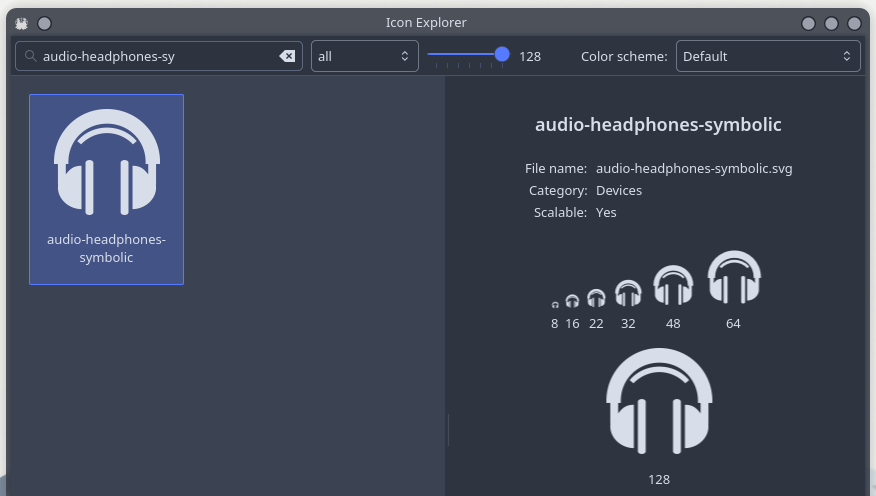
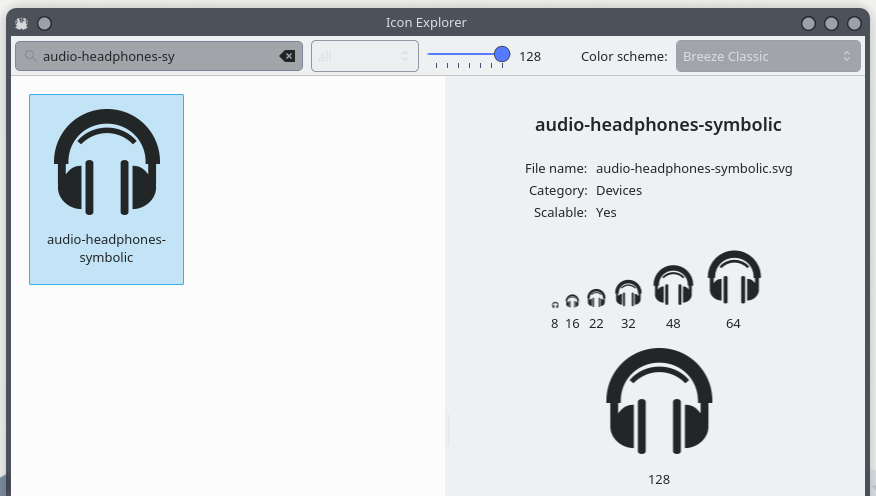
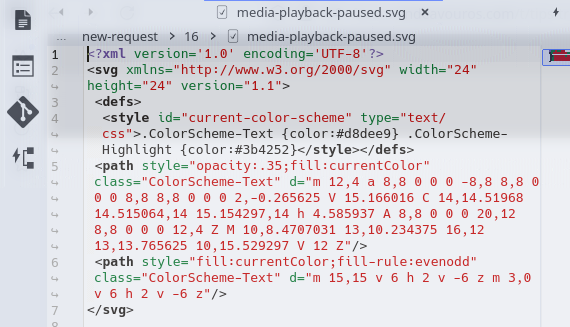
If you want your SVG icon to automatically adapt to the system color scheme (e.g., in KDE/Plasma), follow these steps. You can edit the SVG file in any text editor:
1. Add a <style> block inside the <defs> element with the exact ID current-color-scheme
Note: The ID must be exactly current-color-scheme. Other values won’t work — I’ve tested this.
Changing colors in SVGs isn’t really an issue when using a text editor. What’s more challenging for me is drawing vectors. I’m not great with numbers. Former math student here… with a very “E”xcellent result
P.S. I didn’t want to spam the other thread, so I’m replying here
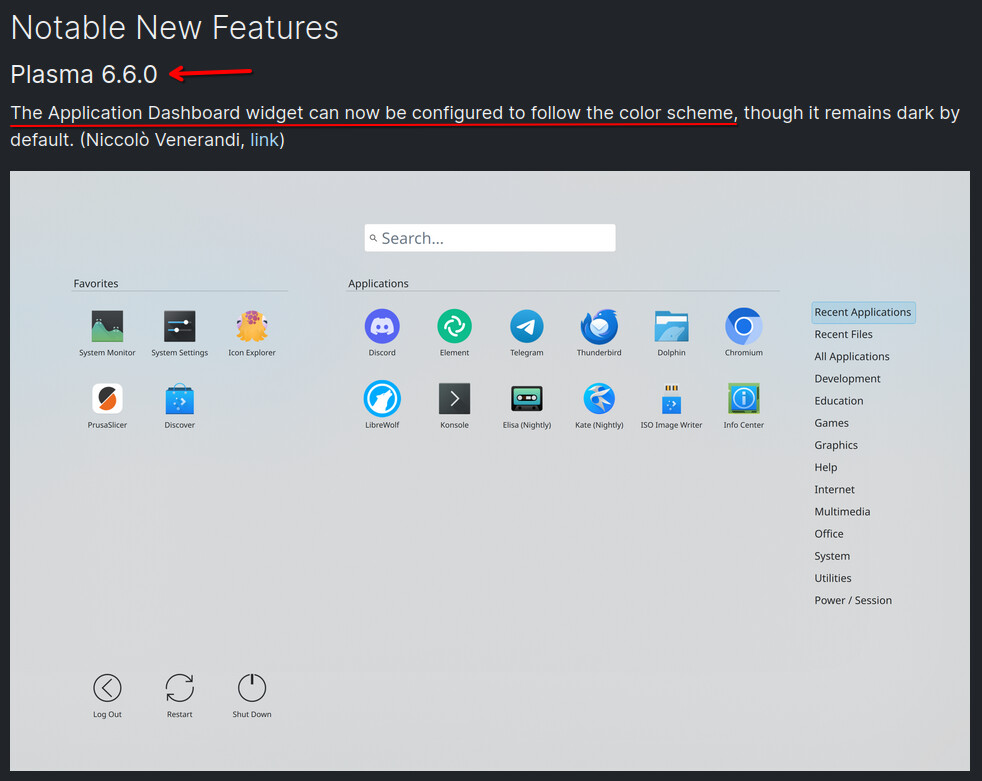
I am in a “modern environment” like kde, the last 6 months, before I was using mainly command line utilities. I was an openbox junkie with my own openbox themes.
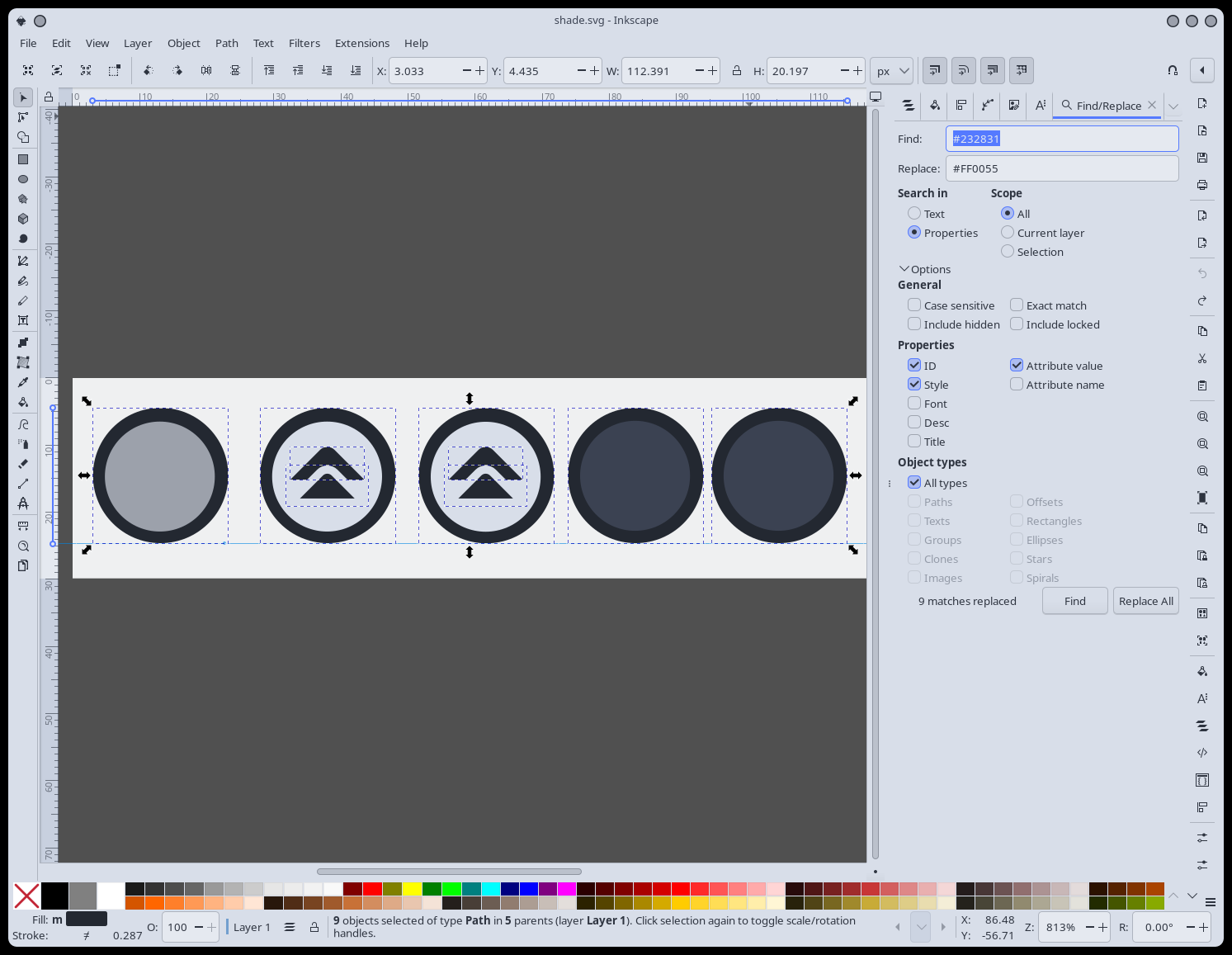
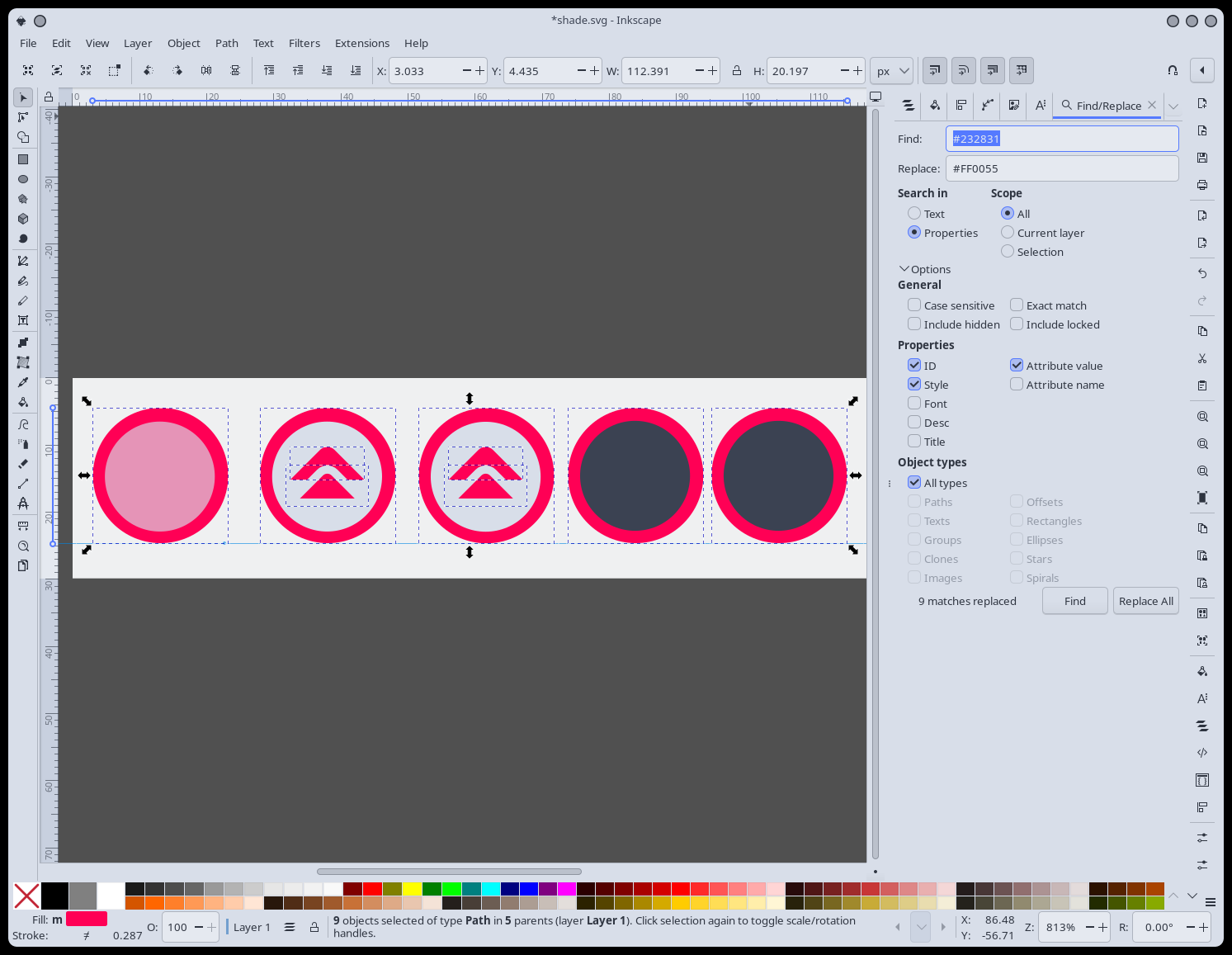
To modify the various gtk themes to my “openbox colors” I was using for some time geany 's find and replace feature in session (with all the css etc. files open).
But before this, for many years, the rpl -R command was my (THE) way. Simple, fast, all the files and subdirs in a folder, without Ctrl+S at the end. I was SPEED
Imagine this:
The year is 2011, you have the any color you like monochromatic theme or 2019 with the fantastic DarK icons. A few thousands svg icons. You want to change the colors without config utilities. You don’t want to open 4000 files:
rpl -R #oldboringcolor#newsupercolor /here
Done.
PS. You don’t have to be “something”, only to be happy and have fun with your own choices
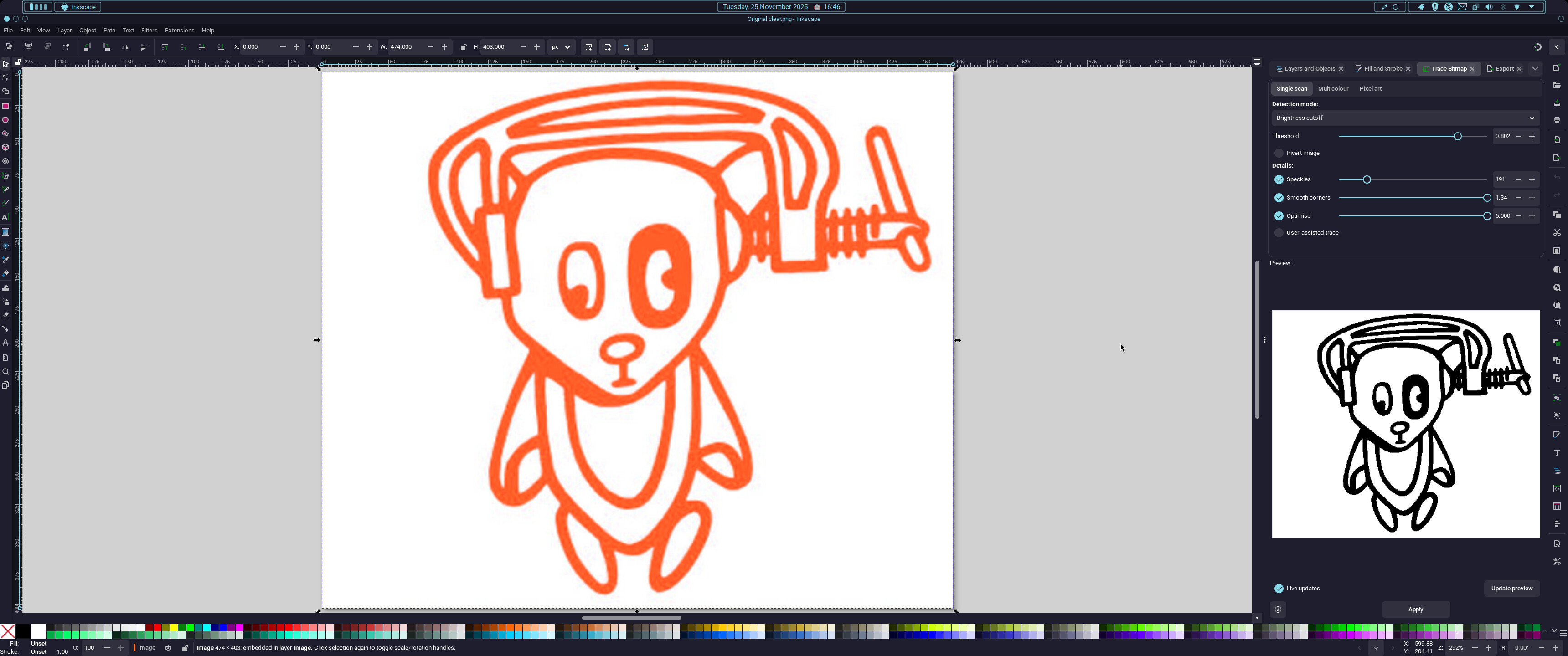
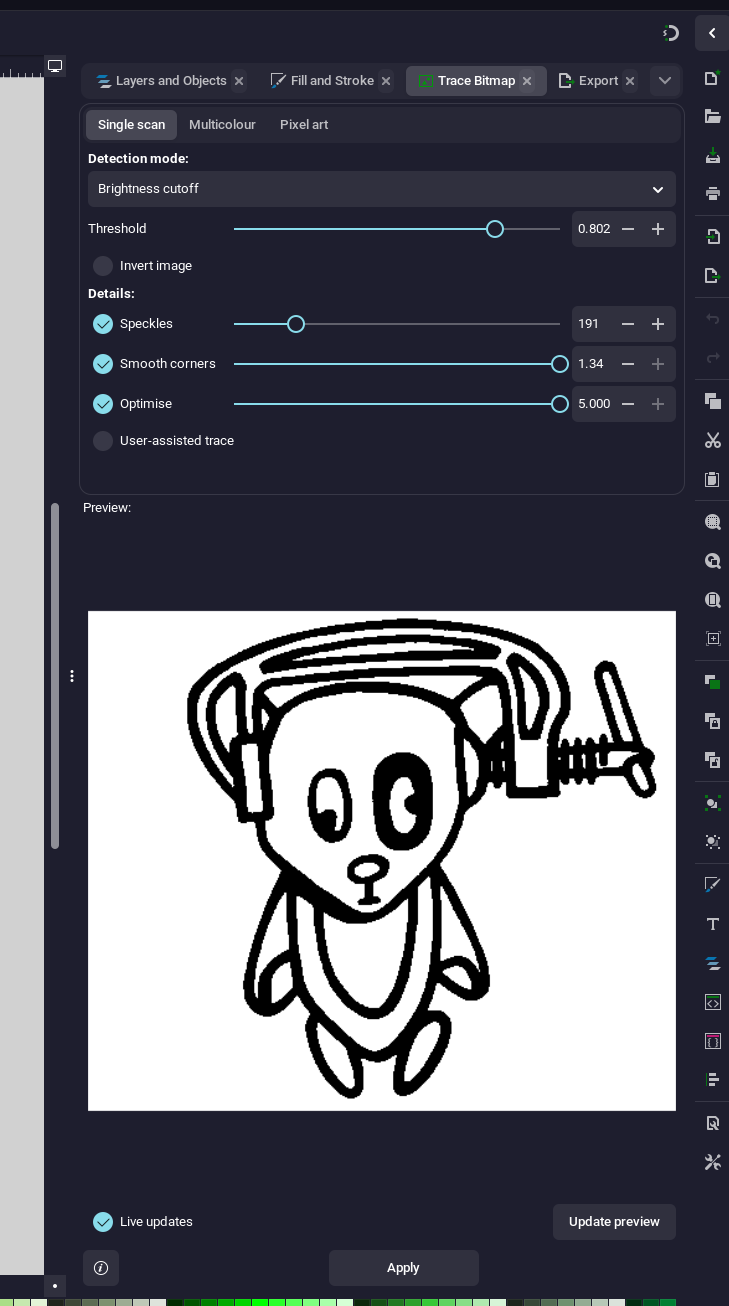
Thanks mate, I now know how to trace an image and create an SVG from it. Here’s what I did:
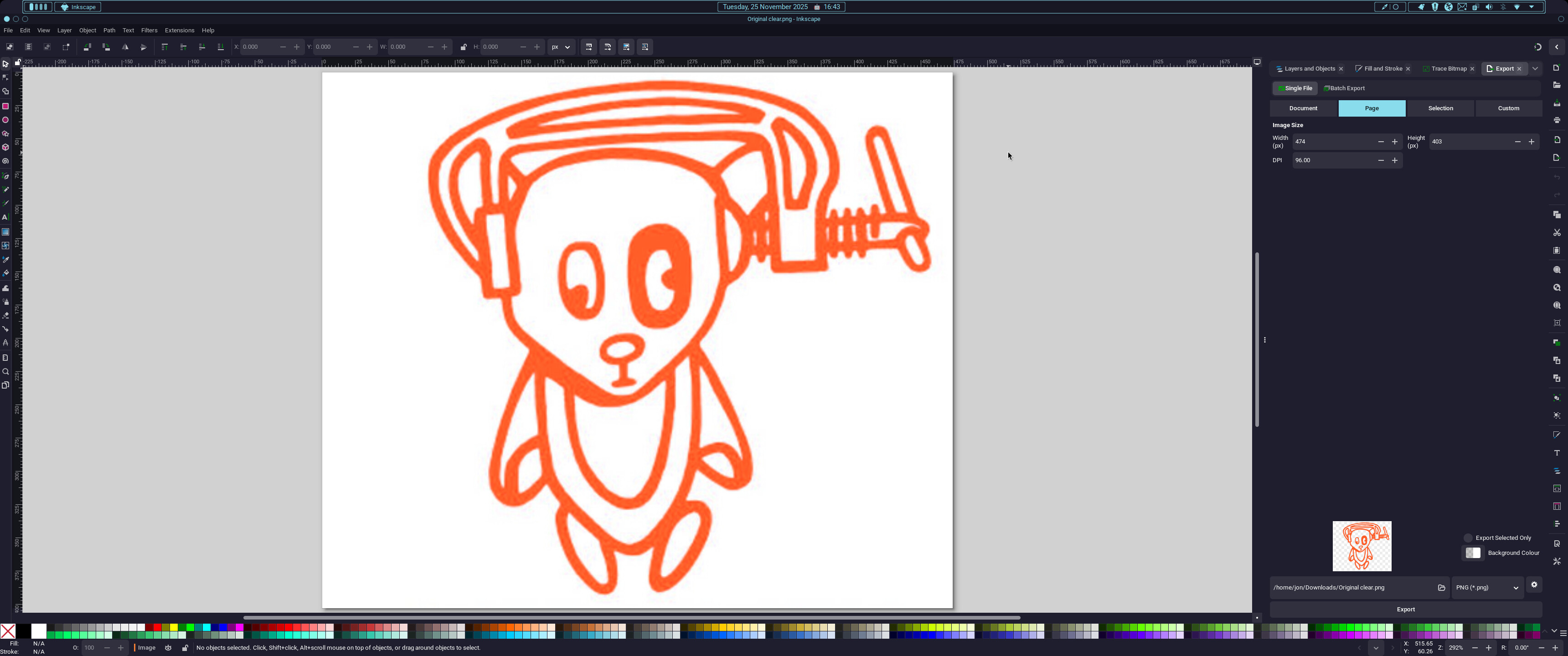
I started with this image which is small resolution and poor quality:
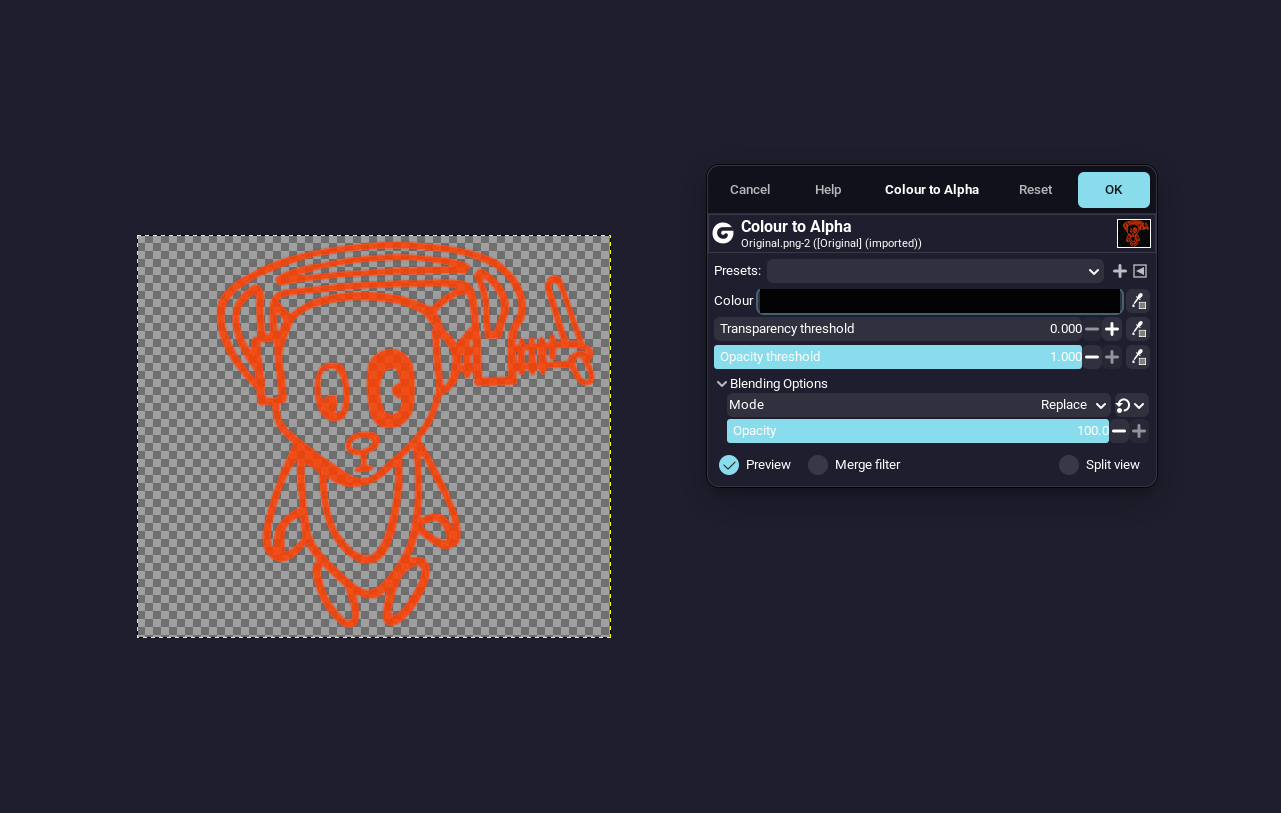
You can probably do this in Inkscape but I’m more familiar with Gimp for this kind of operation.
The image now has a transparent background and looks like this:
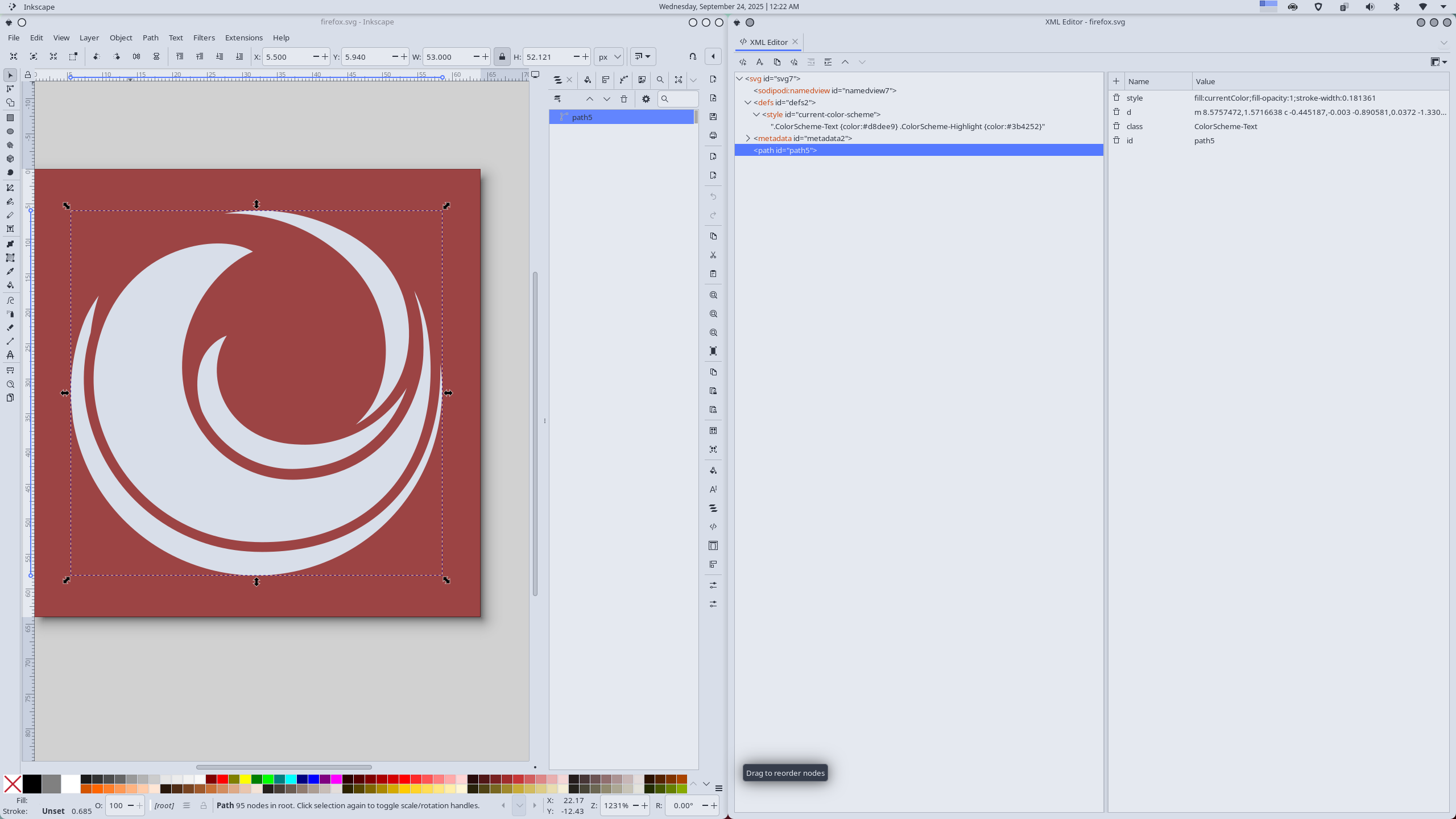
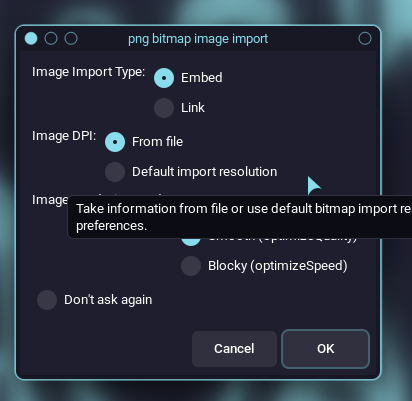
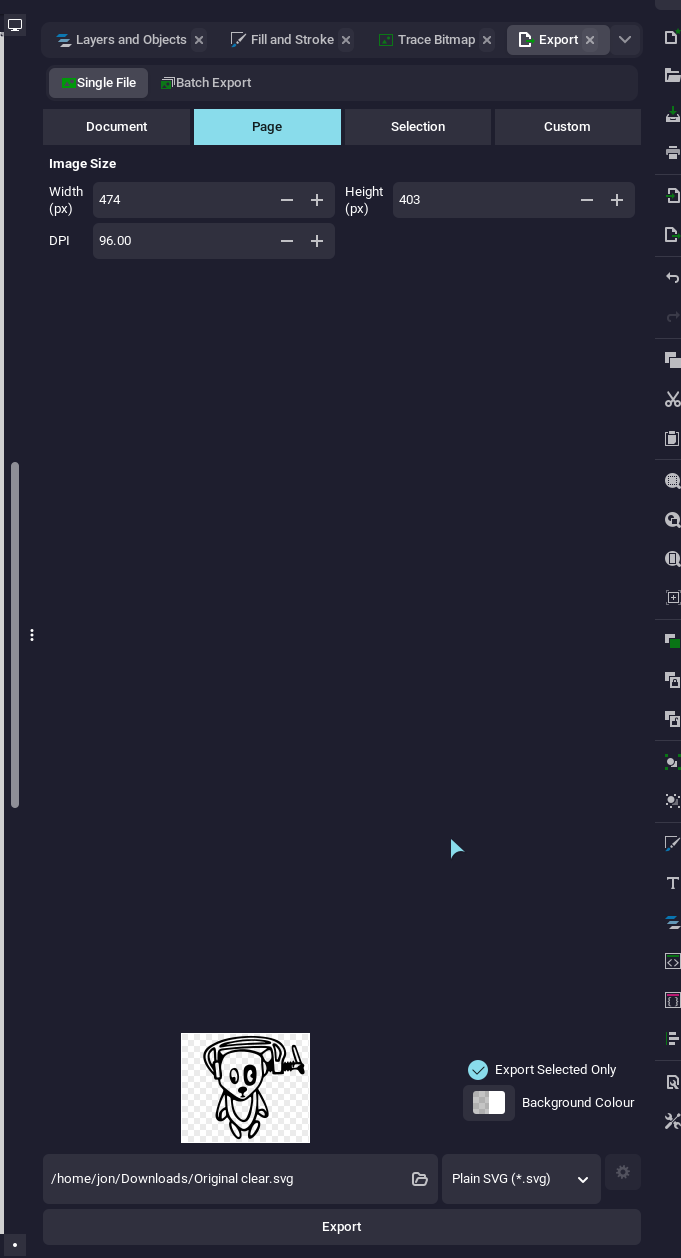
I want to make it a smooth and noise free scaleable SVG so I open the image in Inkscape using the following settings…


 How to Make an SVG Icon Adaptive (for KDE/Plasma Themes)
 Note: The ID must be exactly
  That’s it! Your SVG icon should now dynamically adapt to the system’s theme colors.