I can’t change the time. After a reboot it takes on the ntp value again
sudo timedatectl set-ntp no
sudo timedatectl – set-time “2025-02-06 14:40:00”
Desktop environment? Some have ntpdate called.
Do you have chrony or ntpd running?
For that matter, why do you not want accurate time?
systemctl status ntpd
○ ntpd.service - Network Time Service
Loaded: loaded (/usr/lib/systemd/system/ntpd.service; disabled; preset: disabled)
Active: inactive (dead)
XFCE .Because when installing the system, the time was specified not in my zone.But I don’t want to change the zone, just change the time, like in Debian, Rocky etc
I’ve never ran XFCE, so I’ll leave that configuration to someone else (in case the default config does call a time sync). I know KDE does.
Are you dual booting with Windows?
systemctl status systemd-timesyncd
is what syncs the time
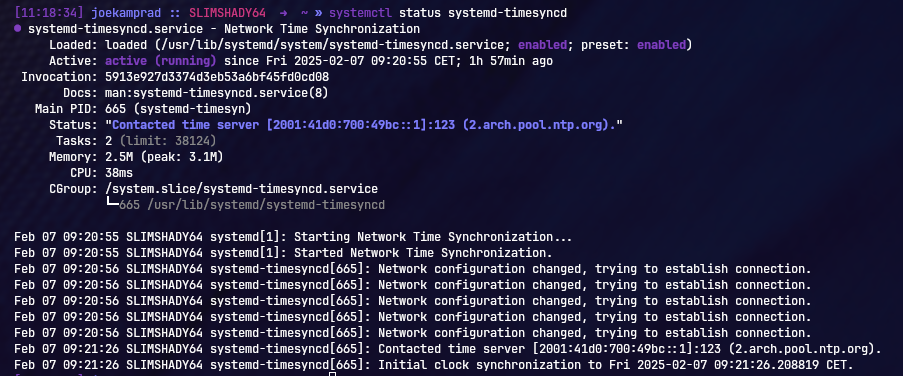
you could mask this service and it will not sync time anymore.
sudo systemctl mask systemd-timesyncd
or use timedatectl
sudo timedatectl set-ntp false
and check:
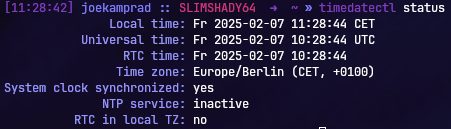
ha i see.. use false not no here 
1 Like