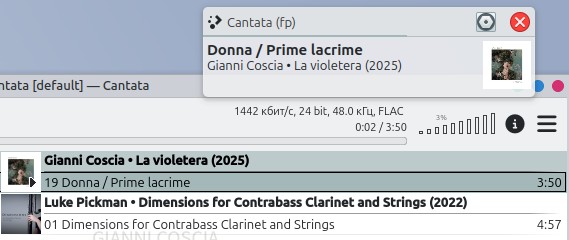
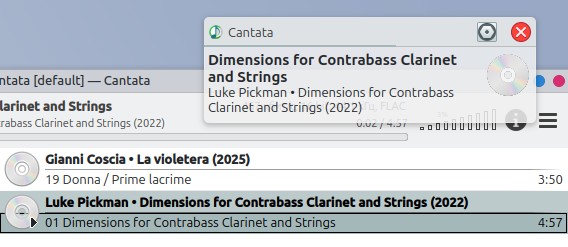
The app icon in the notification window

Endeavour crew, please help…

Is it possible to “repair” the icon display in the notification?

Cantata 3.4.0-1 AUR. Previously, there was a cantata-git version, and the application icon was also not displayed.

P.S. As I understand it, this is due to the lack of Cantata in the icon sets (Breeze, Qogir…). Can I assign my own icon to the notification window?

P.P.S. I conducted an “experiment” in a virtual Kubuntu. The current version of flatpak Cantata displays the KDE shortcut. The Cantata Ubuntu version (old, 2.5.0) displays the Cantata shortcut. I don’t understand anything :thinking:
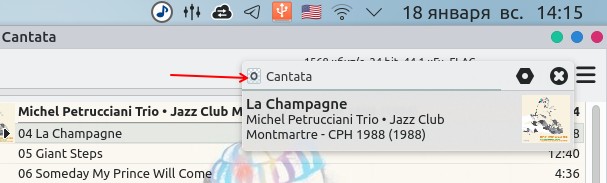
After a two-day battle, I gave up :face_with_peeking_eye:

DeepSeek also gave up :rofl:

There are two options: either use the flatpak version and have a standard KDE icon, or use the aur version and ignore the “empty” icon.

Although, there is also a third option - disable Cantata notifications :rofl:

2 Likes

I think it’s because Cantata is no longer being developed. It’s absolutely the best music player there is.

I don’t know, maybe. Although the latest version dates back to 2025.12.09…

Oh, ok. Sorry, didn’t read that well. Going to install it again…

1 Like

This topic was automatically closed 2 days after the last reply. New replies are no longer allowed.