Lately, I’ve been having problems with external monitors on Wayland, so I decided to switch to X11 as window manager. I did it by running pacman -Syu plasma-x11-session.
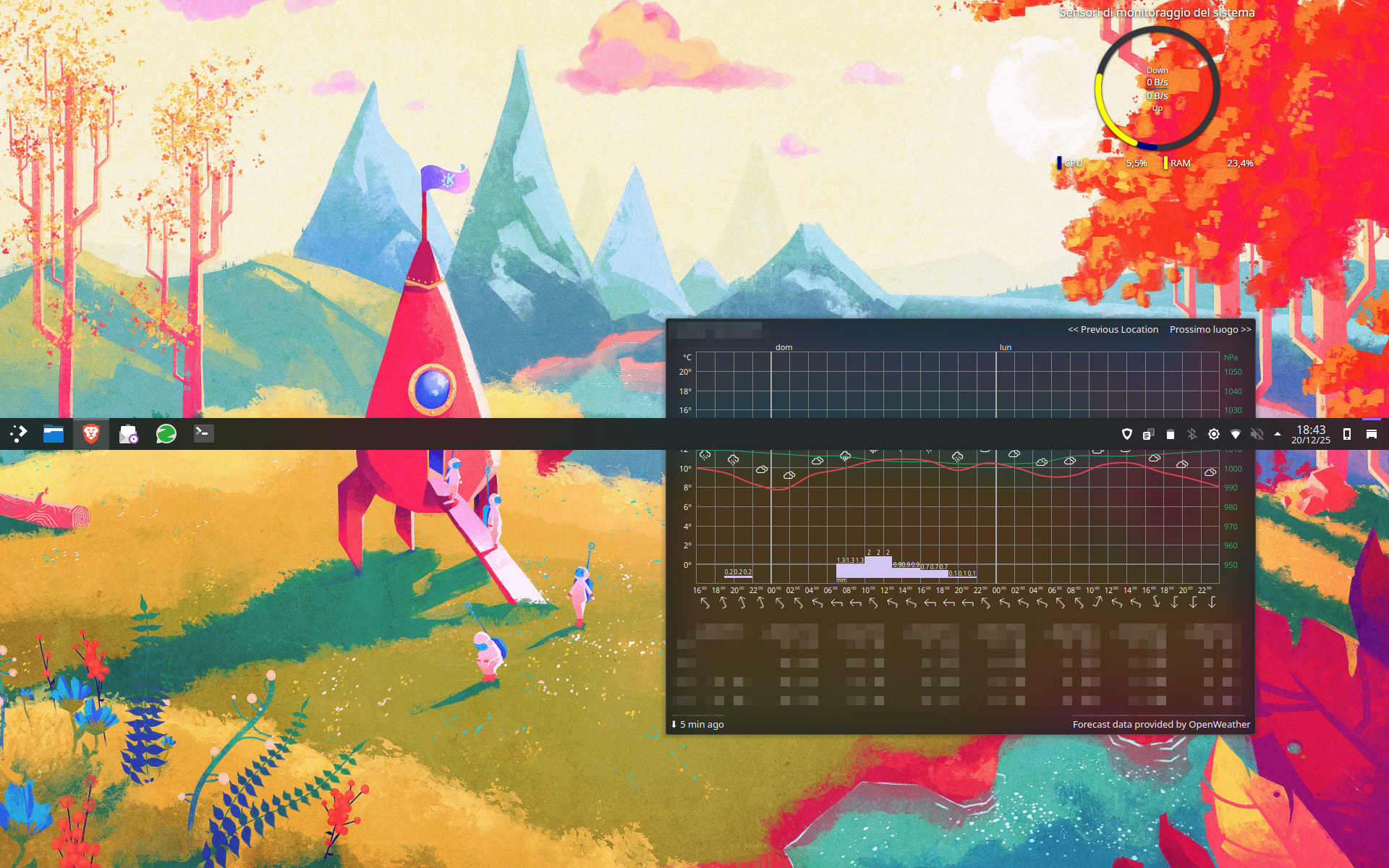
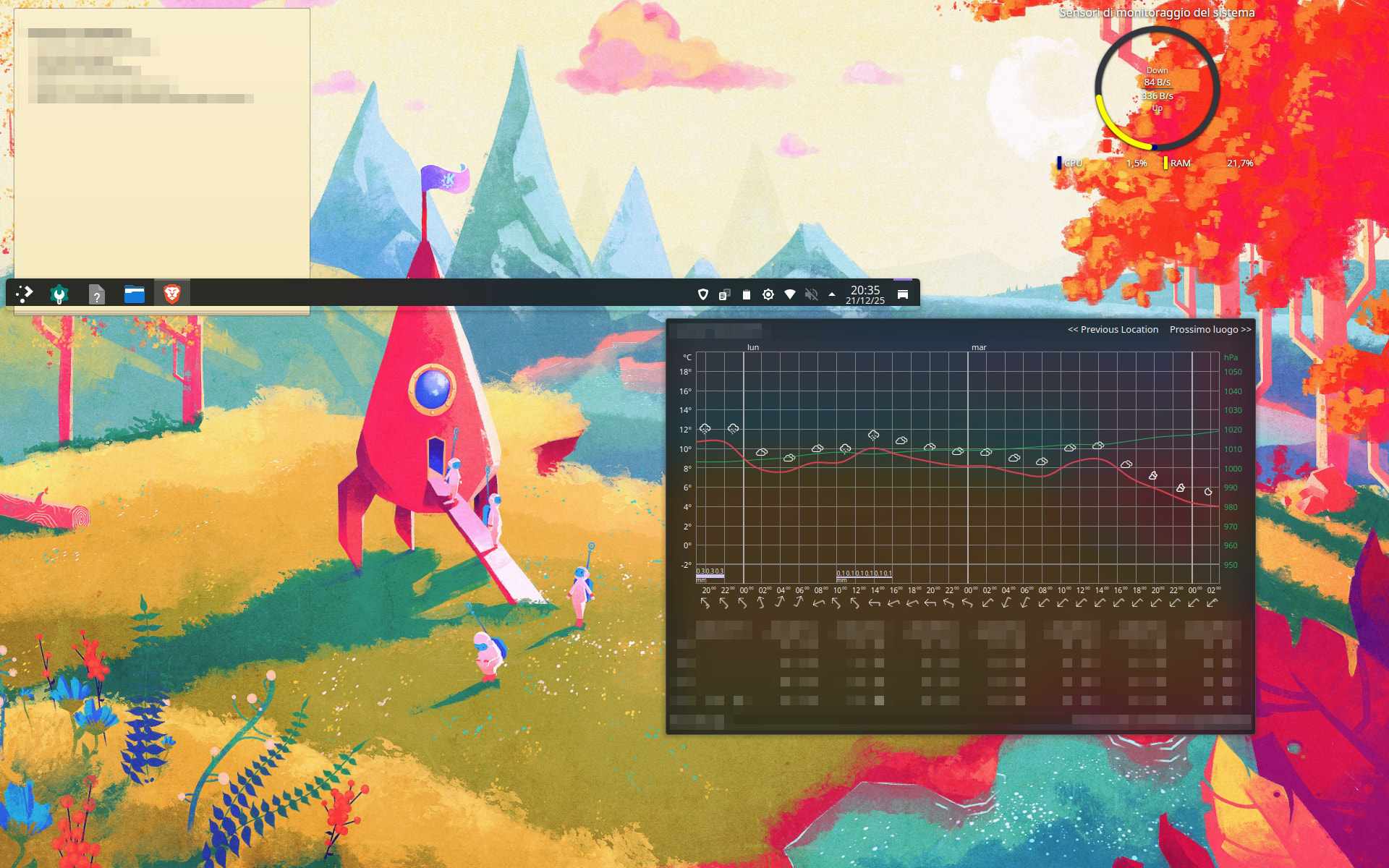
When I ended the session and opened Plasma (X11), my task bar started to refuse to stay at the bottom of the screen.
It’s not a complete disaster because I can always re-switch to Wayland (where this problem does not exist), but I would really like to use X11 since it looks more stable for my case (except for the task bar).
Unfortunately, no. It looks like this specific application doesn’t “see” that the screen goes down to the bottom: it can go “up”, but not “down”. It also bug heavily when I try to put it on the side of the screen.
I don’t know if I followed the wrong method, or maybe I miss some services or packages.
Right click on the panel in the middle of the screen and click on the configuration option, next on clone the panel, next move that cloned panel to where you want it to be. If that works you can remove the panel in the middle.
Thanks fot the suggestion, but it didn’t work: the task panel just superposed the old one.
I noticed a strange behaviour tho: when I change the resolution of the screen, the panel changes position as well, as you can see in the image (overall resolution increased).
Can you just add a panel with default options ? And next delete the other panel ?. If that doesn’t work you could try to apply an other theme with the desktop option box ticked.
None of this worked, I tend to believe that it has something to do with the X11 or Xorg (I still don’t fully get the difference) and not with the local settings. I am trying to get some more information, but since I don’t really know where to look it’s taking time.
Maybe it’s some form of scaling issue. You said that you have issues with an external monitor, so I assume you have more than 1 monitor. The missing info here would be: do these 2 Monitors have different resolutions? Like one has 4k the other 1080p for example. On x11 scaling will potentially be messed up if your monitors have different resolutions.
Another thing that comes to my mind is positioning. I don’t know how x11 handles that, but if you moved the monitors around in the kde settings, like one monitor higher than the other to match your real life environment, this could be a issue in x11 maybe. Look in the settings on both Wayland and x11. Maybe if they are in weird positions put them side by side and maybe it fixes it?
You are right, the two monitors have different resolutions. Unfortunately, I cannot try it anymore since I have decided to uninstall the X11 package (named plasma-x11-session) and stay on Wayland. The only reason why I wanted to move to X11 was that I was having problems with external monitors on Wayland, but in the last two days I found the problem, so I can now safely stay on Wayland.
I couldn’t find a way to solve the problem with X11, but it’s not mandatory anymore, and since I understand that X11 and X in general will be less and less used compared to Wayland (at least that’s what I can read online, feel free to correct me), as far as I am concerned my final thought to this problem is: “Simply switch to Wayland”.
If you found the solution to your original problem with Wayland that is good. And yes the support for x11 will get completely dropped quite soon.
(for kde plasma early 2027, for gnome with Version 50 iirc so very soon, other desktop environments will likely follow too sooner or later, or will adopt xlibre maybe)