My environment variable for Qt apps is set to use QT_QPA_PLATFORMTHEME=qt6ct and it works as expected for me. In both, set them to use kvantum for the style.
To clarify:
sudo pacman -S qt5ct qt6ct
Add QT_QPA_PLATFORMTHEME=qt6ct to /etc/environment.
sudo nano /etc/environment
Open both qt5ct and qt6ct, set them to kvantum for the style, then finally, log out and log back in, or reboot if necessary.
Yes, they are installed. With QT_STYLE_OVERRIDE unset and QT_QPA_PLATFORMTHEME set to qt6ct it looks the same. They are both set to kvantum.
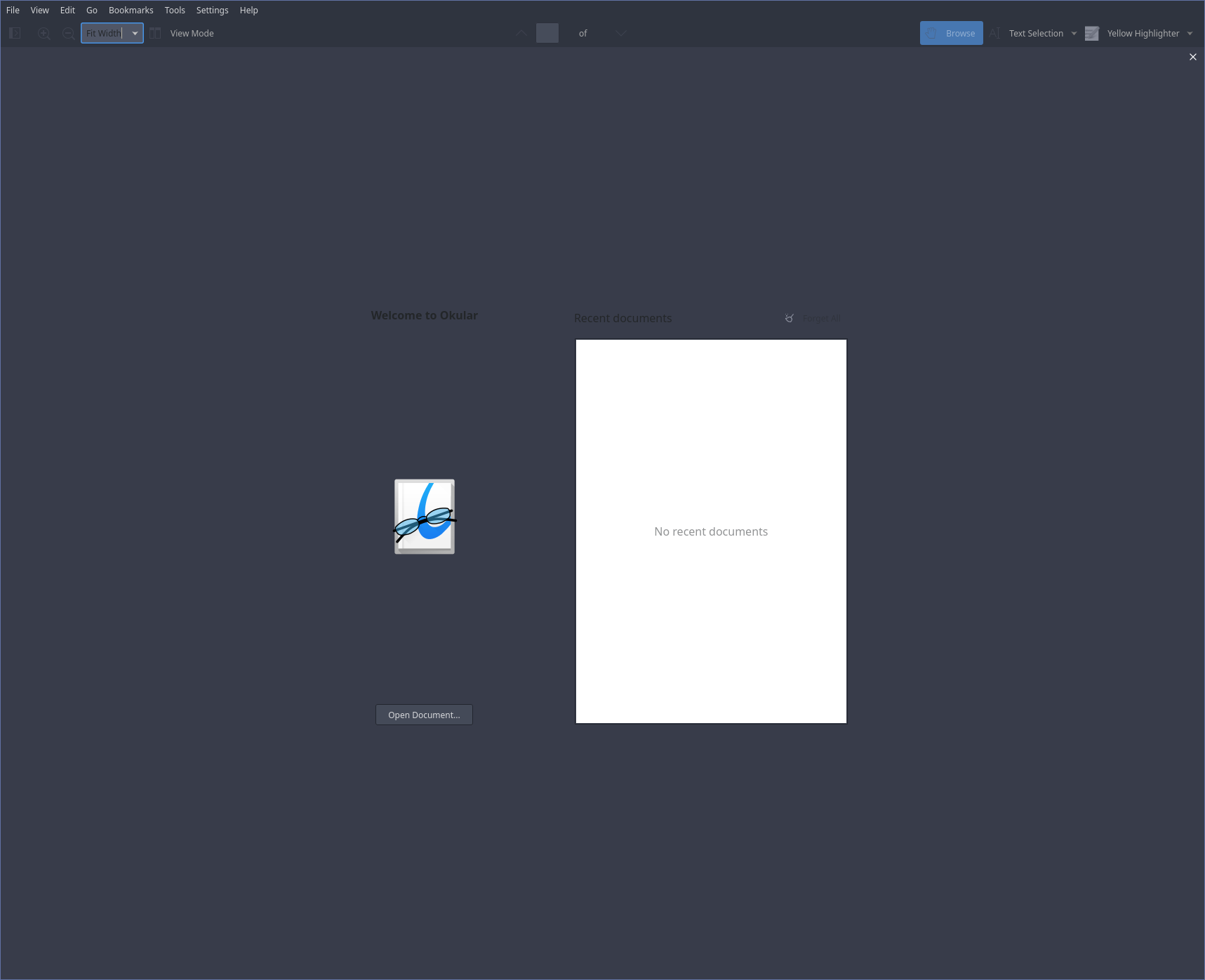
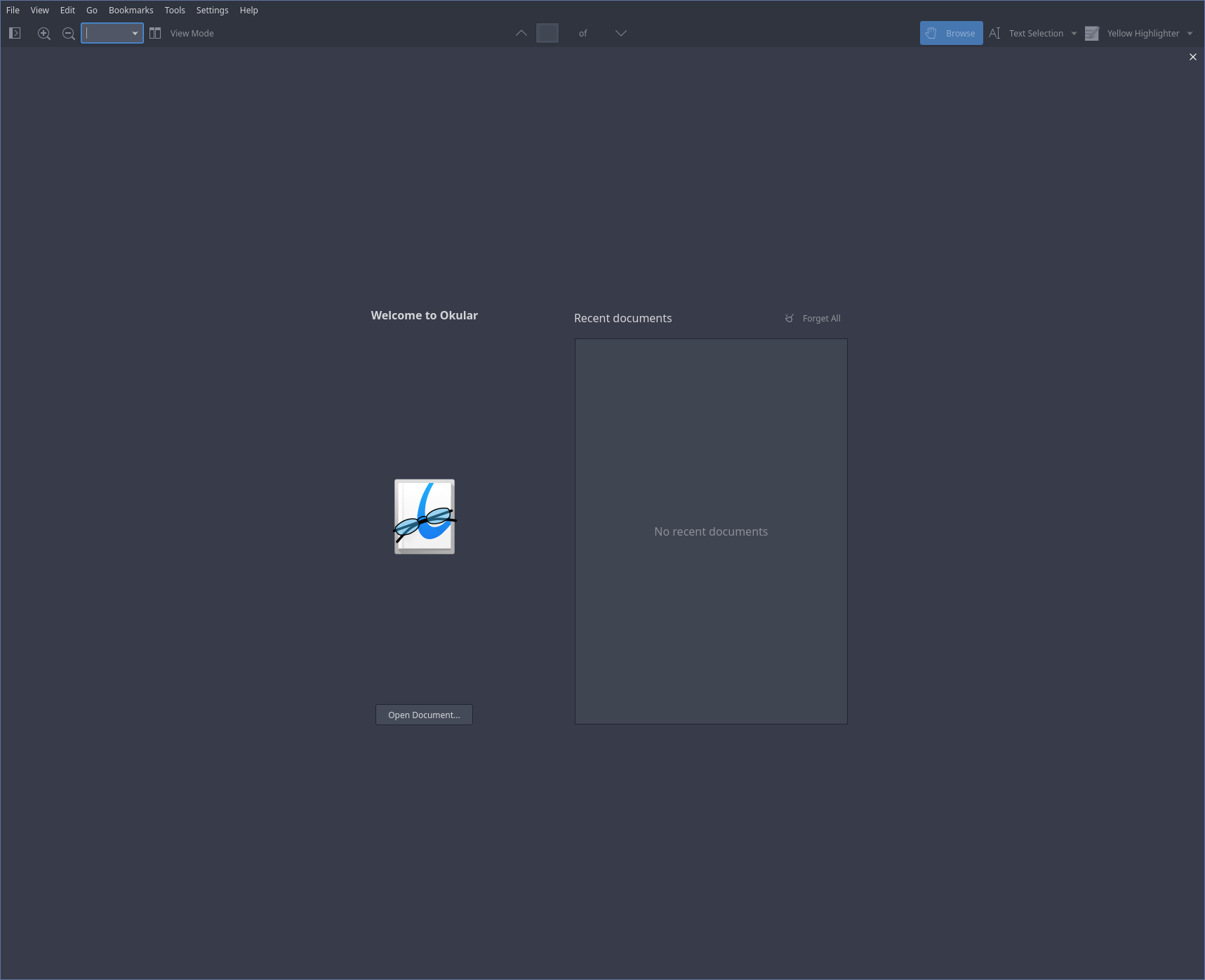
What I noticed is the look I get when opening Okular is the same as Breeze Light theme. So I guess it loads this theme? But the option selected in Colour Scheme is ‘Default’
No, no error message; no, I don’t see them in /usr/share/themes and /usr/share/kvantumdoes not exist. I set the theme in Okular manually to KvArcDark and this works, but I would still prefer it to work with Default setting.
Just checked. If you have Kvantum installed, you should have /usr/share/Kvantum.
I changed it to a capital K, in case you were using a terminal.
In any case, I find that Kvantum/Qt/KDE prefers to have the theme fully installed sometimes to work properly. So, if you only have the themes in your /home/.themes/ or /home/.config/ or /home/.local/share, it may not recognize them properly.
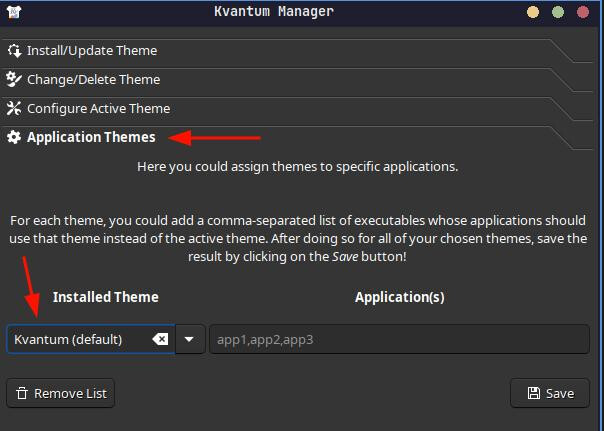
The only other thing I can think of at the moment is setting an application theme in Kvantum for Okular. Not sure if this will work, and even if it does, it then means if you change your overall theme to something else, you’ll have to manually change Okular’s via Kvantum again.
And this is something you can easily forget that you’ve done. Speaking from experience, unfortunately.
No, I didn’t set any exceptions in Kvantum. What worked is in Okular settings setting the theme to “KvArcDark” instead of “Default” which doesn’t answer my question but solves the issue
I didn’t mean that you should check if you set an exception. I was suggesting that you go and set one to see if it forces Okular to use the theme you want it to use without having to set it manually each time you open Okular. This is the issue, right — each time you open Okular you have to set the correct theme?
As far as the cause is concerned, it could be so many things. Generally, no theme is better supported than Breeze (KDE/Qt) and Adwaita (Gnome/Gtk), so you are more likely to have trouble with random apps as a result. This happened to me with Dolphin using the incorrect border decorations after changing my theme to something other than Breeze Dark. And with Kate/KWrite having the exact same issue as you are having with Okular.
Now it works, the problem was the second file. For some reason Okular’s ‘Default’ theme is not default Qt theme of the system, but something else. I set its theme to Kvantum and it works