Sudden loud fan - probably GPU

Hi everyone,

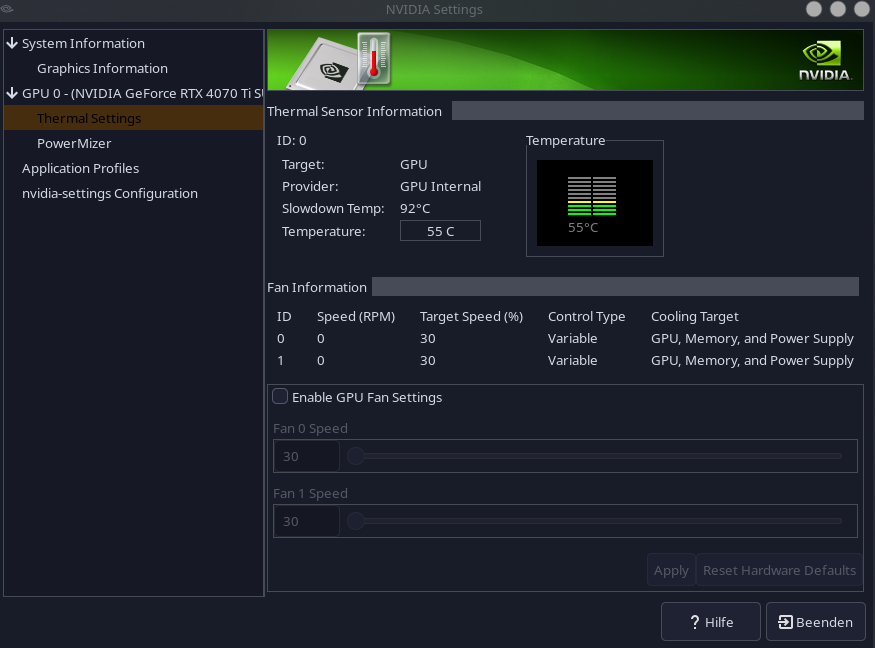
so as of recently, what I’m pretty sure is my GPU fan got really loud. It specifically seems to get this loud when it goes near 70°C, which it also does a lot quicker now than it did before. It’s also never made this sound before even if it did it 70°C. The sound is kinda like it’s at max speed, sounds pretty much like one of those remote control drone toys taking off. I wonder if maybe the sound is also just… fine… but I don’t know, it’s a new sound, and I don’t trust new sounds in machines.

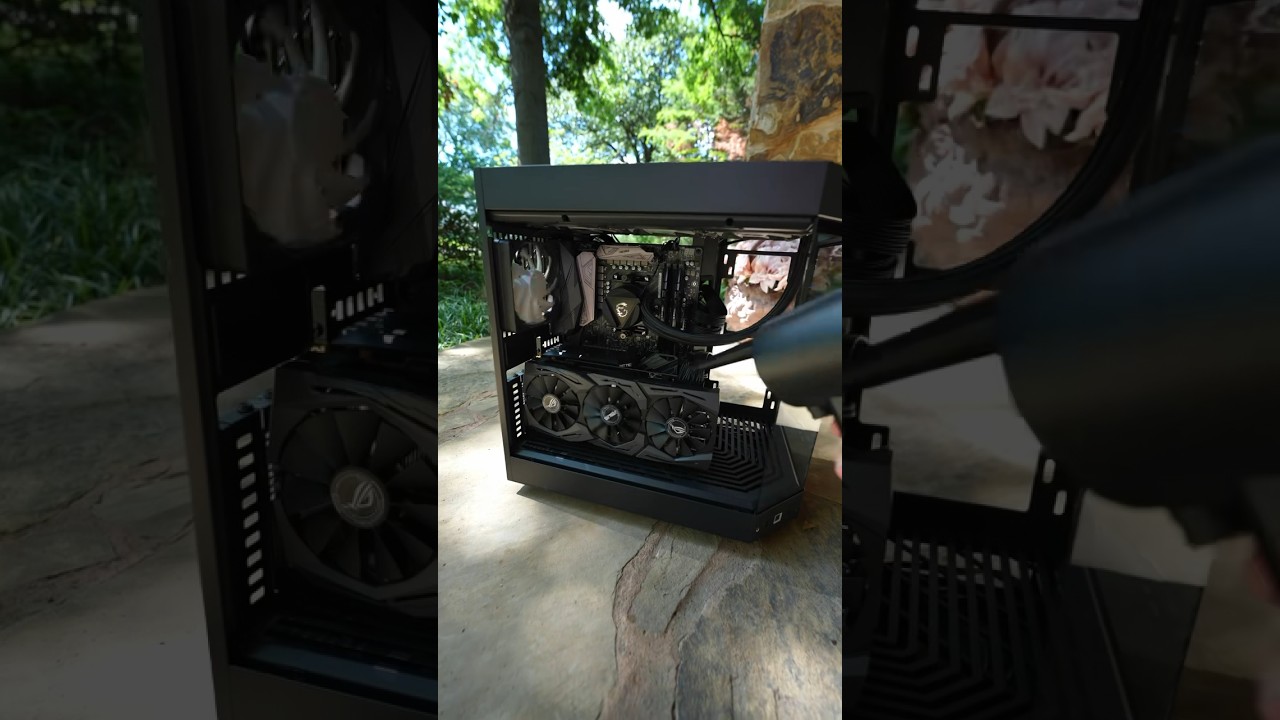
I took it out today and blew the dust off the fans (I am too terrified to take it apart without mentally preparing and gathering everything I need. I read I’d need thermal paste, which I don’t have spare). Fans getting too dusty was an issue with the PC case fans once, and blowing them clean fixed it, but it doesn’t seem to have done it here.

What’s also noteworthy is that I recently switched from nvidia-dkms to nvidia-open-dkms. Is anybody else having loud fan noises? If it is just the hardware needing to be cleaned, do you have a guide from a reputable(?) computer youtuber or blogger or something you’d recommend for a more-or-less amateur?

GPU: GeForce RTX 4070 Ti

My new computer was very noisy too - AMD Ryzen 7 9700X, AMD Radeon RX 6600, NZXT KRAKEN 360 (liquid cooler).
So far I’ve managed to quiet down the cooling with CoolerControl - a very nice app.

I’ll try it out but I kinda doubt that’s the issue considering my PC hasn’t been very loud for almost 2 years

considering that this is a 40 series card i doubt this is a issue with thermal pads (or paste) as it is rather “young”. you might do that with a card that is 5, 6 years or so old.

what i would do on your end is check again if the card is all clean. Like the “holes” or “fins” idk how they are called of the heatsink. dust often collects in there. then look again at the fans maybe something got stuck in there at the motor. often makes loud noise, if it doesnt stop the fan completly (maybe one is stuck and the other works overtime?) if the card is all clean test again, but with open case if it gets loud again see where it comes from, then you know if its the gpu for shure (as you said probably)
if it is the gpu then the next thing i would do is freshly installing the driver. if that doesnt fix it (but the card has normal temps) use the nvidia settings for the fan speed, should work with nvidia settings app that comes with the driver maybe?

(yes i have the rtx 4070 ti super, im a little bit ahead of you hehe)

Tbh my options to clean the card are kind of limited, I put it back in with some lingering dust because my lung capacity is garbage and we do not have pressurised air. I might see if I can grab a can of that from some computer store or ask our IT guy at work, I don’t think a proper air pressuriser would be too good an idea because I think the air is often oily iirc.

I’m on the verge of just accepting this new noise. Coolercontrol does confirm it is indeed my GPU fans going apeshit.

I haven’t tried many games thus far, but what triggers the noise is specifically complementary shaders on minecraft (EDIT: I still get like 200 frames so it’s not like. Backbreaking or anything). Which is a completely new thing, I used to be able to run those on much higher settings without it breaking a sweat. In fact, pretty much no matter what I do in the settings, it will freak out. I use BSL or something and it’s fine, even if it also reaches 68°C sometimes. I should see how it behaves about subnautica or something.

.. Maybe it is a driver issue…?

(E: lool good on you with the super, I looked at it with yearning eyes once last year. I think it wasn’t out yet when I got my GPU)

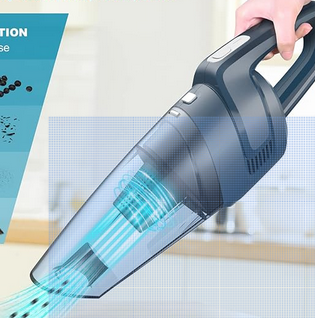
Paint brush and vacuum cleaner, the small one you use in the kitchen or in the car.

1 Like

I did try a hoover and a paint brush, I picked our general one (it’s basically a regular one but cordless), but I’ll try the mini handheld. I think it might pack more punch since its power source is one of those fat battery blocks you use for cordless drills or angle grinders.

That said, the dust is also just kind of caked on. I don’t know if it could be because of humidity stuff (could be, my room is also my terrarium room), but it’s basically a white dust film the hoover can’t seem to budge. I feel pressurised air could blast it away

I use a toothbrush at work to clean out caked on “humidity” stuck dust from the heat-sinks and fans at my work place…be gentle and use a NEW toothbrush for the love of god.

When you’re done the remaining dust should be so loose you should be able to just blow it off-even with a reduced lung capacity and of course, depending how serious your lung issues are.

Also, if you have a terrarium in the same room where you have your PC (NOT GOOD) - check the humidity in the room for sure . ON a regular basis. To much humidity and you might get condensation within the PC case, on the components and BOOM!!! no more motherboard, or RAM or graphics card or any of the other peripherals you may use.

I assume there IS no AC due to the terrarium also? That just makes it worse if that’s the case. Ambient temperature has a BIG affect on the temps of any PC.

Every system has a humidity and temperature tolerance in the specifications doc’s.

For almost every part inside the computer.

I’d start with the motherboard and graphics card and then branch out from there.

Also, disable FAN control to test without it. I used it for a while and I noticed the fans would spin up very quickly and very loud compare to letting the motherboard handle the fans. I removed it and all my fan issues went away. My motherboard handles the FANS just fine and I have them set to a pretty aggressive curve and STILL they don’t spin up high as much as FAN control had them going.

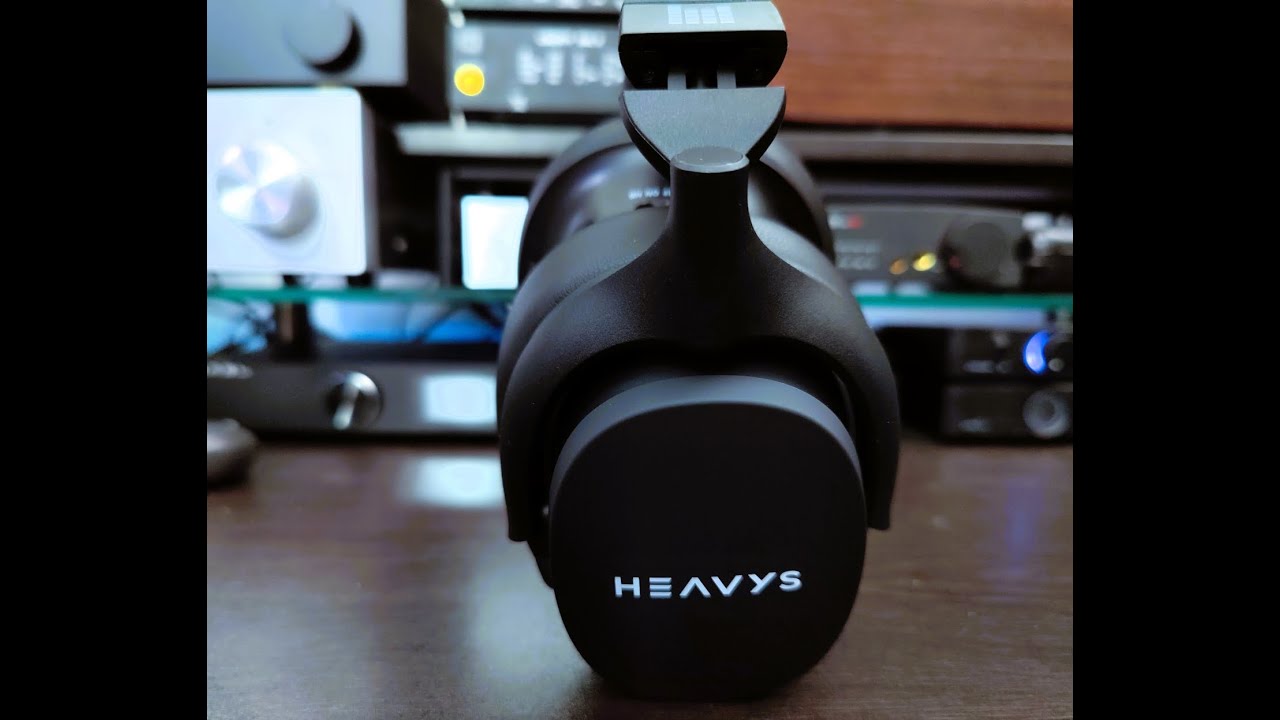
AND, finally, if you decide to “live with it” the way it is, and the noise is bothersome, I got a pair of HEAVYS from heavys.com and they were fairly expensive for a headset. BUT I have never heard better sound on Linux or Windows. Using JamesDSP for surround sound.

Good Luck.

And I thought my Razer Nari Ultimate Headset was expensive,… Holy f

Yah. BUT they got hell blocker mode–that’s to block sound from the outside :slight_smile:

I enable it when I am watching a movie or listening to music

I enable Hell blocker mode and turn it up to max and when I do that nothing disturbs my peace.

You won’t hear the FANs with that enabled.

“Hell blocker” another word for noise cancelation. Most headphones have this or similar technology nowadays. Shure depending on the build quality it might be better or worse. But you definitely don’t need to pay that much to enjoy some peace.
I am speaking in expirence. When I use my outside headphones and active complete noice cancelation I literally can’t hear the traffic, which ofc is dangerous so I don’t do that but for testing I did. So yes you definitely don’t have to pay THAT amount of money to cancel out noise.
Imo, and I might be wrong here as I don’t know that company, you pay that much because because the bands displayed on their website get some money for every purchase just for having their name there. Just like with apple or yes also razer you pay extra for the branding. It’s a money grab of some sort.

Noise cancelling n this headset is the best I’ve ever experienced.

I kinda hate Sony and will never give them a penny, not one cent of my hard earned money.

I know there are some pretty high quality Sennheiser headphones and the guy that engineered these was once Sennheiser head engineer.

This headset is WAY better than my old Creative Sound Blaster H7 Tournaments, the Hyper-x Cloud Alpha, the Steel Series Artis 7 (you can get them cheap now but they weren’t when I bought them and they were the flagship headset for SS)and the Razer Krakens I had 10-15 years ago-I believe they were the very first Razor Kraken model but honestly cannot remember the model-I know they were not blue tooth but wired only and they had 7 speakers in each ear with an inline DAC and volume control on the headsets cables. Their were four? RCA jacks attacked to it? AND it came with a USB-A cable in case I just wanted to use USB to connect them-I never did, they sound so much better with the jacks plugged in.

The Heavys, IMO ( we all know that sound is subjective - correct?) are better by far than any I’ve mentioned. My wife ha d a pair of fairly top of the line Sennheisers (not the best but certainly not mid-range either) and they were not as good as the Heavys.

Either way, I am quite happy with this headset, especially combined with JamesDSP and surround sound enabled within. Quite awesome.

A couple of the many reviews out there for them:

I actually don’t think my terrariums will ever be an issue, since I don’t keep anything too fancy in there. I have multiple terrariums in my room, but what I keep is pet roaches, isopods and a millipede. The roaches are fine with frequent fruit and a wet corner I water with a can, and the isopods and millipede tanks just get watered like plants. There’s no rain machine. As a result, the humidity in my actual room is always pretty low (too low in fact. My skin is suffering).

Genuinely not sure why on earth I even suggested in my last reply to this thread? the comfort smiley on my room thermo-hygrometer has been a sad face for months because humidity is at 20-30% lol.

I don’t have an AC either but that’s unrelated to the terrariums, it’s because I live in Germany where the majority of people believe they give you colds with the sudden temperature change or are an inexcusable waste of energy, so most buildings don’t have any air conditioning. I actually want to get a mobile one because of the terrariums and my own sanity; it hits 29-30°C in my room in the summer, which is for one generally unbearable, and for another my isopods want it cool and humid, while my roaches love 30°C a little too much and will reproduce at rates I just cannot keep up with. The millipede is fine with whatever apparently, glorious unproblematic critter. I absolutely did notice my PC got louder during the hot weeks, and that its lowest for CPU and GPU was at 45-50°C. In winter or colder days it goes down to circa 32-36°C.

I plan on getting a mobile AC in the winter, they’ll be cheaper as soon as demand crashes. I do however own an air purifier that frequently runs on full blast. I ended up with a roach allergy but they make me too happy to surrender, so air purifier and allergy pills it is. I think it definitely helps deal with dust since the allergy isn’t making me sob when it’s on.

I don’t think I want to clean my full PC for a while, that requires much more mental capacity and fortitude than my extremely burnt out brain can currently muster, if I’m functional enough by Christmas I might give it a whirl. Definitely using a clean toothbrush for that LOL. For now, manually setting fan speed to 70% all the time does the trick in preventing it from freaking out most of the time. Still does occassionally, but I guess having them faster most of the time keeps things cooler overall. I’m aware this is probably not a long-term solution.

Dyou know how to make the motherboard take over fan control? I didn’t see an option for that anywhere in the nvidia driver application or the BIOS.

I appreciate the headset suggestion but I’m definitely not gonna be getting those, I don’t exactly have the financial comfort to be spending that much on headphones anymore, especially because the ones I have are fine. I don’t like wearing headsets at home at all, especially not noise cancelling ones because I want to be able to hear my surroundings. I listen to stuff over my speakers/subwoofer box.

A lotta points there, your like me, a novelist :-). At work they’re constantly telling me to stop writing books in teams chat–I constantly refer them back to my original teams chat message (you know the novel :slight_smile: ) to get answers to ALL of their questions as that’s WHY it’s a novel, I answered all their questions in that novel. IS what it is–people today don’t want to read, they want to ask questions repeatedly? Instant communications is great for that I suppose.

Since your terrariums are not humid and you’ve a humidity monitor in your residence, I guess that rules out humidity for sure. %20-30% is unhealthy for sure. When I was doing a different job we always set it to 40% minimum and my wife likes it at about 50%. Even a cheap “Vicks” cold air humidifier from a local drug store would help you out in this situation or one of those scent aerosol distribution thingy’s ( diffuser’s?), some of them are real cheap to-just don’t put any “Vicks” or “Scent” in the water. They run about $10-$15 bucks where I live. You put cold water in them and nothing else just run it all night long, it’ll bring the humidity up in a room the size of my master bedroom (approx. 22 x 18 not including the bathroom). I know because in the winter it gets REAL dry in central Canada and if we don’t run that small humidifier each night our skin starts to itch and will eventually show dry wrinkles. NOT fun at all. AND, lets not forget about what low humidity does to your eyes, mouth, throat and lungs. see this if you are not aware of what damage that kind of low humidity can do to you: https://www.sensorpush.com/articles/the-effects-of-low-humidity-on-your-health-and-comfort

I don’t think 40-50 degrees is worry worthy for a GPU or CPU.

Depending n the age of your CPU you don’t want to see it go over 92 degrees.

If it is a 12th? 13th Gen or higher it can safely hit 100 degrees but not sustained.

So again not to worry about those temps to much if at all :slight_smile:

Most motherboards will have fan control for their own hardware ( CPU/case FANS basically). SOME will do graphics cards and CPU cooling/case cooling by default. Some older boards might just do CPU/Case fans. BUT, if you have a PC within 10 years old I believe it should just do it by default.

Mine is a Z790 board so it will do CPU/Case/Graphics card.

Look at your motherboard’s manufacturer support site to find out.

“I guess having them faster most of the time keeps things cooler overall. I’m aware this is probably not a long-term solution”


I once ran one of those 2’ square Window fans, the really powerful ones, against the open case of a P120 Mhz, that my buddy over clocked to 133Mhz and didn’t tell me, he just said it was a 133Mhz CPU. SO, I get it and immediately over clock it to 166Mhz. It would boot, I’d log on and anywhere between 10-40 minutes later it’d lock up with a registry error and it was HOT, HOT, HOT. I stopped the locked ups and freezing by removing the CPU heat-sink and fan and wiping that useless thermal paste offa the CPU and then I put this monster fan right up against the case and turned it on full blast. This thing used to make my hair wave around like I was in the seat of a convertible going 100Kmh from 30 feet away. I got lucky I think, in hindsight, that the force of the air against the system board didn’t make some connectors fly off or something. BUT, it didn’t die as much when I did that. Maybe once a day or so. I used it like that for 2 years (?) give or take a month.

After that I could afford a new one.

Now, I am certainly not proposing you remove your cooling solution from a modern CPU or graphics card, that would be foolish and expensive., BUT the FAN…I dunno it MIGHT work? Either-way, your gonna have FAN noise but the big fan might do the trick, saving you wear and tear on the graphics card fans cause if they go your in different sort of mess.

IF, you’ve never done it before, there are a ton of videos on you-tube showing exactly how to remove old thermal paste and apply new stuff (for the CPU) and the dusting out part is easy, peasy, just make sure it is all turned off, unplugged and flea drained-then ground yerself and go to town.

Flea drained is unplugging everything and holding the power button down for 60 seconds to drain all the electricity out of the system. Before you start take a clear picture of the system board (the inside of the case) and as many wired connections as you can get in that picture.

If you have a BIG honking heat-sink and fan take a couple pictures around it to help you reinstall the heat-seat/fan assembly once you’re done cleaning. Then remove it.

Before touching anything else take another picture or five, as many as it takes to get every connection and cable in a picture.

From there it is probably better for you (or anybody) to see somebody doing it as it’s MUCH easier to watch someone doing it than explaining it.

Things like the thermal paste you’re going to use and how to apply it and stuff like that.

For example, for a gaming system like mine, on the CPU, I use Thermal Grizzly’s Kryonaut Extreme. I use a very, very thin layer (the thinner the better) and a 380mm AIO (liquid cooling)

Some people use Arctic Silver which is also fine. Many pastes are just fine. You might just apply them a bit differently.

For the OEM business PC’s and laptops at work, of which most are heat-sink and fan cooled, we use MX20 thermal compound. We put a thicker layer on. On laptops, business laptop there IS no thermal paste on the onboard GPU (s). I’ve seen both Intel and Nvidia graphics chip-sets with zero paste or PAD’s on them.

I always throw a blob in the middle of the GPU-no sense spreading it-all GPU chips are convex so the heat plate will never make full contact all around anyways. Mostly there is one corner of the chip that never comes near making contacted with the thermal plate but there is basically instances of this all over the GPU so a ticker paste/layer or even thermal pads are the best solution for the graphics chips. Whether they’re onboard or on the discrete card.

Once you clamp down the thermal plate it’ll spread it out filling all those gaps nicely where a thinner paste such as my Thermal Grizzly Kryonaut paste might not do as good of a job on that component.

You can also make a REALLY cheap, reusable, AIR blower if you have access to a large balloon. Just have someone near you to blow it up and you can do a pinch release in the direction of the FANS and that might get more forceful air than your lungs (depending on just how bad they are) especially if you push the opposite end of the balloon as you release to keep the pressure on :slight_smile:

I have COPD myself so I feel you’re pain. Although mine is not to bad at all and is under control. SO far anyways.

Knock wood.

Cheers!
Oh yah and last thing.

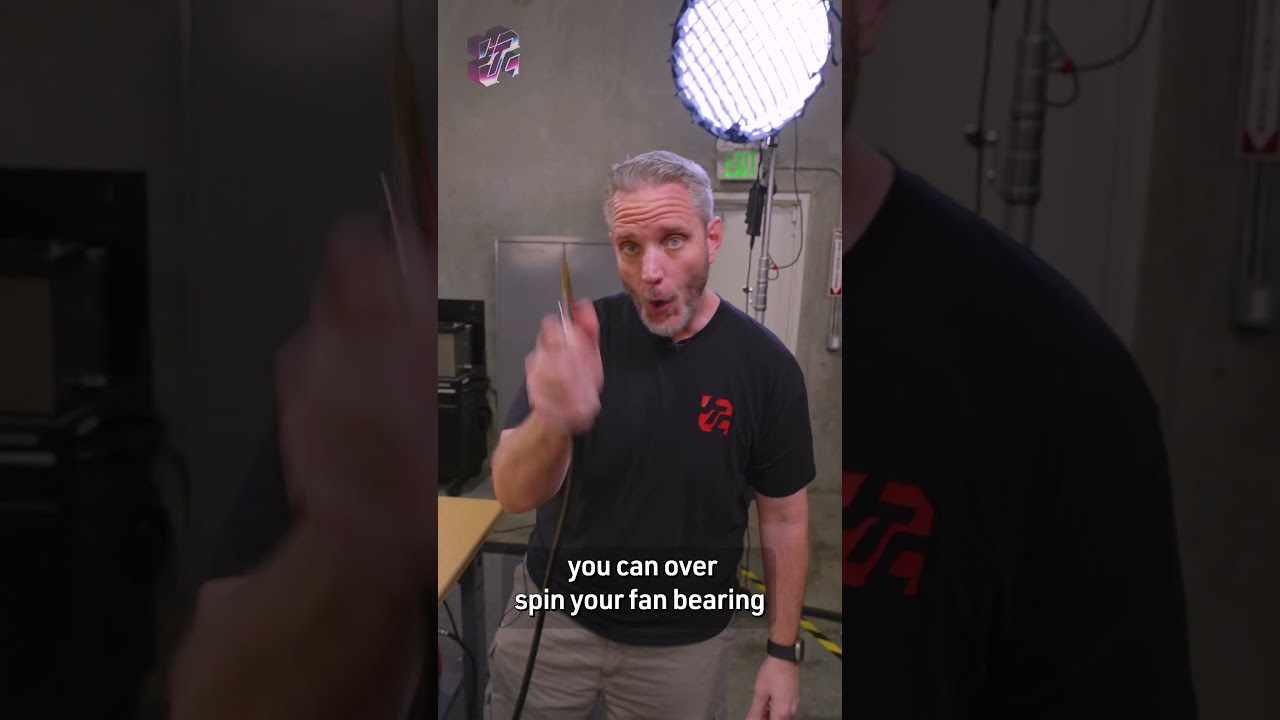
When you’re blowing air through those fans hold the fan fins so the fan does not spin. I’ve seen people blow the bearings on 2 year old fans cause they didn’t hold the fins and the air blower was set to high and, well, metal moving against metal causes heat and there IS a tolerance limit. Melting/warping bearings is not conducive to a circular spin, causing degraded RPM and therefore, cooling and contributing to more noise levels.

Hold the fan fins and you’ll be fine.

I mention this because I’ve watched you-tube videos where the OP did not mention it.

:slight_smile:

Apologies if you know all this already..sigh..I got the feeling you didn’t so I went off on it.

The amount of fan spin in this video is probably OK-what I am talking about is extreme.

Here is another:ignore the part about a fresh installation every 2 years (sigh..Windows)

Jayz knows:

And finally and probably the best one:

I might’ve found the issue tbh, one of my case fans doesn’t seem to be spinning, so the overall temperature and airflow in there is probably decreased, causing it to go hysterical at 70°C