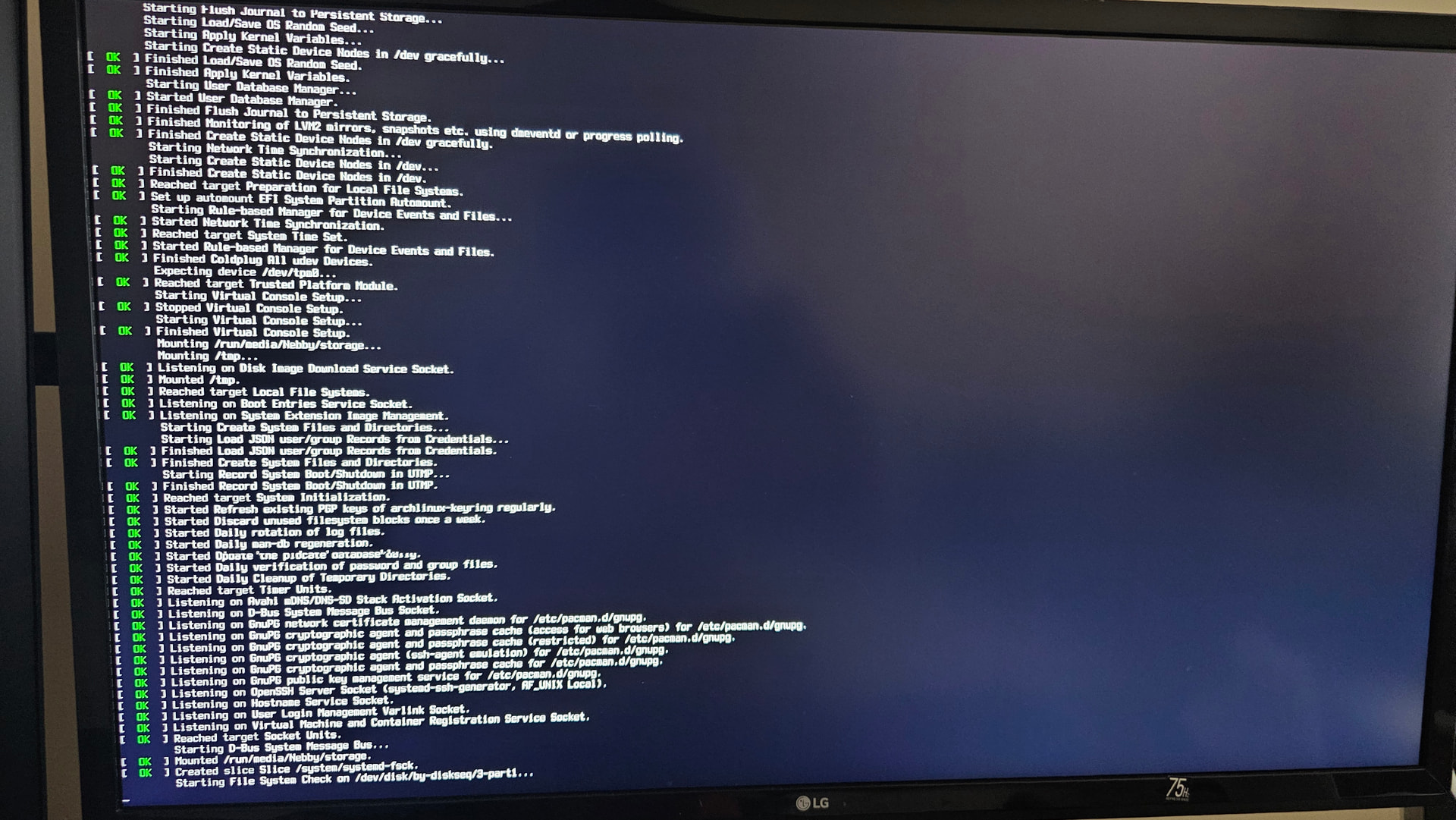
I’ve had this issue where half of the time where I try to boot up my desktop, I get stuck on the boot screen with the last line being "Starting File System Check”. I’m not sure if it just normally takes this long, but it’s really annoying. Is there a fix? I run a dual boot set up with Endeavouros and Windows 10
Then try to boot the most recent live iso and perform a file system check.
How do I do that? I’m sorry. I’m new to Linux TT
Boot the Live iso.
Go to command line.
Check, which filesystems are used with blkid.
Then fsck -t <determined filesytem> /dev/xxx or
fsck -t auto /dev/xxx.
It’s saying fsck is not found
First: what filesystem is used with blkid.
And: do you have a SSD or HDD ?
Run the following commands after booting into the live ISO and give the output in this thread, enclosed within code tags
$ lsblk -T -f -p
$ inxi -d -o -p --za
Then based on the output of the above commands you might have to run fsck as @Berta had specified in his earlier post. i.e. replace /dev/xxx with the appropriate values.
Also how have you partitioned your disk and installed EOS? The screenshot shows the path as /dev/disk/by-diskseq/3-parti.... Are you using LVM? Are you using compressed volumes?