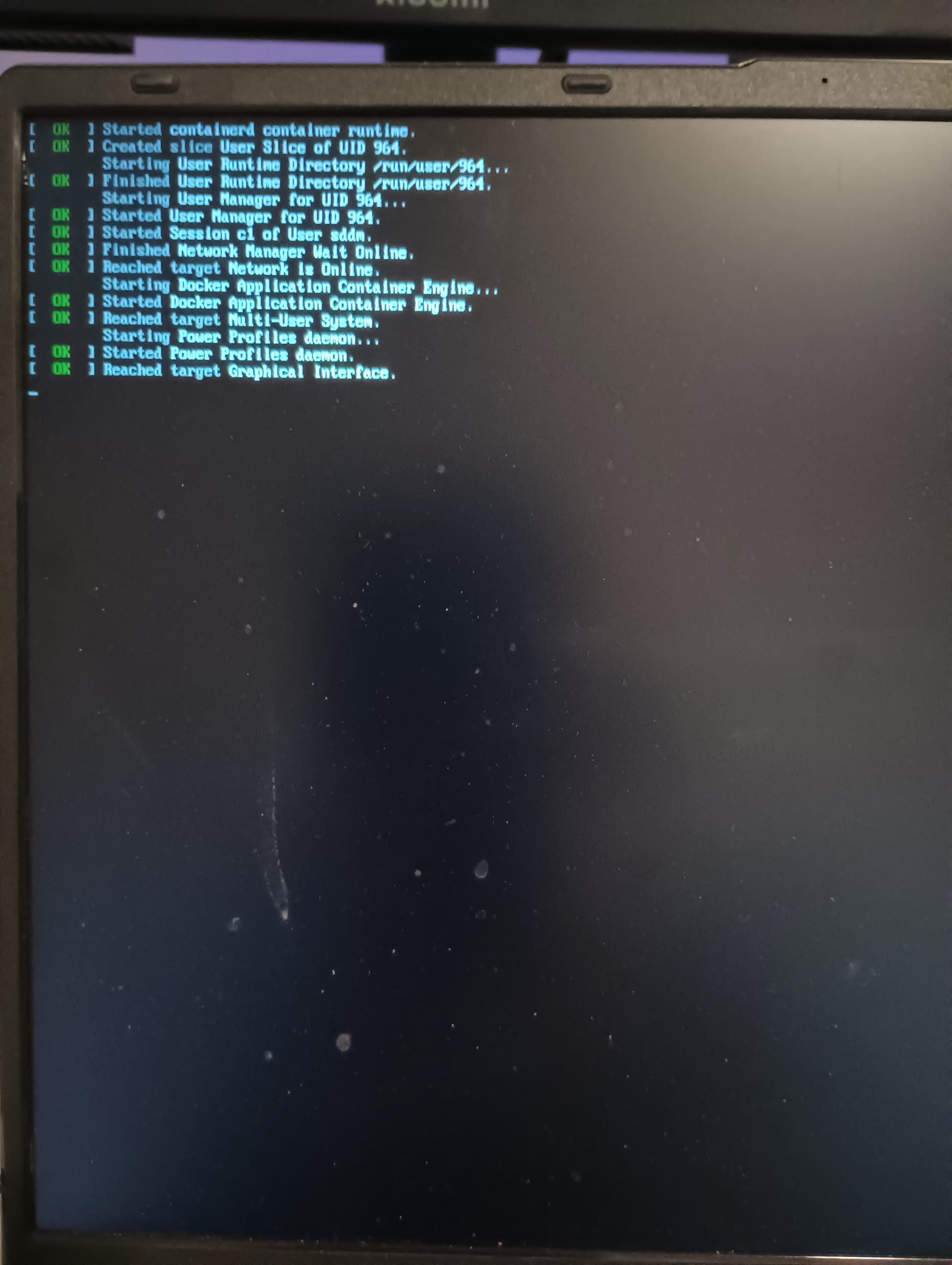
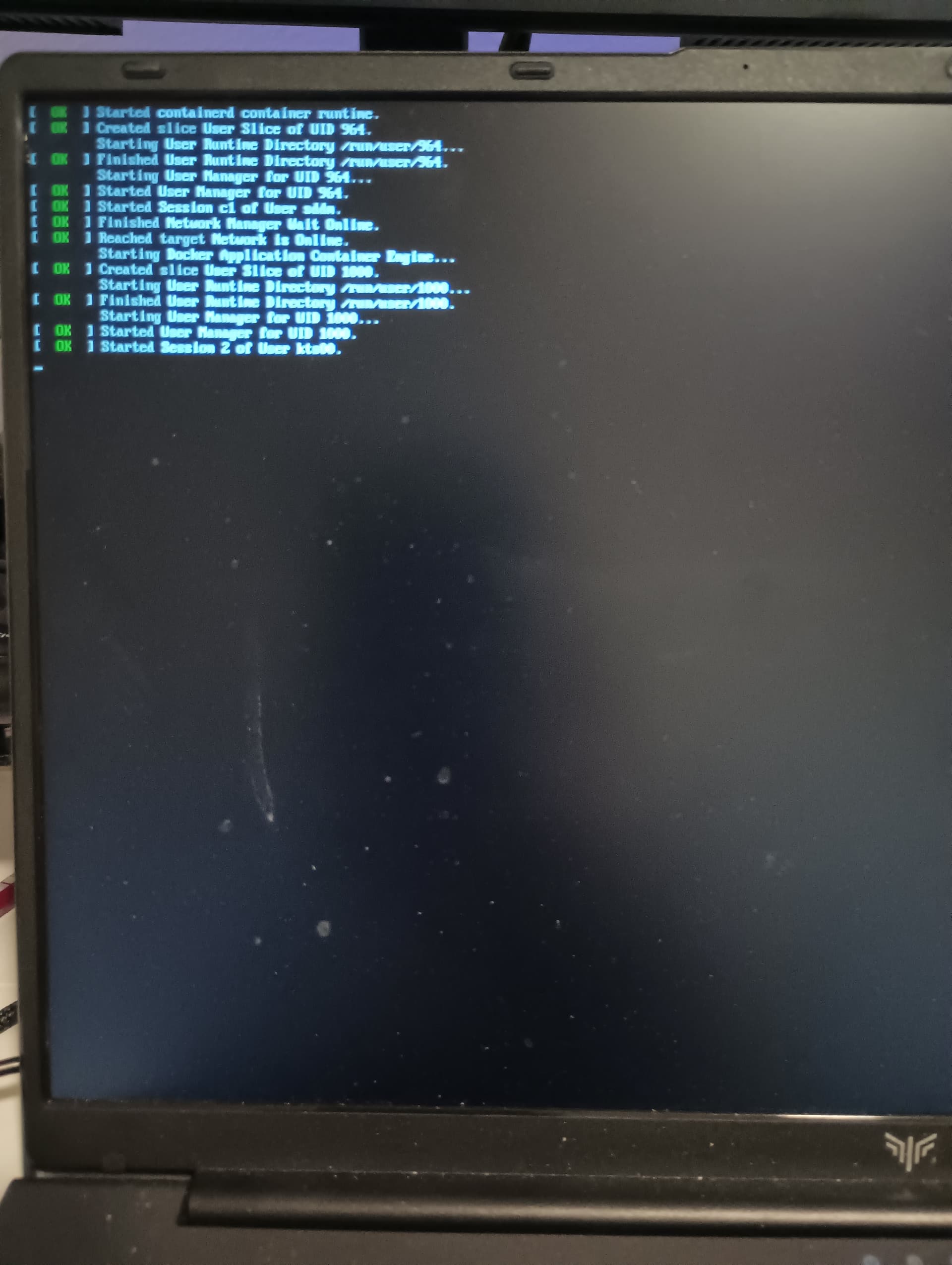
I updated endeavourOS with removing the above files Nvidia to complete upgrade
After restarting my user login accept password
It shows above screenshot and then again show use login screen to put password
The fix I found is a workaround which I do not want to do
I login to root, which works and same password. Then I switch user to my intended user which works. The switch user to root and logout root to save memory consumption. And then logins to user account.
Just for good measure are you talking about this ? If that is the case that would mean you haven’t updated for over 3 months, that would not be a good thing to do with a rolling distro, where there are updates all the time.
Well I am not using Nvidia myself, so this is a bit of a guess, maybe this wiki might be of some help. On another note however if there are packages required from the AUR , there is a problem right now with reaching the AUR because of a DDOS attack.