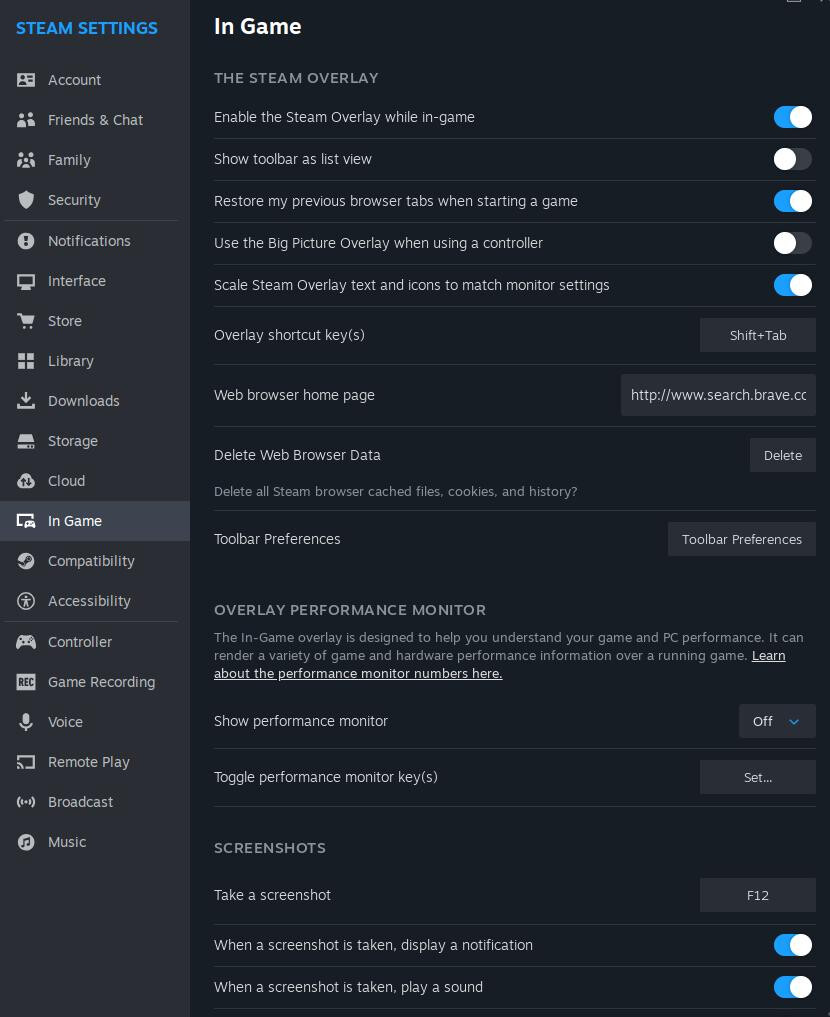
I just installed Endeavouros a few days ago and it has been amazing except for one thing. The steam overlay hasn’t been working at all. When I press shift+tab the steam overlay doesn’t appear nor can I take screenshots when hitting f12 like normal.
I’ve tried to get it working but haven’t had any success. I’m currently using Wayland KDE. I’ve tried switching the window managers, switching to X11, changing the overlay shortcut. I’ve made sure to install the 32bit libs from the multilib repo too but just haven’t had any luck.
It works for me in KDE Wayland and X11, Hyprland, and Openbox. It must mean something isn’t quite right about your setup. Maybe you just need to update your system? The whole system, not just Steam.
Baldur’s Gate 3 for example uses such proton as default which doesn’t somehow enable overlay. Fix for this is selecting proton experimental (or which ever works for you) and now you should have overlay including screenshots working as it should.
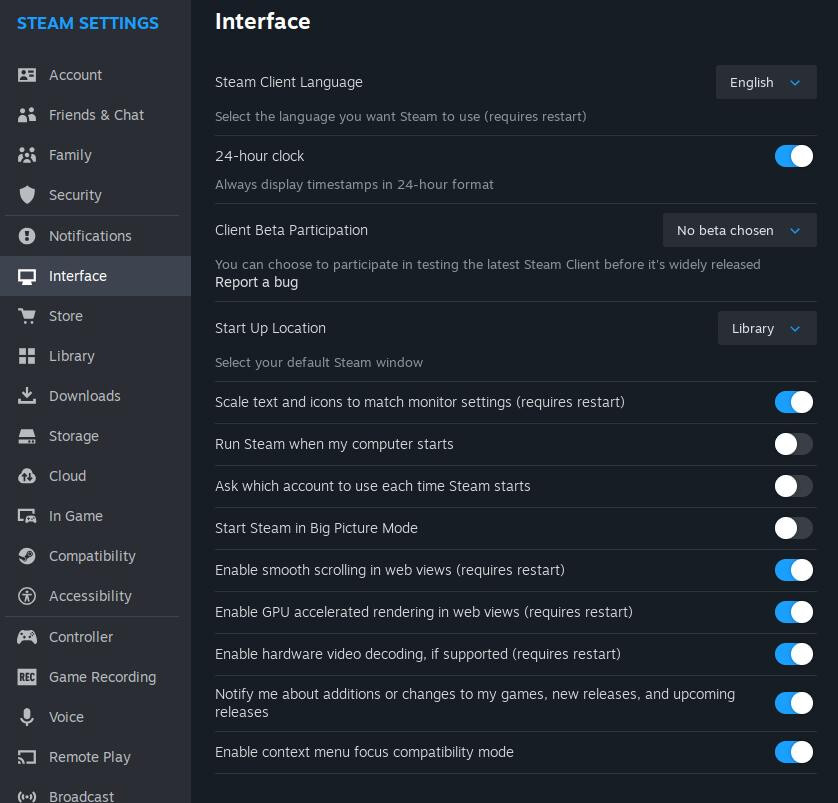
I went ahead and updated the system, double checked my steam settings, and tried proton experimental on multiple games and still had no luck. I also checked to see if mangohud’s overlay would work and oddly enough it does.
I decided to try downloading the flatpak version of Steam and the overlay seems to be working just fine there as well. So it makes me think I’m missing a dependency for Steam on my system but I don’t know what it would be. I can use the flatpak version of Steam in the meantime but I vastly prefer using the repo version.
Mangohud can do the same, i noticed the overlay works BUT when you have games needing the EA launcher the overlay does not work in the game it self BUT it’s used on the EA launcher.