I use blueman to mange my Bluetooth devices when my controller is connected it doesn’t show in steam. It is a PS4 controler if anyone has a fix let me know.
Welcome to the community @Echostrom 


According to the Wiki, you need to install bluez and bluez-utils.
sudo pacman -S bluez bluez-utils
PlayStation 3/4 controller > Pairing via Bluetooth
Install the bluez and bluez-utils packages, which includes the sixaxis plugin. Then start the bluetooth service and ensure bluetooth is powered on. If using bluetoothctl start it in a terminal and then plug the controller in via USB. You should be prompted to trust the controller in bluetoothctl. A graphical bluetooth front-end may program your PC’s bluetooth address into the controller automatically. Hit the PlayStation button and check that the controller works while plugged in.
You can now disconnect your controller. The next time you hit the PlayStation button it will connect without asking anything else.
Alternatively, on a PS4 controller you can hold the share button and the PlayStation button simultaneously (for a few seconds) to put the gamepad in pairing mode, and pair as you would normally.
GNOME’s Settings also provides a graphical interface to pair sixaxis controllers when connected by wire.
Remember to disconnect the controller when you are done as the controller will stay on when connected and drain the battery.
Note
If the controller does not connect, make sure the bluetooth interface is turned on and the controllers have been trusted. (See Bluetooth)
It contacts it just doesn’t show up with steam installed all that already just doesn’t see it in steam
Just confirming, you have bluez and bluez-utils installed?
yay -Q | grep bluez
[nyx01@nyx01-b760ds3hacddr4 ~]$ yay-Q grep bluez
bash: yay-Q: command not found
[nyx01@nyx01-b760ds3hacddr4 ~]$ yay -Q grep bluez
grep 3.12-2
bluez 5.85-1
I’m probably not able to help you further with the PS4 controller. I’ve got a bit of hands on experience getting Xbox controllers working on our gaming system here, but not PS4 + bluetooth.
Just so you’re aware, there is a pipe | between two commands there. The pipe | essentially captures the output of the command before it (yay -Q), and passes that into the command after it (grep bluez). In this case it allows you to list everything you have installed (yay -Q), and pass that to grep which acts as a filter, filtering out any lines that don’t include bluez.
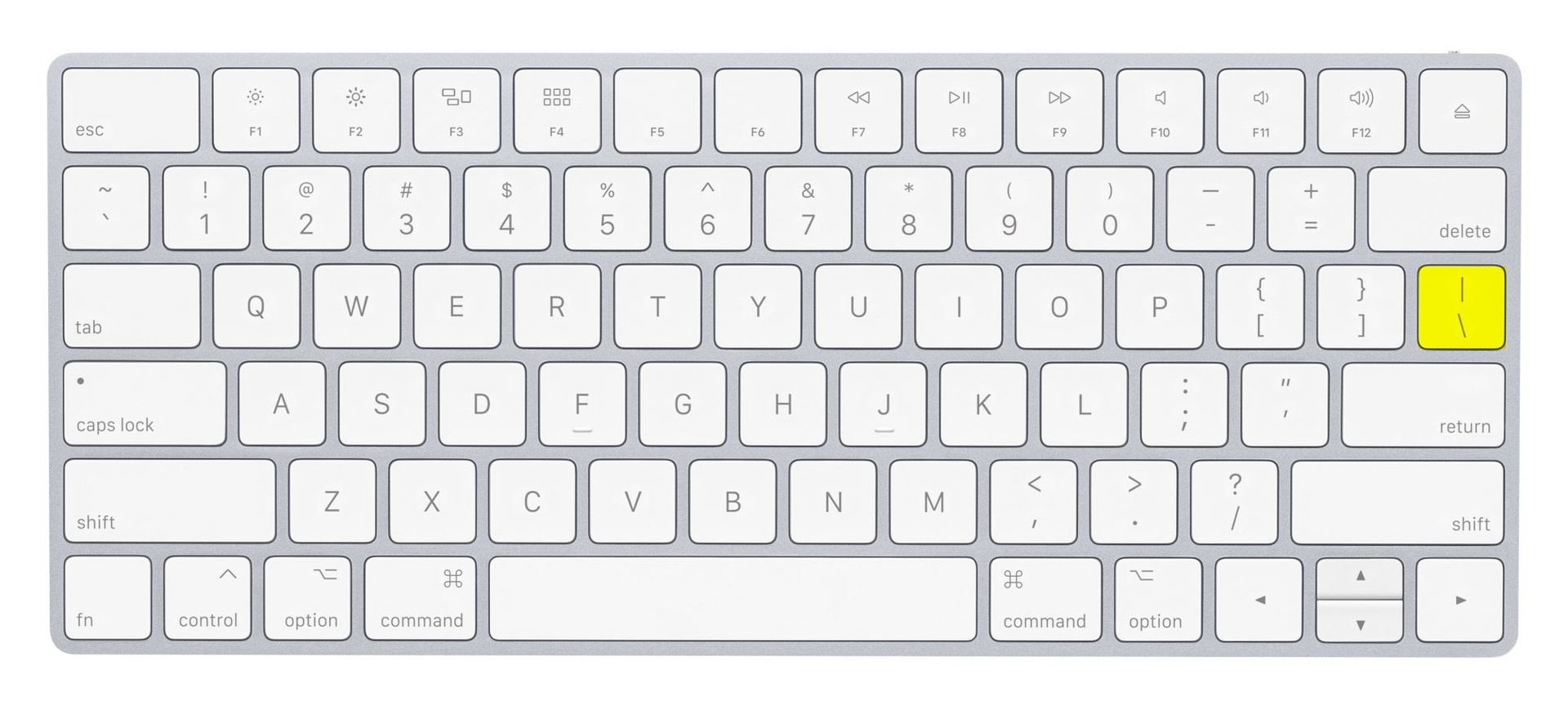
thank you this is what it spat out
bluez 5.85-1
bluez-libs 5.85-1
bluez-tools 0.2.0-6
bluez-utils 5.85-1
I have a playstation 4 bluetooth controller (dual sense) and it’s working out of the box. I don’t even have bluez or blueman installed.
Is the controller detect by those 2 apps your using ? If yes then enable controller support in steam
- Connect your controller to your PC (wired or Bluetooth).
- Open Steam and click Steam in the top-left corner, then select Settings.
- Go to the Controller tab on the left.
- In the “External Gamepad Settings” section, ensure the boxes for your controller type (e.g., “Enable Steam Input for Xbox Controllers,” “PlayStation Configuration Support,” “Enable Steam Input for Generic Gamepads”) are checked.
- Your connected controller should appear at the top, where you can access calibration and advanced settings