Not sure what to make of this brand-new distro. Looks interesting, though. Scrolling down a bit on their website shows that there seems to be a lot of “Exclusive Soplos Applications” installed. I might fire up a VM and check it out over the weekend.
Let us know how the testing goes.
I downloaded it yesterday to give it a test on my “testing laptop”. If I get some “spare time” today, I may check it out just for fun. One thing will have to change though, I will definitely add openbox wm to it. 
Yes, take one for the team.

I’m excited to see apps made just for a distro, Shows a vision. Sometimes. Tyron and Tyson a little cute  , though. Don’t fall in love, Uncle!
I got Tyron installed to my testing laptop after about 10 to 15 minutes. I proceeded to install my “needed” openbox apps and files and various ones that I prefer to use. Making adjustments and playing with it now. It is very, very, very, (did I say very?) seldom that I “play” with a debian based distro since “discovering” Arch based distros. Screenshots to follow if everything works as planned.
Since I always have a free partition for new features, I installed it on August 5th and it’s a marvel (Tyson - KDE). I just need to fix the permissions for the “backup” disk because it only copies files from root (odd, because it copies to the other USB drive without any problems). Staying in the Debian Testing space, there’s another Polish one that caught my attention and is on my waiting list: HackerOS https://hackeros-linux-system.github.io/HackerOS-Website/Home-page.html
If anyone is interested in Void, there’s also another newly launched Italian project: Odyssey https://odysseylinux.org/
Welp, that did not go well. I could not get some apps that I want/need or like. When trying to build some, most failed and I am not willing to jump through hoops on a debian system to try and get them to work. One of the big reasons I so despise/hate a debian based distro! So, wiped its partition and in the “TRASH BIN” it went.
From what I can tell so far, those are GUI tools for system administration. Installing software, firmware, kernels etc .. Haven’t gotten too deep into the weeds yet. Nice looking GUI tool to administer systemd services.
Xfce4 version running smooth on an old (circa 2011) HP laptop. Uses zRAM for swap by default so keep that in mind when partitioning.
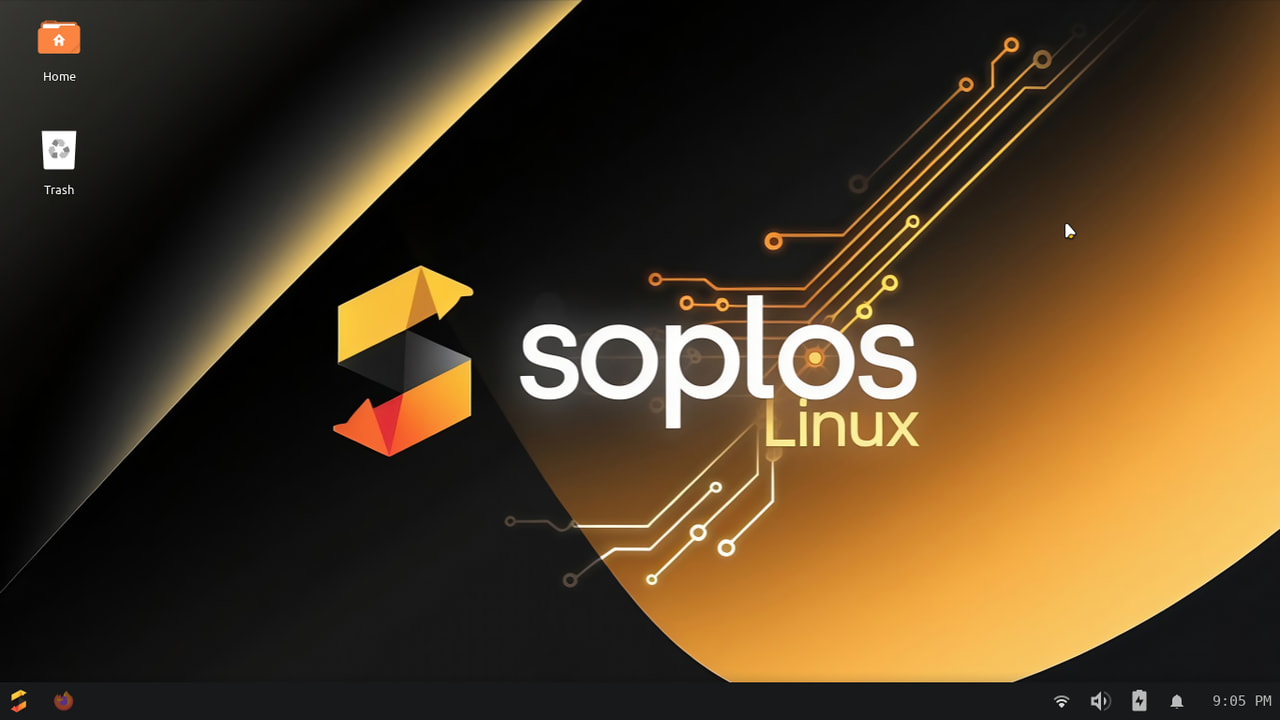
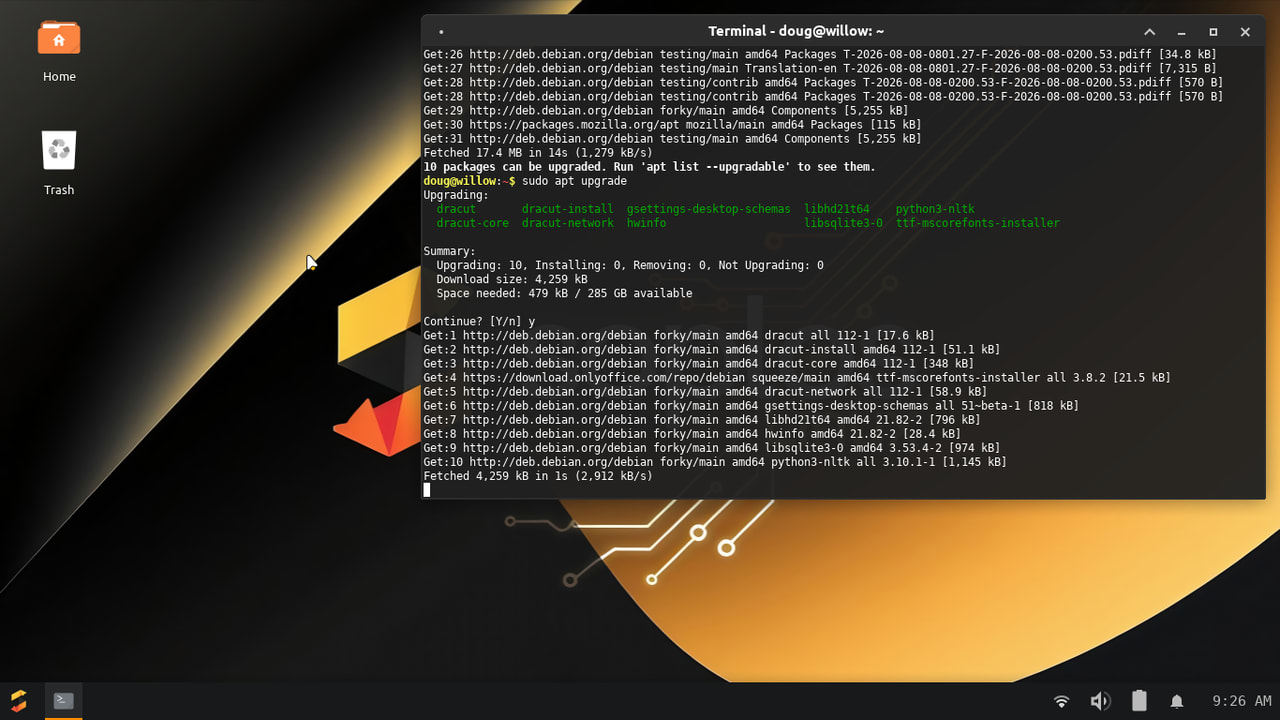
The Gnome version looks terribly customized to a classic DE, I would probably use PikaOS over this as it’s built up some reputation now and this is still new and has no track record.
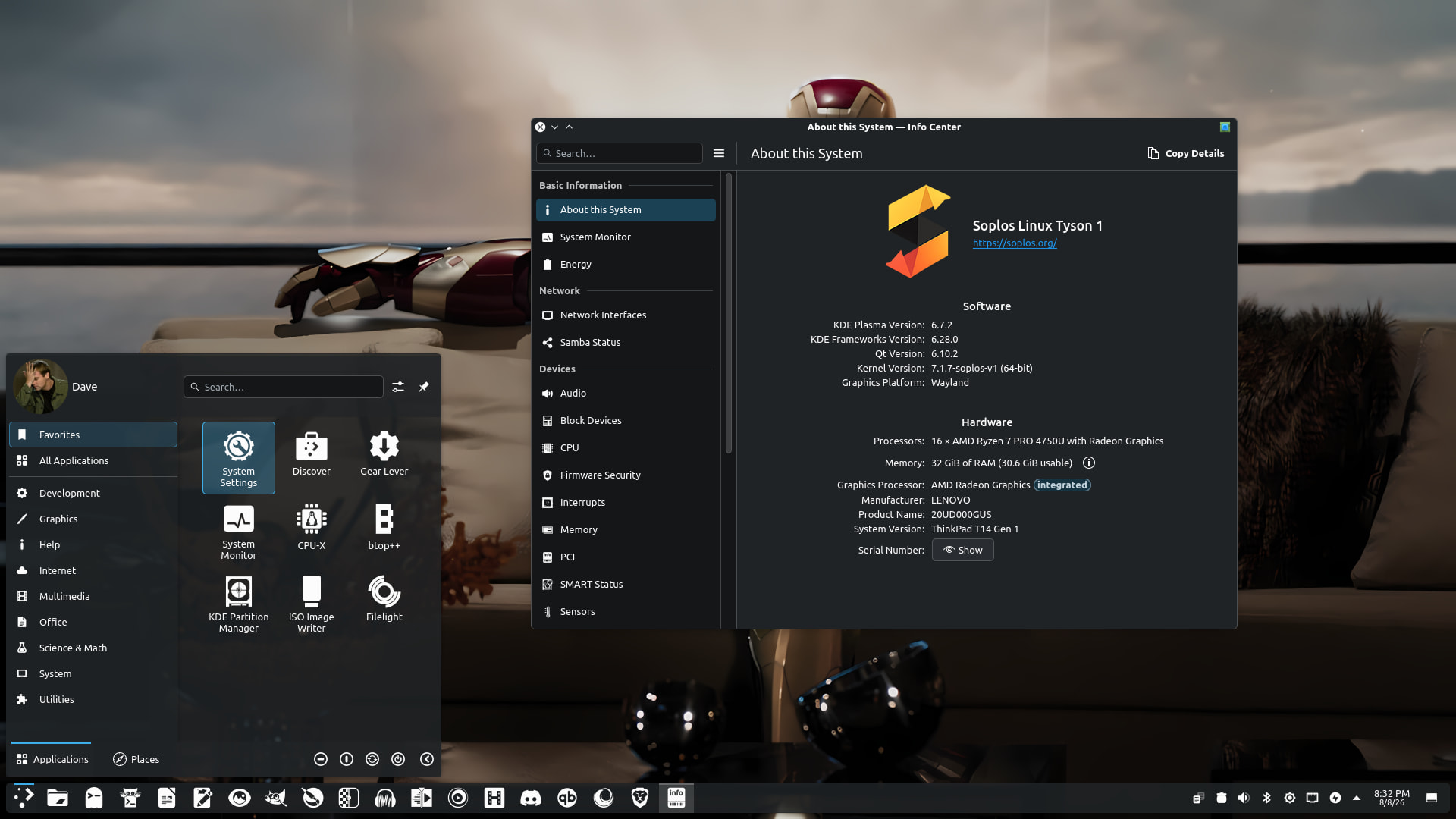
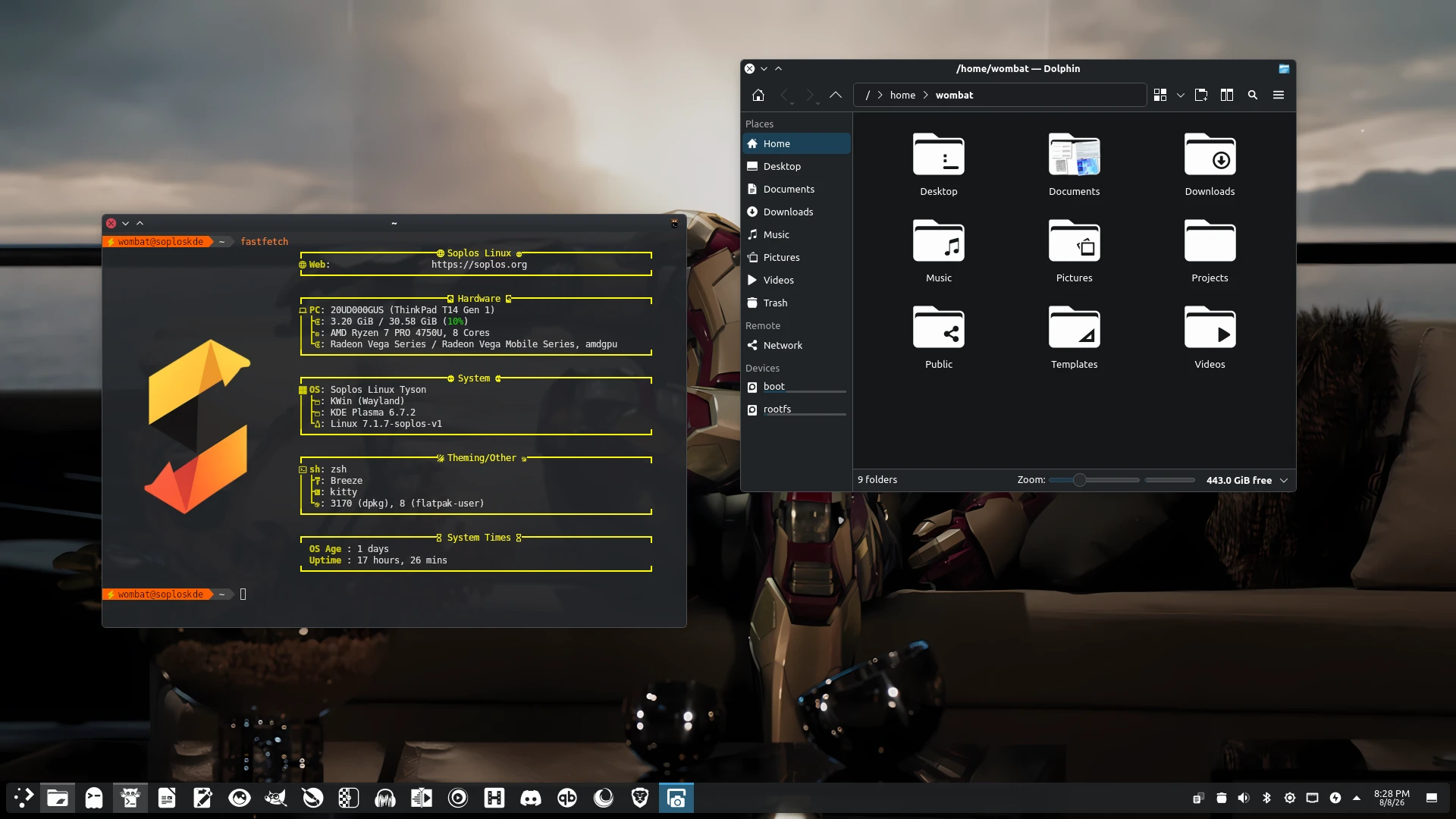
I just got the KDE Plasma version installed on my ThinkPad yesterday. So far, so good. Once I tinker a bit and theme it up, I’ll post some images in the Share Your Desktop thread.
One thing I noticed about Soplos when playing with it, was that it had both neofetch and fastfetch. Why have both? I dont know, I just found it a bit odd.
That was a bit odd. Nowhere near a deal-breaker, though. Not sure why the included Neofetch.
I played around with it a bit as a virtual install during the RC phase, and thought it was interesting enough to keep an eye on for the final release. I’m curious to hear other people’s thoughts/results.
As it’s based on Debian Testing there’s something important to know about security in their testing branch:
Source is https://wiki.debian.org/DebianTesting