[SOLVED] System Tray Icon Question

So I’m in the process of switching things up a bit, using a bottom panel only. I haven’t yet deleted the top panel and realized that the Bitwarden icon is blue on the new bottom system tray but monochrome on the top system tray. Any idea on how to retain the monochrome icon for the bottom system tray?

System Tray in the top panel:
a

System Tray in the bottom panel:
b

1 Like

Wondering if it has anything to do with the height of the panel otherwise I am unsure.

1 Like

Maybe check the the top panel tray configuration and see if there is anything set different compared to the bottom one.

This is possible

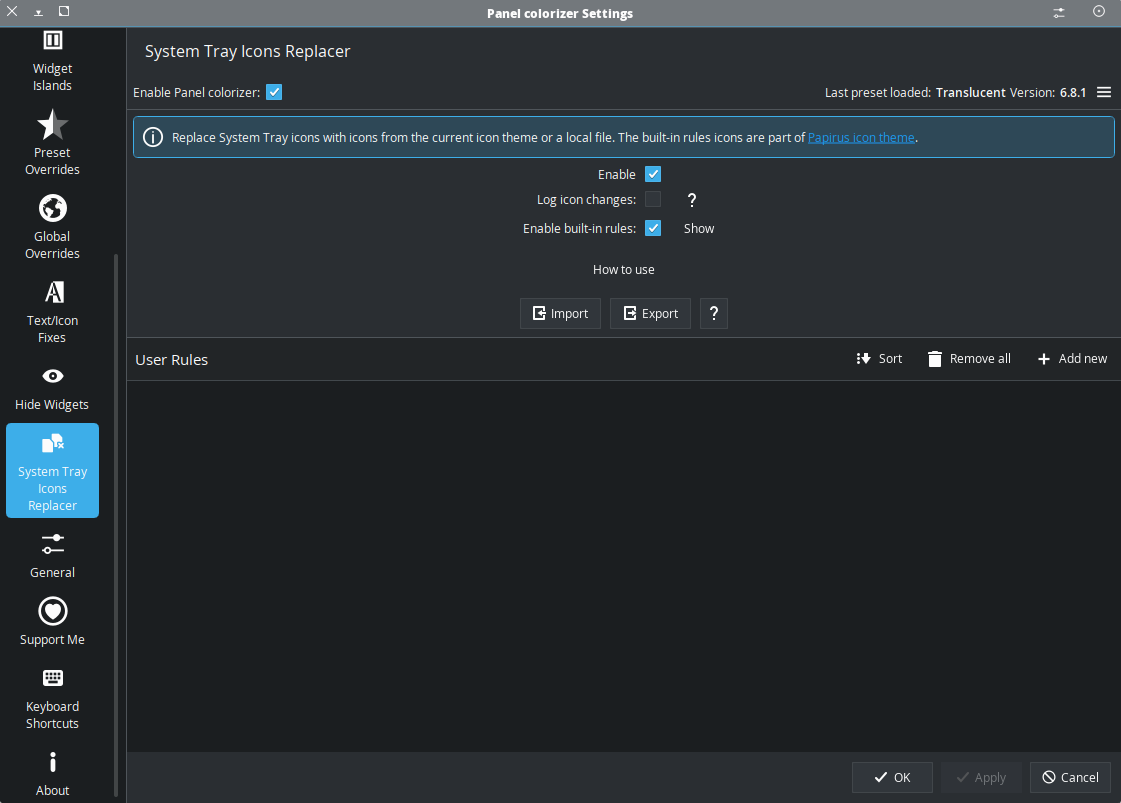
Figured it out. It was the Panel Colorizer…

cc

4 Likes

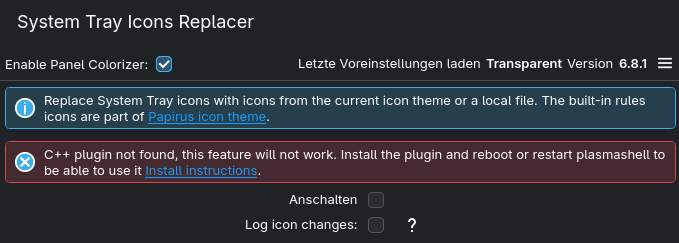
I’m unable to use this feature because I need to install the C++ plugin. :thinking:

I went to GitHub, but I couldn’t find out how to install this plugin. Looks like I have to install Panel Colorizer manually … Is there any chance that there is an easier way to install this plugin? I installed Panel Colorizer from KDE extension settings.


I installed Panel Colorizer from the AUR. I’ve never seen the C++ warning before.

1 Like

Probably doesn’t make any difference , but I always used the widget .

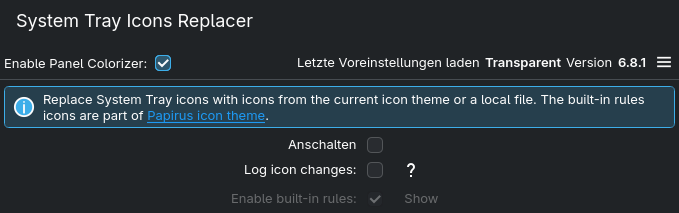
Also installed from the AUR now, and it looks good so far. No extra plugin installation needed. :+1:

Thanks, @UncleSpellbinder ! :folded_hands:

1 Like

This topic was automatically closed 2 days after the last reply. New replies are no longer allowed.