If you mean on the terminal, Ctrl + C cancels the currently running command Ctrl + Shift + C copies and Shift Insert pastes. Ctrl + V sort of works but on my terminal (Konsole with Zsh) it adds all sorts of what I think are control characters before and after the clipboard contents.
If you mean in general, we will need some more information, such as the desktop environment you are using.
In a graphical Desktop Environment (DE), these should normally work (except if you’ve changed the key bindings).
Whereas, in a terminal, Ctrl+C is used to interrupt processes, so—for convenience–Copy and Insert are usually remapped to Shift+Ctrl+C and Shift+Ctrl+V.
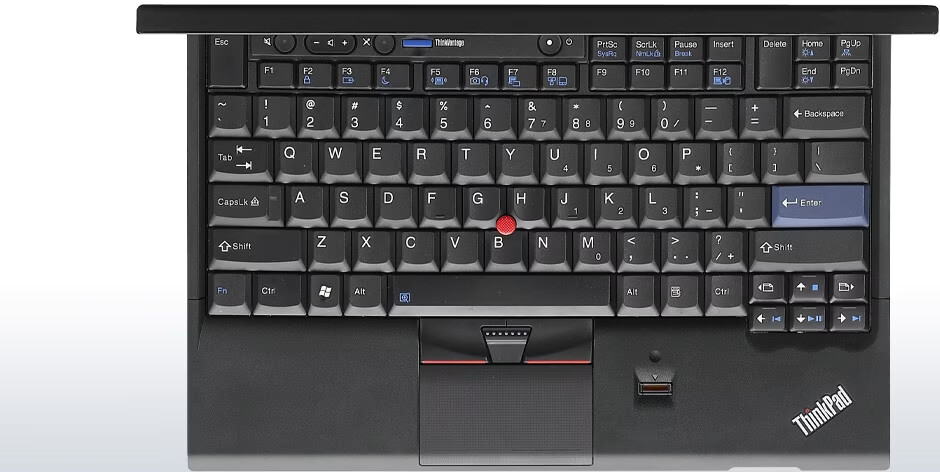
Just looked at a picture of the x220 and I saw that you should have two CTRL keys do both of them do not work ? Also try e.g. Ctrl+P , that should bring up a printer dialog window.
awesome - i am really overwhelmed about your replies. Well - the x220 is in office and i am currently not (!) in front of it. But i will test it out later the day and then i will answer you all.
at the moment i am so glad about your ideas & tipps - and i am pretty sure that we can solve the issues.
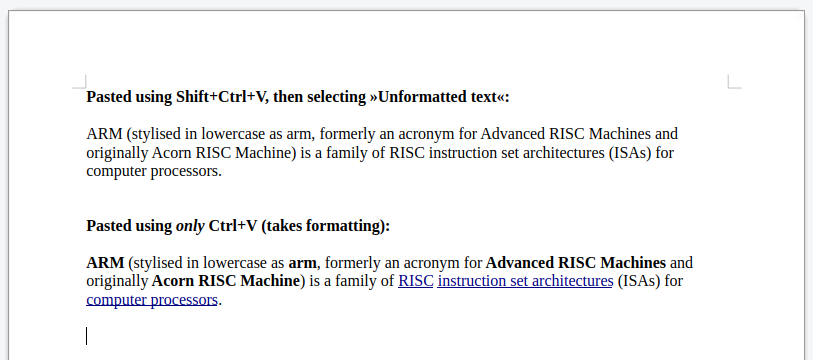
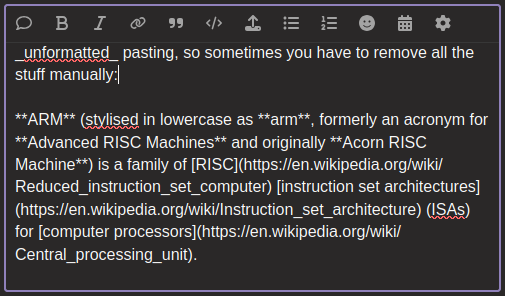
Here’s another good use of Shift+Ctrl+V: Many text editors (not all, but for example LibreOffice Writer, MarkText, etc.) can paste either formatted or unformatted text from the clipboard.
Ctrl+V usually pastes formatted (if an app can handle that, otherwise unformatted), Shift+Ctrl+V usually pastes unformatted.
Example in LibreOffice Writer (just copied a sentence from Wikipedia):