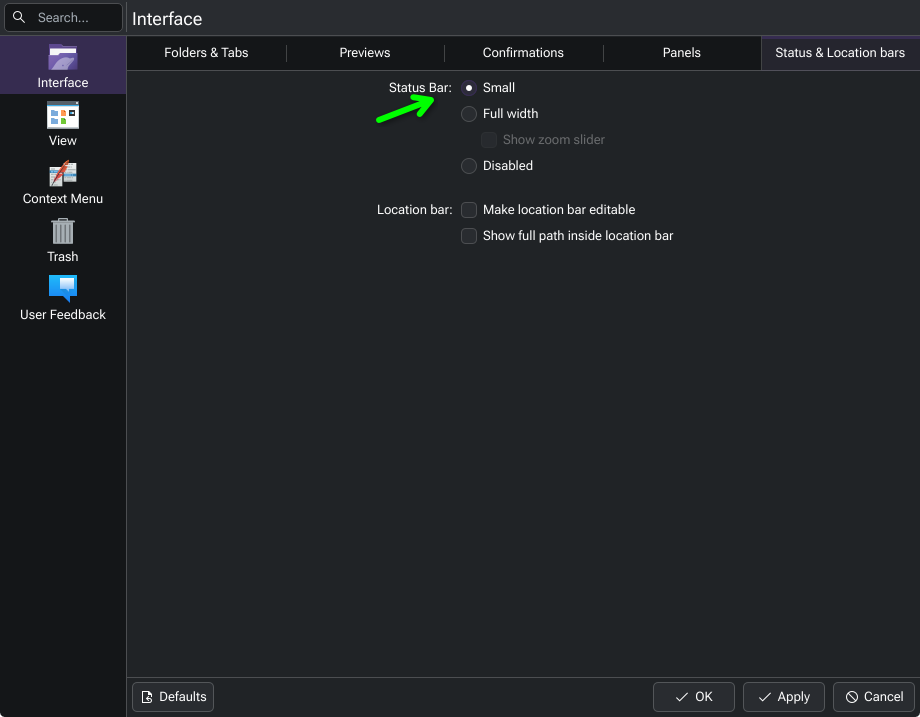
How can I remove the bottom toolbar? It’s not present on my EOS install, but shows on my Fedora install.
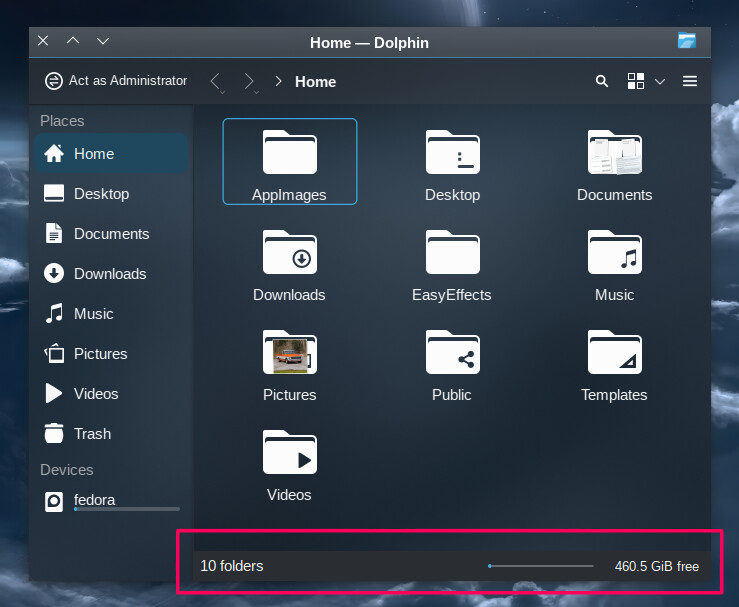
I’ve gone through settings>configure Dolphin, but I just can’t find the setting. What am I missing here?
Thanks!
I have NO IDEA how I missed that. 
All good, I’ve frequently appreciated the value of a second set of eyes spotting something I’ve missed! 
…and now we know how to add it to our EnOS.