good evening dear friends
trying to create a little image in inkscape with connected dots -:
well this little two - steps are quiet very hard to understand - i
create some dots - and afterwards i

connect them with the nodes tool  ( in other words i connect each dot with oters ..
but - see what comes out - see the funny picture below.

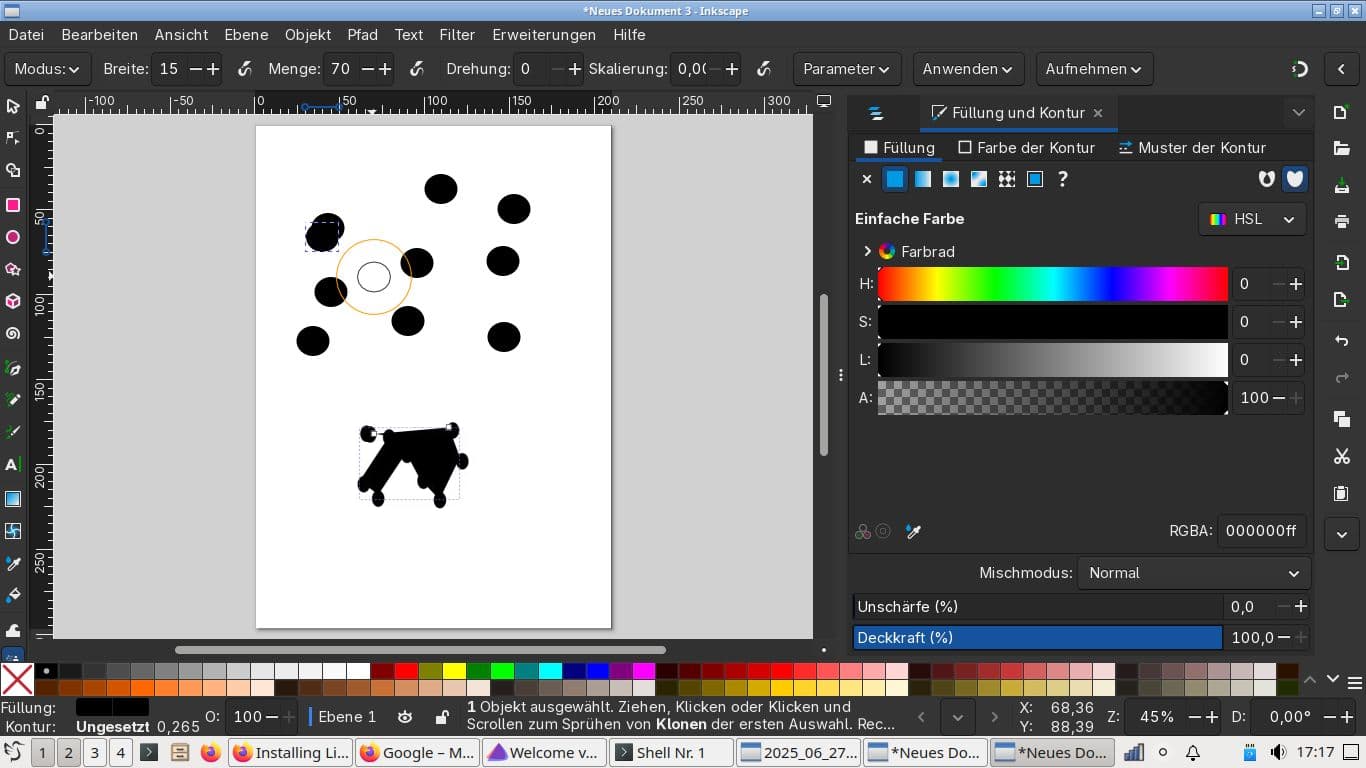
well - it looks very funny - hmm lets say it looks like Rohrschach-Test images … and not like connected dots.
why is this so?
update
just created another picture: see here:

hmm - i think that …
if i want to colorize this field - this little network i think i have to
a. use the rectangle tool (R) and draw a rectangle - and then
b. choose on of the colors - that i would assign to the whole stuff
is this doable`!?
update: is this the process that is needed
like it is described here
well i think that i ll have to add some rectangle around all the stuff - like it is shown here
https://graphicdesign.stackexchange.com/questions/21633/draw-rectangle-with-stroke-in-inkscape
in other words - could it be like so - that i have to apply these following steps:
You might be asking a simple question: How does one change a selected shape to have no fill and a black outline? The answers are simple.
cf . https://graphicdesign.stackexchange.com/questions/21633/draw-rectangle-with-stroke-in-inkscape
- Left-click in the color palette. Right-click black in the color palette.
- Access Object > Fill and Stroke… from the top menu.
You might be asking a harder question: How does one create shapes with any given style without having to make them first? The answer to that is convoluted, sadly.
You can make it so that shapes created take on the “last set color(s)”
- Access Inkscape’s preferences via Edit > Preferences
- Open Tools > Shapes > Rectangle (I recommend you change all of them for consistency’s sake)
- Set this preference: Create new objects with: Last used style
well - what is the goal is to get such a " filled rectangle behind other objects."

in other words - i want to a whole set of things be colorized - (like in the exampe - with the gradient color)…
updaate:
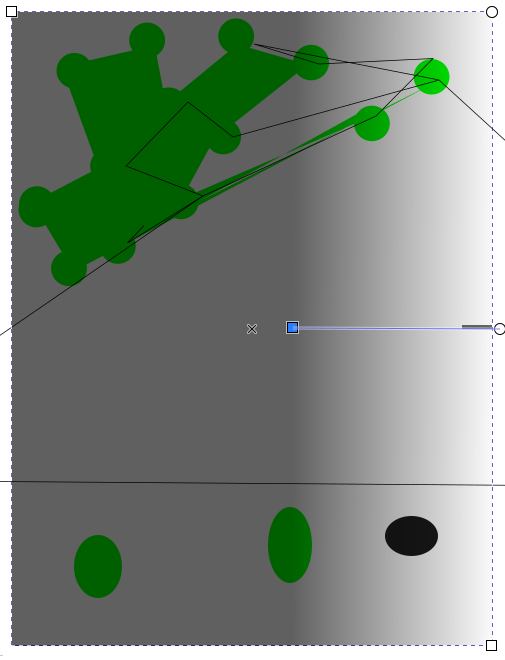
now i can colorize the images also with gradient-color.