I saw someone mention this to me in another topic. I thought I’d start a dedicated topic instead of hijacking another.
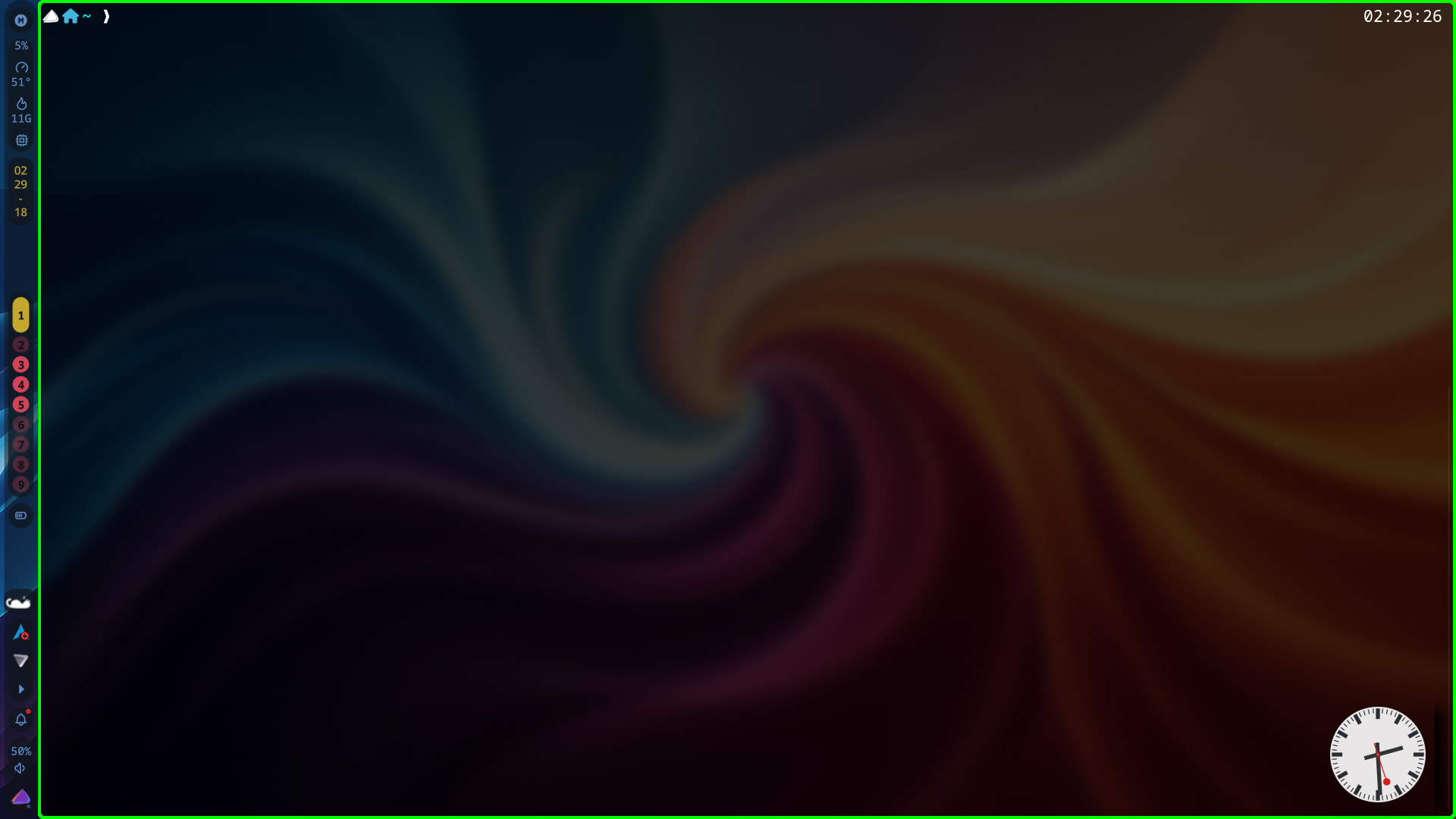
So, I use the Fish shell along with Tide Prompt . As you can see, the arrow is backwards.
However, when doing tide configure, it shows as normal until it is saved.
After saving, it’s backwards again.
Ideas???
Thanks! Bookmarked. I’ll keep an eye on that. Hopefully, an update corrects the issue.
Have you tried to manually edit the fish_prompt function? What does rg '<' ~/.config/fish/functions/fish_prompt return?
@ajgringo619 , I just did. Seems to have worked!
I opened ~/.config/fish/conf.d/ in Mousepad. Added set -g fish_key_bindings fish_hybrid_key_bindings.
All looks correct, now…
Must be using the right bait now!
What’s that little Arch icon I see? It should be
Not sure how to change that. But as EOS is Arch-based, I’m not bothered all that much.
xircon
January 18, 2026, 2:22am
11
I changed the distro icon, but could not change the colour, it is 2:10am and I am going to bed, will post how to do it tomorrow
xircon
January 18, 2026, 2:28am
12
Remembered!
set -g tide_os_icon
Add to your config.fish. If anyone can change it to purple - let me know
Well, I’m glad it’s working now. But fish functions are in ~/.config/fish/functions. Do you not have a file there called fish_prompt?
No. And I use Tide Prompt .
Tide must install its files in other places then. I’ve only used the ones that can be selected from the fish website.


 (a bit tiddly!, Angioletti Italian Craft Cider 8.4% abv)