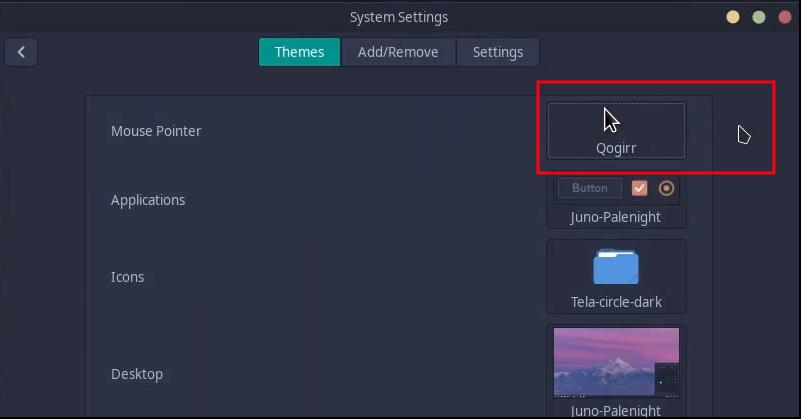
I am supposed to have a Qogir cursor, but I get a different one – see on the far right in the screenshot:
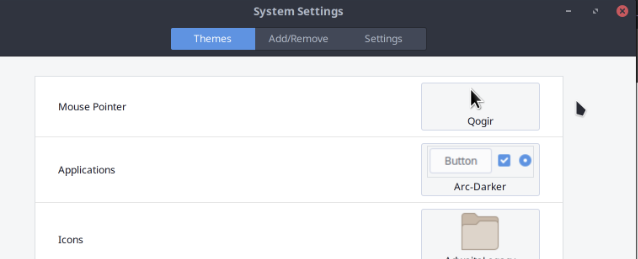
How can I get the Qogir one? BTW, it looks like Adwaita.
Do you have another DE installed?
Or something like XFCE settings, lxappearance, Kvantum, etc?
Or maybe an environment variable is forcing a specific cursor theme?
Also, have you tried logging out and logging back in to see if that fixes it? ← You shouldn’t have to do this one, though.
EDIT: I just tried this as I have the Qogir cursor theme installed, and it’s the same cursor.
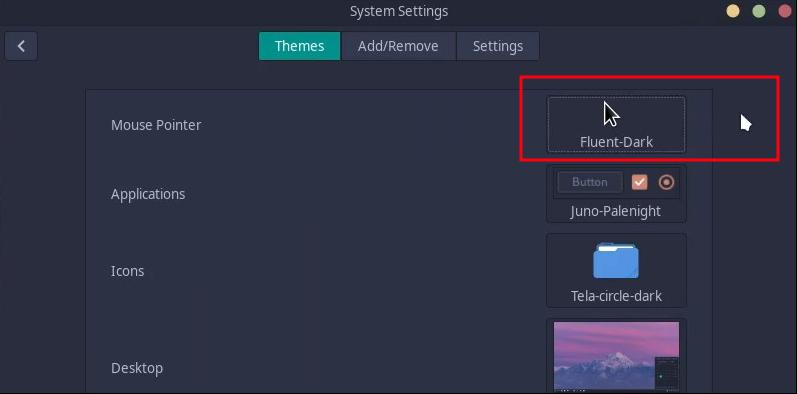
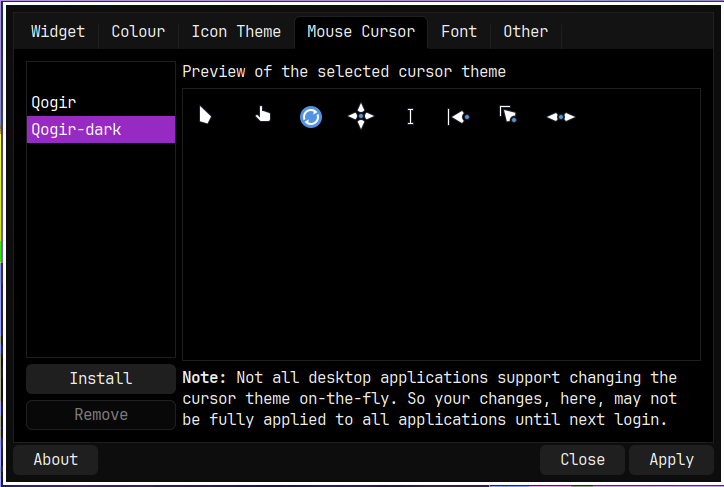
Notice that the cursor theme shown in the “preview?” doesn’t change, but my actual cursor theme does change.
That is the Qogir cursor theme, which is what I am saying here:
Mine has a white outline because it’s on a dark background. But it’s the same thing.
I actually can’t remember if some of the Cinnamon 5.xx versions used to change the preview or not, so maybe, maybe not.
Essentially, though, the OP has exactly what they want, but Cinnamon just doesn’t communicate it in the way they were expecting — that is, both the cursor theme and the preview cursor theme matching in appearance based on what has been selected.
Seems like you hit the nail on the head because even though in my OP I did not indicate I am on Cinnamon, I am on Cinnamon.
As ddnn said:
So, I have to accept the cursor as it is 
Thank you, also to @ddnn and @UncleSpellbinder for helping out.