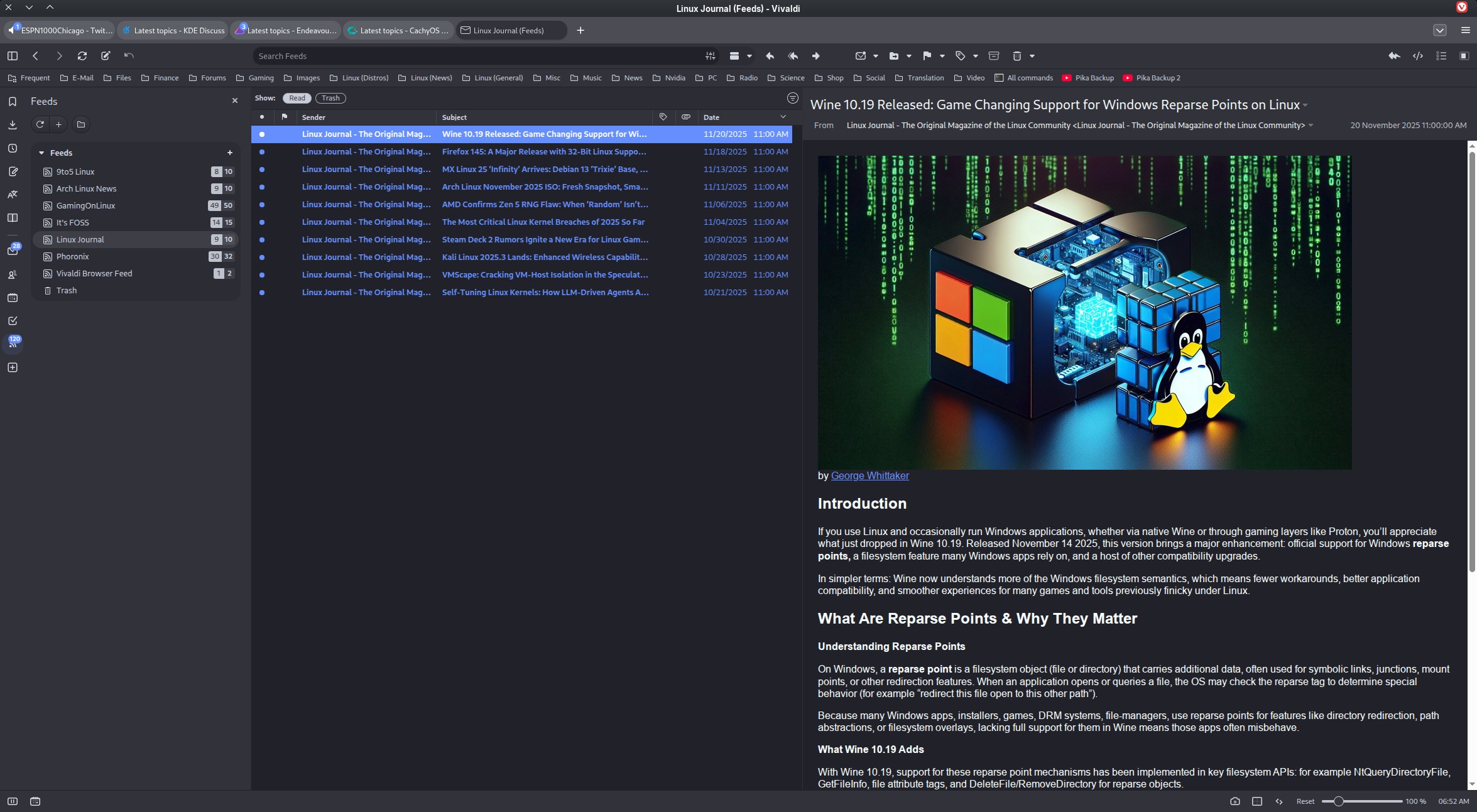
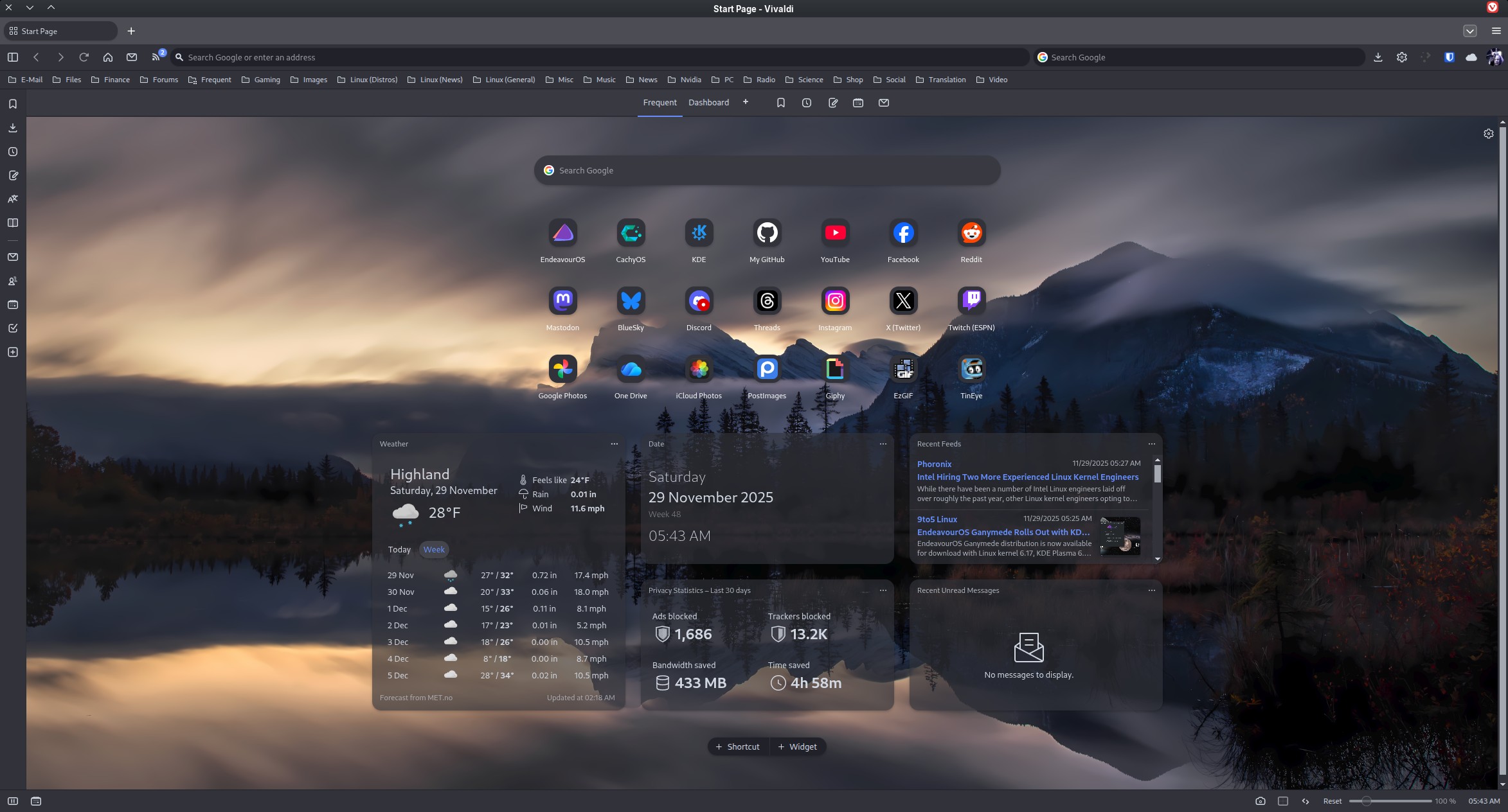
Despite it taking a few days, it was quite simple in the end.
To block all ads including youtube video ads, enable Vivaldi’s ad blocker and the NoScript extension.
Most of the problems were caused by kwallet.
2.1 Optional - disable the KWallet service in KWallet Manager.
2.2 Pass --password-store=basic as a command line parameter into Vivaldi.
All problems fixed.
Item 2 also works with Chromium and VsCodium (and presumably vscode)
I’m quite liking it. I may even try the mail when I can be bothered to see if these tweaks have fixed that also.
After battling with Kwallet for years I finally gave up the fight and disabled auto login to avoid problems when installing and using Vivaldi. If i had a wallet with the quality of Kwallet it probably would fall apart the minute I took it out of my pocket.
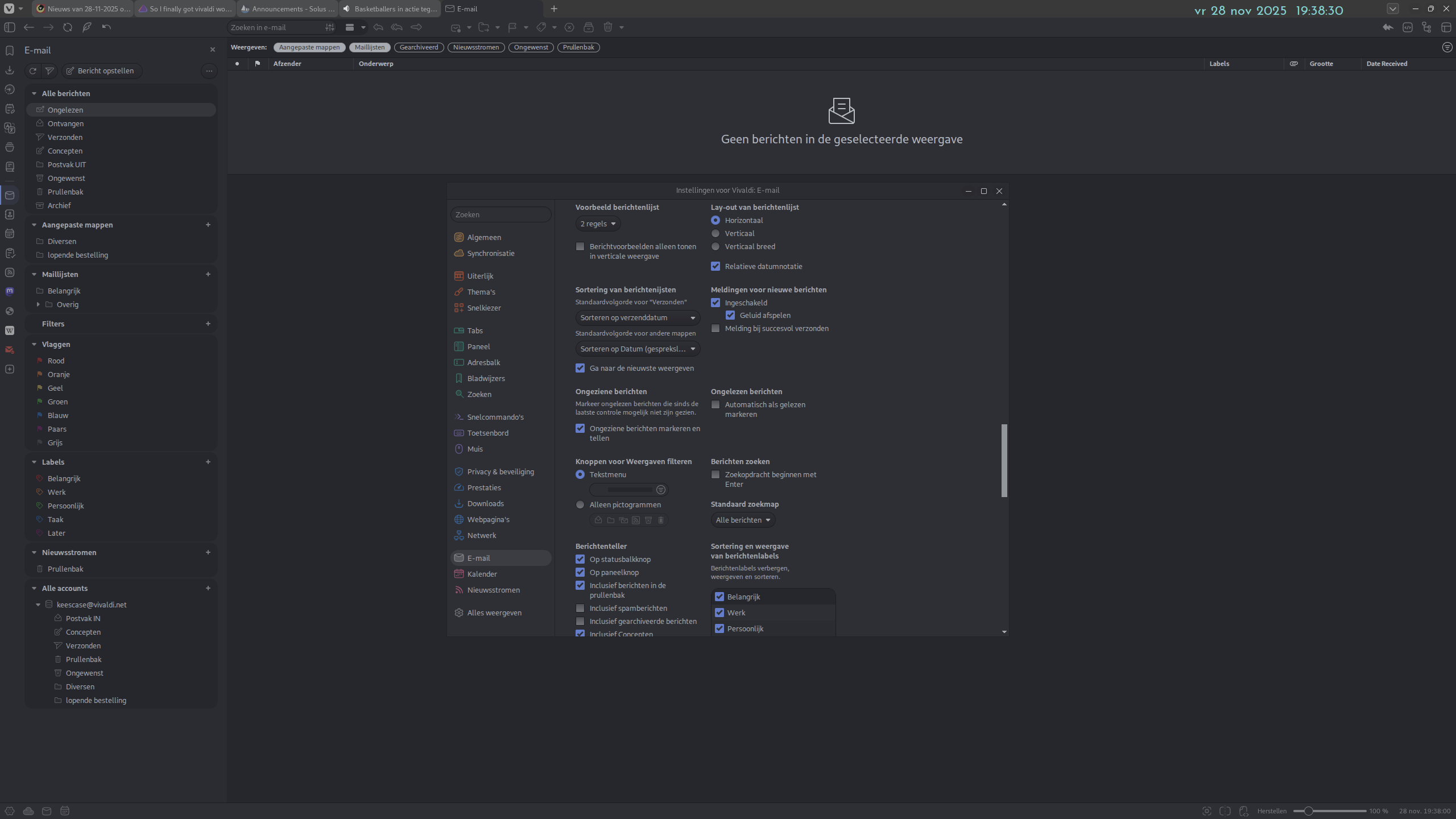
I recently had a look at Vivaldi’s email client. I did not find a way to turn off the message preview, and when I searched for a solution I found sources claiming that it can’t be turned off.
For some reason I hate previews, and in any mail client the first thing I do is turn it off.
Can anyone with more experience with the Vivaldi mail client confirm if indeed the preview can not be turned off? Or if it can, how?
Yeah… I really do like Vivaldi a LOT these days. It does take a bit to make it “yours” with a lot of settings from which to choose. But once your done, you have a sweet browser (or, like in my case, a sweet browser/Email/RSS Feed combo).
I’m finding a few annoyances in the default set up, but so far there has been a setting for most of them. The rest, I think it’s just a matter of getting used to.
I really want to like Vivaldi because it’s European software.
Thanks! I had indeed trawled through all the settings I could find, but the functionality I mean does not seem to exist in Vivaldi mail. Others have requested the feature [1], [2] but that request does not seem to be picked up by the devs.
As of 14 aug 2025, 08:35 the devs considered the feature to be not popular enough to be implemented[3].
In Thunderbird (or any other mail client I remember having used) it’s just pressing F8, which will toggle the preview pane on and off.