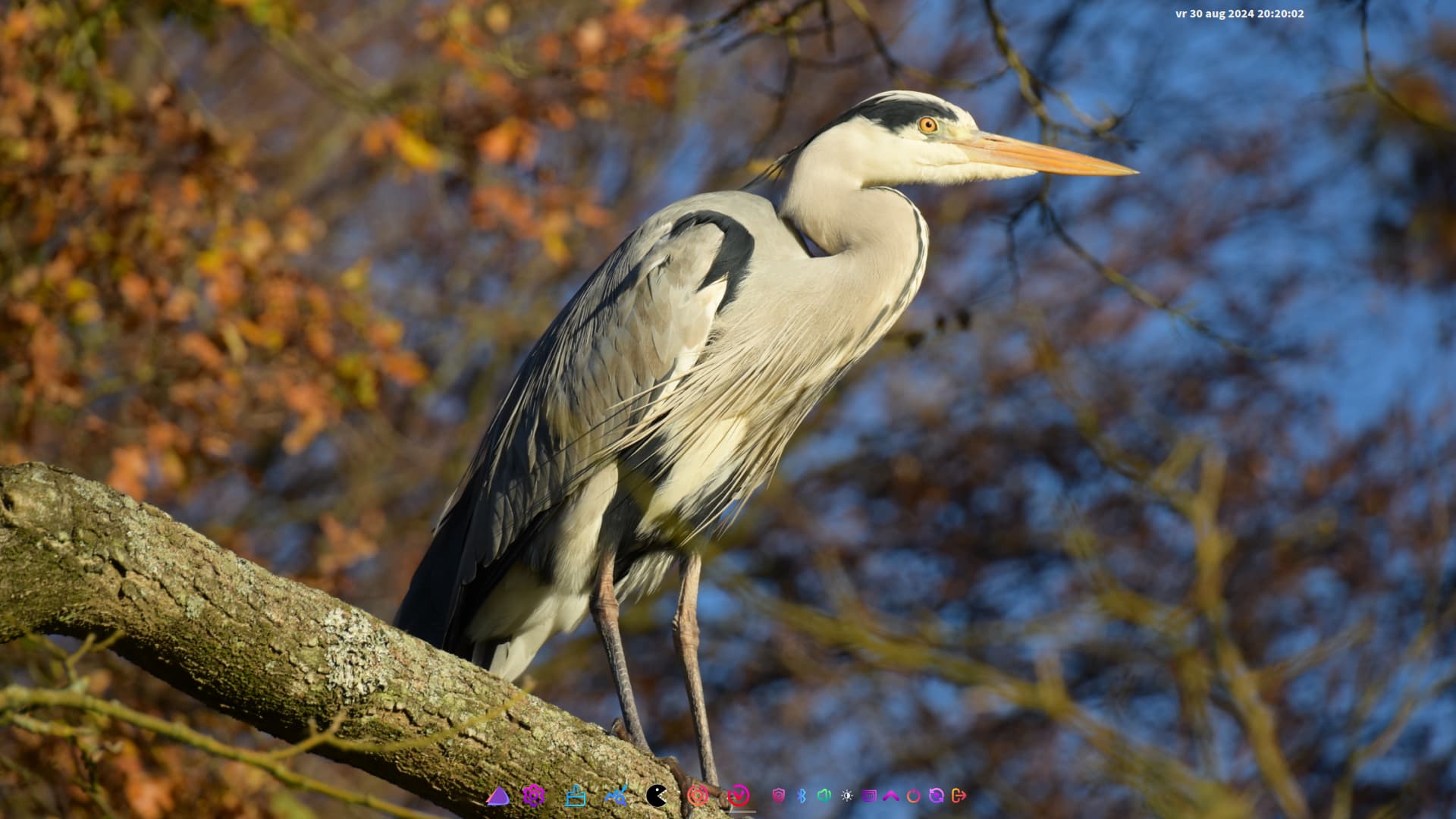

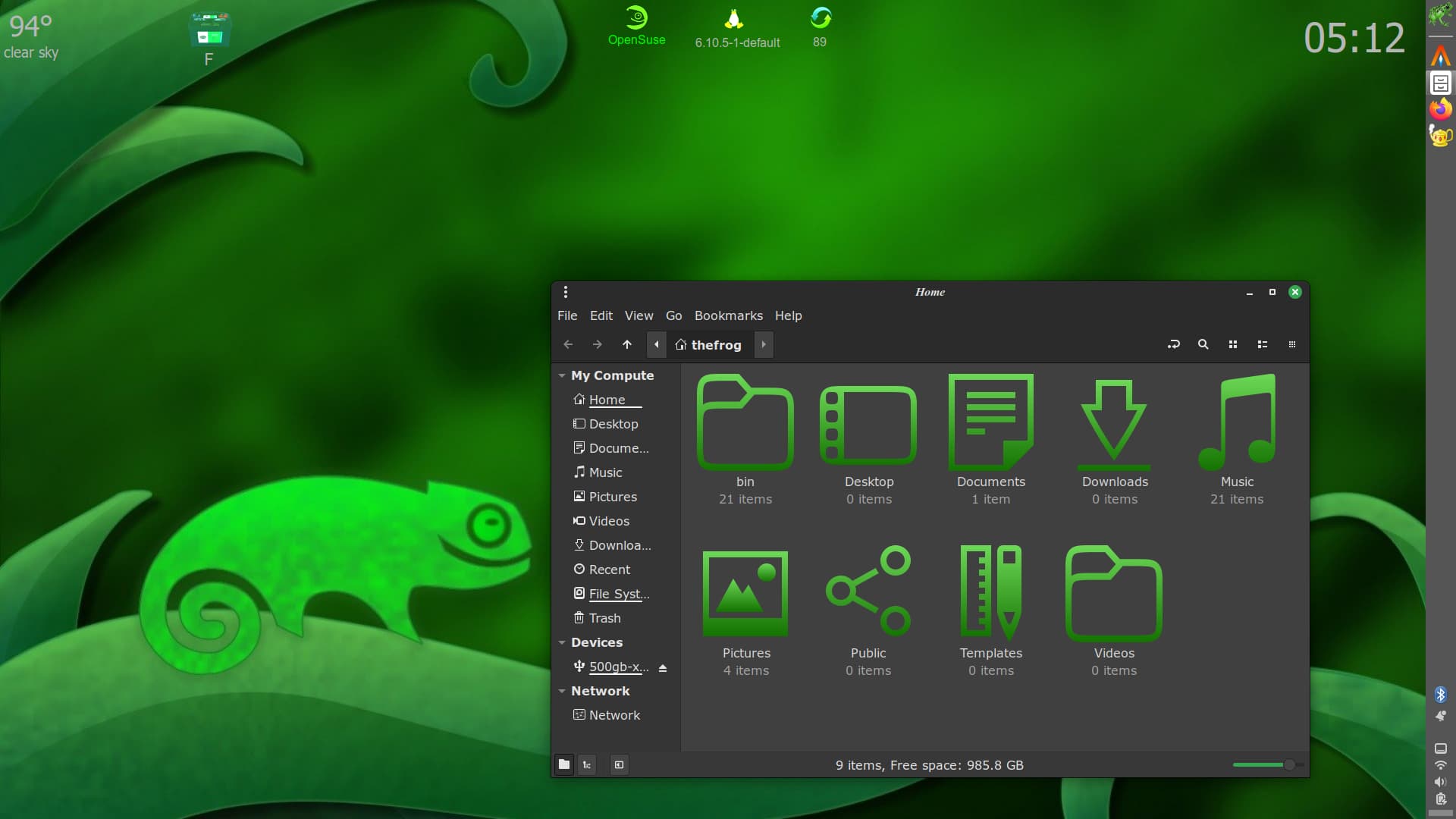
that is AWESOME fr fr 
 aesthetic LINUX beauty
If you like the hyprland philosophy but want something more stable then you should try sway
Welcome! Awesome Sway config 
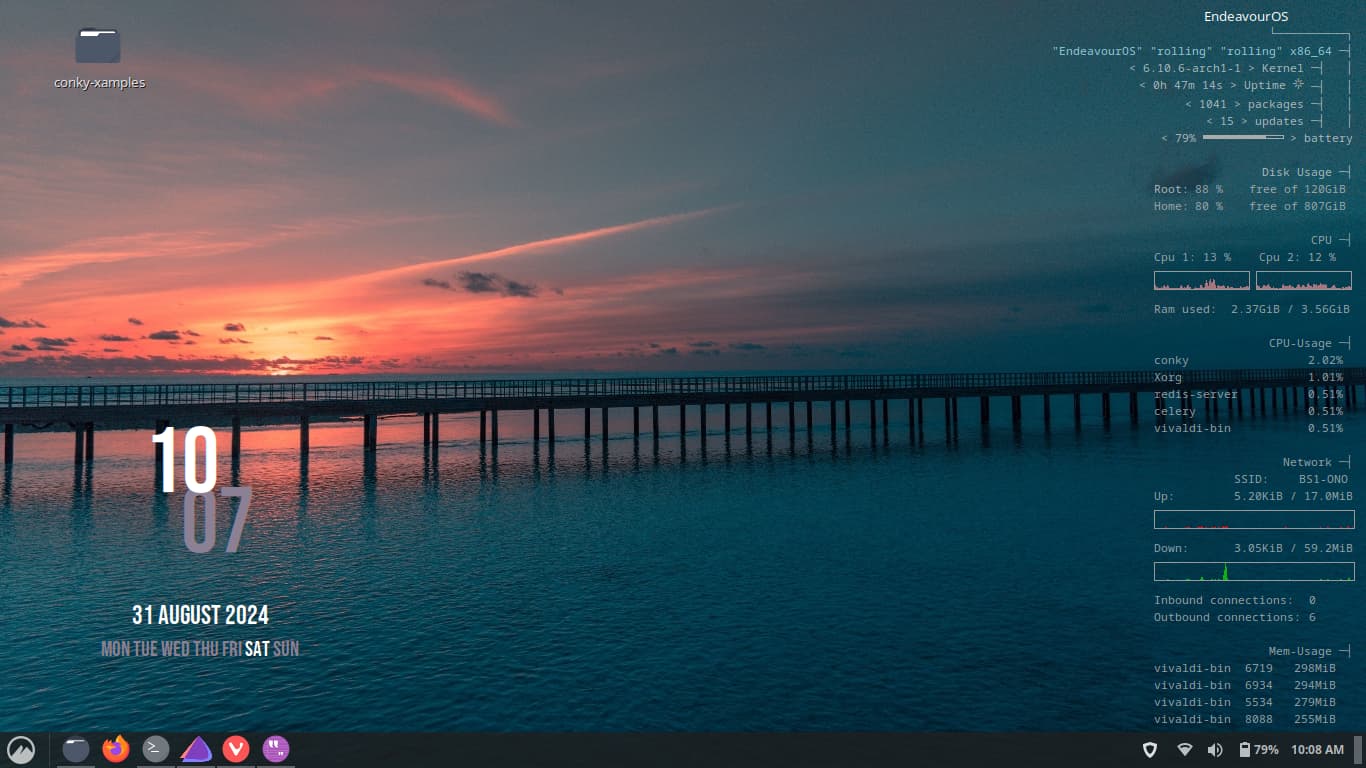
Looks fantastic! Are you using conky for the calendar/clock widget?
Very nice. I’d like to take a look at your Conky code for the clock/calendar. Also, where did you get the wallpaper?
Thanks, its a conky. BG from pxfuel.com

conky.config = {
-- — Conky settings — #
	background = false,
    update_interval = 1,
	total_run_times = 0,
	net_avg_samples = 2,
	override_utf8_locale = true,
	double_buffer = true,
	no_buffers = true,
	text_buffer_size = 2048,
	imlib_cache_size = 0,
	own_window_argb_visual = true,
    own_window_argb_value = 0,

-- — Window specifications — #
	own_window_class = 'Conky',
	own_window = true,
	own_window_type = 'desktop',
	own_window_transparent = true,
	own_window_hints = 'undecorated,below,sticky,skip_taskbar,skip_pager',
	border_inner_margin = 0,
	border_outer_margin = 0,
	minimum_width = 210,
    minimum_height = 210,
	maximum_width = 210,
	alignment = 'bottom_left',
	gap_x = 95,
	gap_y = 10,

-- — Graphics settings — #
    border_width = 1,
	draw_shades = false,
	draw_outline = false,
	draw_borders = false,
	draw_graph_borders = false,
    stippled_borders = 0,

-- — Text settings — #
	use_xft = true,
	font = 'Roboto:size=2',
	xftalpha = 1.0,
	override_utf8_locale = true,
	default_color = '#FFFFFF',
	color1 = '#8C8194',
	use_spacer = 'right',

-- — Lua Load — #
--	lua_load = '$HOME/.Conky/revolutionary_clocks/rev_mini/cups_n_saucers2.lua',
--	lua_draw_hook_post = 'main',
}

conky.text = [[
${alignc -18}${voffset 80}${color1}${font Bebas Neue:size=70}${time %M}${font}
${alignc 18}${voffset -145}${color}${font Bebas Neue:size=70}${time %I}${font}
${alignc 35}${voffset 20}${color}${font Bebas Neue:size=16}${time %P}
${alignc}${voffset 60}${font Bebas Neue:size=20}${time %d %^B %Y}
${alignc}${font Bebas Neue:size=16}${if_match ${exec date +"%u"} == 1}${color}${else}${color1}${endif}MON ${if_match ${exec date +"%u"} == 2}${color}${else}${color1}${endif}TUE ${if_match ${exec date +"%u"} == 3}${color}${else}${color1}${endif}WED ${if_match ${exec date +"%u"} == 4}${color}${else}${color1}${endif}THU ${if_match ${exec date +"%u"} == 5}${color}${else}${color1}${endif}FRI ${if_match ${exec date +"%u"} == 6}${color}${else}${color1}${endif}SAT ${if_match ${exec date +"%u"} == 7}${color}${else}${color1}${endif}SUN
]]
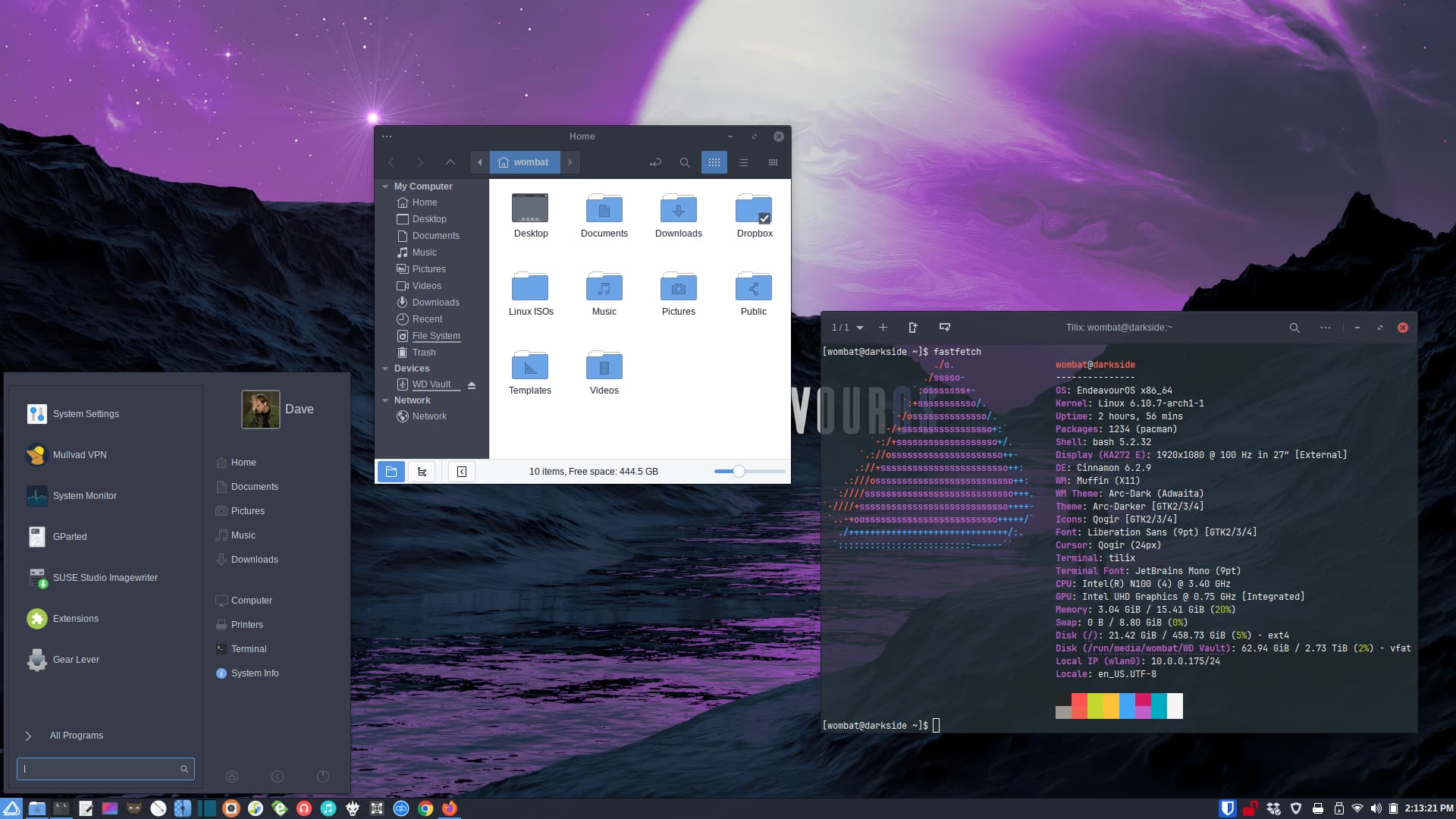
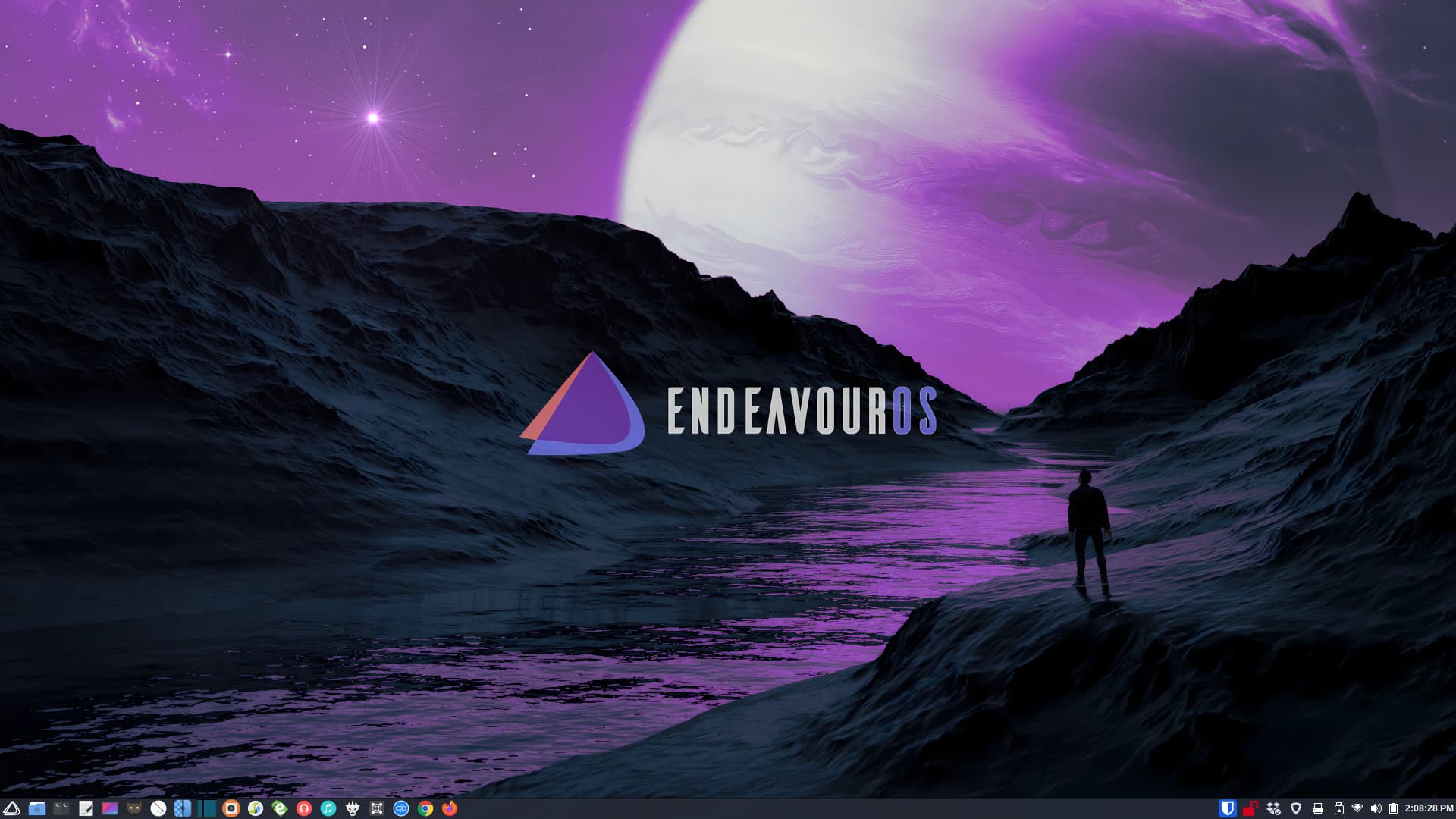
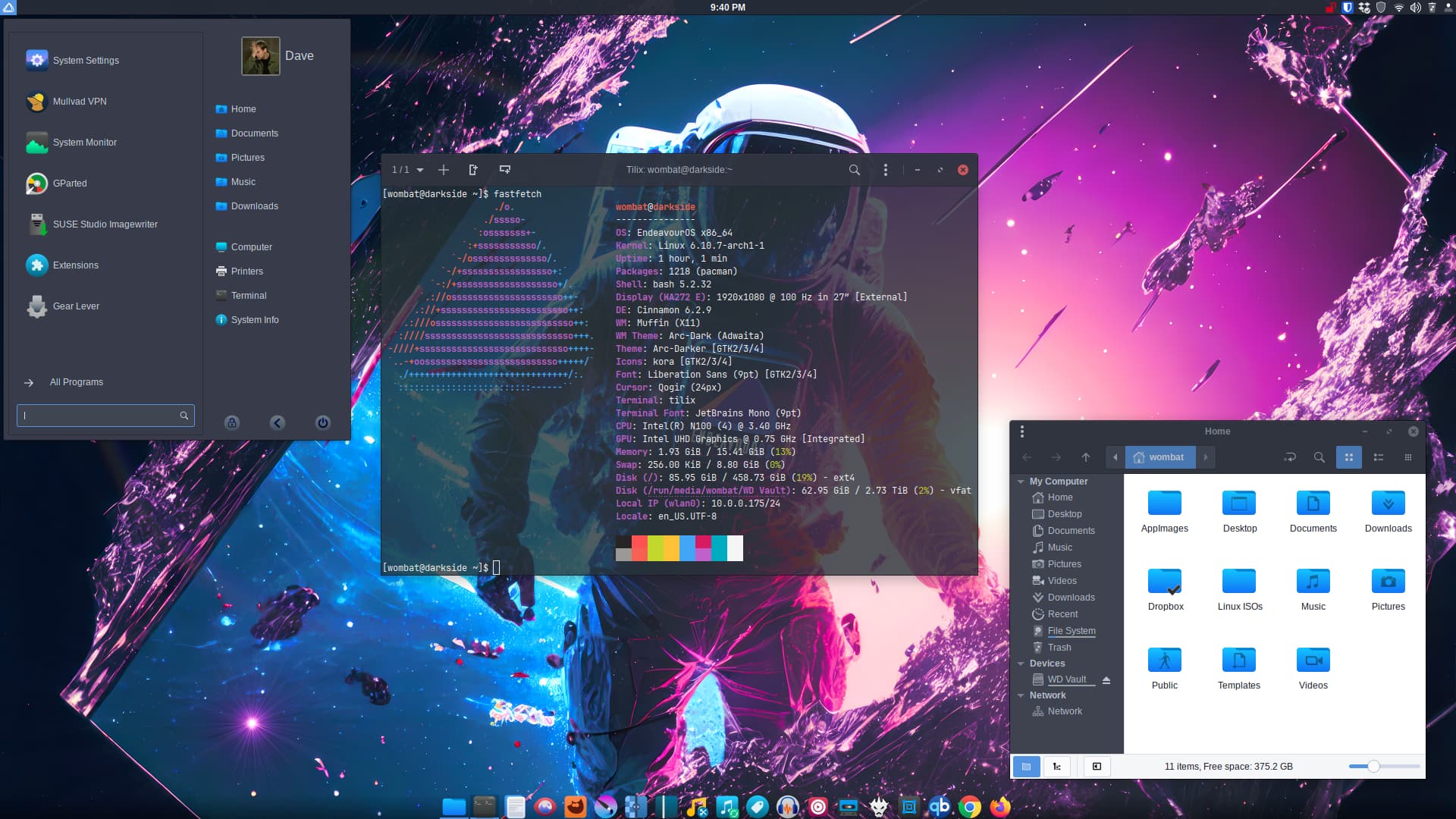
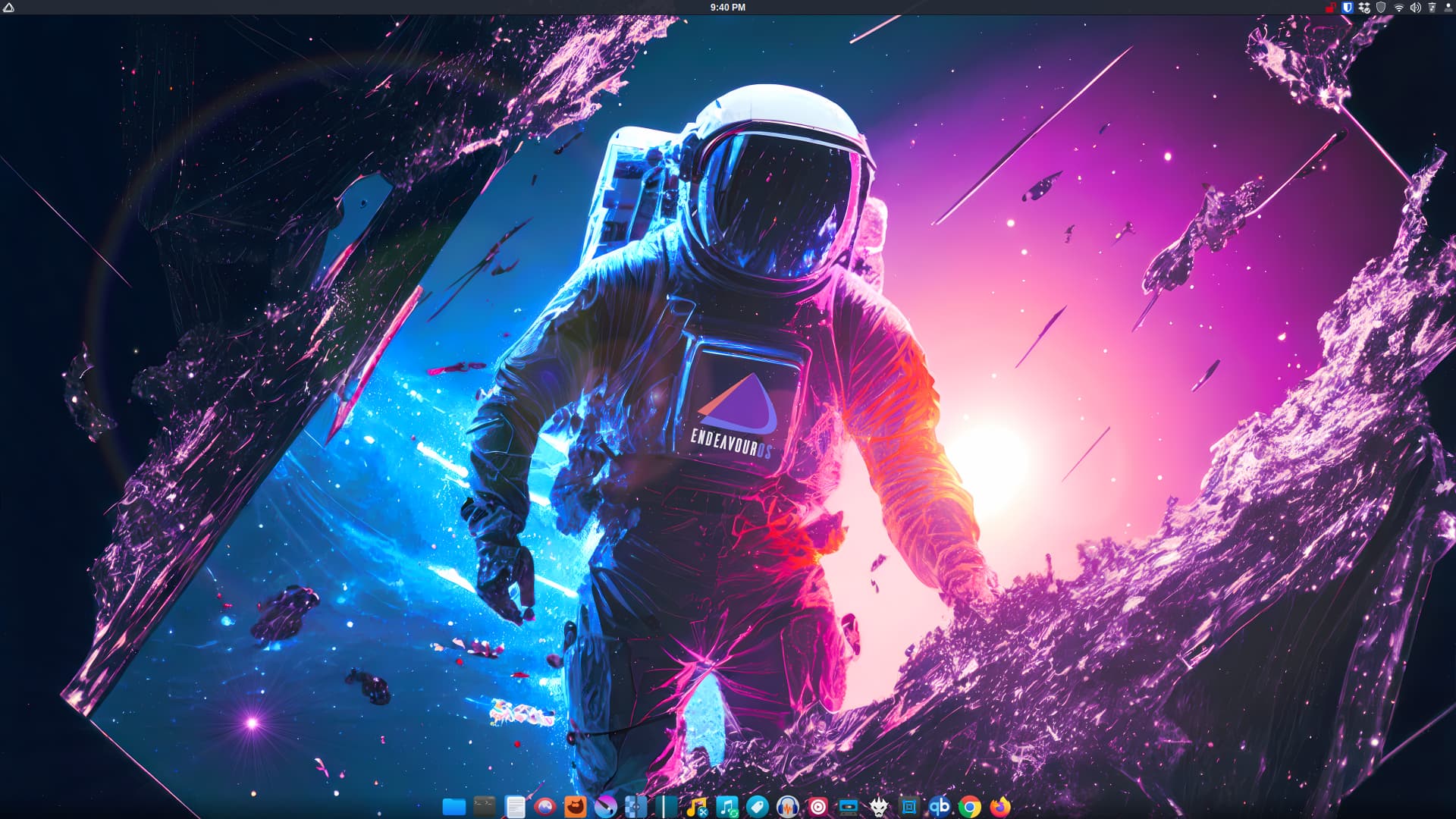
OK, y’all. Last time for a bit. 

Since this is a new, fresh EOS Cinnamon install, I’ve been tinkering.
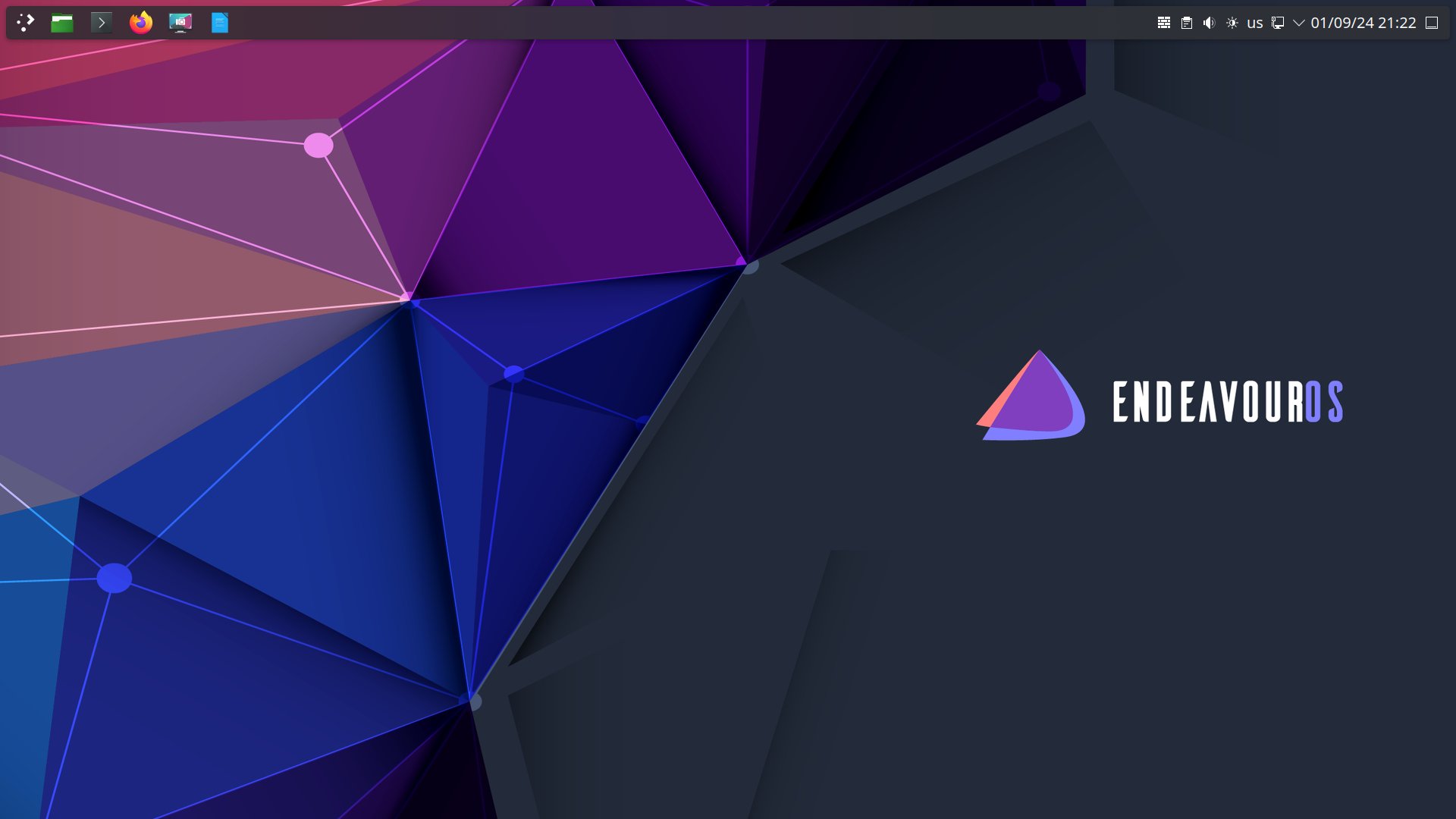
Finally got all my apps installed, my Cinnamon panels as I like, and got my favorite icon set, Kora installed. Changed background to my newest EOS wallpaper.
I’m really into my Cinnamon. you scooted the app indicators far right, centered clock, kept menu far left. clock in the middle always tasteful for me. I loaded my menu applet to the right with the widgets, right before that red widget you have.
you skinnied that panel up at the top. not stock. font size might be though.
but the dock…damn, dialed down and tasteful. that is not plank. what is it?
it’s lean. edit–spelling
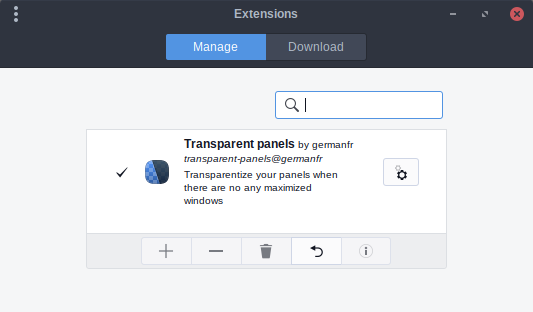
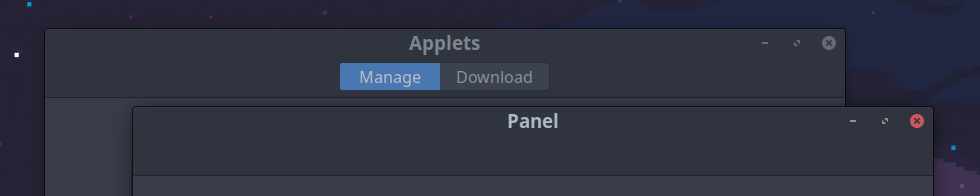
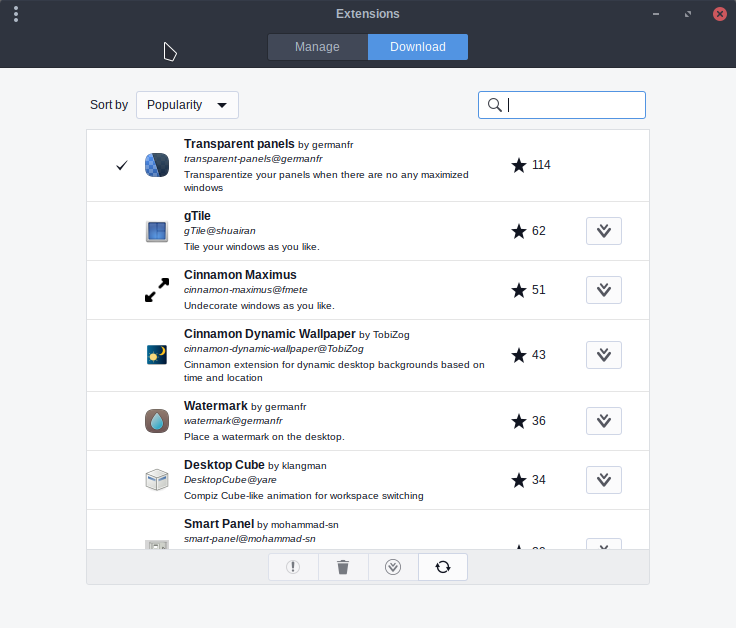
Extensions>Downloads>Transparent Panels or from here
Cinnamon users looking out for each other
Exactly as @rinwolf1312 said…
Open the Extensions app and click the download button at the top. Then search and install Transparent Panels extension.
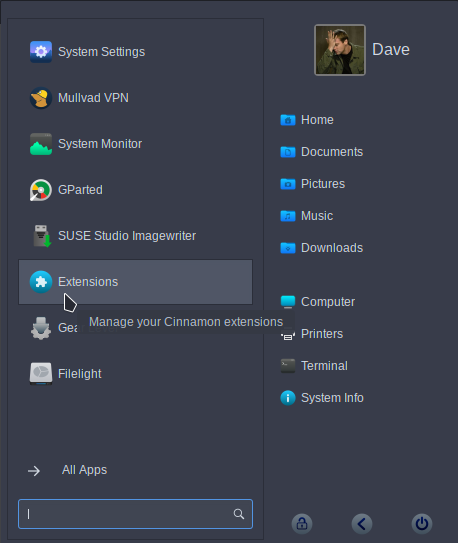

It’s my goto now. “I put that $h!t on everything.” 