Sorry, I’ve never worked with Krohnkite before. Normally, it should be listed under Window Management → Desktop Effects.
Rather in Kwin Script, if my memory serves me right
1 Like
It is not there either
Then, again if i remember correctly, in Kwin Scripts, you should have the possibility to click “Get new…” or something like that and install krohnkite this way
(reboot might be necessary)
Edit: let me re-install an EOS vm, it will be easier to help
1 Like
Installing it in Window Management > Kwin Scripts > Get New Works for me
You can find Krohnkite shortcuts in Keyboard > Shortcuts > Window Management
2 Likes
Yes, thanks. That works for me also. Loading files doesn’t work .. weird 
1 Like

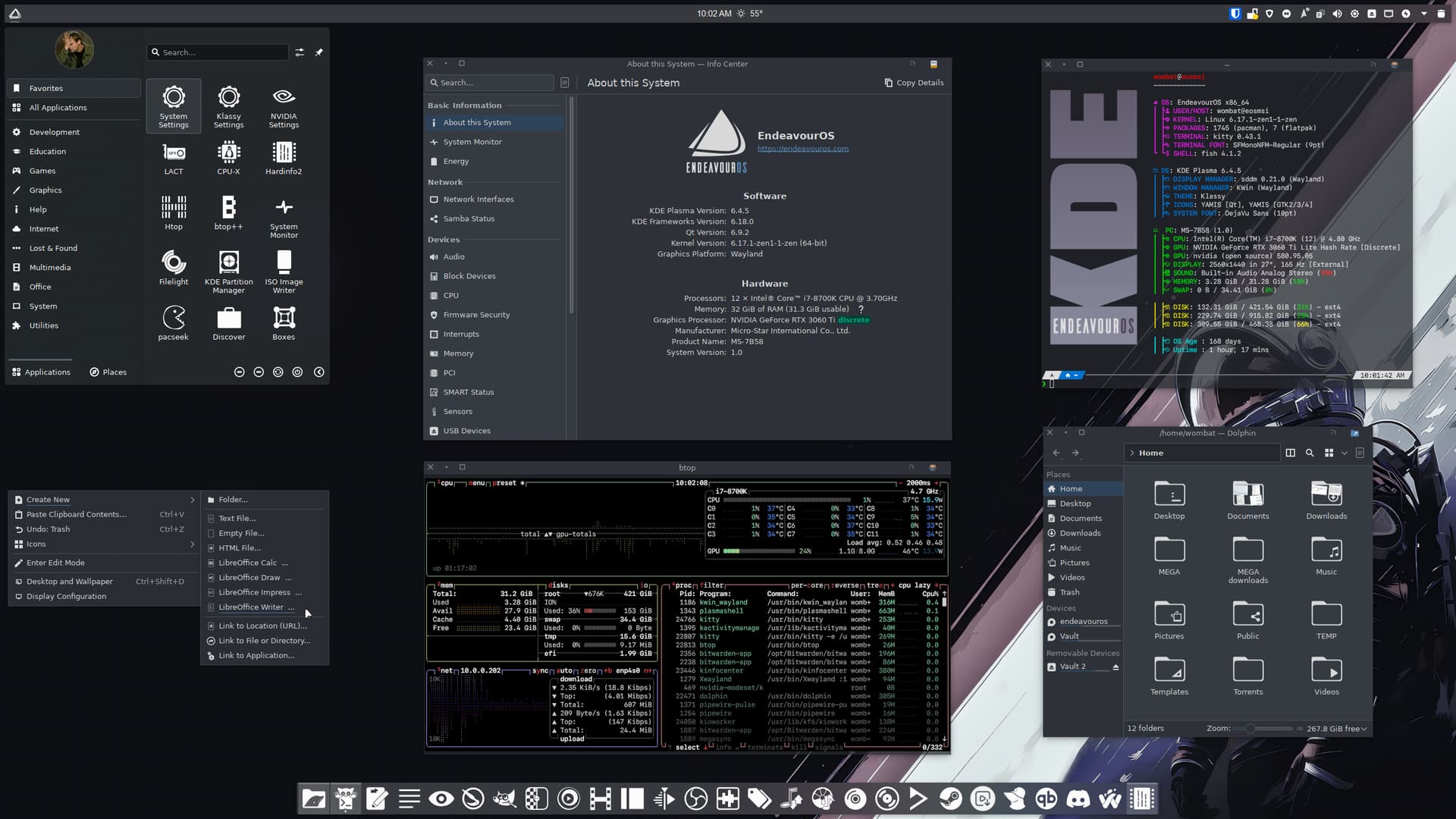
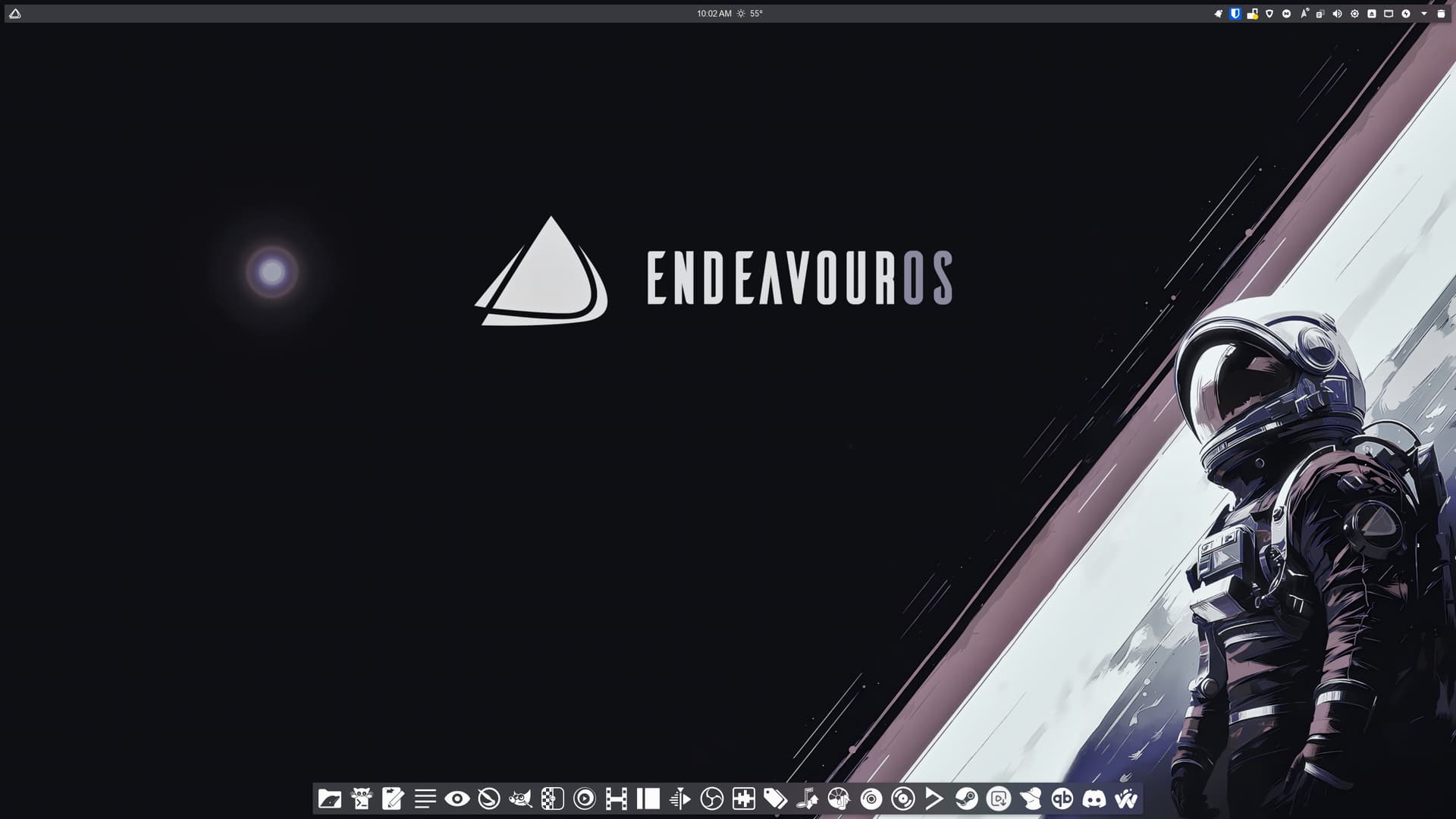
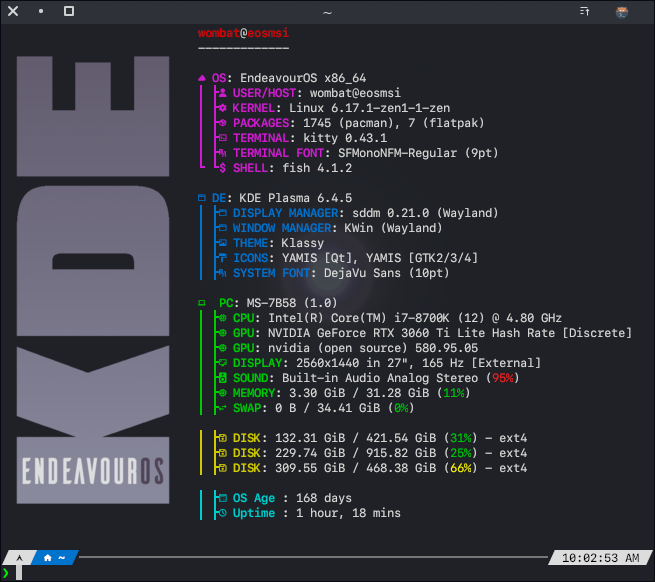
22 Likes
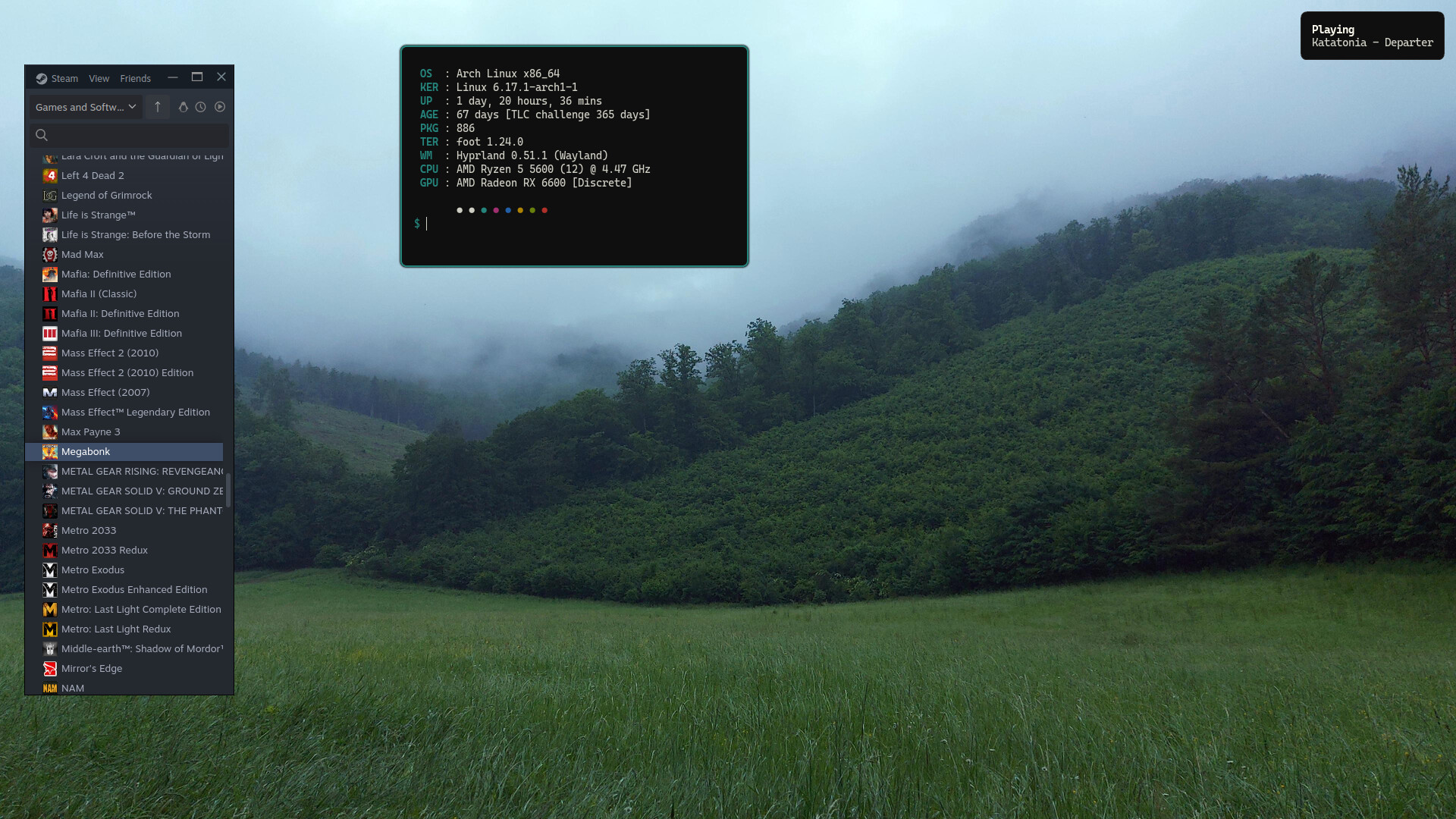
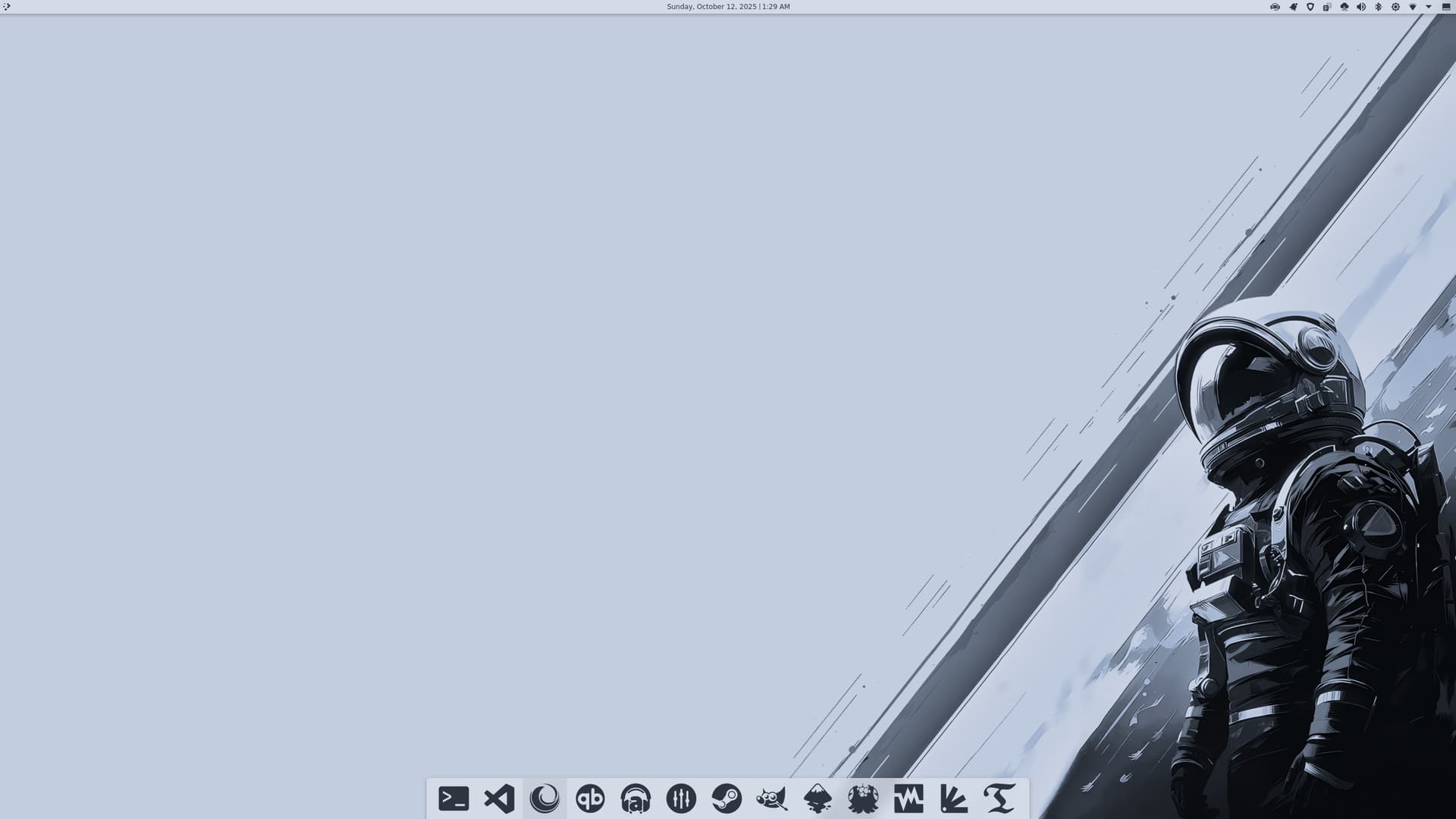
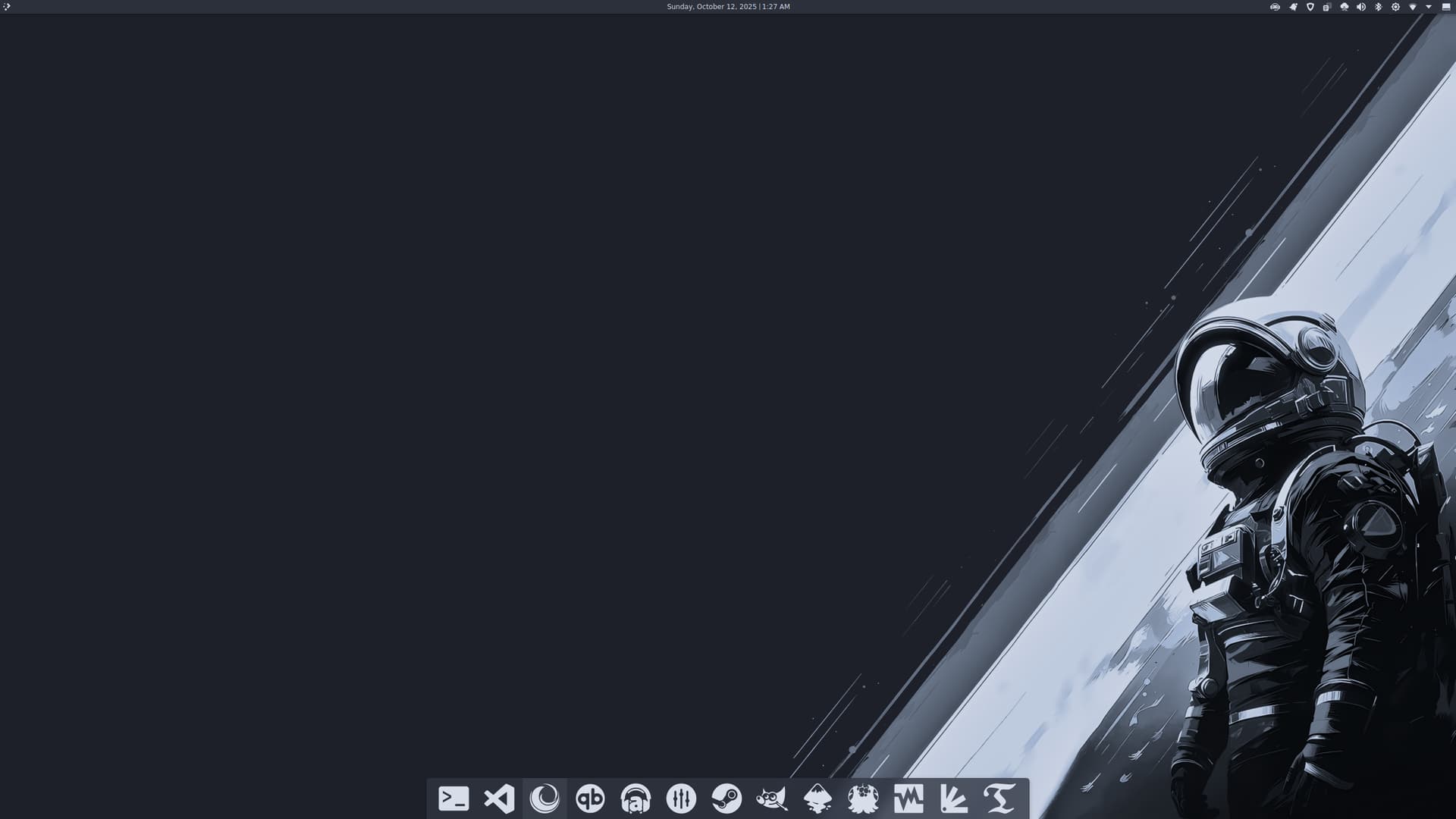
Thank you so much for the beautiful space man wallpaper, @UncleSpellbinder!
I made a few tweaks and tried my best to create a light version. It’s not the cleanest — those stray pixels were tricky to deal with. Still getting the hang of GIMP 
Plasma 6.5’s day and night mode is just around the corner! 
16 Likes
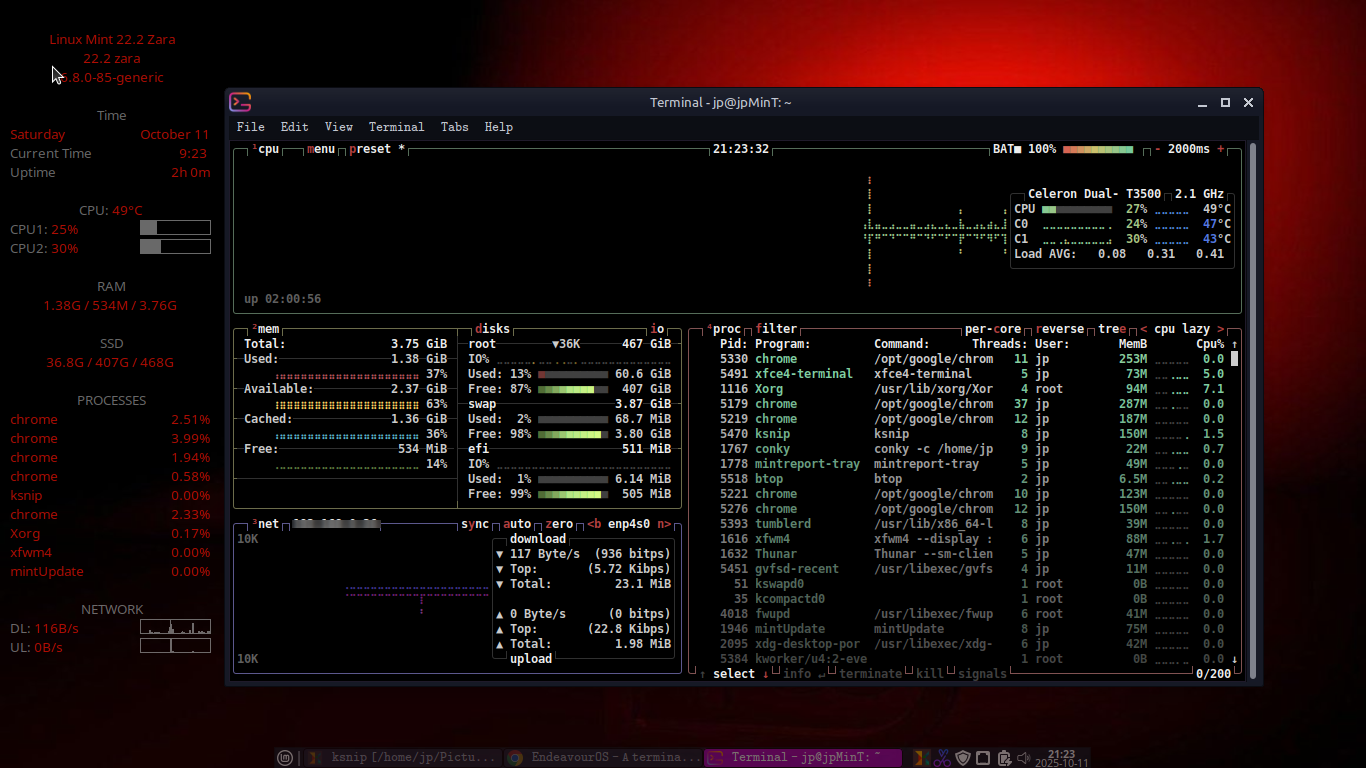
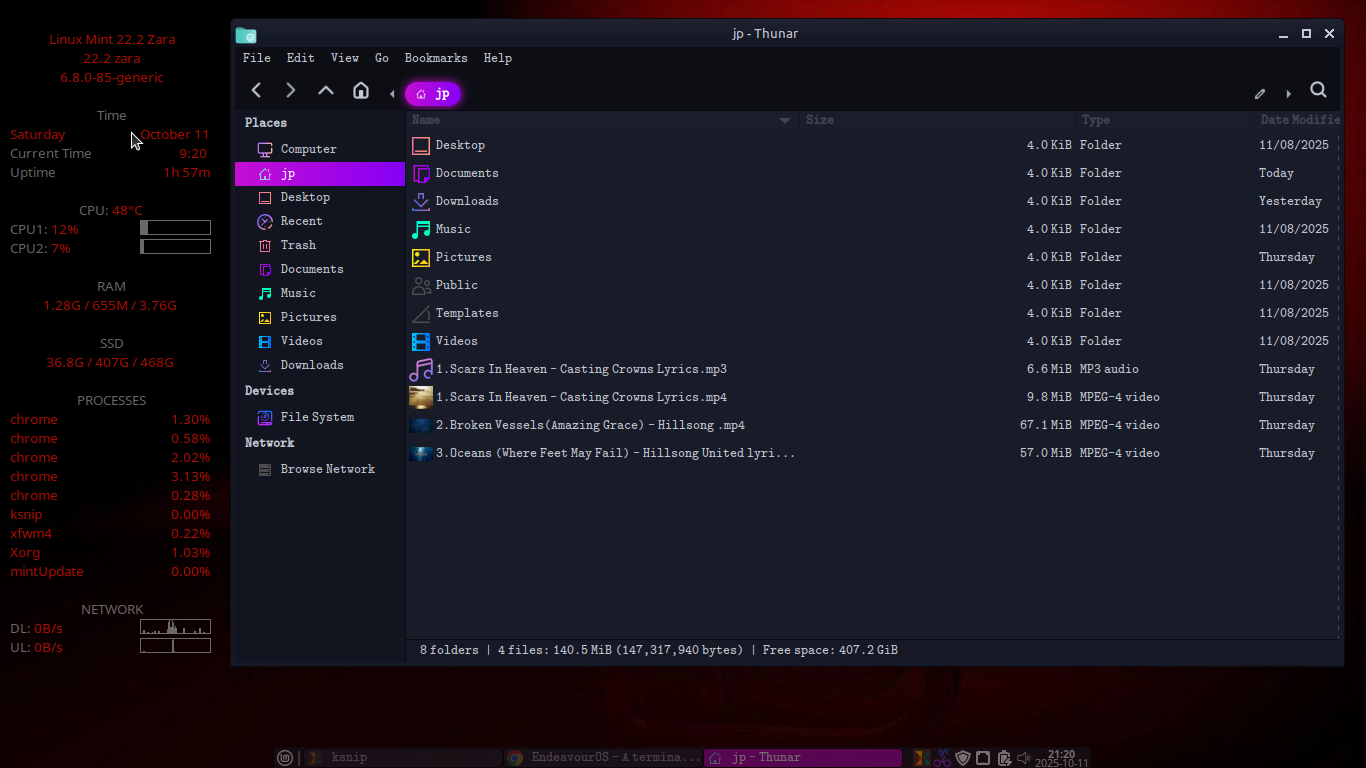

Nice!
Wait, shouldn’t that be boring life? 
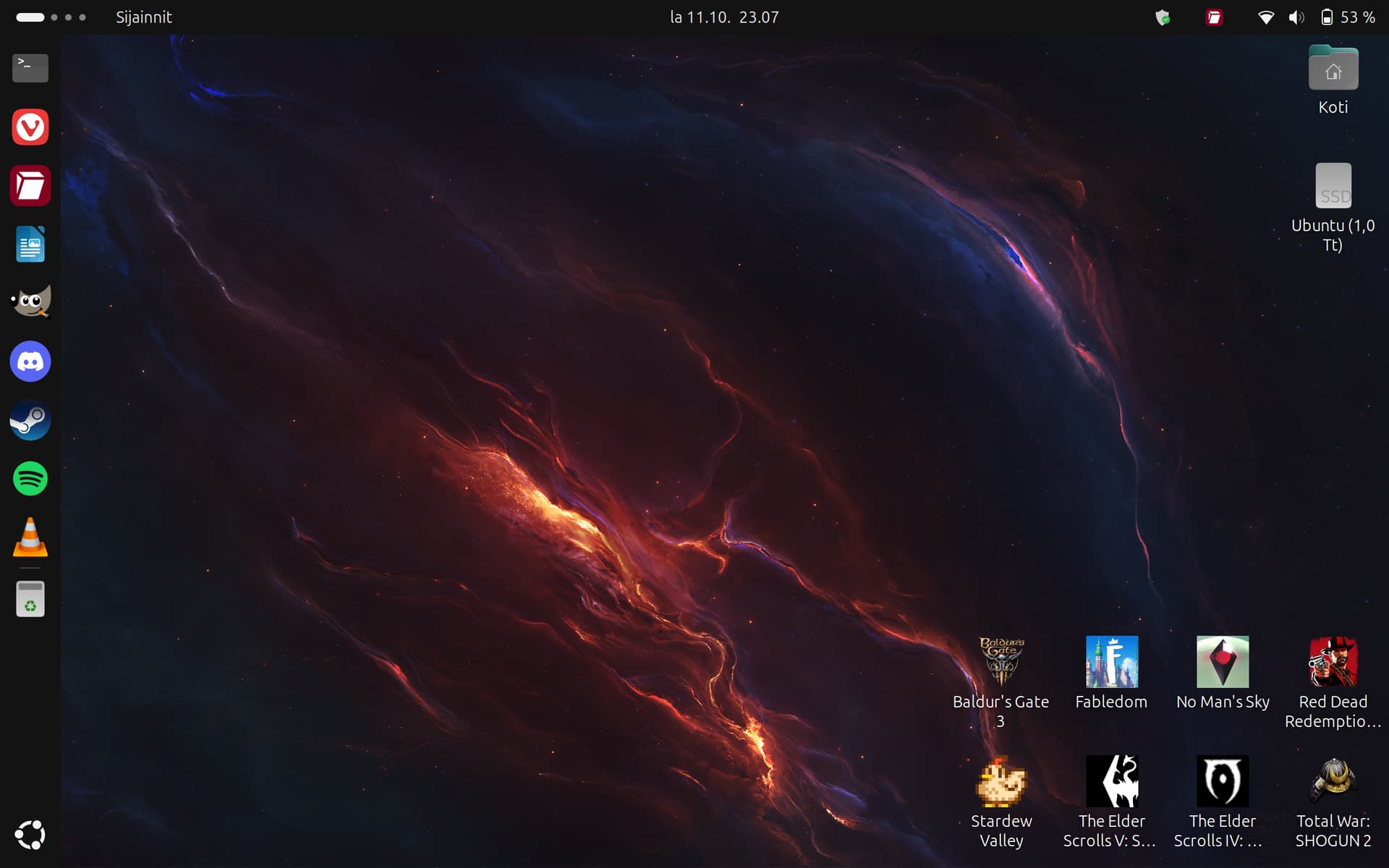

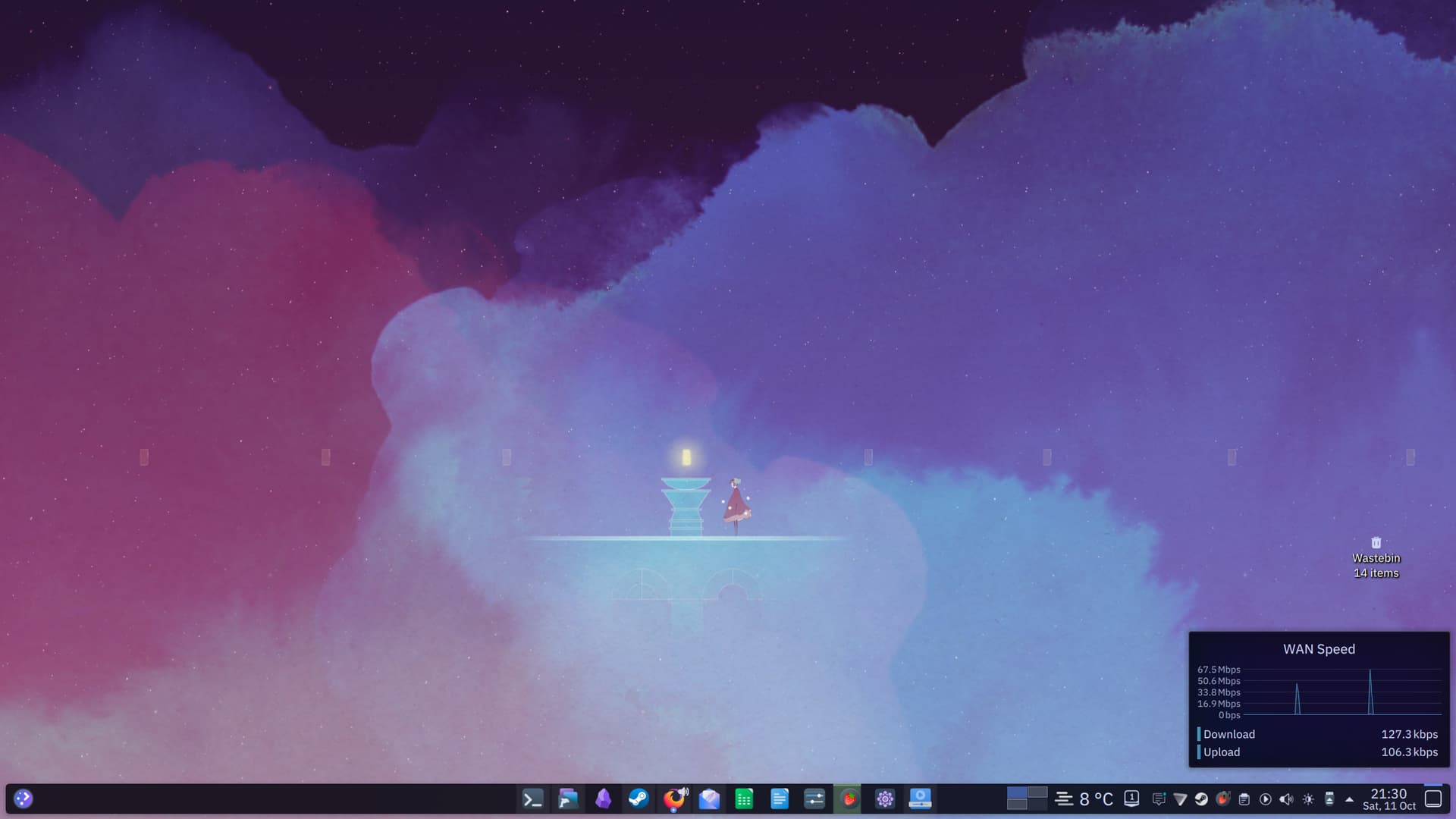
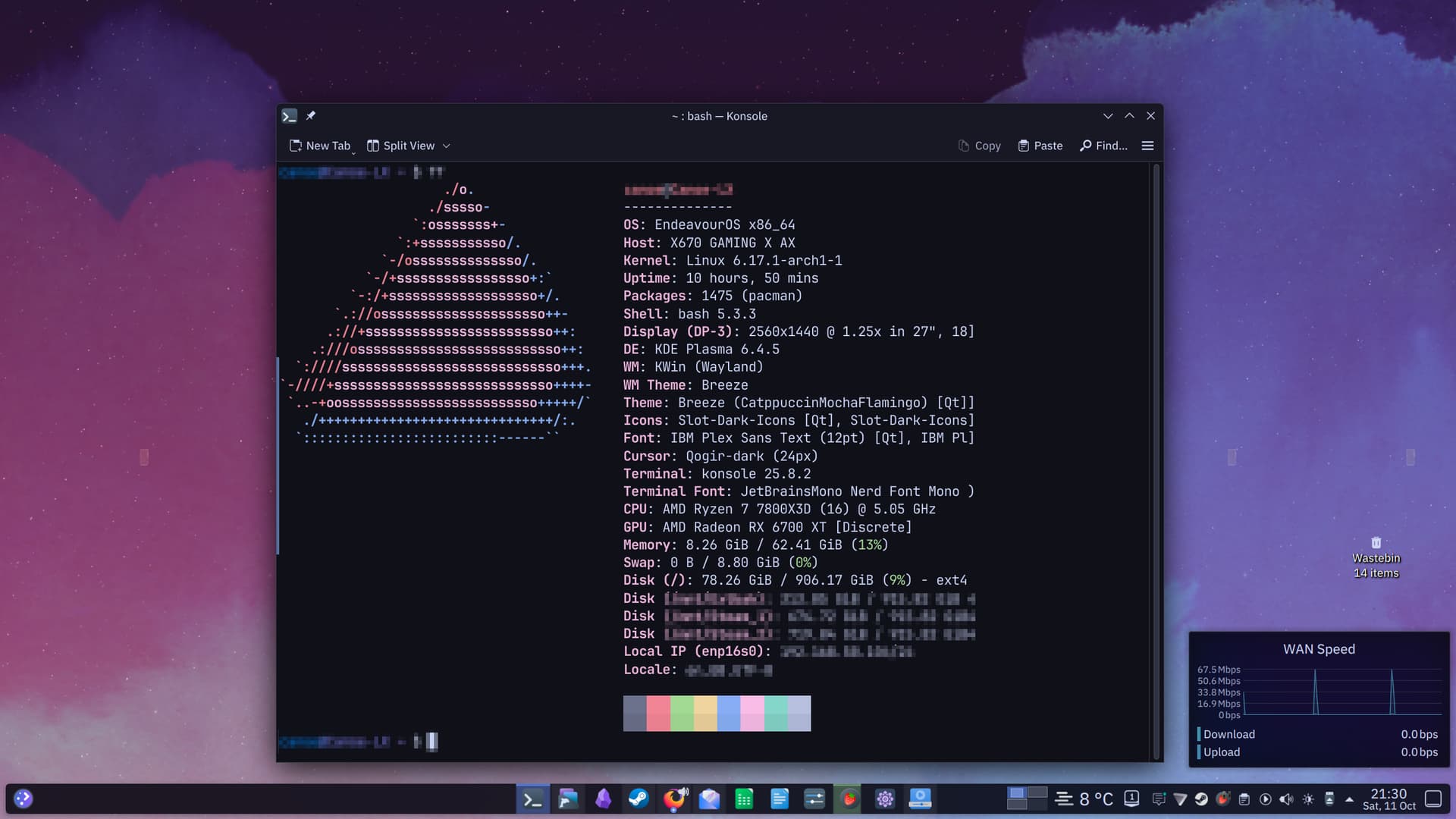
Nothing too fancy, but I do love that I figured out how to get Wallpaper Engine on here!
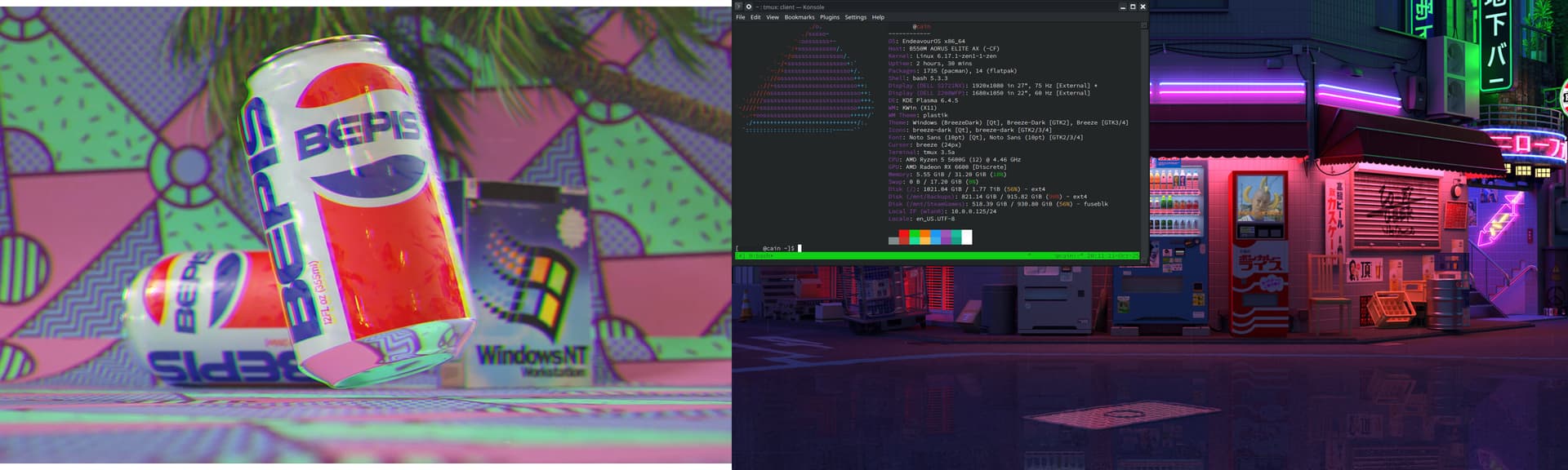
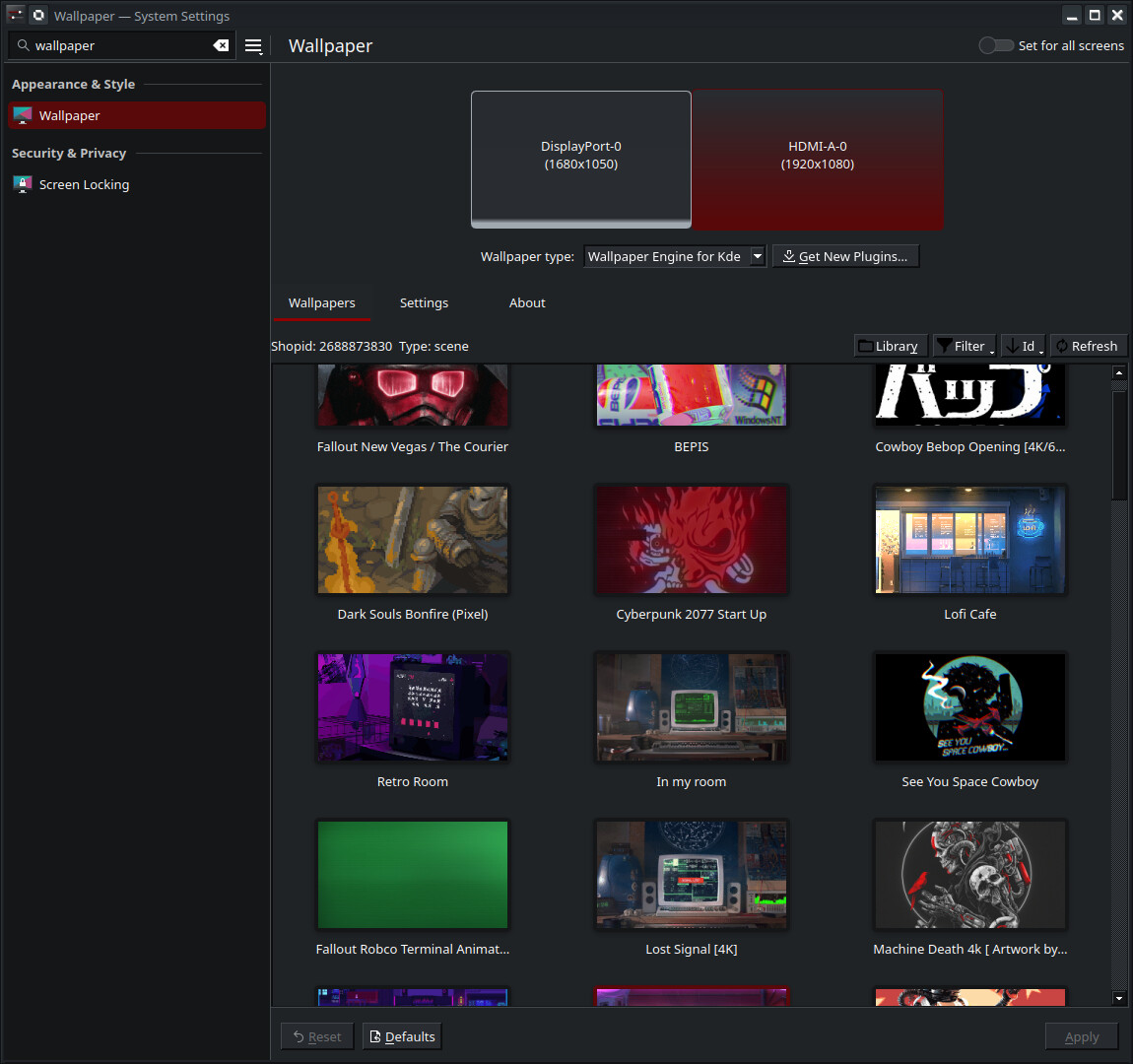
Note: Not all wallpapers work. Ones with interactive elements don’t work and some just crash KDE / have odd graphical glitches
10 Likes
Gris 
1 Like
love the barless setup!
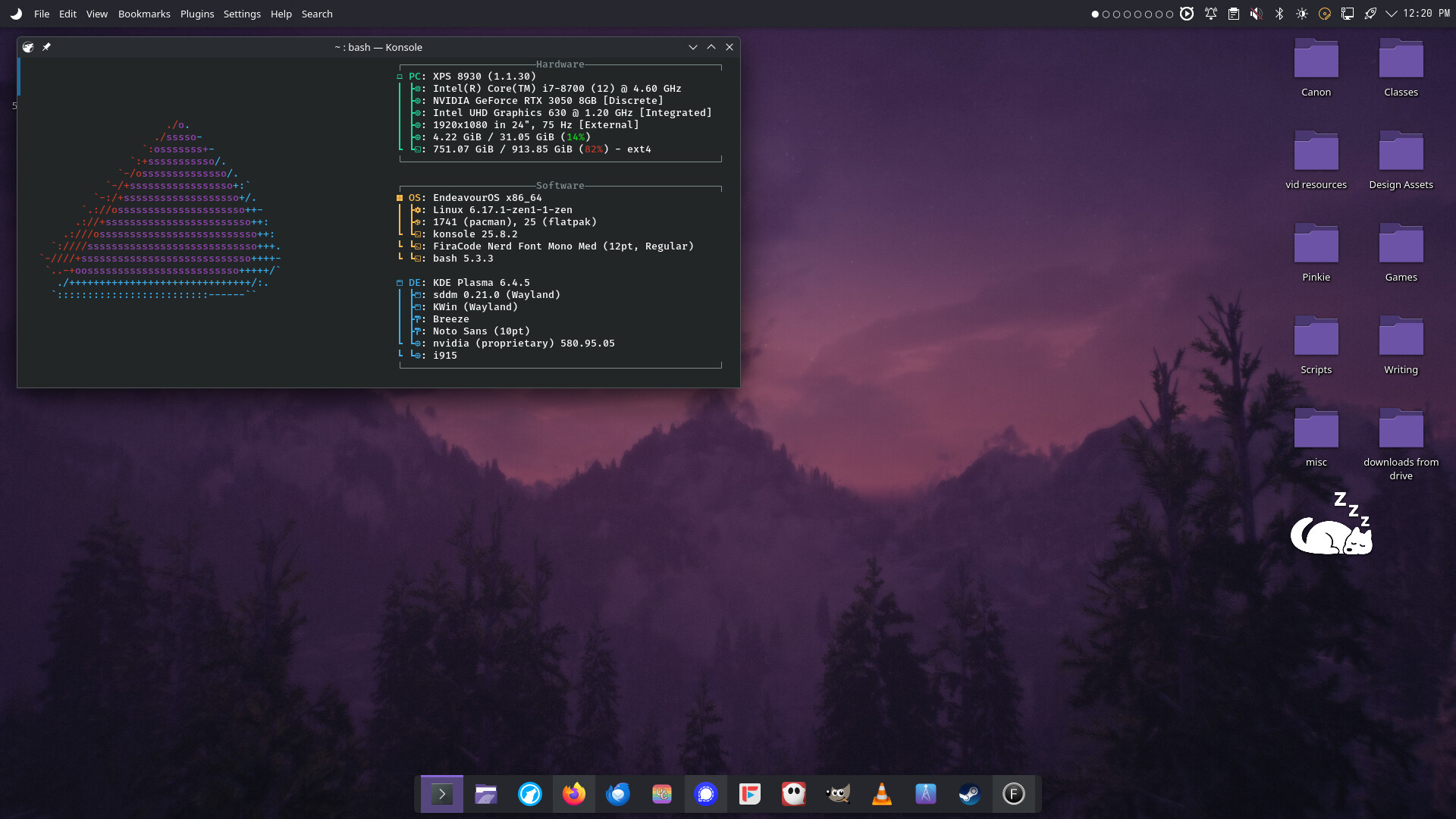

based shortcuts
1 Like