Share Your Desktop [2025]

I have to say, this video is absolutely fantastic.

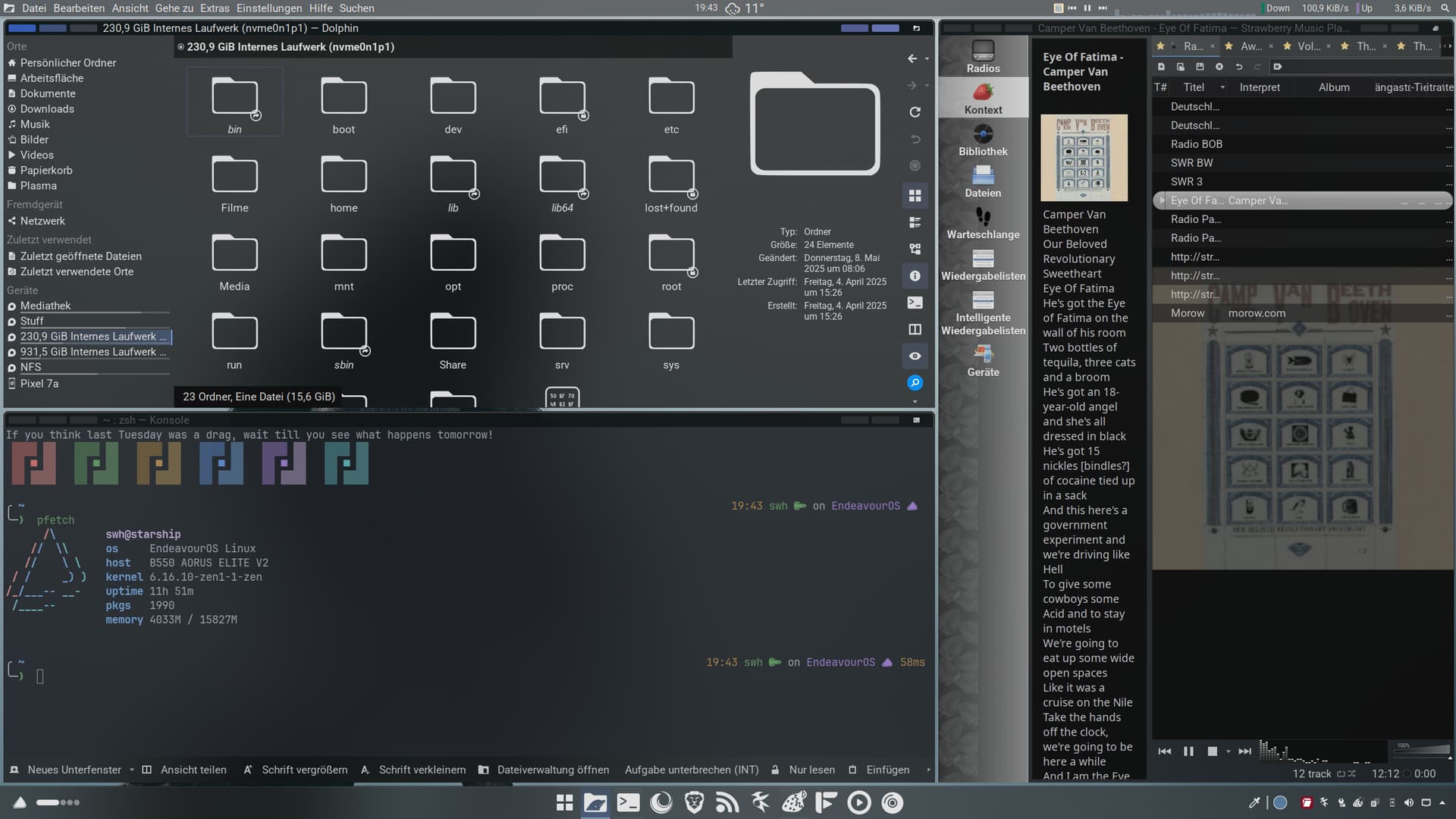
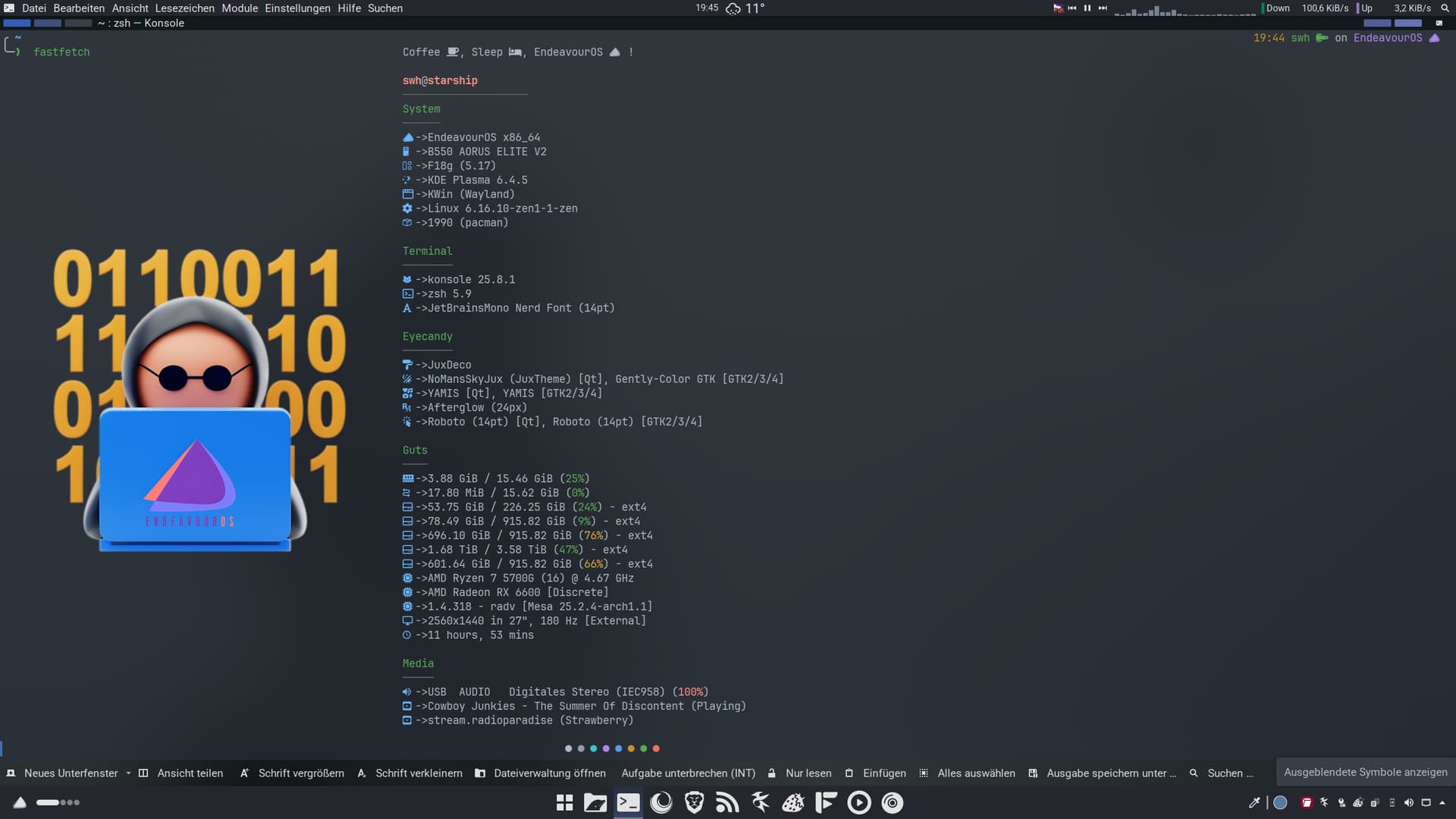
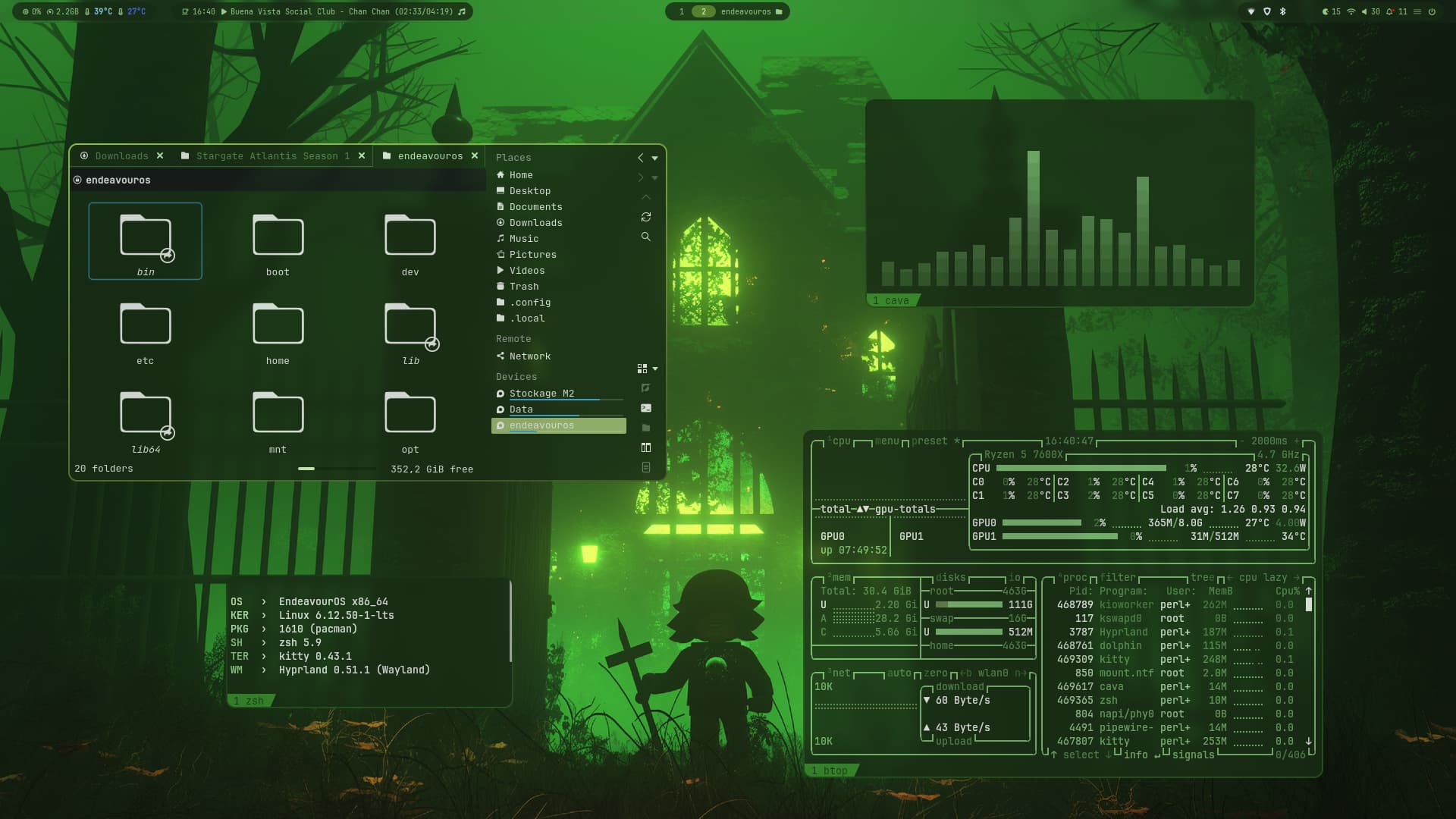
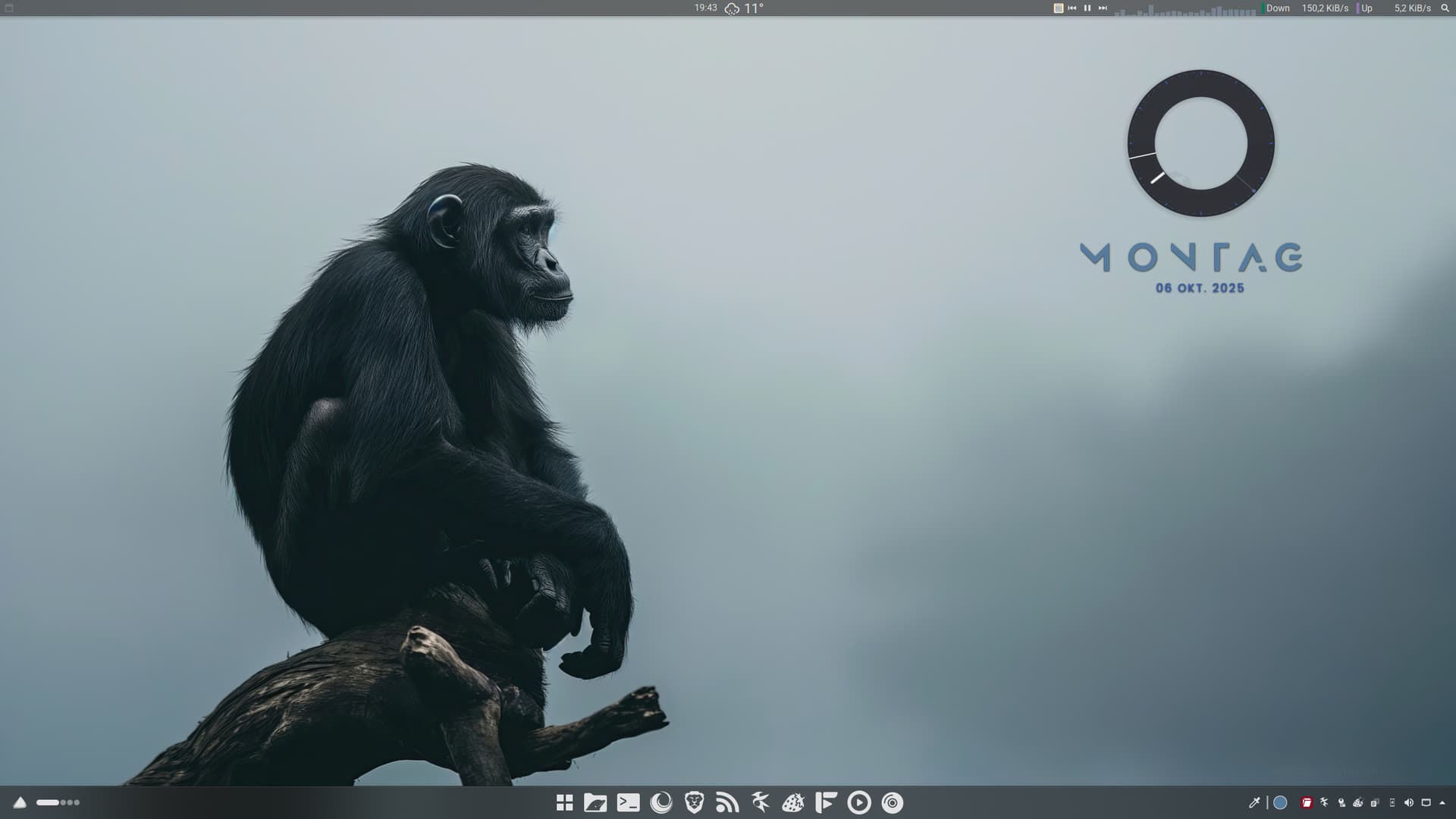
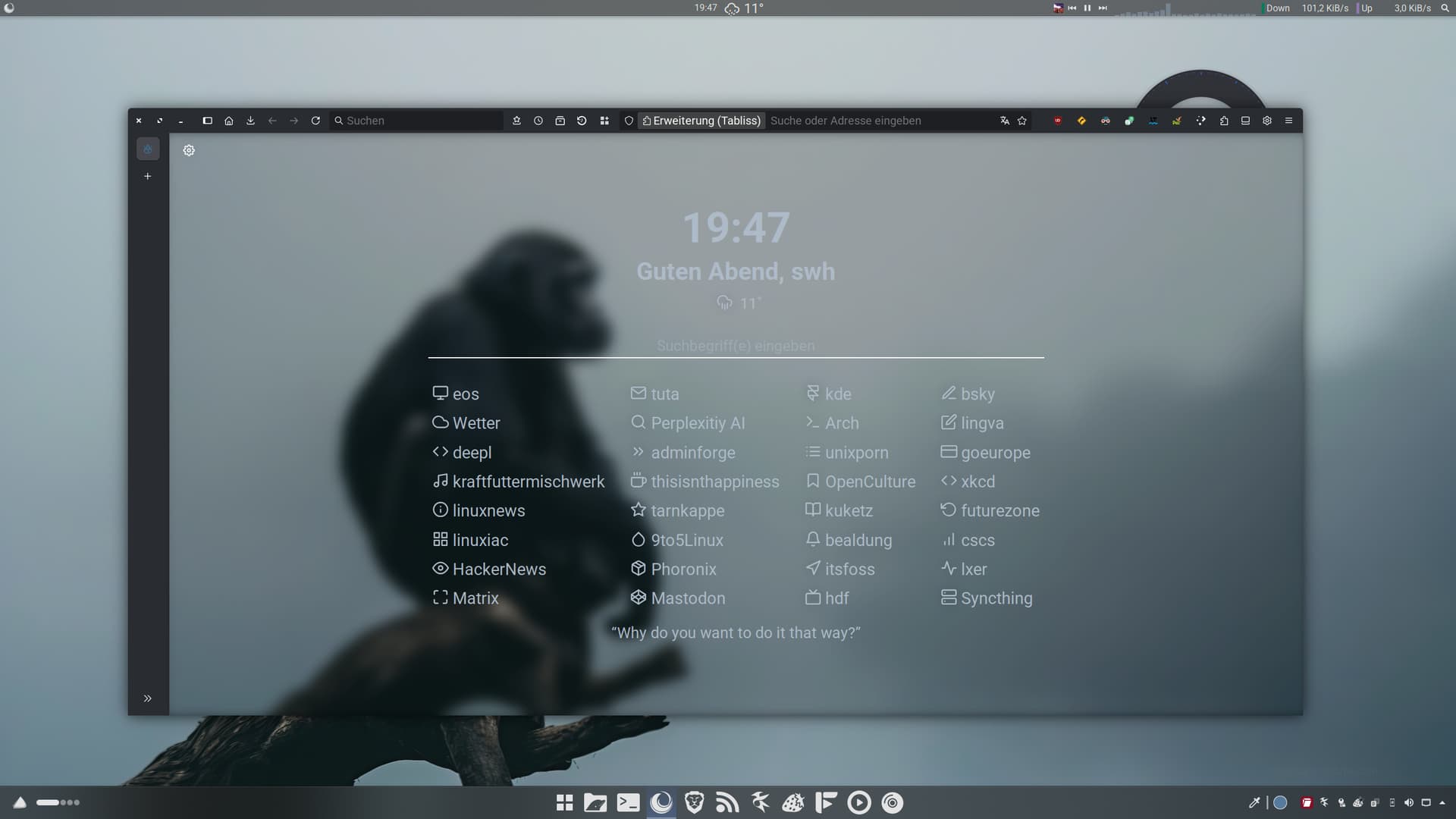
Unfortunately, I’m not a designer and don’t know much about all this stuff. Luckily, there’s Juxtopposed. I customized it a little to suit my needs. Voila, the perfect desktop.

Love goes out to Jane Goodall :heart_hands: :monkey:

15 Likes

my all time fav EndeavourOS Wallaper

2 Likes

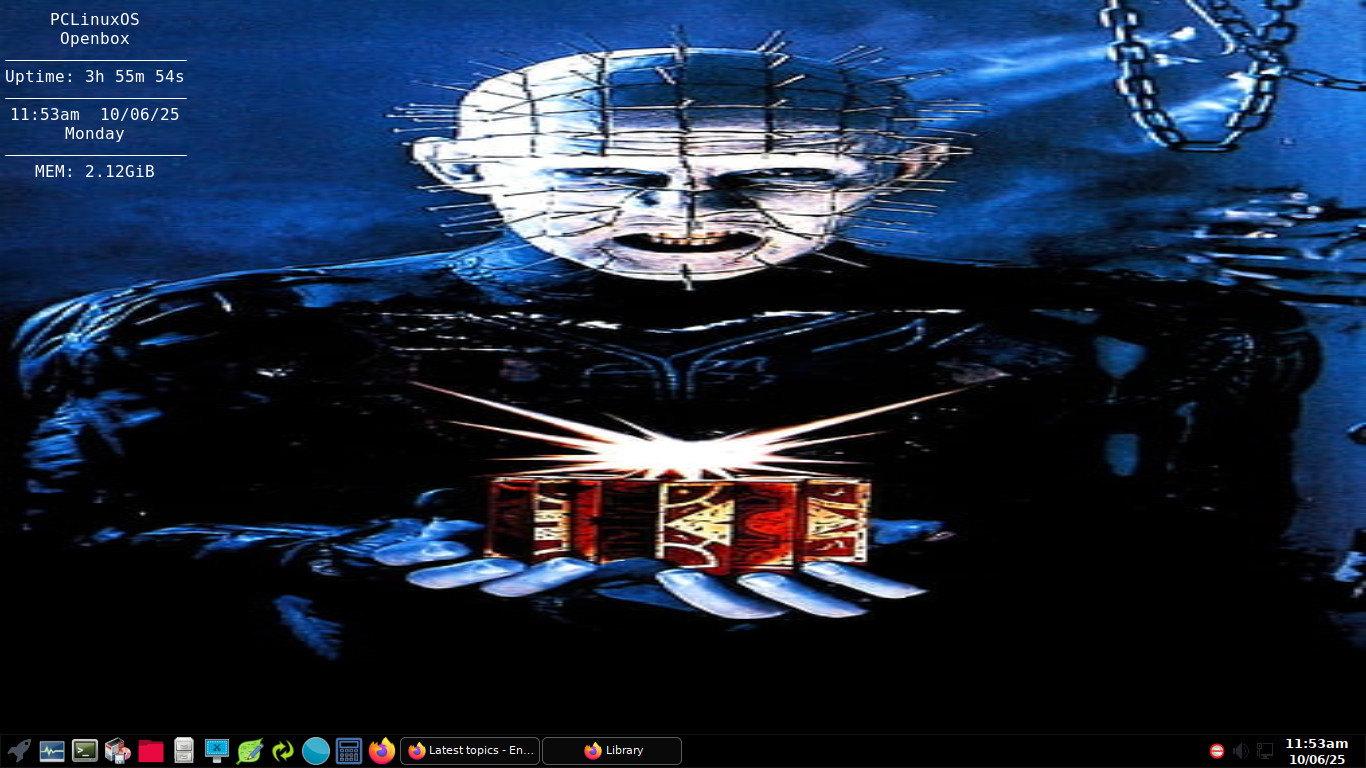
Not Arch but PCLinuxOS with openbox window manager.

13 Likes

Respect.

For the on topic, the lowest effort screenshot:

15 Likes

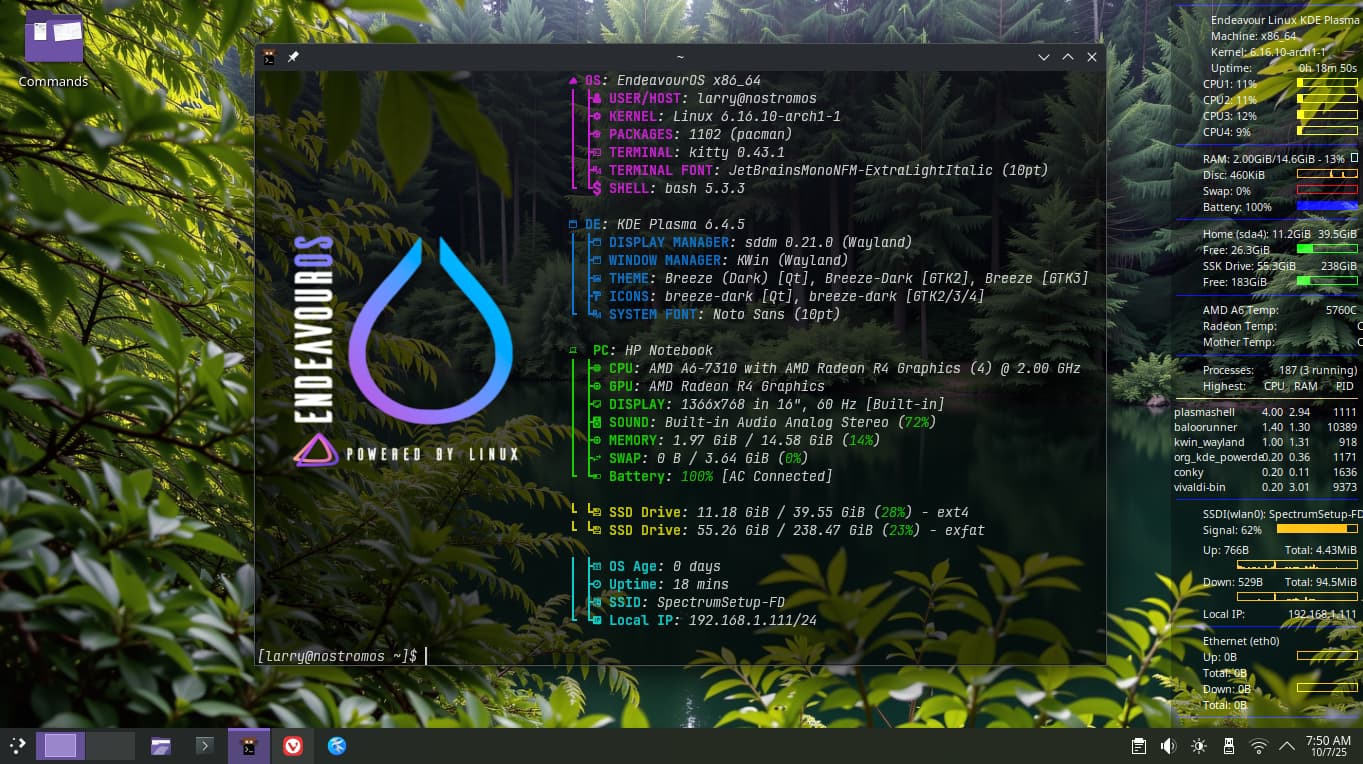
Just got EOS Plasma installed to its own partition … its amazing how well it runs on this anemic laptop. This morning trying wayland, but so far haven’t noticed much difference.

Its in it’s infancy, but its coming around with things i like ….

Thanks for looking … :upside_down_face:

12 Likes

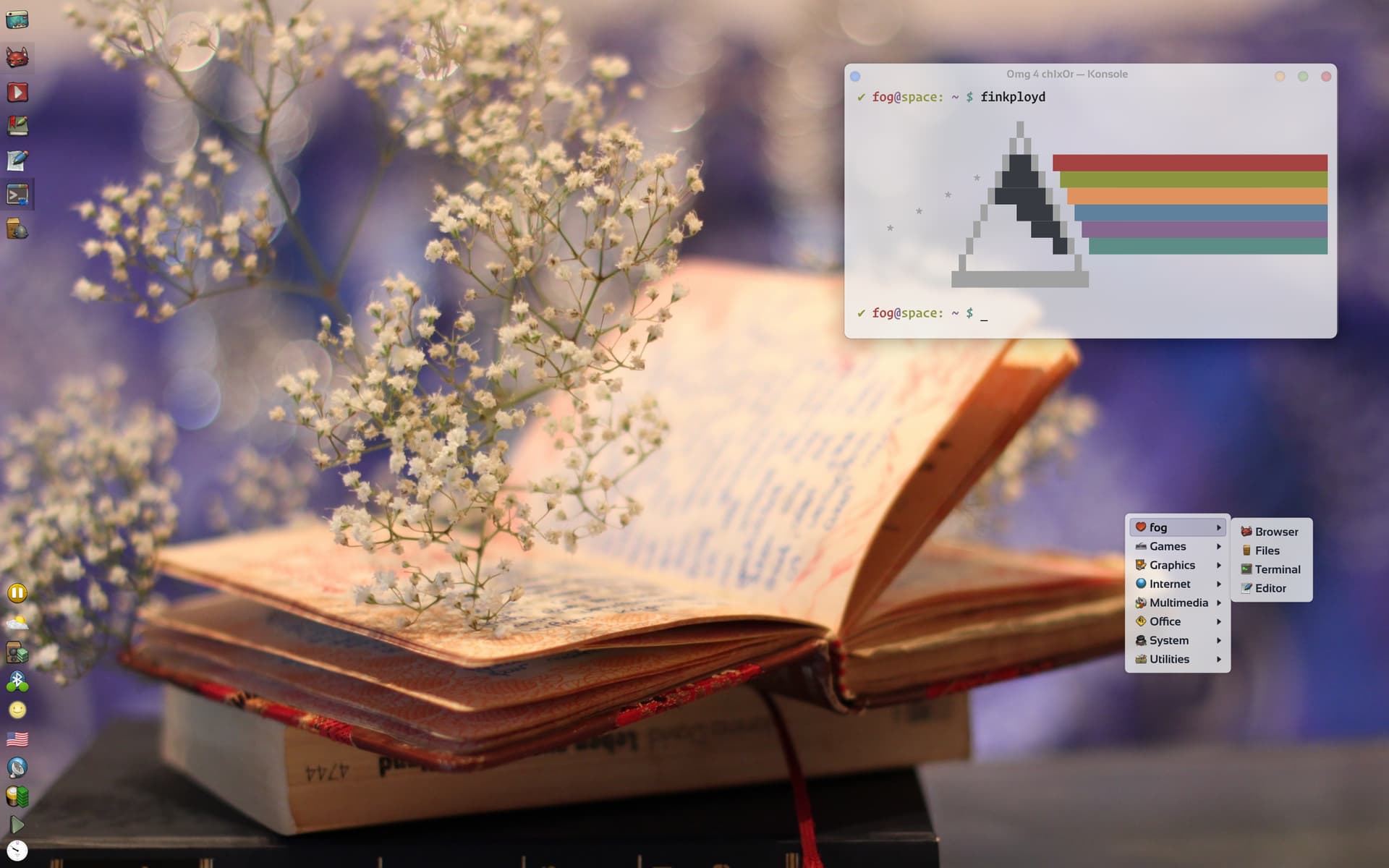
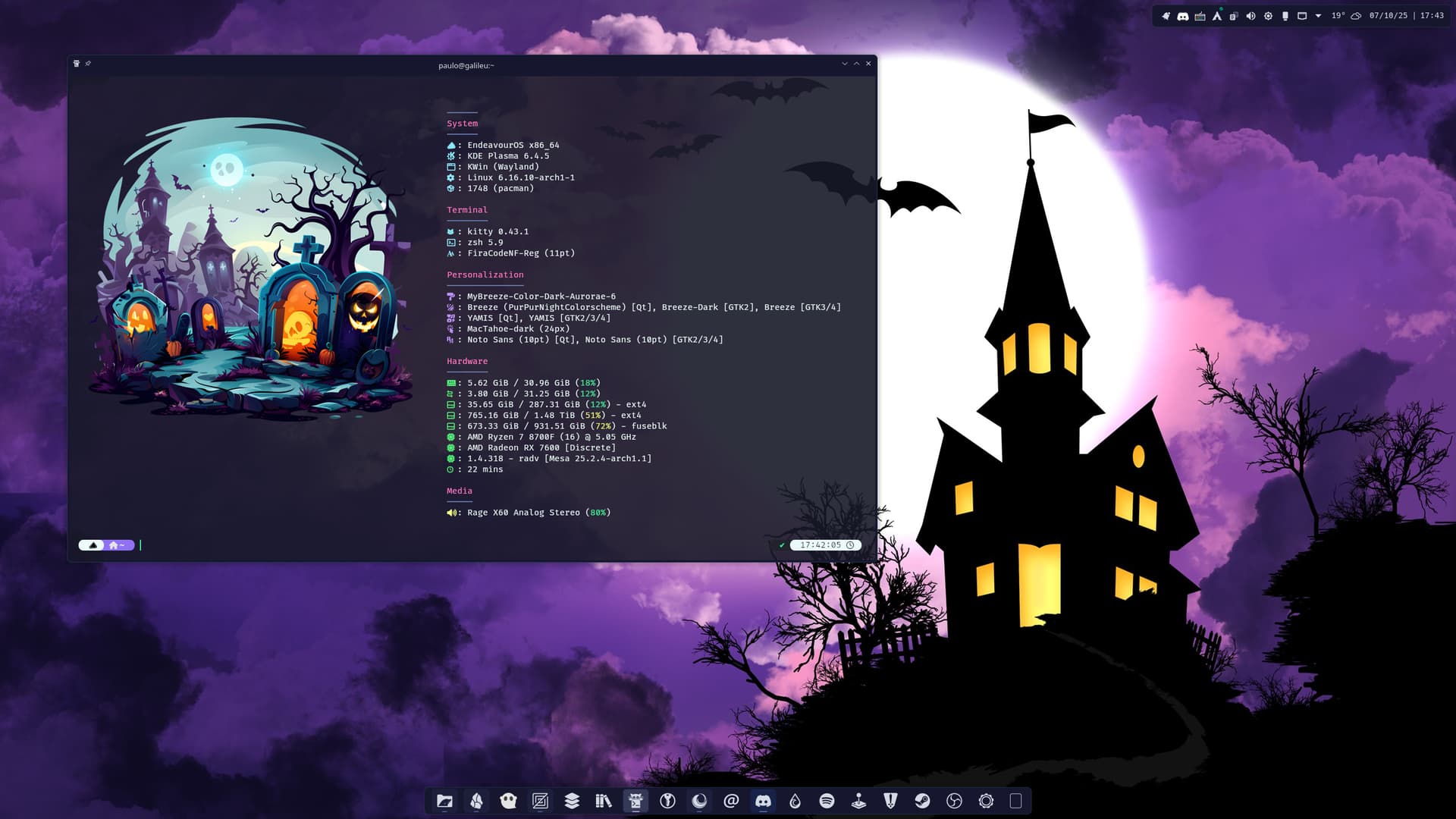
Again with a spooky theme…

17 Likes

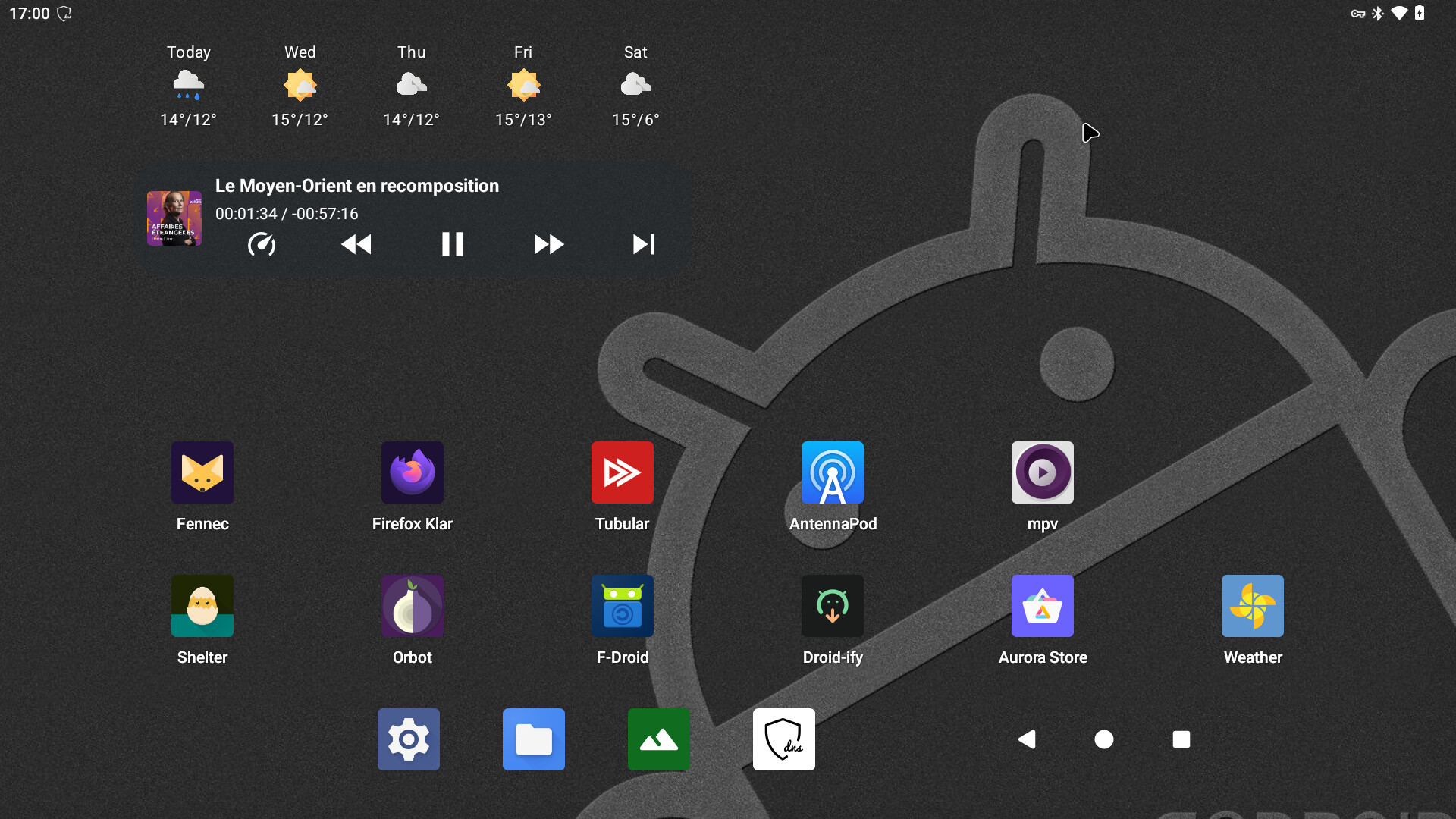
Flexing ARM

AOSP Android 16 on RPi 4B

11 Likes

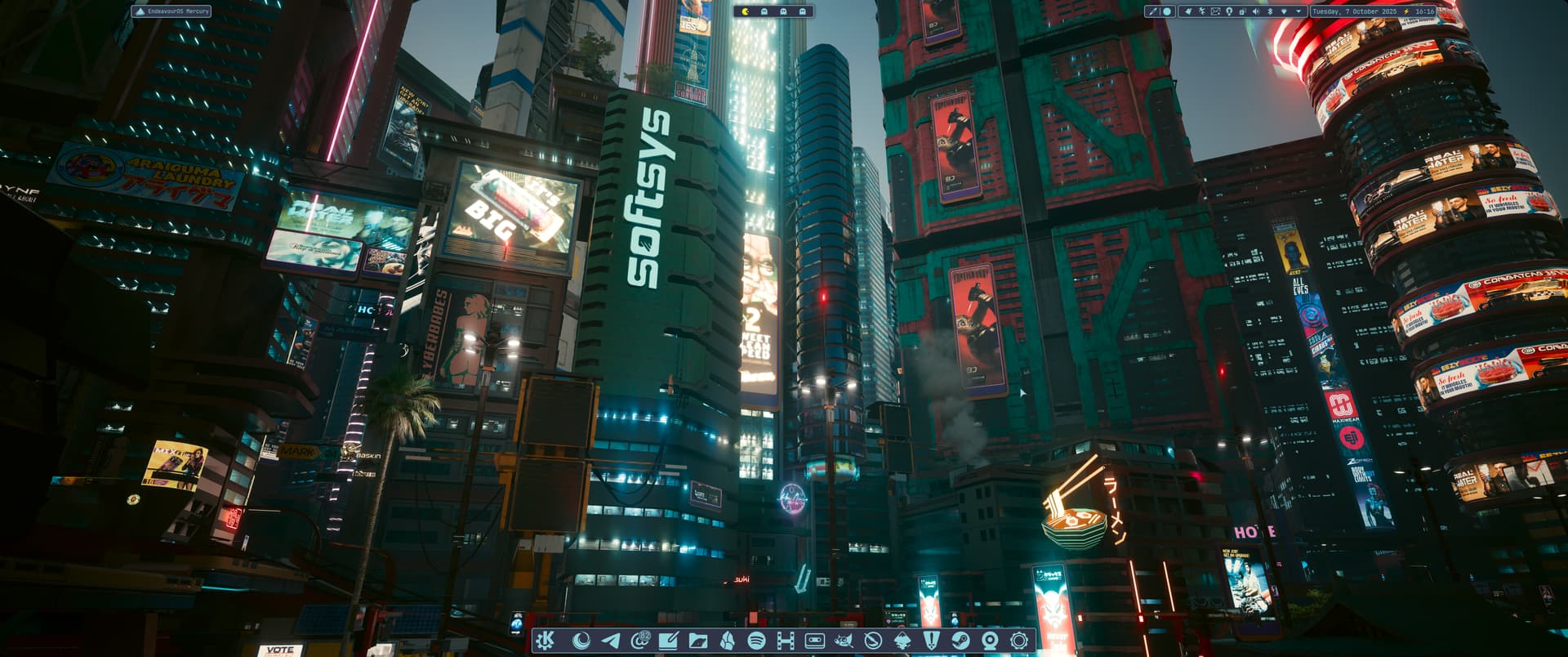
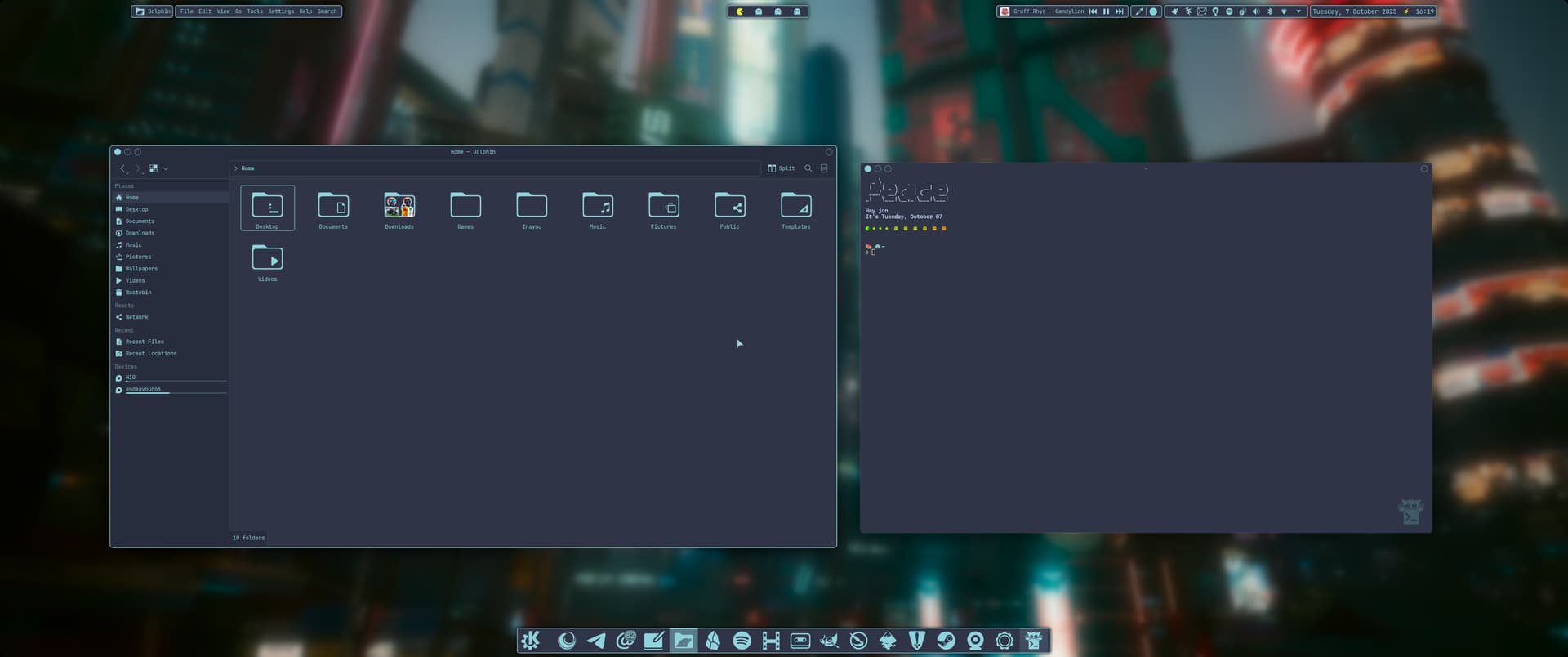
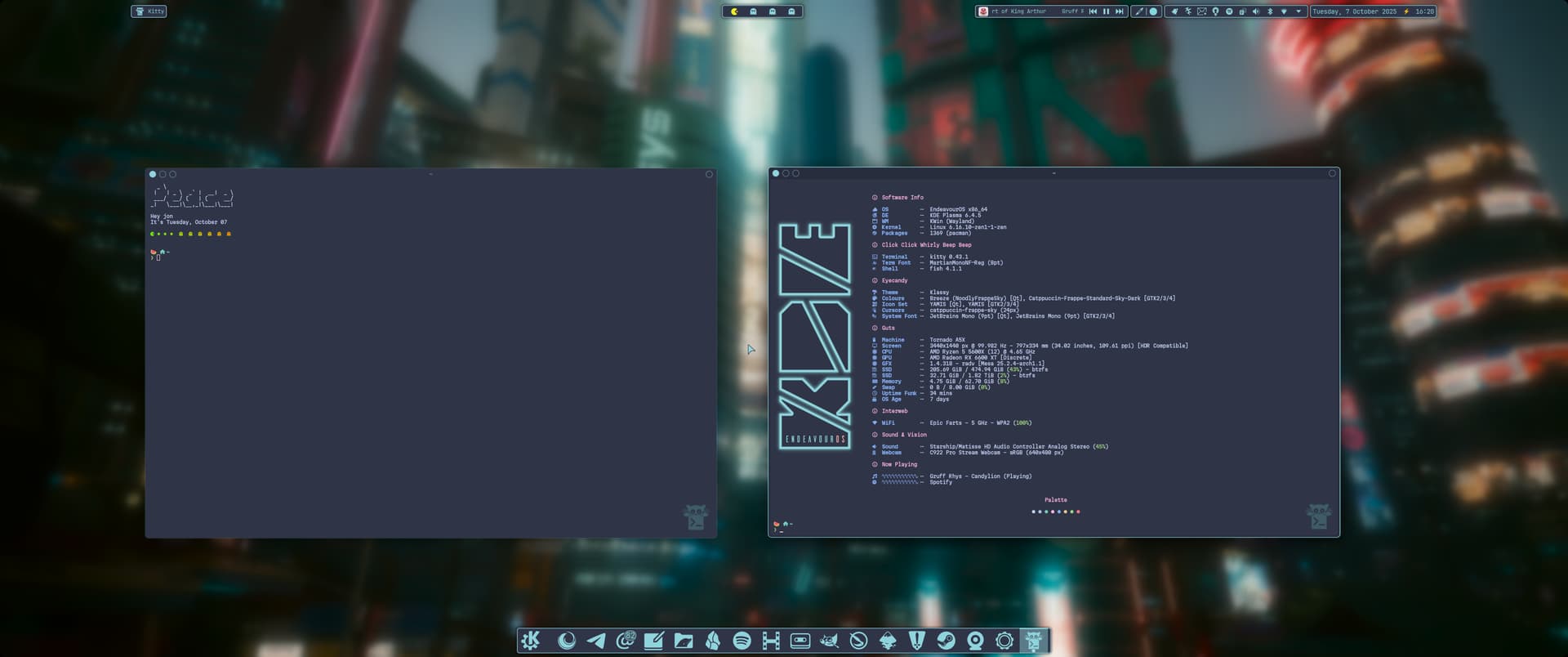
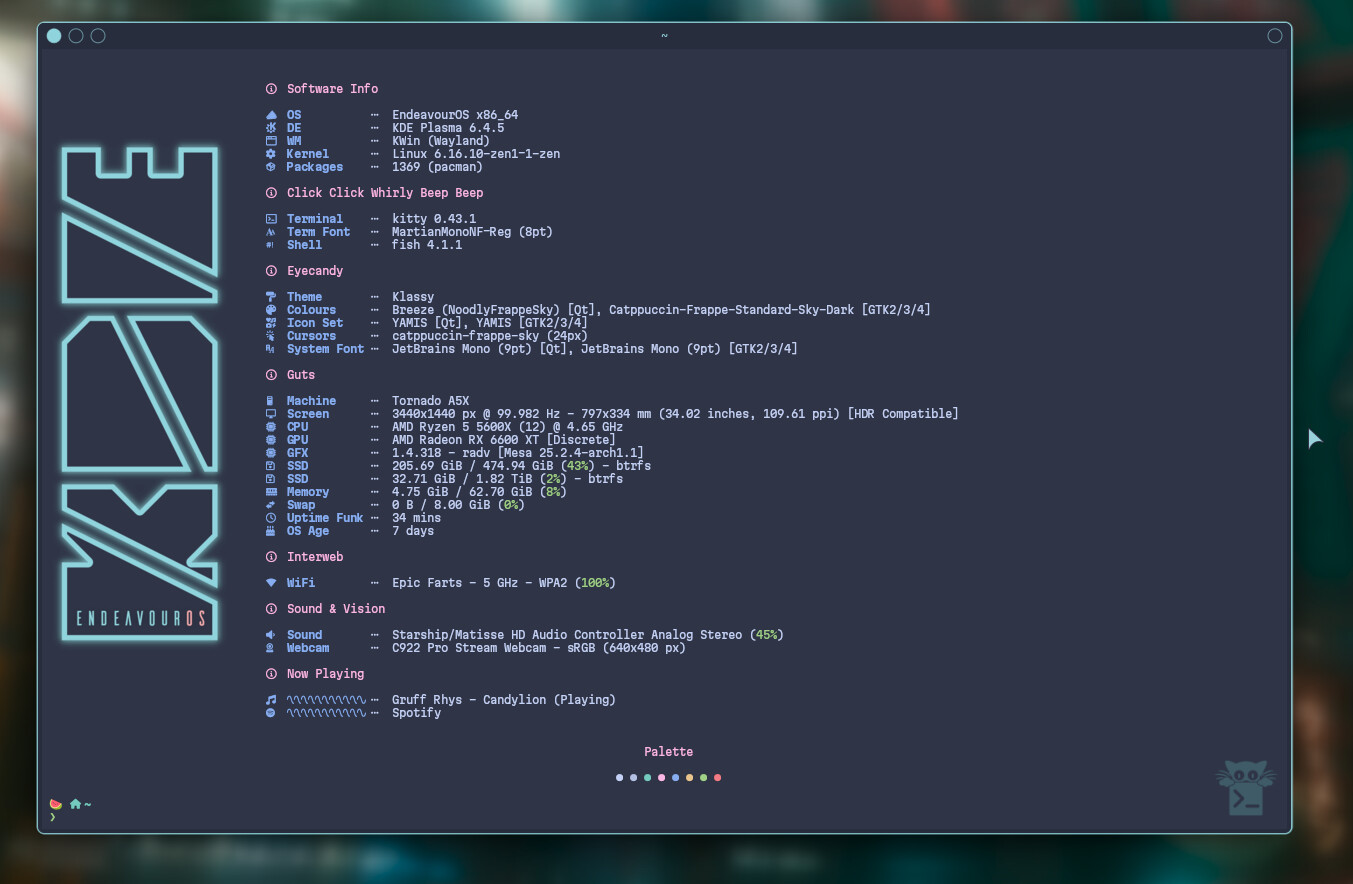
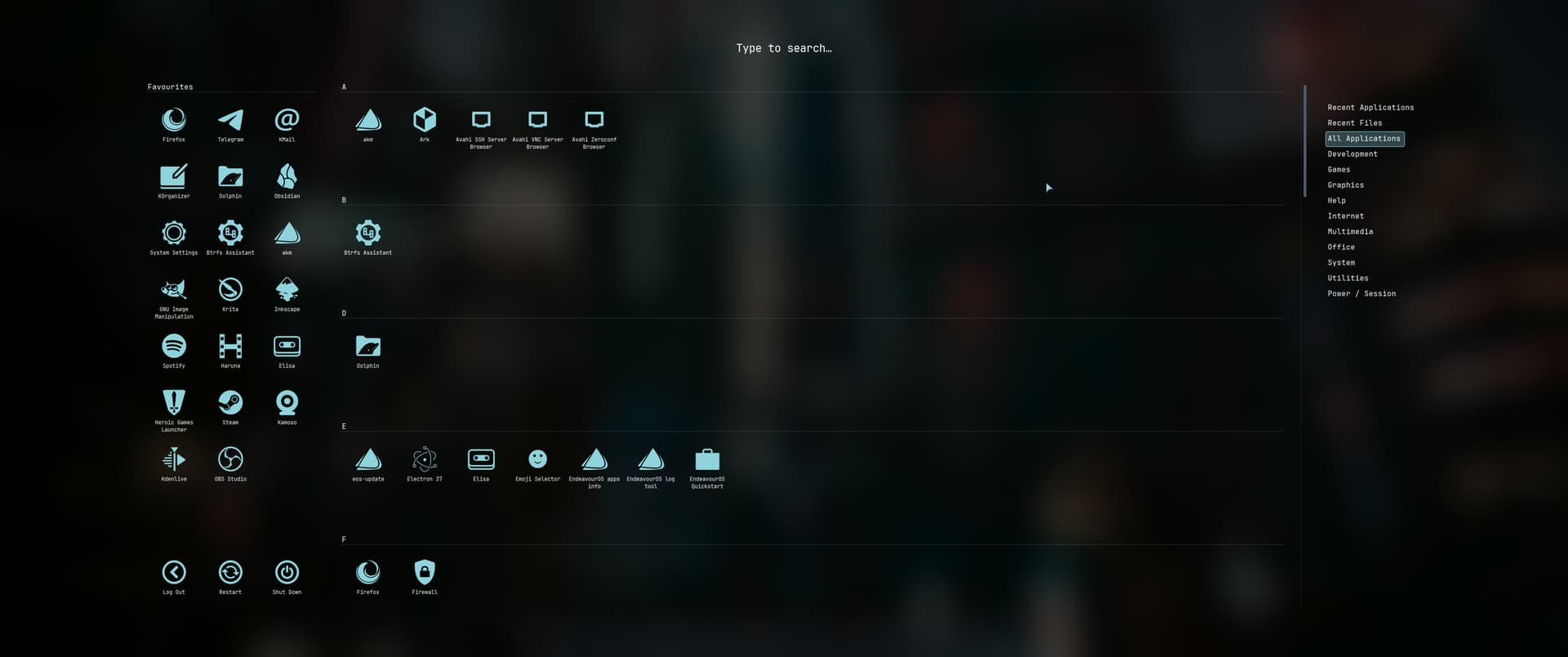
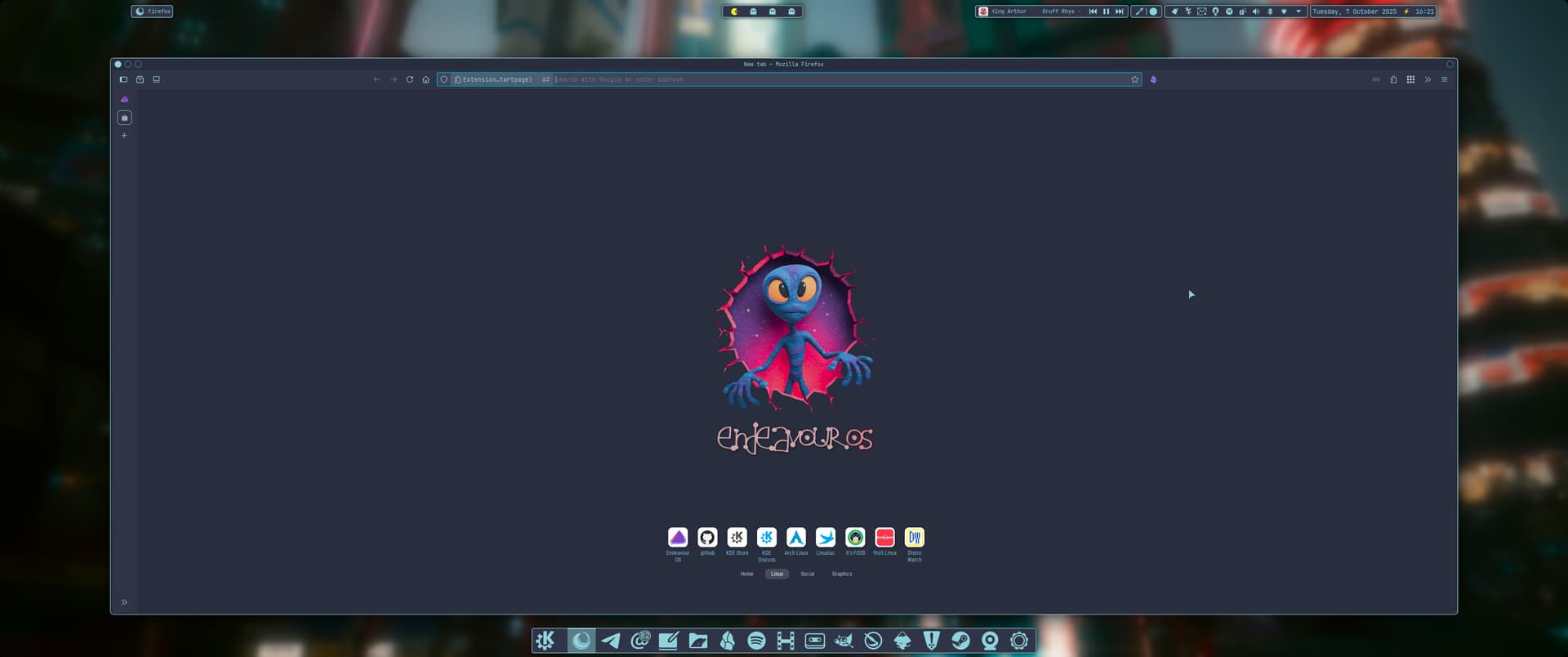
My final Catppuccin noodling before I get a Halloween desktop together.
Colour scheme is Catppuccin Frappe Sky, effects by Klassy and Panel Colorizer.
Catppuccin Frappe Kitty theme and also Fish theme. System wide monospace fonts.

Desktop pager/changer is Kara plasmoid.
Wallpaper is from my Cyberpunk 2077 photomode collection. Fastfetch logo by me.

Screencast_20251007_162225
Screencast_20251007_162402

19 Likes

Well blimmin’ noodled :rofl:

2 Likes

In my country we don’t celebrate Halloween but I went with it just for fun :grinning_face_with_smiling_eyes:

17 Likes

Could you share the wallpaper? Thank you!

:steaming_bowl: Thanks mate. :grinning_face_with_smiling_eyes:

1 Like

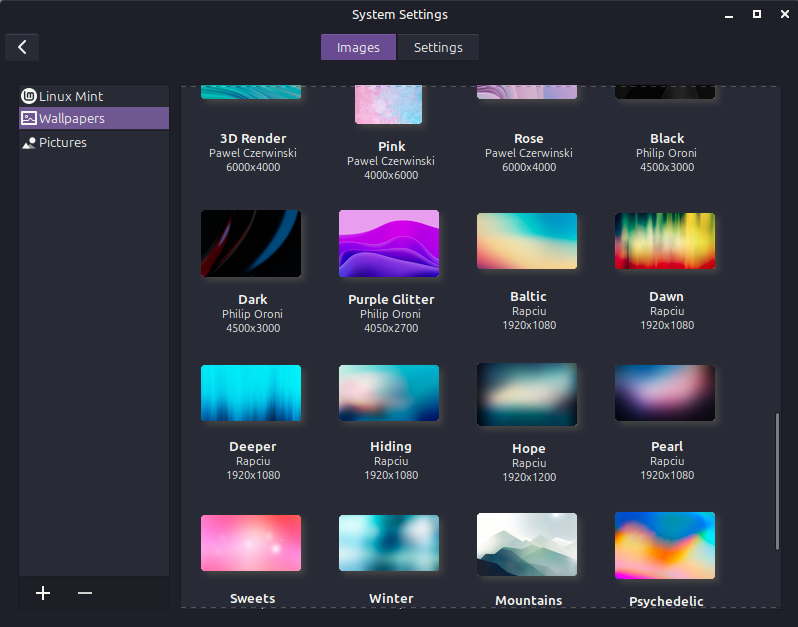
Hello Noodly, it is one oof the included wallpapers in Mint. :slight_smile:

Could you tell me the name of that image? When I search for Linux Mint backgrounds, I only get landscapes and things like that, but not that image.

You could just post up the original image here without your customizations done to it.

Pearl is the name of the wall.

3 Likes

ty very much mate!

1 Like

This is awesome. I am following your work and I want to copy all of them :slight_smile: if you can just copy paste them ,hehe

1 Like

Oh, it is easy to copy and paste them. Just go to juxtopposed on github as in my post and copy and paste :wink:
Finally, customize it to your needs. That’s it :vulcan_salute:

2 Likes

Yeah, already doing that. Btw do you know maybe why Kwin script for Kronhkite is not visible. I downloaded it , loaded trough Kwin and it is not there. When I want to try again, it says it is already installed
1 Like