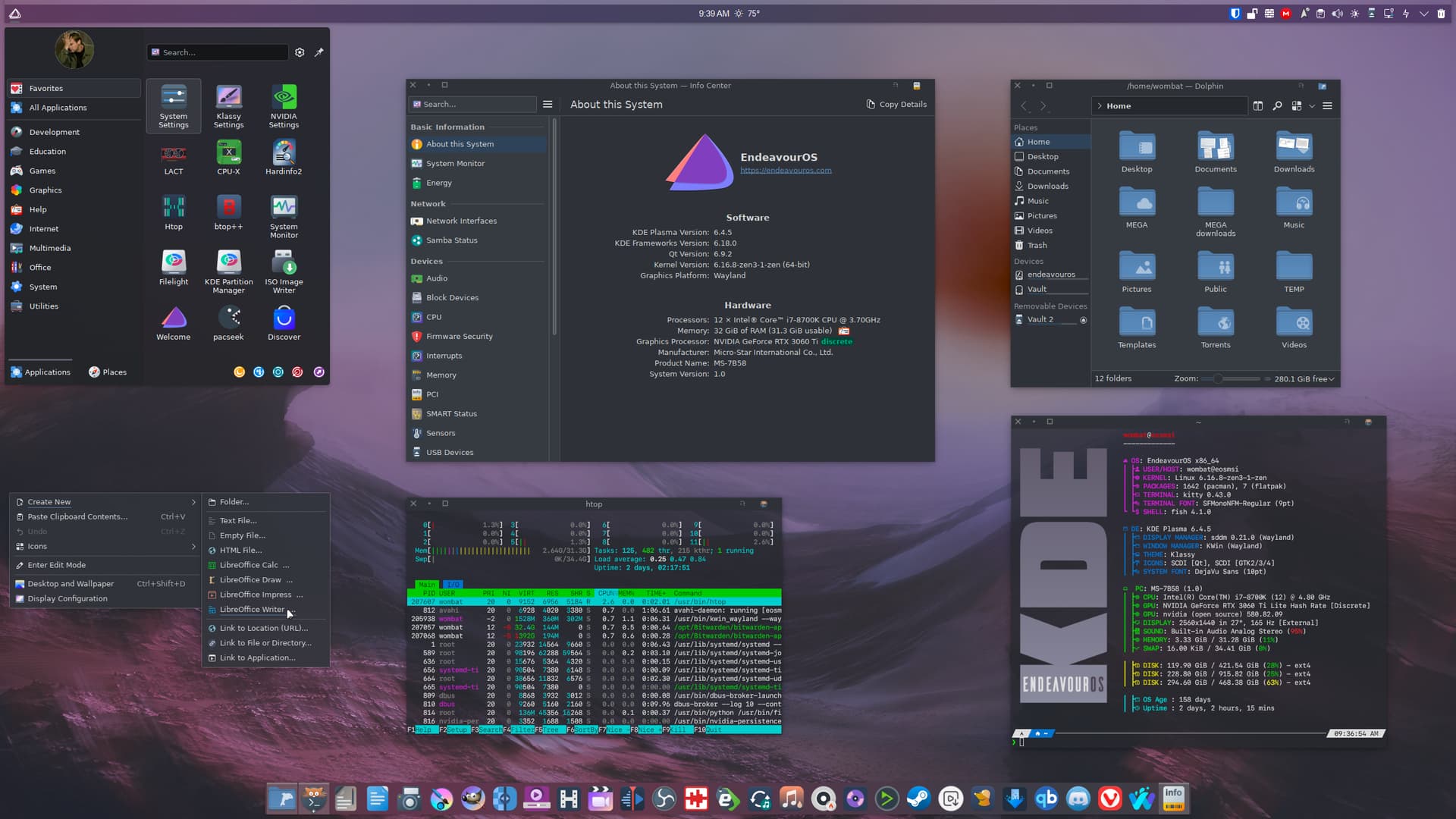
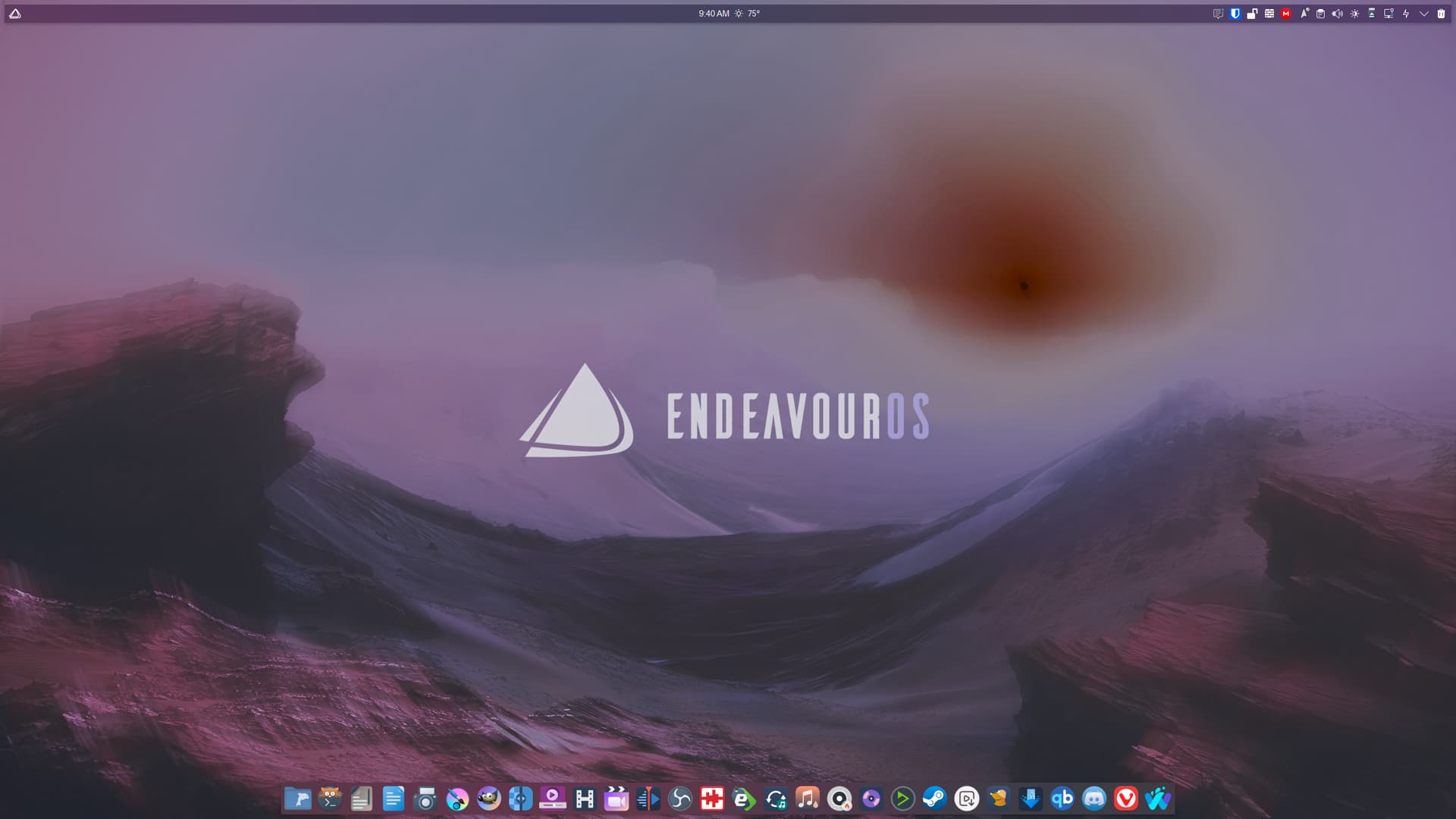
I won’t be home for 3 days. I’ll share it when I get home.
Thanks! this really helped, i more thing. How can i only change the 3 middle bars so it wont be seen when hovering over it ?
In your override, you also need to change the “Hover” state to the same settings
I tried that and it’s changed everything for the whole panel. Maybe i am missing something ?
Mmmhh, if you indeed changed it in your preset override for spacers then it should only affect them …
Will look into it again, maybe i did something wrong. Thanks for the help!

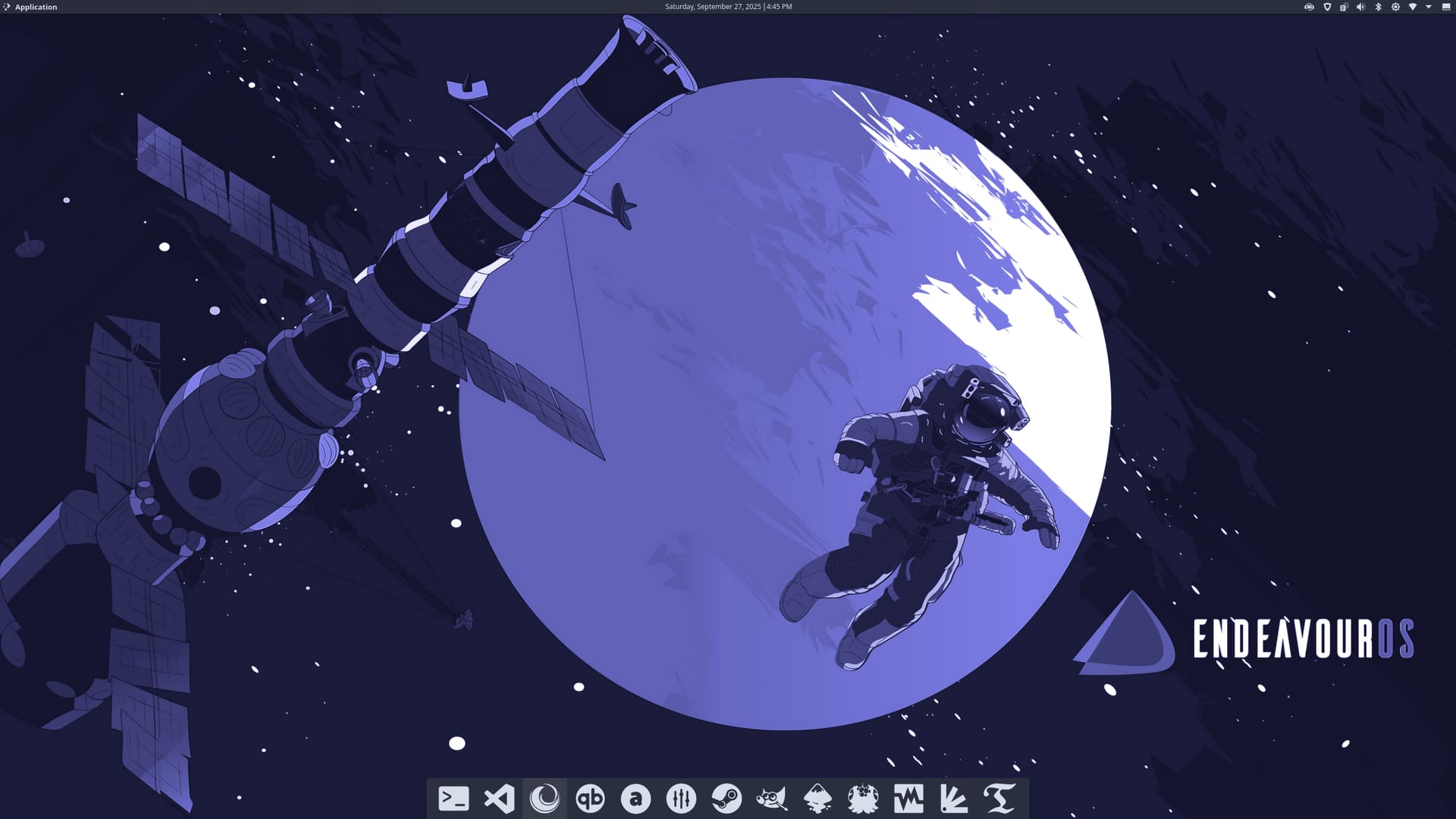
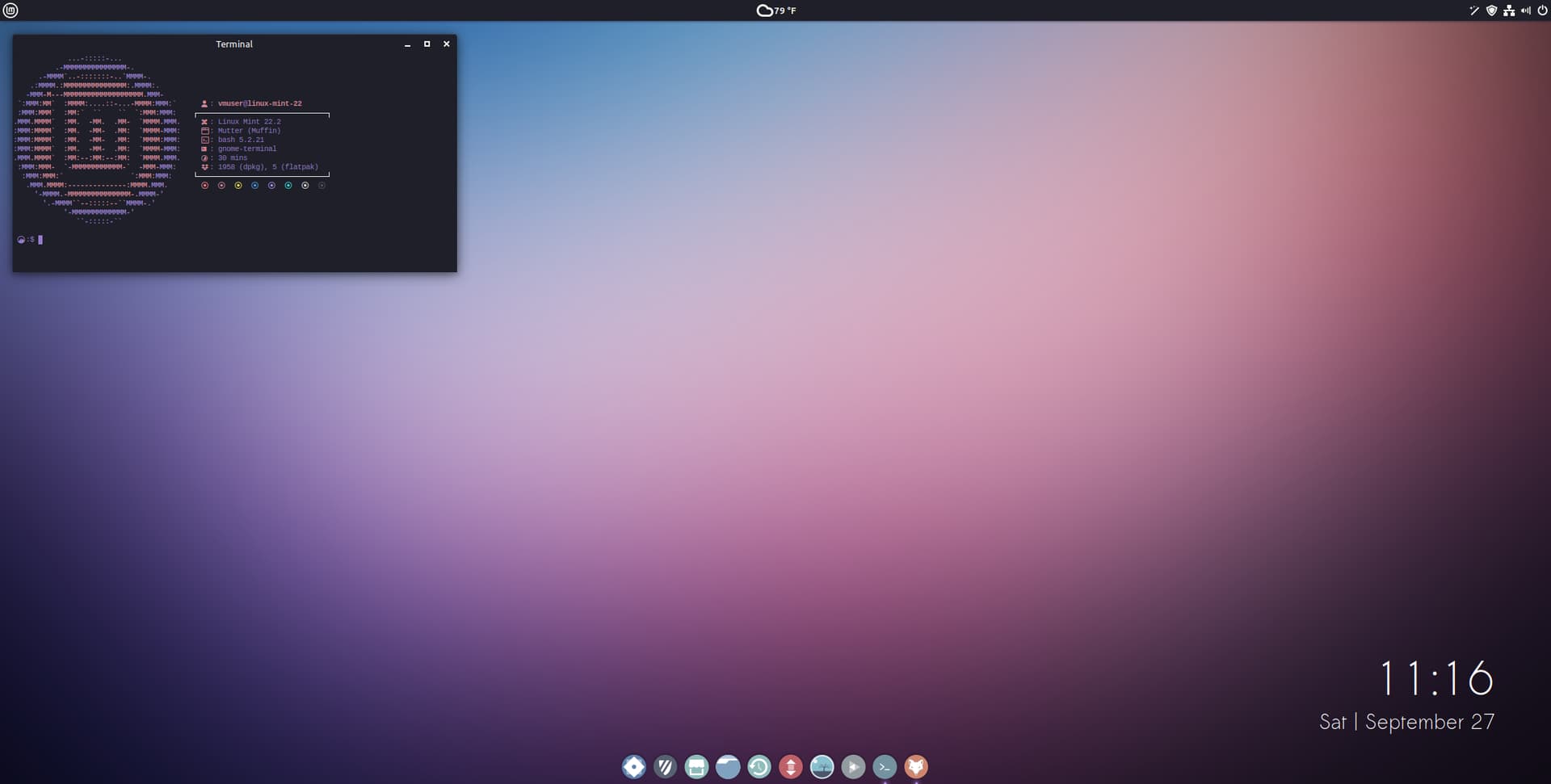
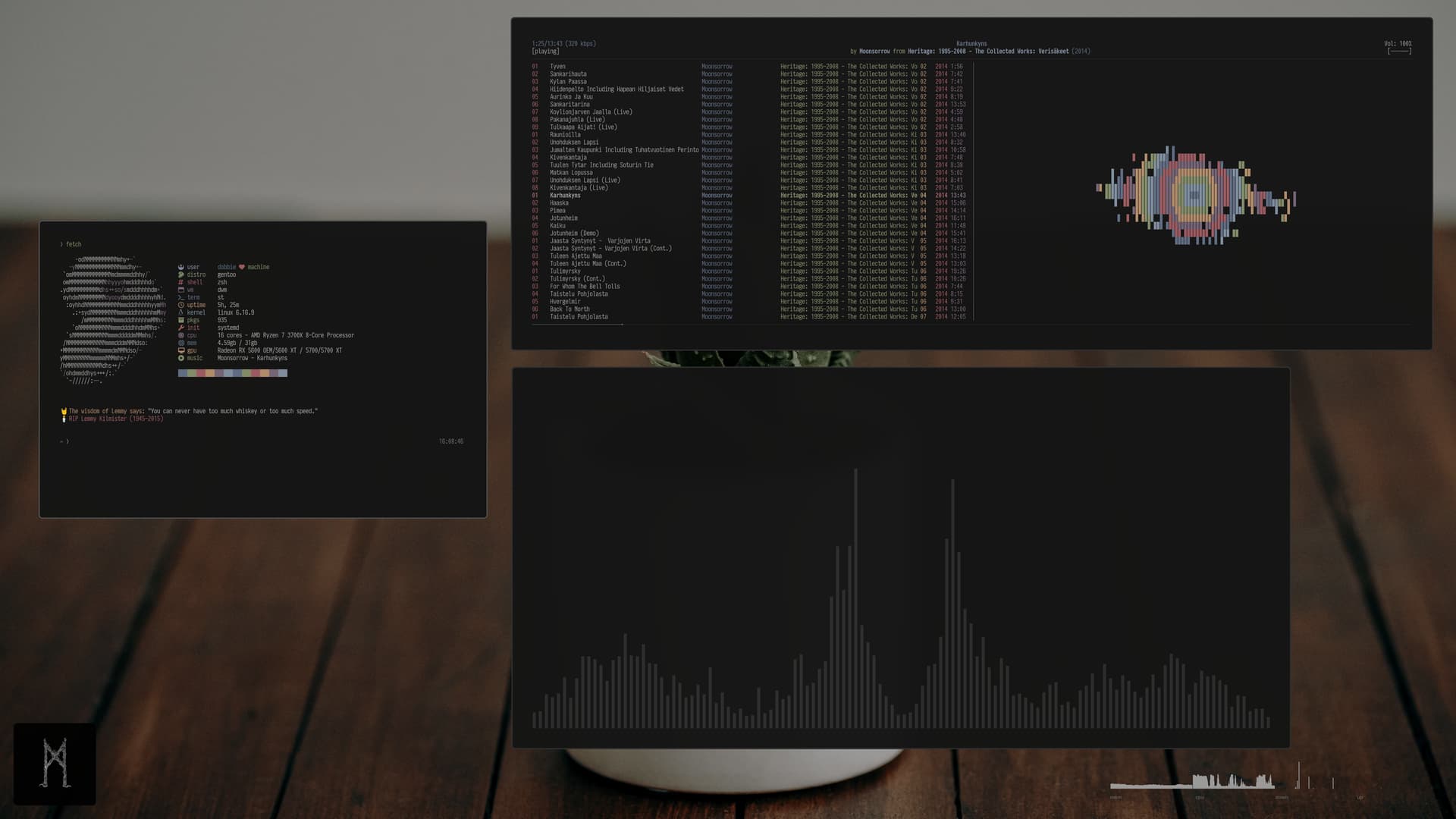
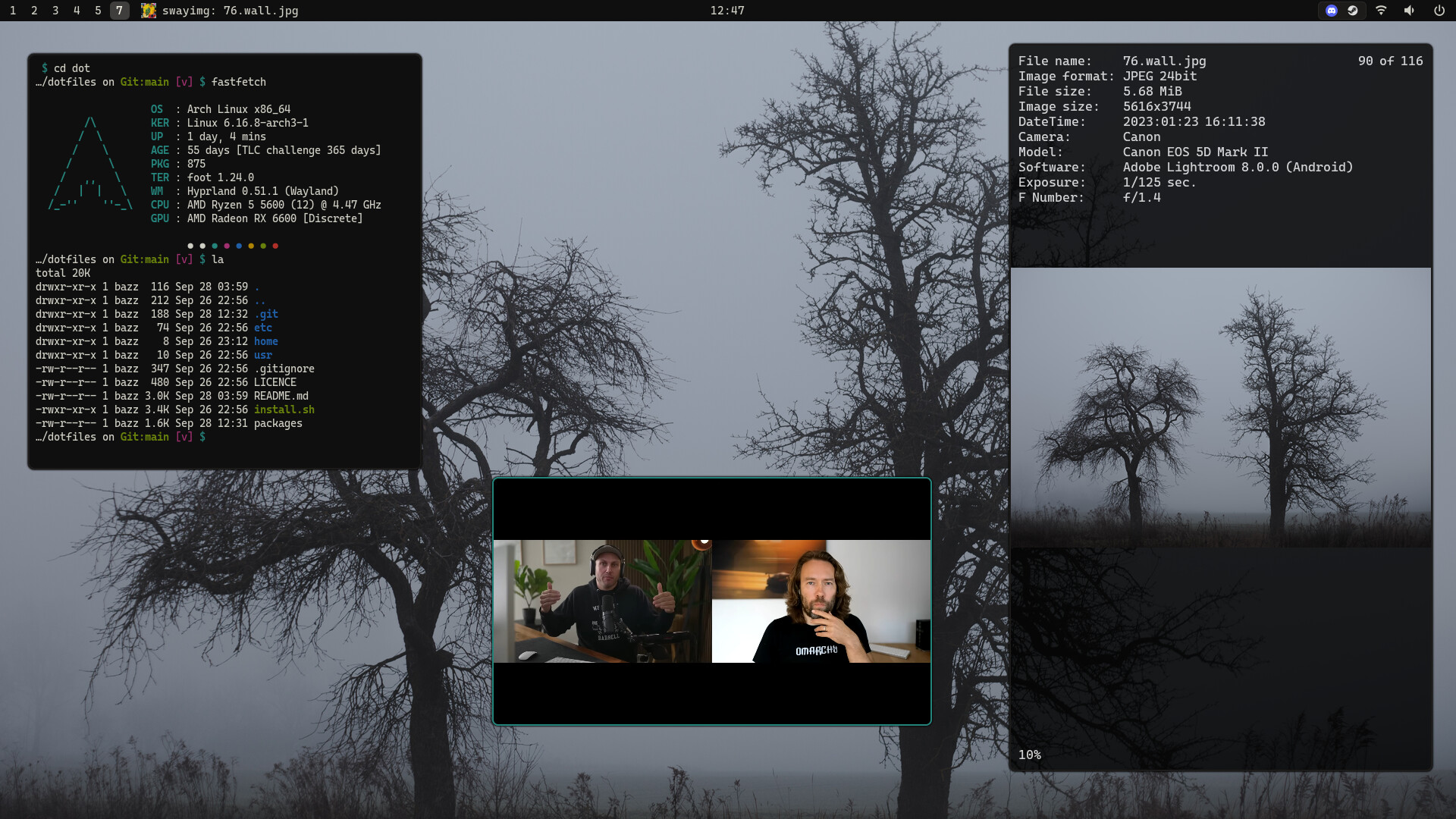
Today is theme 8 out of 49, maybe you can guess what the inspiration is (very subtle hint provided)…
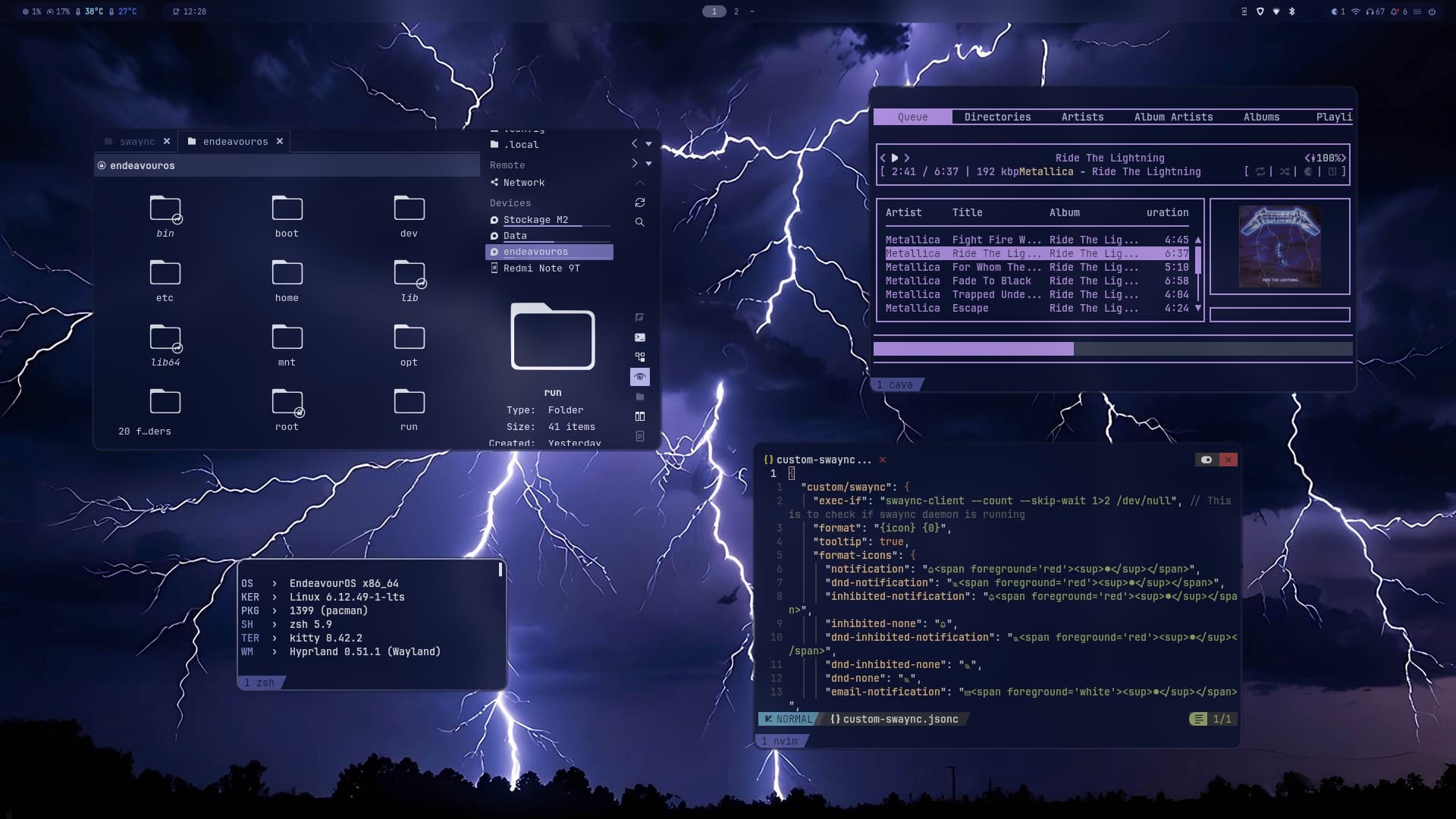
One of my favorite album 


MX-25 beta (Xfce, systemd).
I wanted to have a MX ISO in case I needed to troubleshoot my Mint installation on the spare lappy, with the potential of installing it on the hard drive once I get totally bored with Mint.
I forgot how fun customising MX Linux is. At some point you probably need to, since by default it looks way too utilitarian for my taste.
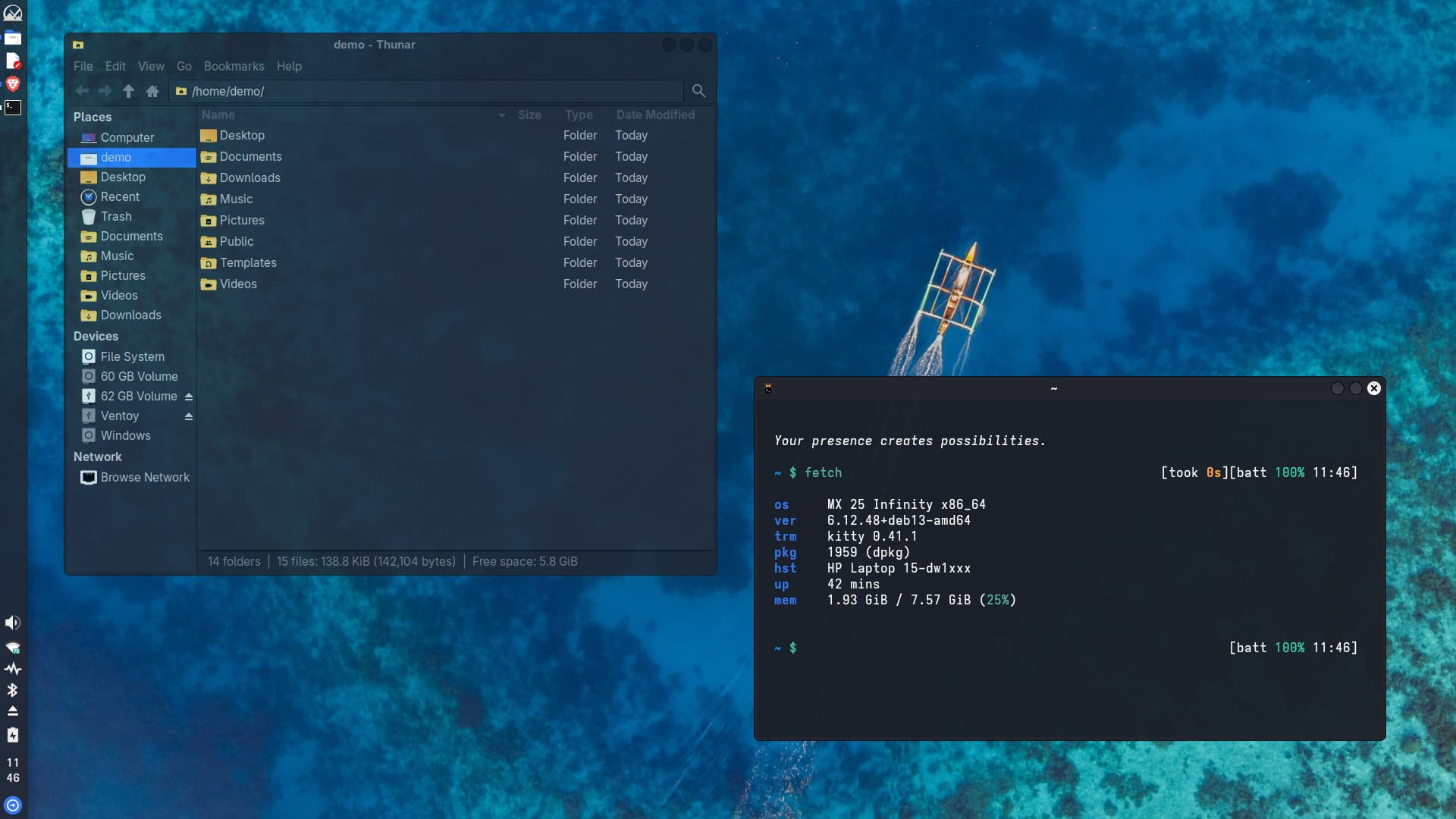

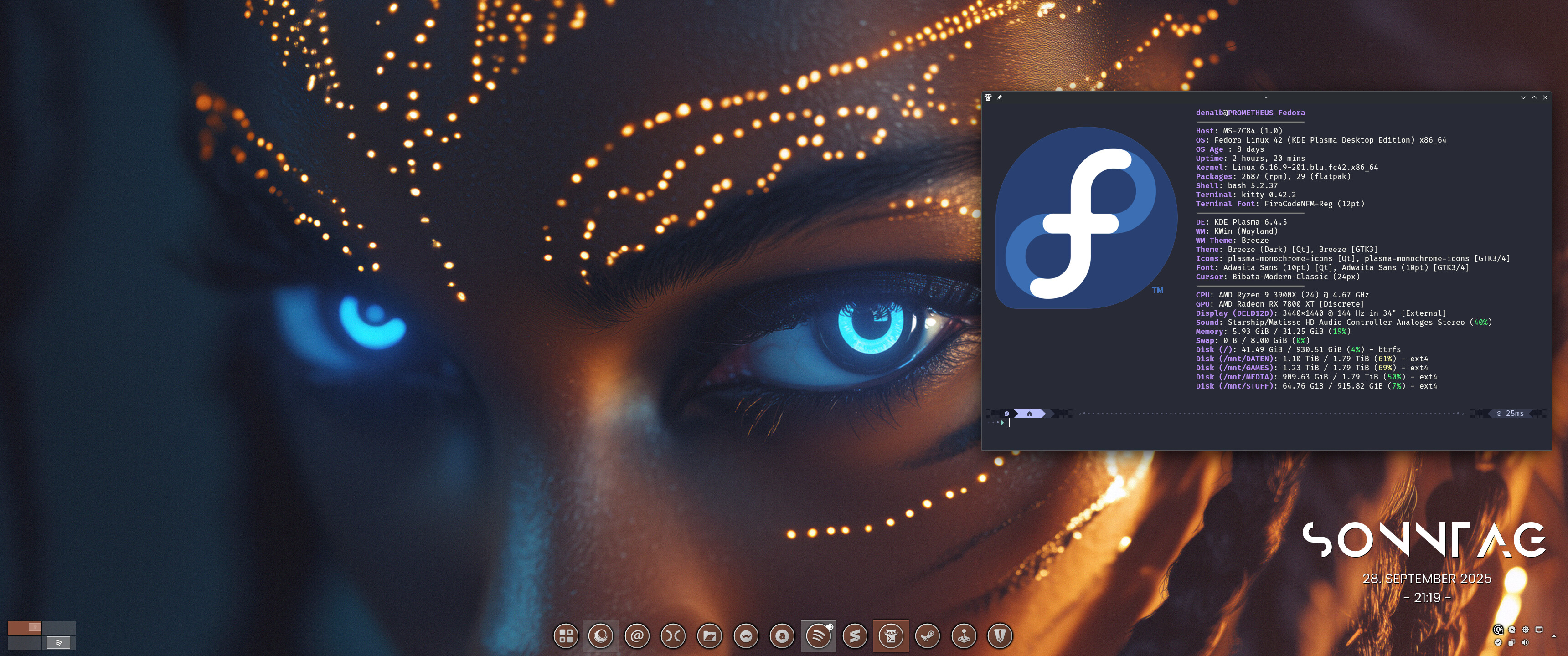

Not my desktop but wanted to share it anyway. UI-design-youtuber trying EOS and theming KDE. Looks good!
I’ve learnt something new from the video. Thanks 
I think we’re going to build a new, great theme 
I don’t know why but something in this video looks familiar …