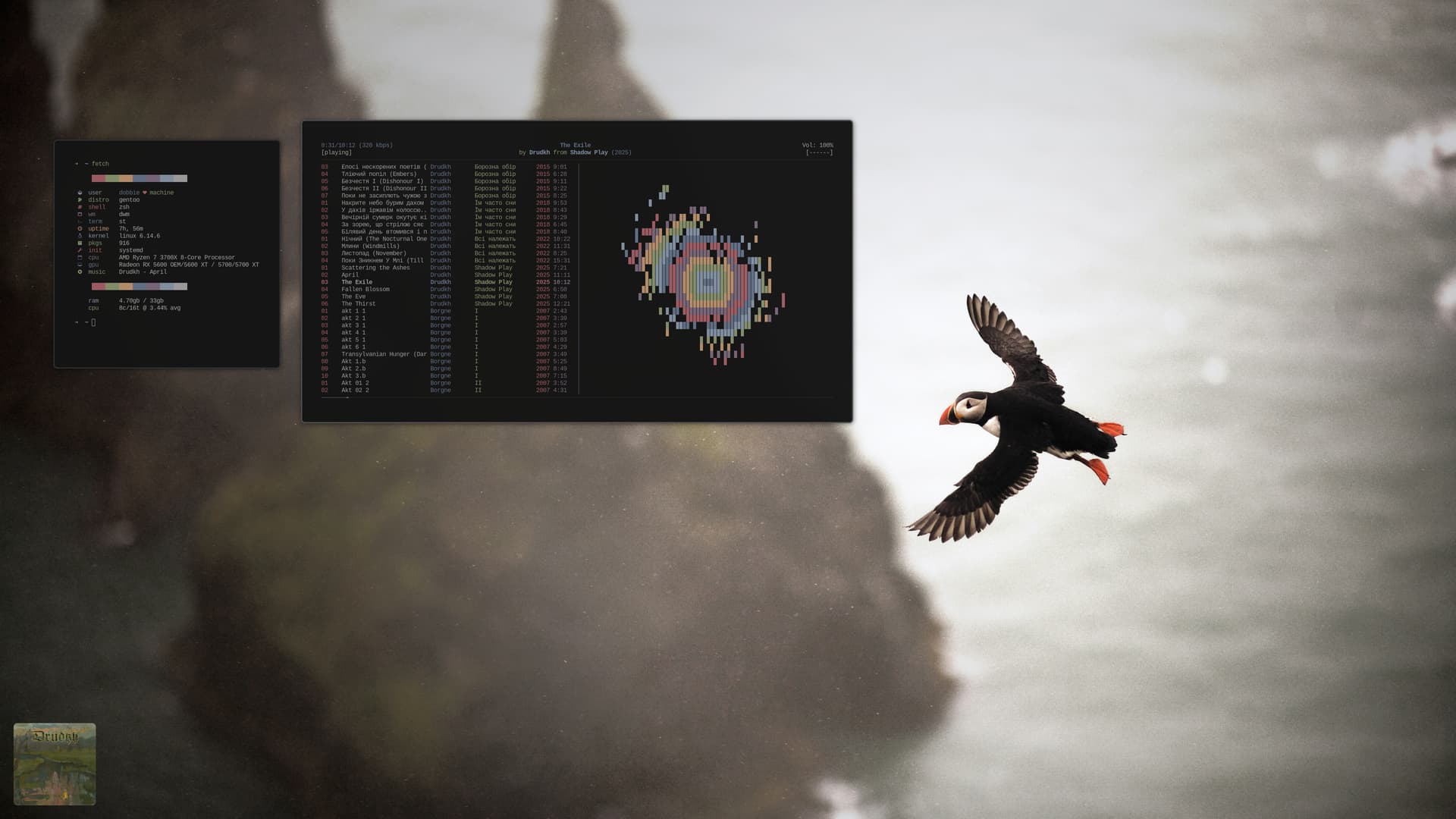
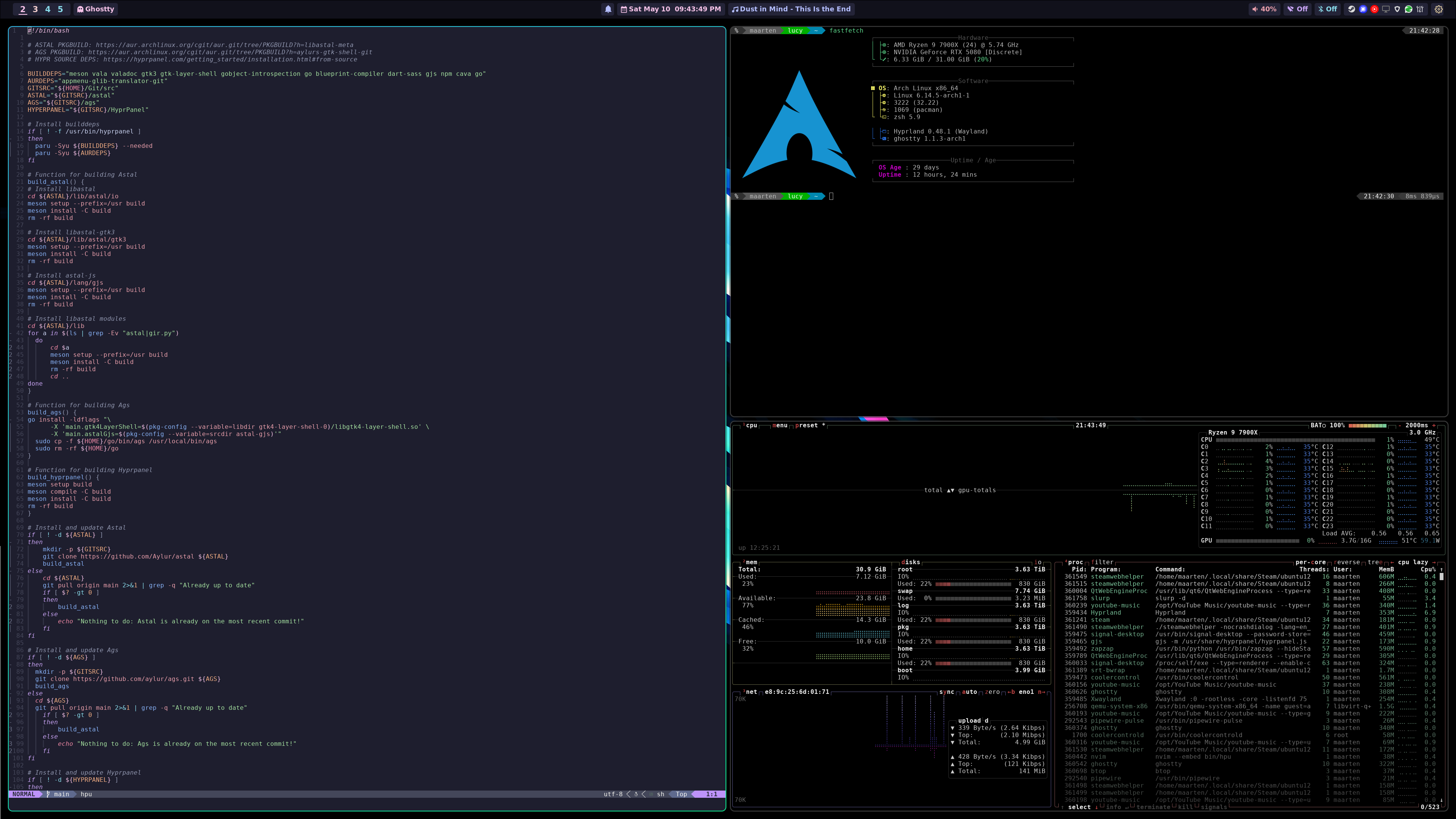
I heard that!
13 Likes
Love it!!

Dark side uses red sabers 
1 Like
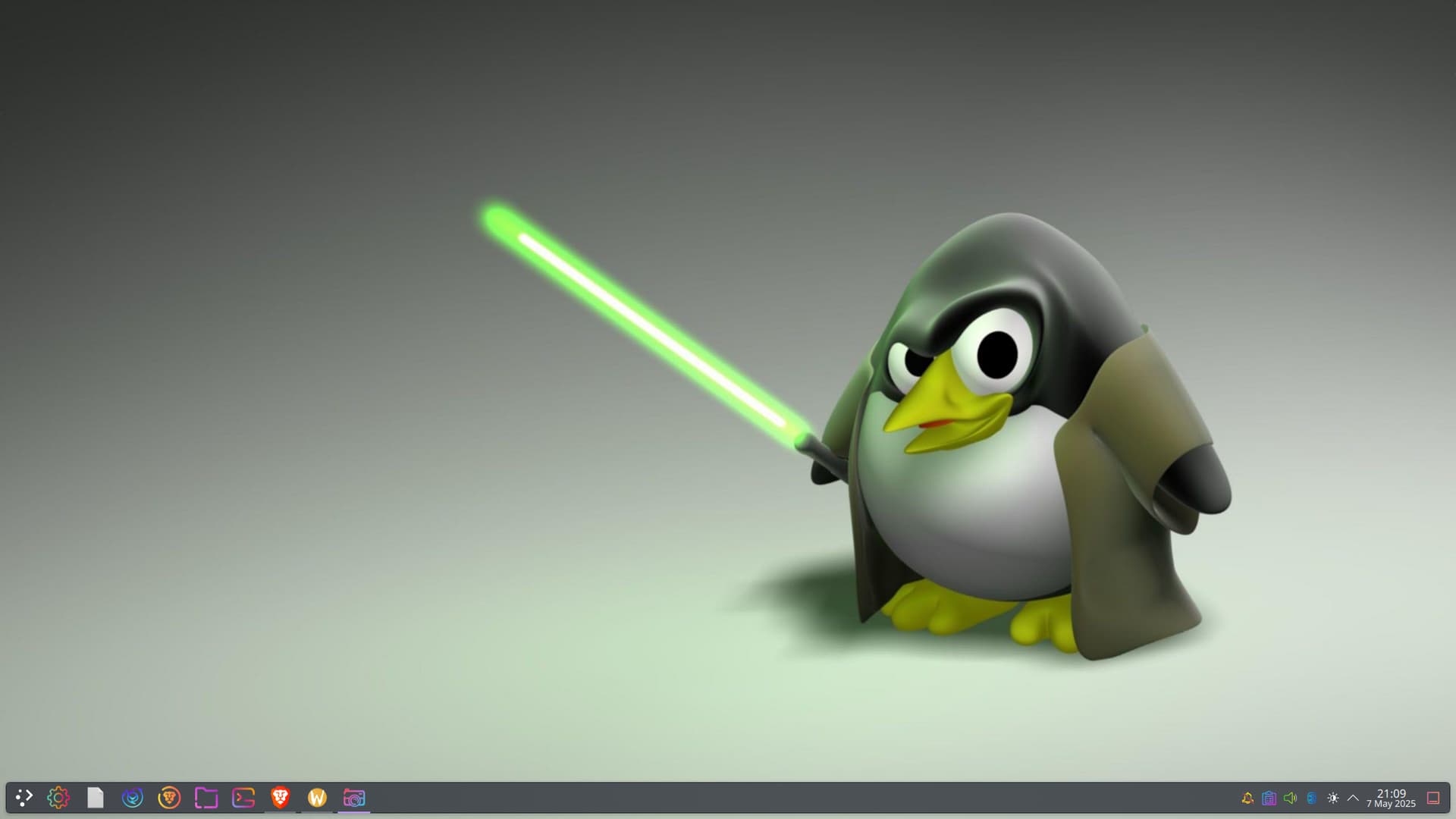
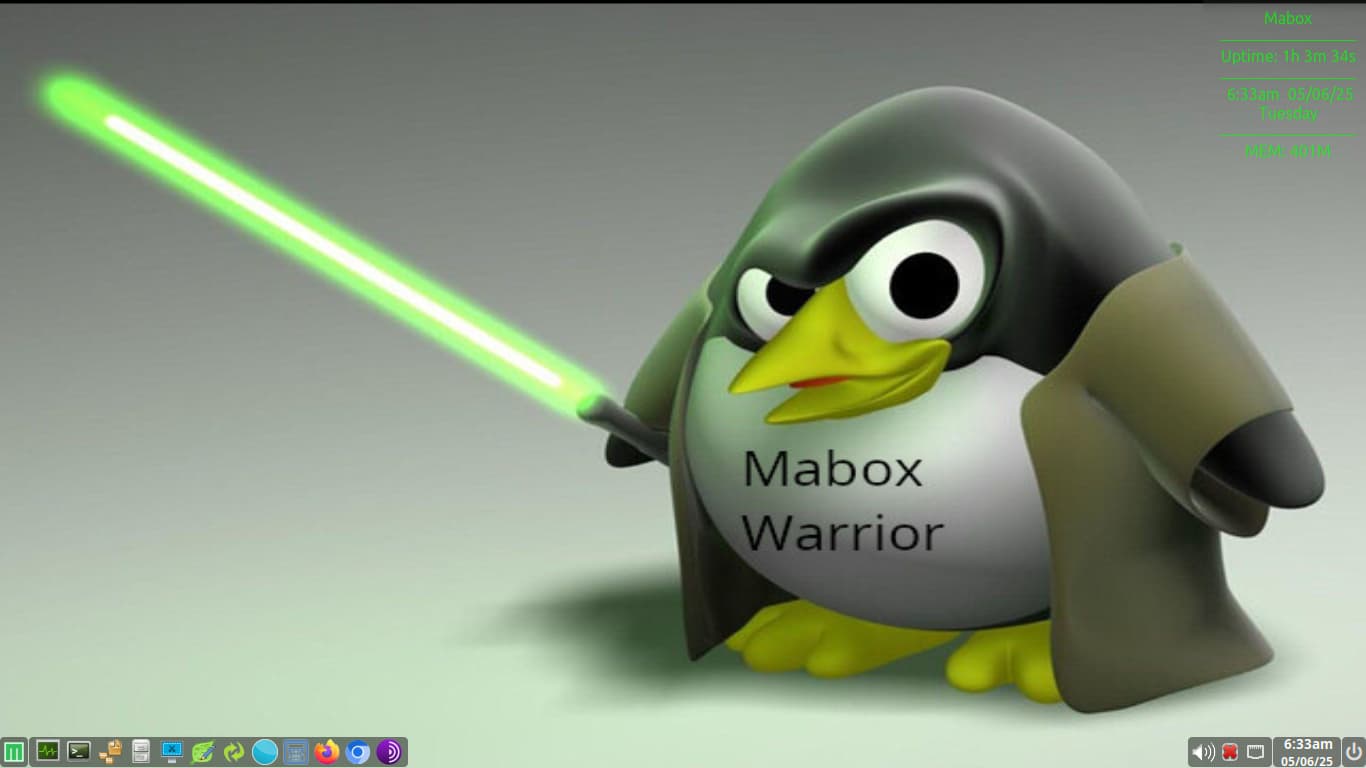
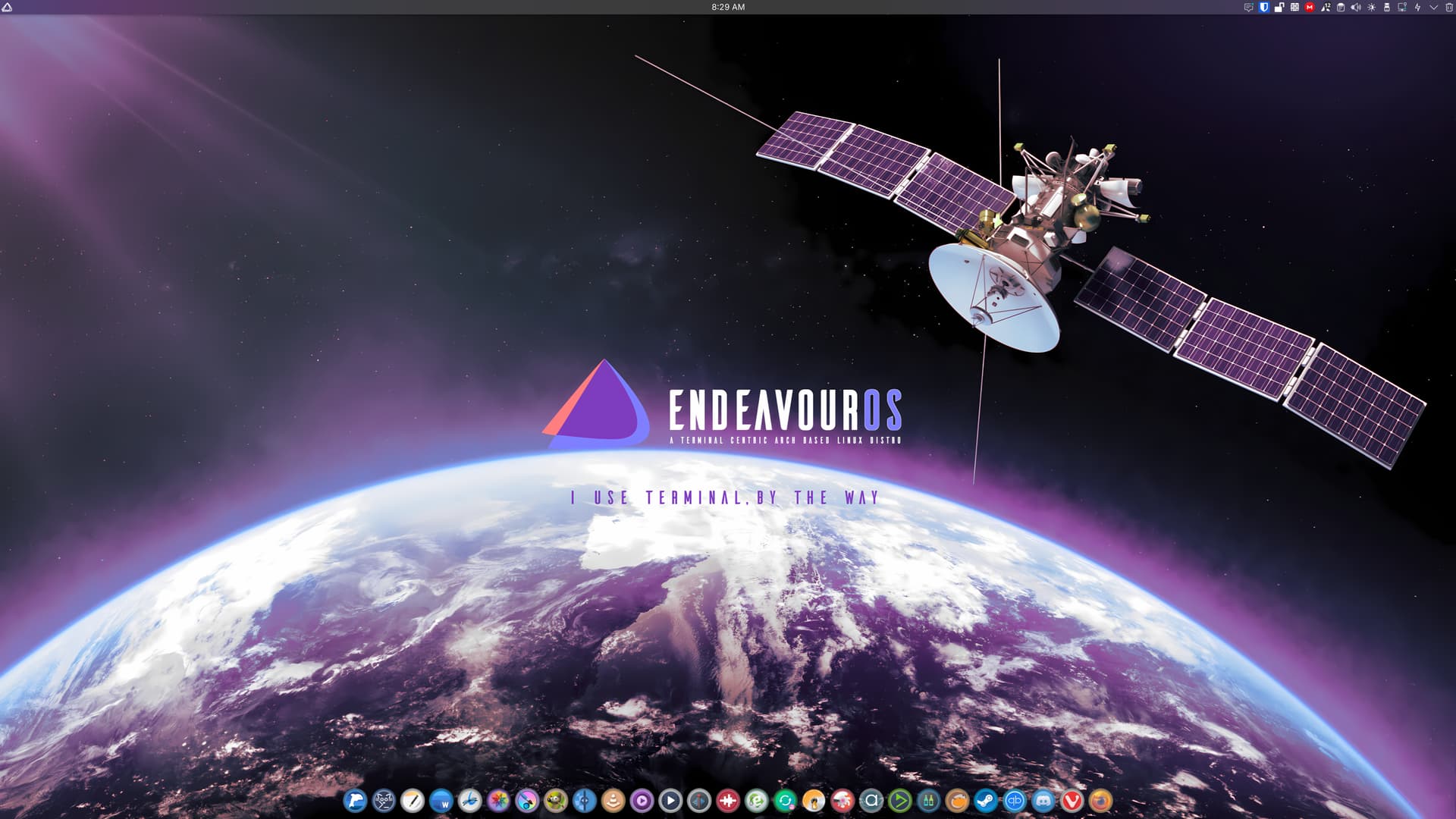
Hee, hee, I only realized that long after I made that wallpaper. And I was much too lazy to change or recreate it in red, because all the shadows and tints matched so nicely.
Wouldn’t the world be easy if we could distinguish the bad guys just by the color of their light sabre?
(And yes, I know Americans would probably write lightsaber.)

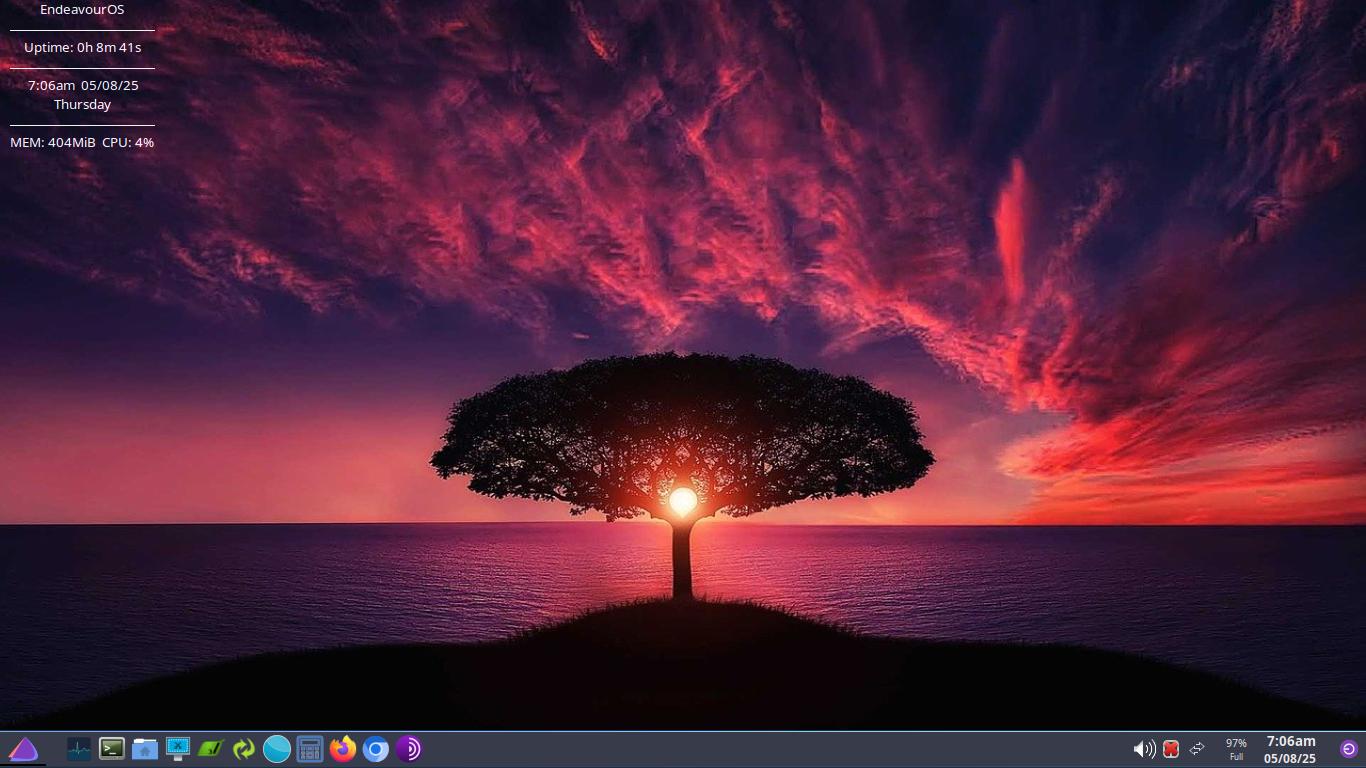
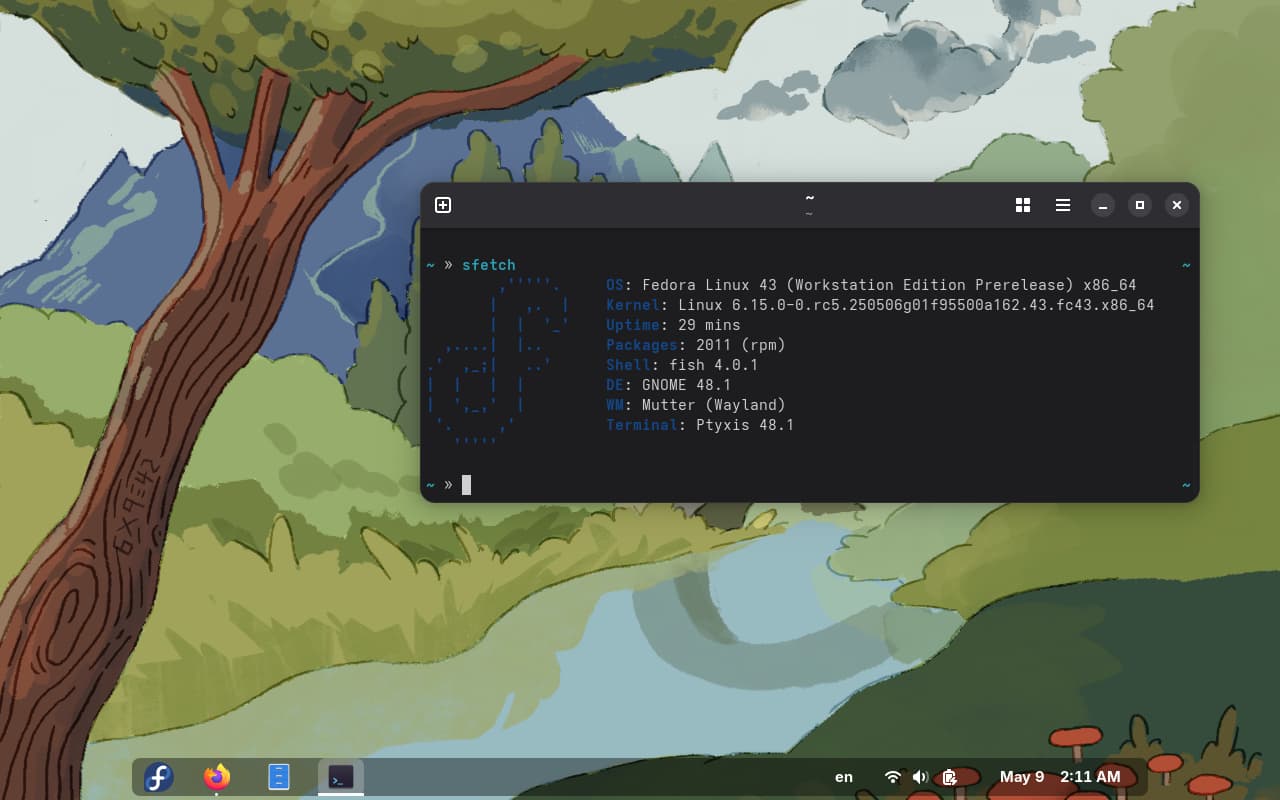
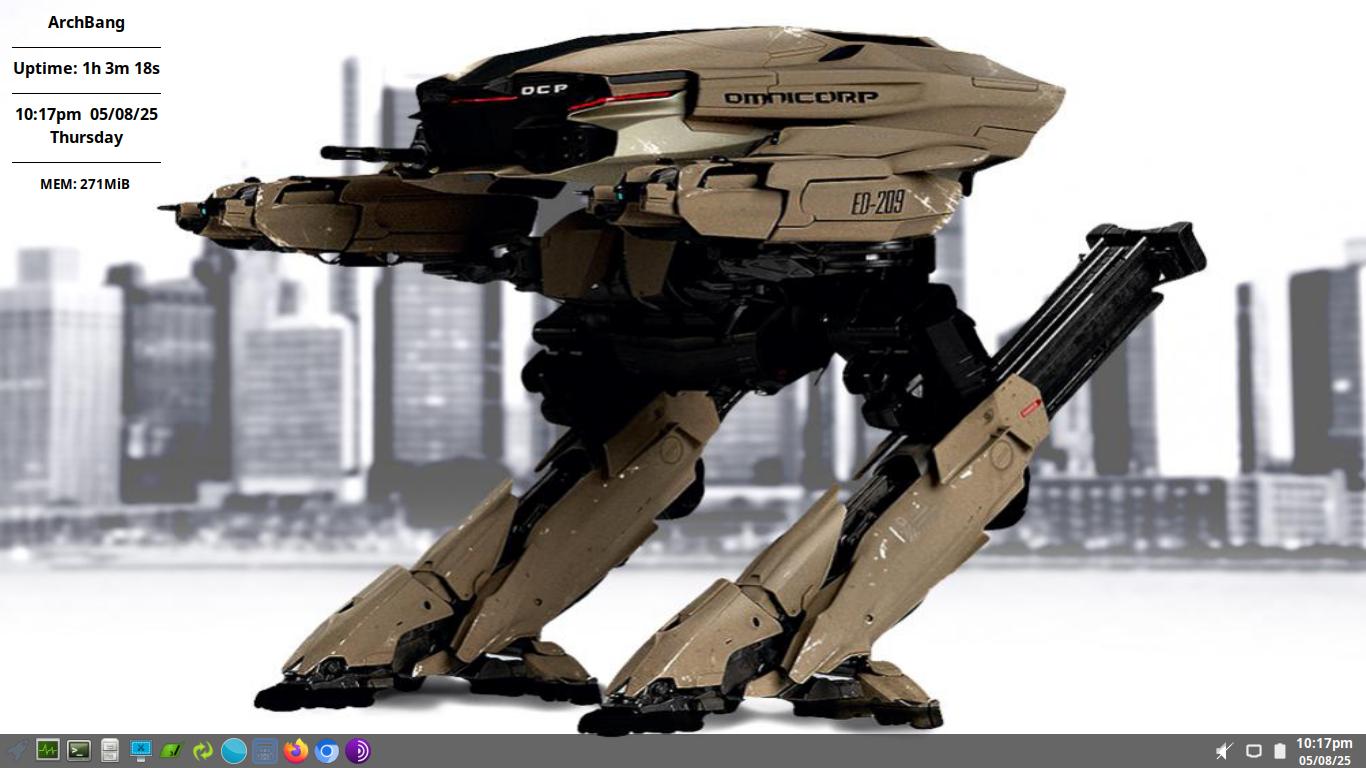
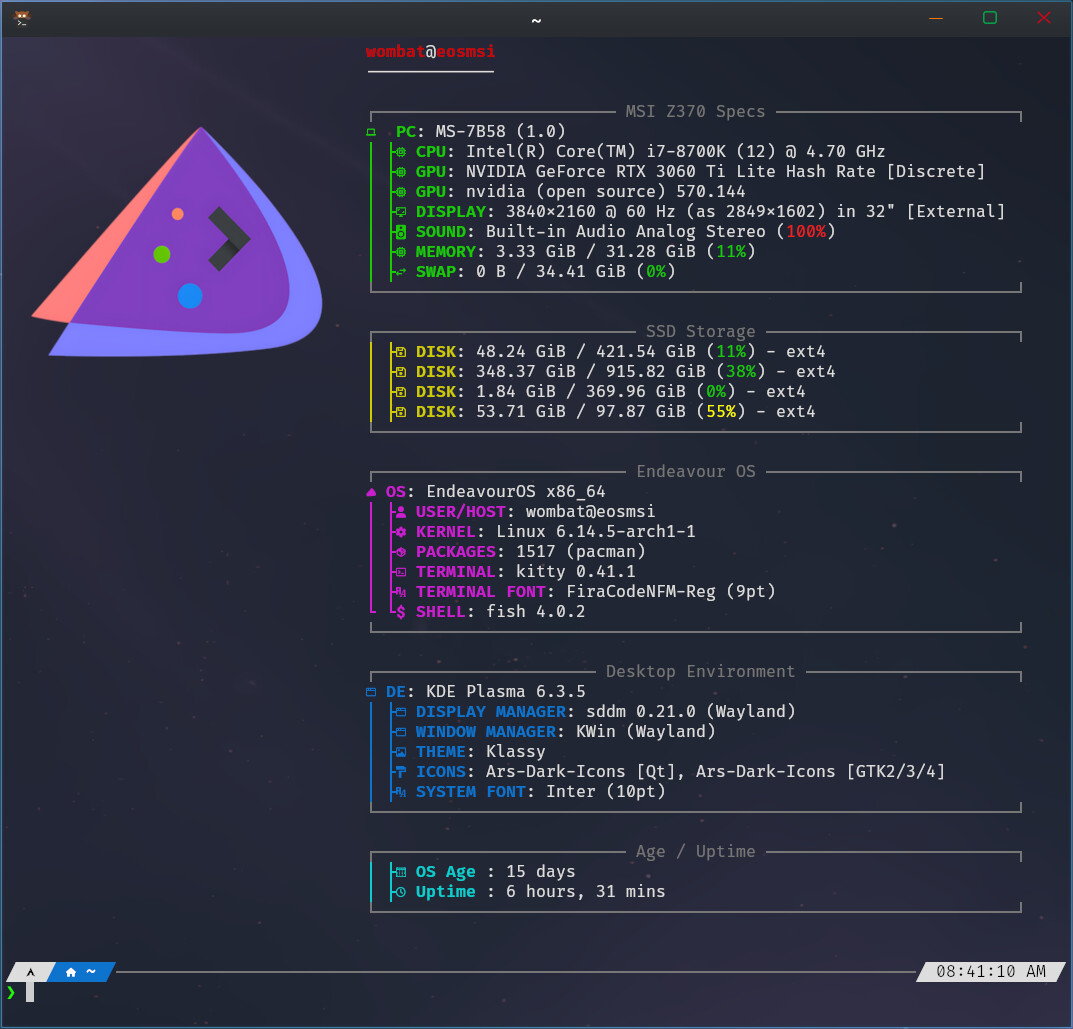
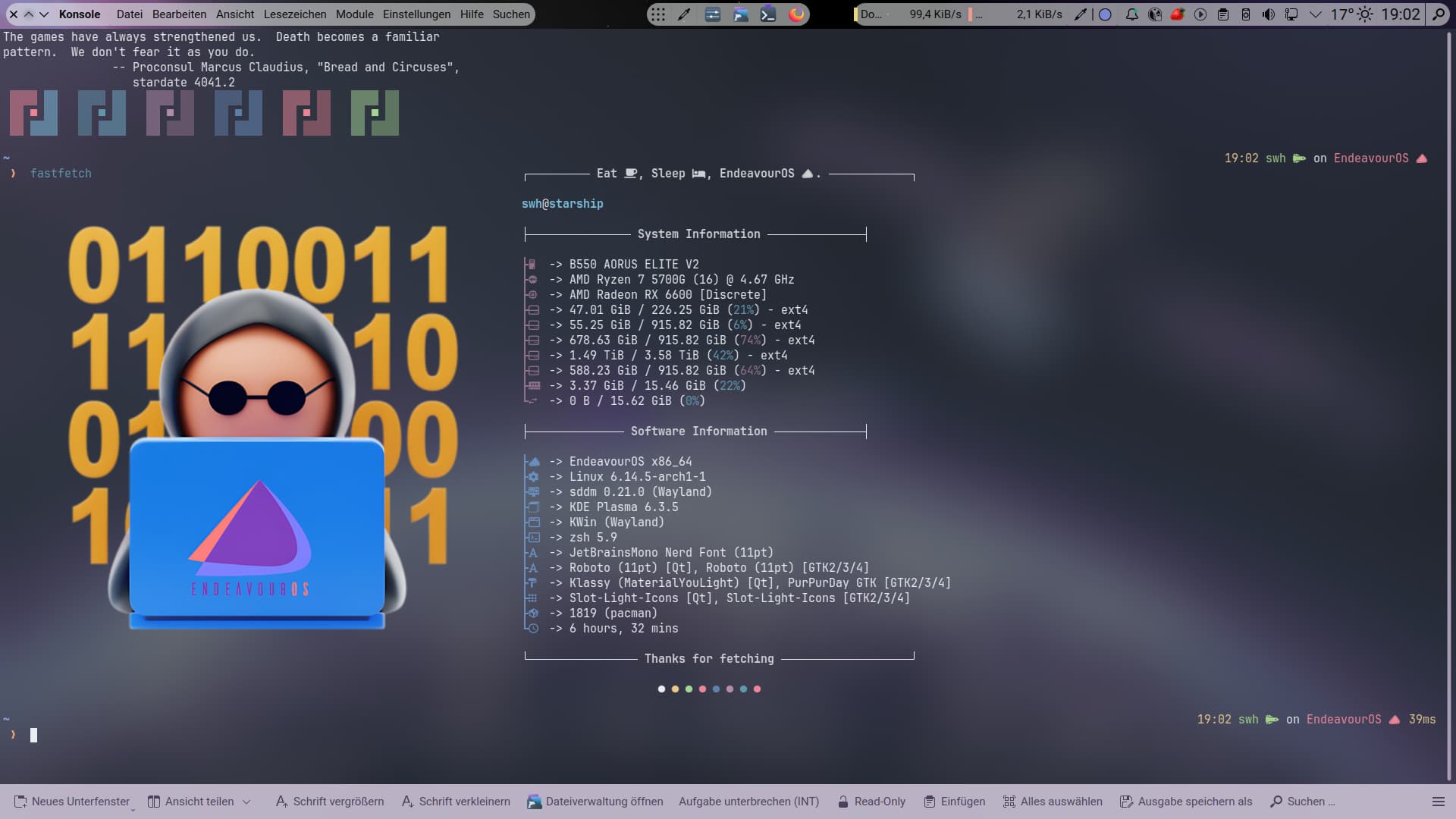
Love it…where did you get that fastfetch config file and image? Would you mind sharing? Love your wallpapers.
6 Likes
This is the image…
Lots of config info in the link @thefrog posted above.
3 Likes
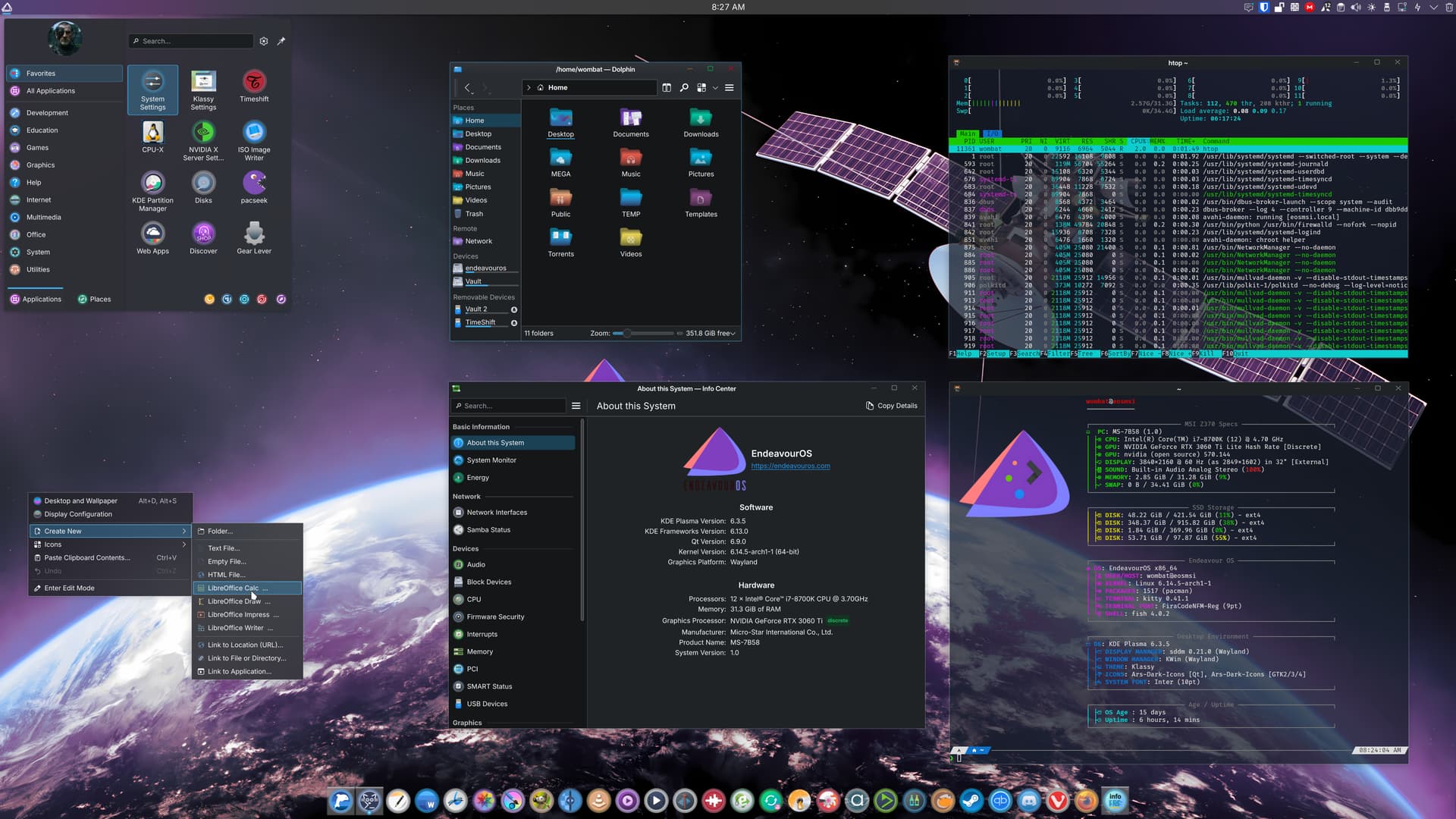
I definitely need a bigger Screen 
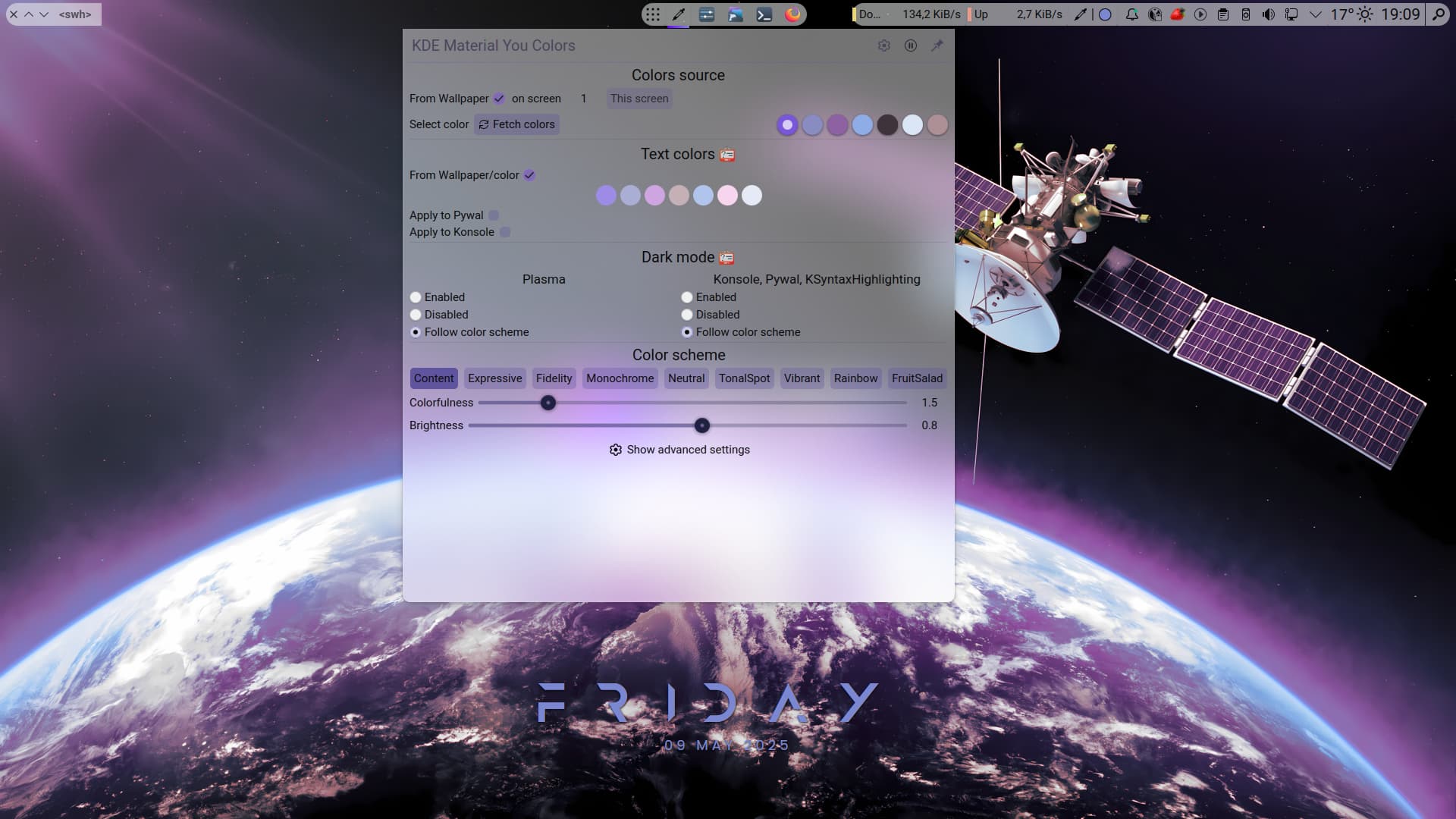
Some klassy tweaks. Panel colorozer and Material-You-Colorizer. Everything is so Purple 
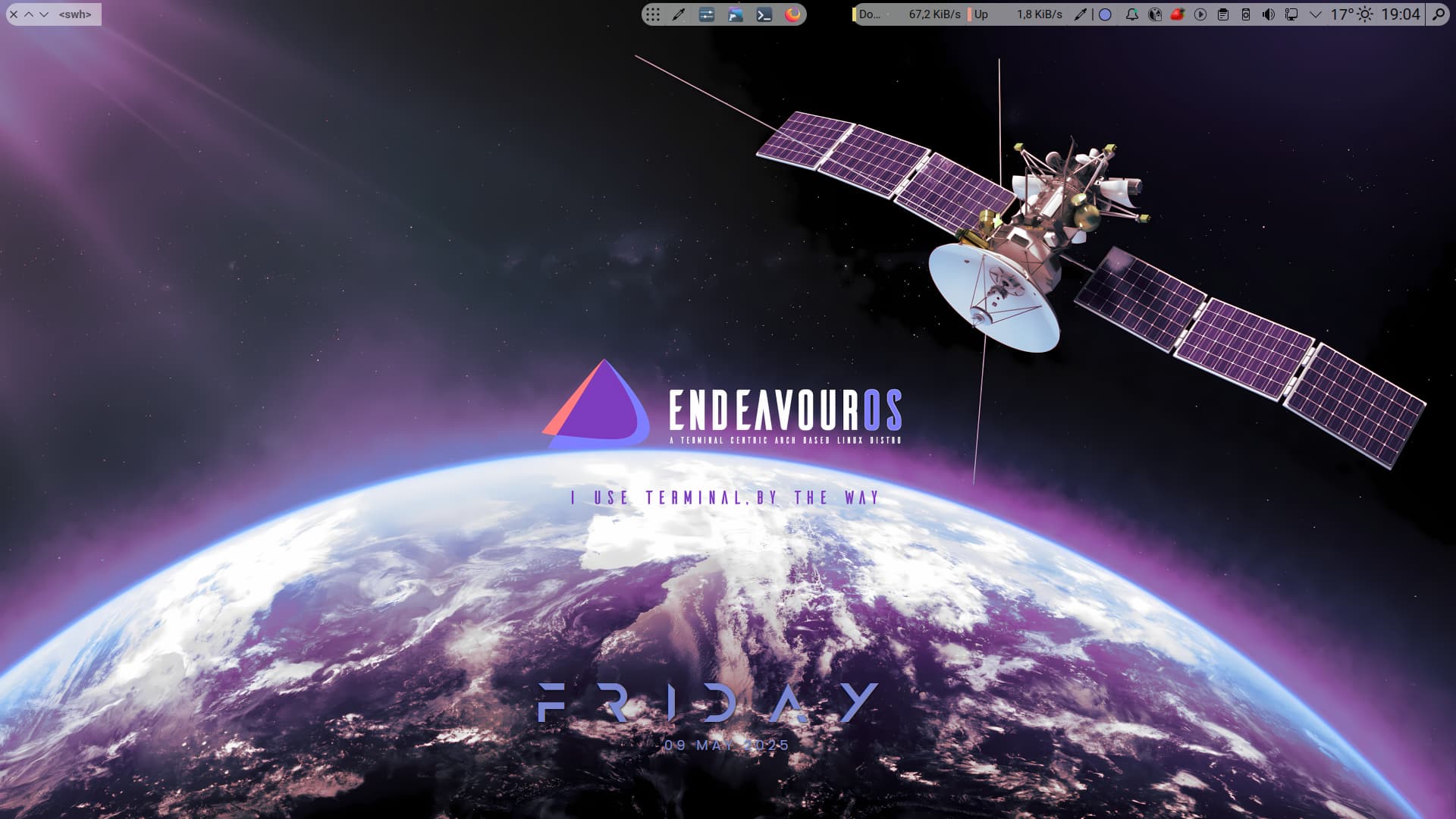
Another wonderfull Wallpaper from @UncleSpellbinder who do an amazing artwork for the community. I cannot repeat myself often enough. Thank you 
18 Likes

4 Likes


Just spots “I use terminal, by the way” in @UncleSpellbinder’s satellite wallpaper →
8 Likes
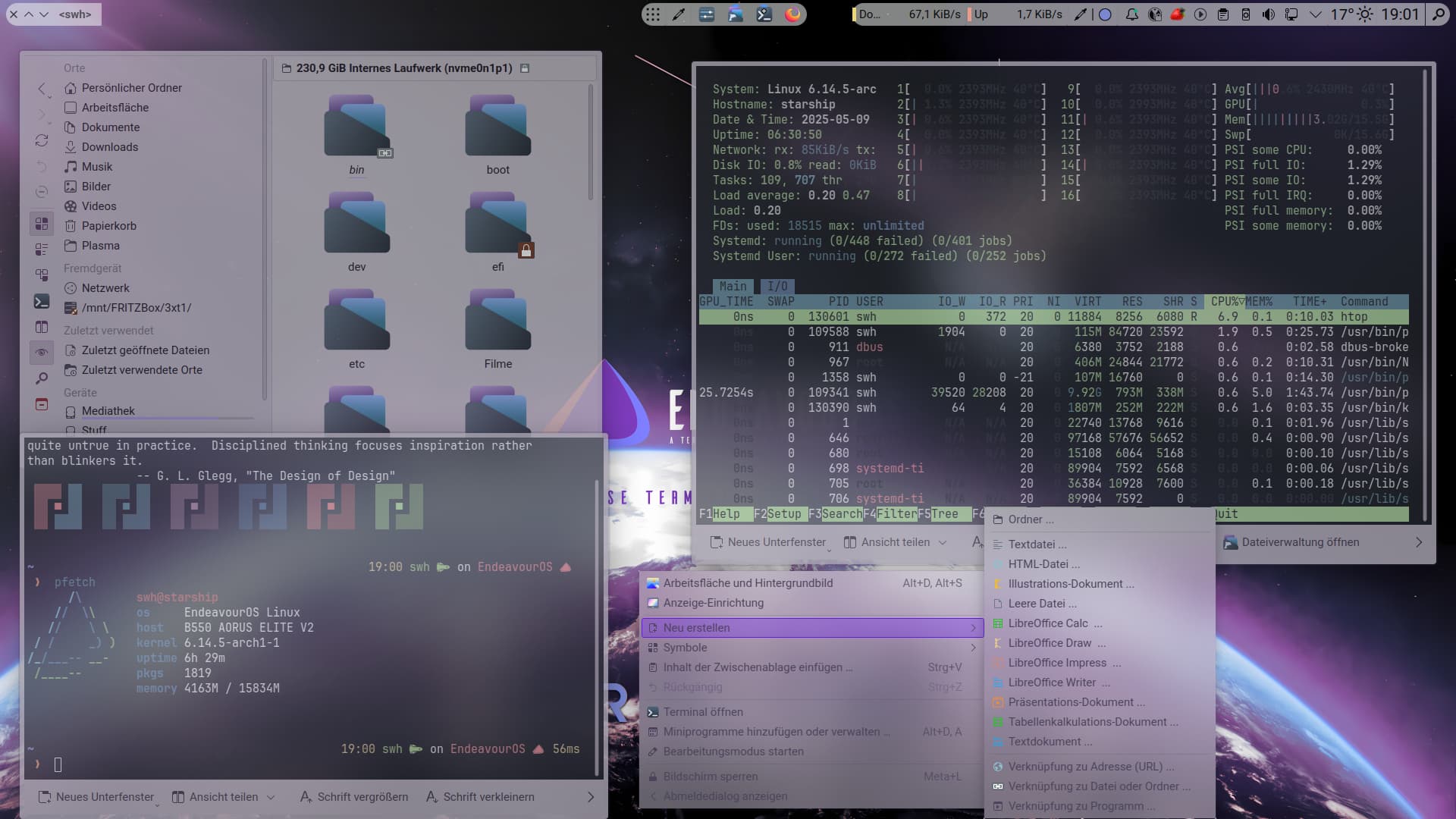
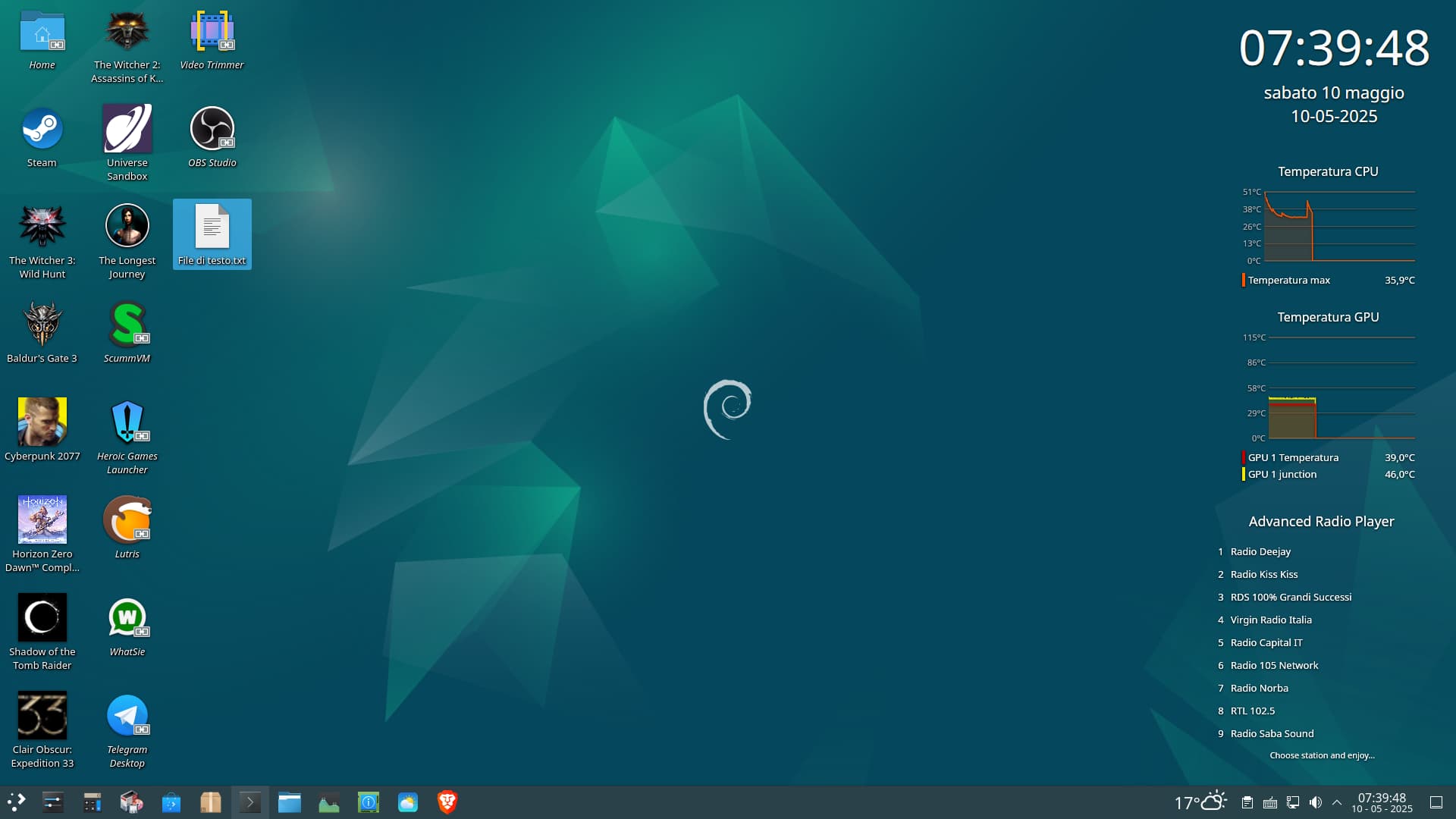
Well, I wanted to post my messed up desktop on debian, mostly for the changes to fastfetch and bash for displaying info (I then made the same changes on EOS too).
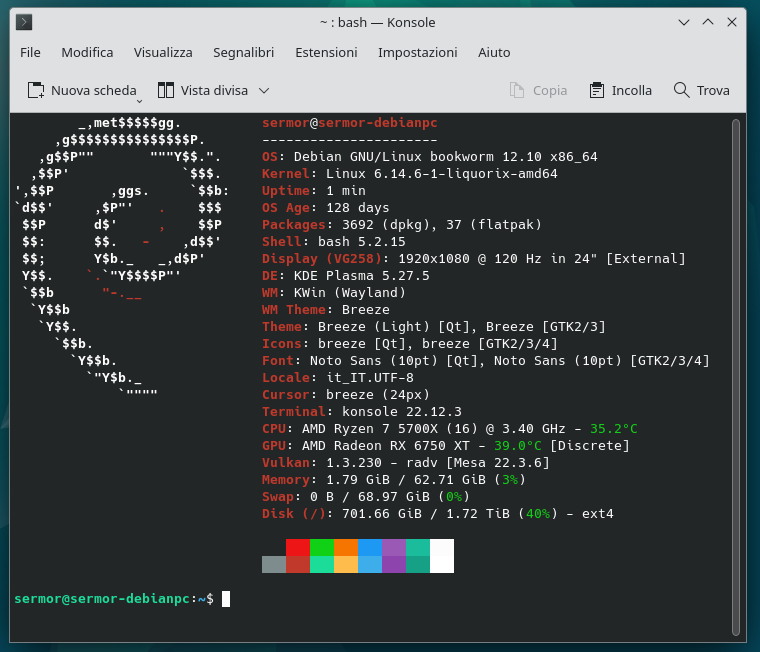
PS: in the fastfetch configuration file it is possible to add scripts, in fact for the os age I found one online and added it. Since I would also like to put the weather info, but I would like to use inxi -W with my city (it is certainly more precise than the localization via ip), how could I set up the script?
I have already tried, but the results range from some errors, or to the info put without formatting and correct color. I am interested in having at the end, in a single line after weather, the city, the temperature, and at most the time as “sunny” or “cloudy” etc.
In short, how could I do it?
11 Likes