Hi,
I defined a Generic-CUPS-PDF-Printer using the Gnome printers manager with all default parameters.
I modified the file /etc/cups/cups-pdf.conf to define the output directory: Out ${USER}/PDF and I created the directory in my home
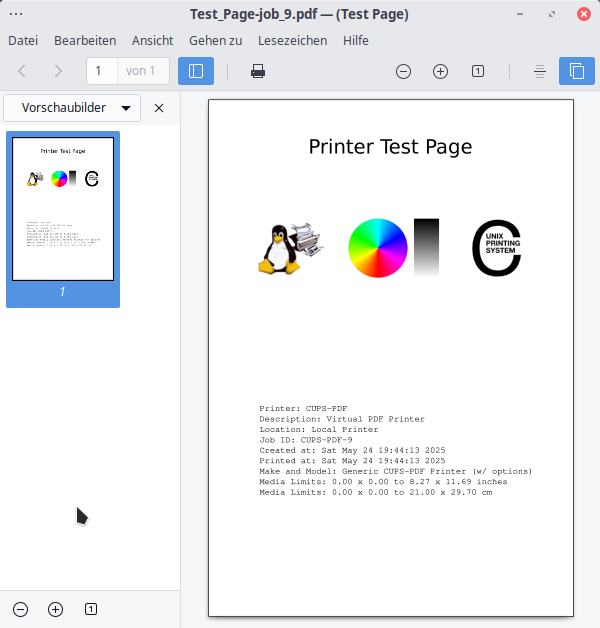
When I try to print the test page there is a segfault:
journalctl -b 0 | grep cups-pdf
mag 24 18:15:36 TRIGKEY kernel: cups-pdf[3281]: segfault at 0 ip 0000560e33e66ef1 sp 00007fff26d531c0 error 6 in cups-pdf[3ef1,560e33e65000+3000] likely on CPU 11 (core 5, socket 0)
mag 24 18:15:36 TRIGKEY systemd-coredump[3283]: Process 3281 (cups-pdf) of user 0 terminated abnormally with signal 11/SEGV, processing...
mag 24 18:15:36 TRIGKEY systemd-coredump[3288]: Process 3281 (cups-pdf) of user 0 dumped core.
                                                #0  0x0000560e33e66ef1 n/a (/usr/lib/cups/backend/cups-pdf + 0x3ef1)
                                                #1  0x0000560e33e66eff n/a (/usr/lib/cups/backend/cups-pdf + 0x3eff)
                                                #2  0x0000560e33e658f6 n/a (/usr/lib/cups/backend/cups-pdf + 0x28f6)
                                                #5  0x0000560e33e667d5 n/a (/usr/lib/cups/backend/cups-pdf + 0x37d5)
After the status of the printer is: Paused - cfFilterChain: pdftops (PID 3286) exited with no errors.
The job remains in status: In progress.
In the past I defined a cups-pdf printer without any problem. Did I forget anything ? Any advice ? Thanks