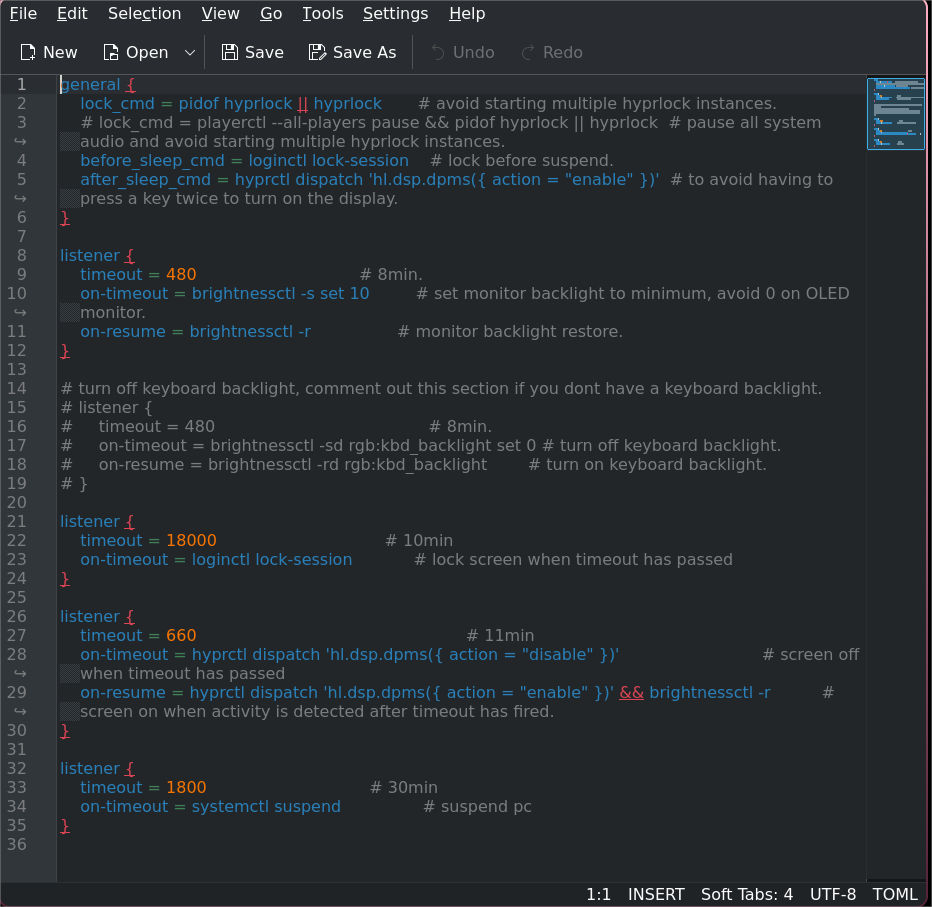
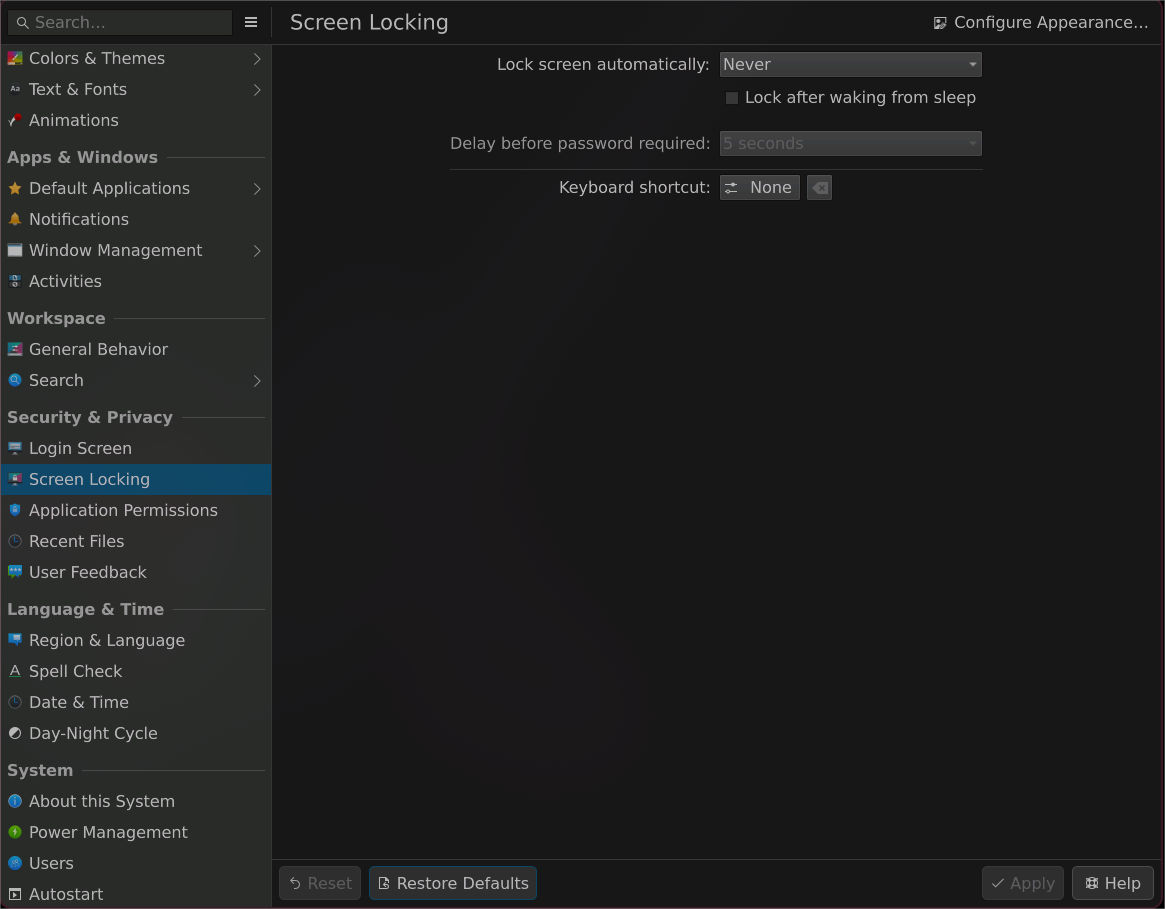
Even though screen locking is essentially turned off, my screen locks while im watching a movie or show after an estimated 15-20 mins of inactivity. I’m not sure what the fix for this is, I did try to look through the forums for something but i’m not sure I was thorough enough. Can someone please help me out with fixing this? I want to turn off screen locking it isn’t something I need at the moment
First, this is looking like KDE Settings.
What you want, you have to set them up in hyprland conf. But I don’t know anything about Hyprland. So you have to wait until someone chimes in with more knowledge about Hyprland than me.
I don’t know what effects the KDE System Settings have on a system with Hyprland installed, but I imagine there aren’t any. Like I said, wait until someone comes along who knows their way around the Hyprland configurations. But what I would recommend is that you install only one Desktop Edition at a time and run everything else in a VM. That way, you’ll avoid these problems.
Check your .config/hypr/hyprland.conf for a line with hypridle. Put a hashtag at the start of the line to disable it. Check below:
#exec-once = hypridle
Note: Depending on how you installed hyprland (someone’s dotfiles, basic setup from Arch, etc.), this line may not be present in the file, and may be present in another file. So, you may have to check a few files to find the line. You can open the folder in Kate to search all the files at once using Edit > Find in Files.
I couldn’t find the hyprland.conf file for some odd reason but i decided on a more stupid approach which is setting the timeout duration to a stupidly long number for inactivity in the hypridle.conf file, i’ll see if that fixes it for now. Thanks for the tip though
Leaving a screenshot for reference.
Yeah, like I said, that line and the way it is set up can be different based on a number of factors, so this file you’ve shown is not present in my hyprland setup.
The extremely long timeout method works, but you could also just comment out the entire thing in Kate, and Kate allows you to do it in one command by first selecting the line then pressing CTRL+/.
This command can be found in Selection > Toggle Comment.
Or you can just delete the entire thing since hyprland will immediately tell you if there’s an issue when you save the file, which means you can undo your changes.
 -Forum
 Thanks for the tip though