It is not necessary to format anything on your target RPi micro SD, or USB 3 SSD. Formatting is part of the image.
Simply download the image, use gnome-disk-uitility to restore disk image to burn the image to your RPi 4b storage device. Of course there are other image burners, but I have been using gnome-disk-utility on both GTK and QT Desktops for decades with no problems.
In gnome-disk-utility your burned image should look like this
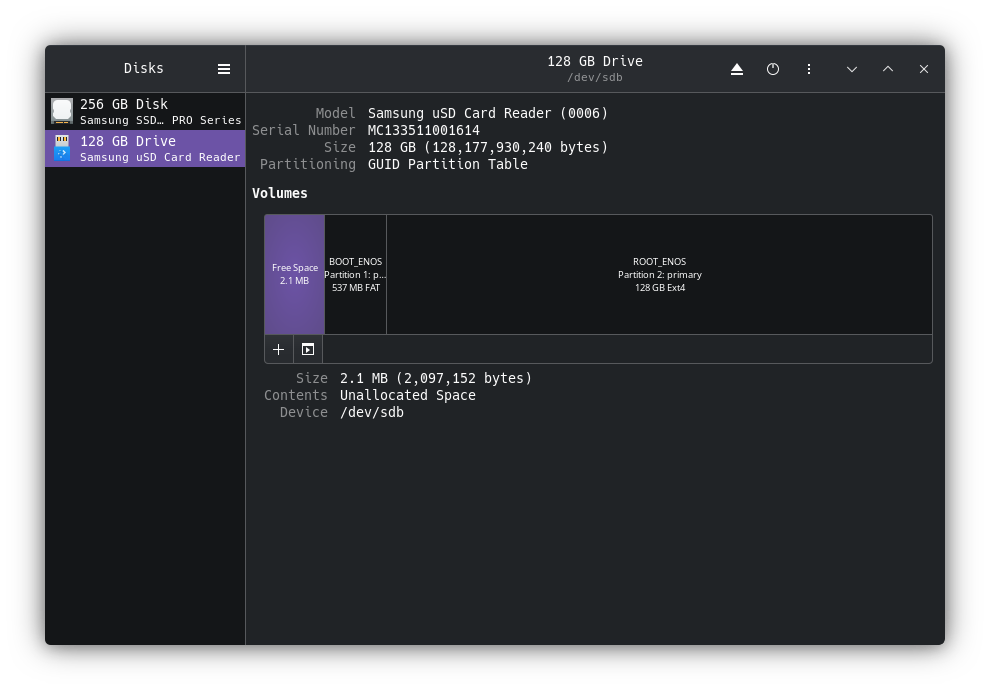
The default for disk format is ext4. If you want btrfs, you have to create your own image.
Not as difficult as it seems. See here:
Pudge