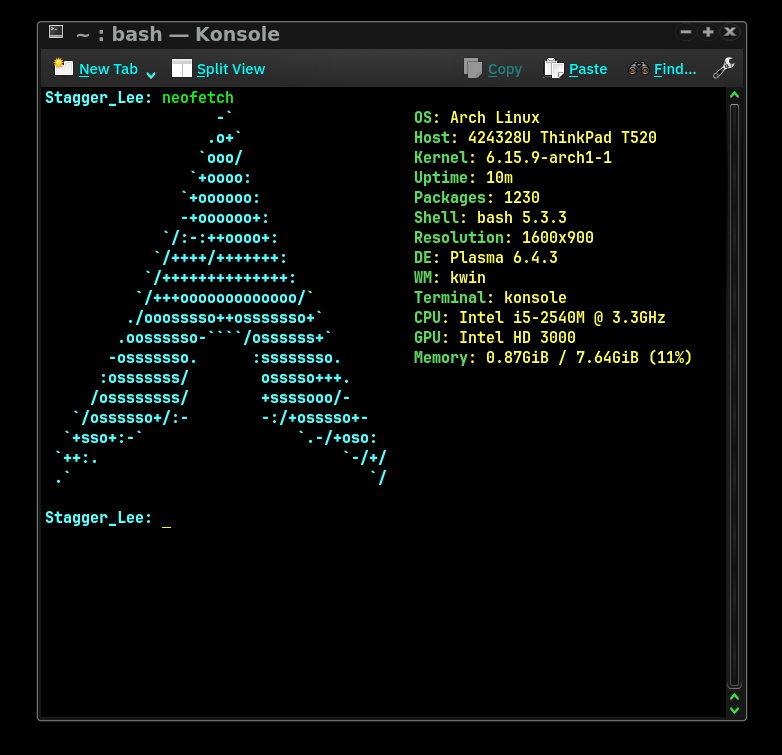
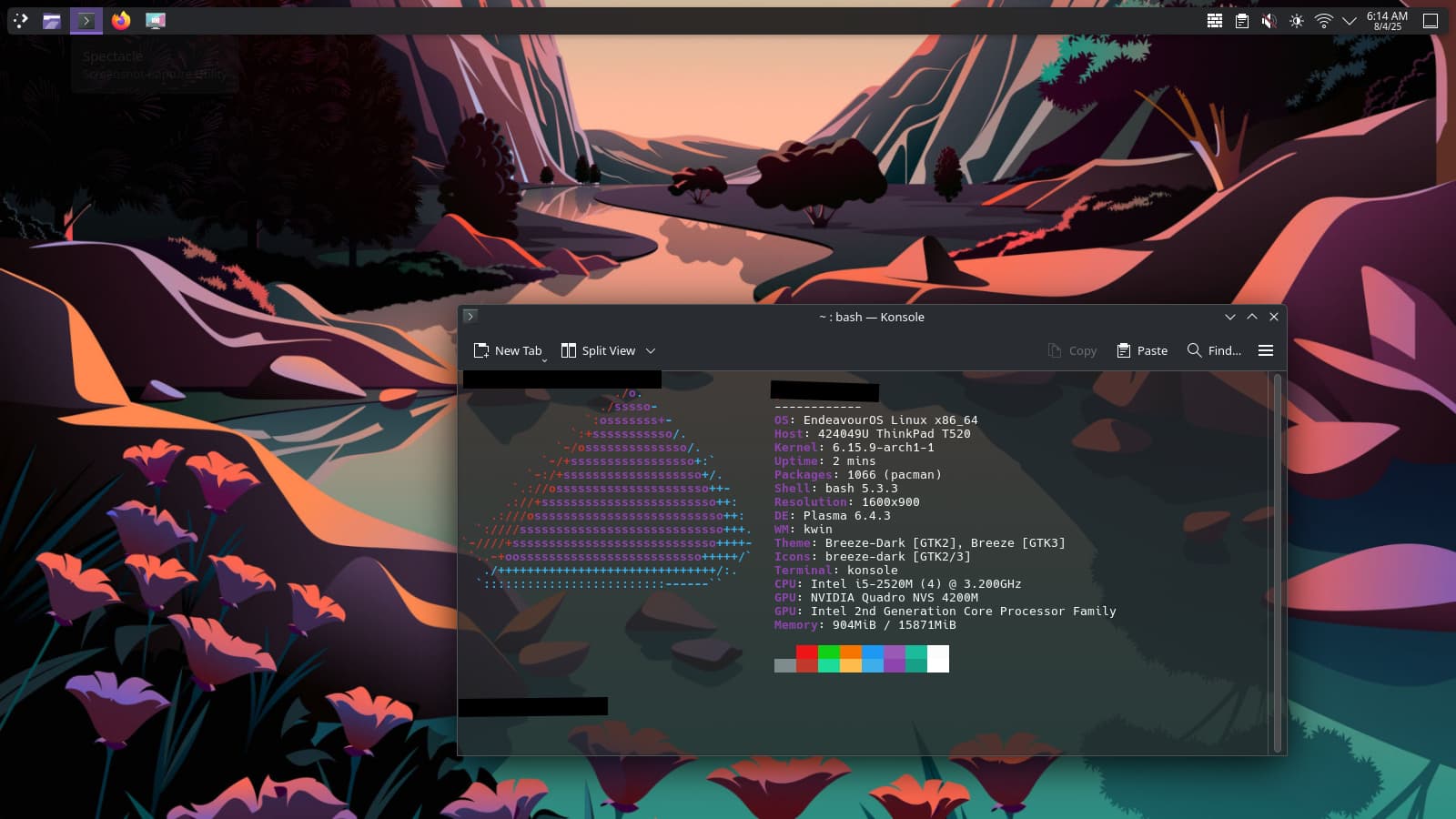
Salvation Army buy for $49, this 2011 Lenovo T520 came with 16g memory and at least had the drive sled inside it. I tossed in a Samsung 500g ssd I’d gotten from another old machine (nice score) and installed Kubuntu originally. But EndeavourOS is my go to, and once I saw how really snappy this old warhorse was, I had to do it. It has a dual core i5 2.6g second gen cpu. But as long as gaming isn’t the plan this thing flies.
I’d report problems that came up during or after my usb install… except there weren’t any. Camera works. Sound works. The 1600x900 15” matte screen looks great. Wifi works out of the box. I don’t know if all the ports work, because there are maybe a dozen on this thing, not a few kinda esoteric these days. One could use the DVD/CD drive to install if one preferred.
Extremely pleased. Thanks to the EndeavourOS team (again!).
Yes….older ThinkPads are great units. I refurbed & resold them on eBay for years (bought corporate units…would take 2~3 units to make one good one). IBM/Lenovo generally put in parts that worked well with Linux & you can easily change network cards, add memory, upgrade the CPU…etc. I’ve got a B590 that is my vacation/spare unit.
Hard to believe a 2011 laptop could handle 16GB–you really lucked out with that.
Kudos to Endeavour, yes, but kudos to Lenovo/IBM—I will also concur their quality machines were made for Linux. My Linux life has mostly been on older Thinkcentres, and have never been unhappy.
I would eventually consider to ditch KDE Plasma in favor of a more lightweight / less resource intense solution.
I’m currently also tinkering around with SWAY via the nwg-shell / nwg-iso and it’s pretty nice to see that ram usage is considerably reduced. But not due to hardware limitations.
Anyway, the T520 should work fine. Only the fingerprint reader and smartcard reader might not work.
With 16g in this thing, I’m not super worried about a lightweight linux. Heck, people run KDE on 4g. Not my favorite thing to do, but quite doable.
Re the fingerprint reader… yeah, I’d liike to get that working. Of course my high end linux machine (a Dell XPS 2019 7590 w/ 4k screen) also doesn’t have a fingerprint reader working. I did leave a stub windows partition on it but hardly ever, ever go there. EndeavourOS also on that one. Anyway, I was hoping I’d find a fingerprint readr for the T520, thinking it was older so maybe. But… sigh.
well i have a samsung rv510 from about 2010 i think , dual core 4gig ram and a 500gig ssd , i always installed light distros , until i didn’t have a choice but to install kde plasma …
and boy was i surprised how well it runs on eos ,no problem at all
If you do some Googling & download the service manual you will find that it’s VERY easy to upgrade the CPU & with the amount of memory you have, you can have have a nice, fast unit that’s cheap to upgrade. I upgraded my B590 from an i3-2.2GHz to an i5-3.2GHz….the cost of the CPU was $25 US & maxed its memory to 16 GB….Really made a nice machine out of it. The memory was $32 US. I bought the B590 with the stock specs for $45 US shipped off of eBay. I had a 500 GB Samsung 860 laying around that went into it.
I can get the CPU upgrade info to you if you want it.
Hooboy…. I’ve been playing w/ getting an mSATA for it. But I had looked at those cpu’s as well. And now, dang it, your post got me looking again… and I ordered one. HAHA! So now it’s $49 + $21.
Still cheap for the performance….. I’ve been using the Thermal Grizzly KryoSheets for my builds…..MUCH nicer than paste & better heat transfer. The one that would work for your CPU: https://www.amazon.com/dp/B0C61QGH5Z?ref=ppx_yo2ov_dt_b_fed_asin_title&th=1. And because you would never need to do it again, the $17 cost would far outweigh the $7 cost of the paste. The Thermal Grizzly for my 1851 Ultra 7 265KF lowered the temps by 5~7°C over my best paste job……And I’m not planning to change CPU or cooler for at least 1~2 years….
You just need to pay close attention to the overlap on the CPU & trim if needed.
Smart card reader does work under EndeavourOS. However, I discovered what I think may be a micro-sd reader under the battery. Don’t have a micro to toss in to check that… This thing is so janked out with ports!
Re: fingerprint reader: Does your machine have one?
If so, you might just be lucky, check your lsusb and verify with the list of fprint supported devices. The Thinkpad “T” and “P” series have traditionally always had good Linux support, unlike the IdeaPads.
Seeing that fingerprint reader is supported, you should be good.
While reworking that T520, don’t forget to also update BIOS and device firmware. On my T14G1, fwupdmgr worked nicely. Lenovo actively participate and upload current BIOS and device firmware (unlike Toshiba, grrr).
Note: Updating the UEFI BIOS can clobber your EFI setup and you might have to repair it with efibootmgr or the like afterwards. Check the wiki.
When finished, you might also consider to add a hardware probe to the Linux hardware database. I usually do, it’s a good thing for all of us.
 . She’s been running Arch for 8 trouble-free years now.