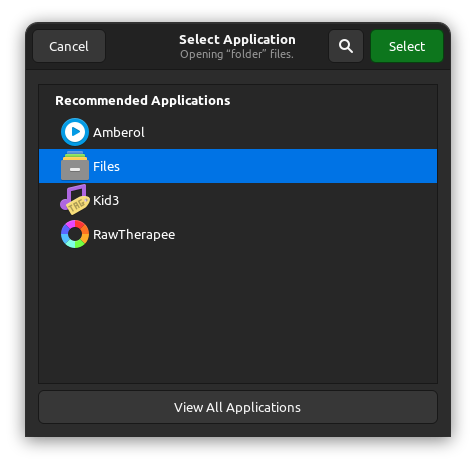
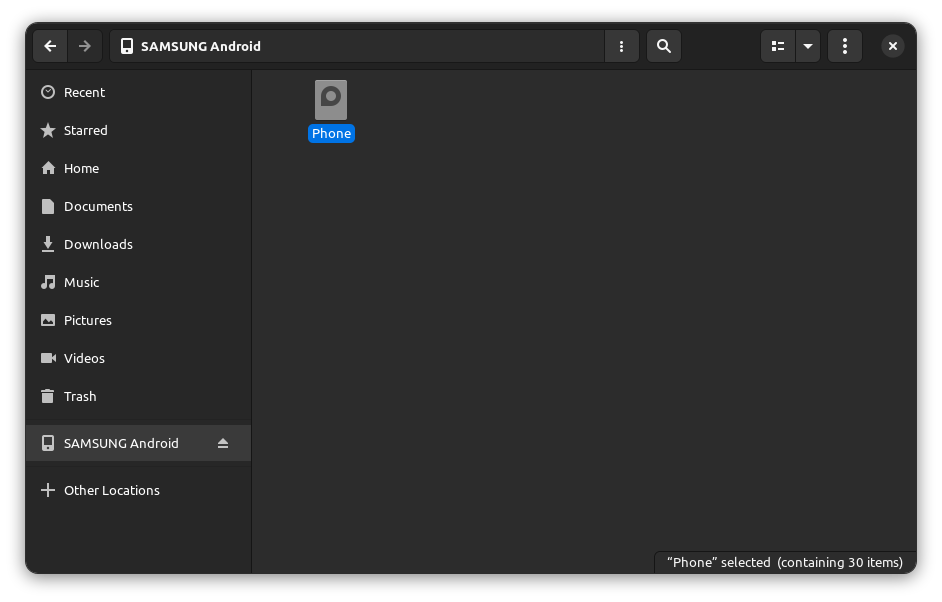
When you connect your drive, ignore the Notification Center and and that wants to open the Tag Editor. Instead, once plugged in, open Nautilus, select your drive, and inside your drive right click on the main folder (in my case I right click on ‘Phone’), and select “Open With Other Application”
Select Nautilus from the list and click “Select” and from now on when you insert that drive, it should now default to the Notification Center asking you if you want to open it with Nautilus or not.