If you reused home it may have old configs? Maybe?

If you reused home it may have old configs? Maybe?
yes that’s what i thought, but i couldn’t find them.
I haven’t found anything pertaining to your monitor. Maybe try a wayland session? It could be worth a shot. Maybe even try Gnome desktop. Not sure either one of those would work, but in rare cases. It does.
i would need to search for all this stuff, i forgot how to add wayland support to my gpu, i had to edit something to be able to boot into wayland the last time i tried (tried it today, but i had forgot that i need to edit this thing before bein’ able to login, so i threw it off again thehe), it also flickered a lot of times.
but might try again.
i’m gonna sleep for now, i’ll be back.
You shouldn’t have to any of that with the 535 version of the nvidia driver. You just need to install the plasma-wayland session from the repos. Alright, good night.
This is a list of all wayland related packages on my system I believe. For reference:
egl-wayland 2:1.1.12-1
kwayland 5.108.0-1
kwayland-integration 5.27.6-1
plasma-wayland-session 5.27.6-2
qt5-wayland 5.15.10+kde+r51-1
qt6-wayland 6.5.1-1
wayland 1.22.0-1
wayland-protocols 1.31-1
wayland-utils 1.2.0-1
xorg-xwayland 23.1.2-1
weird, i wasn’t able to login? wrong driver? it showed
i’ll def try again as soon i can~ night ^-^
EDIT: couldn’t wait, you’re right i can login into wayland, i installed every package you listed.
but still 120hz, might look into nvidia settings again.
EDIT2: btop says plasmashell is using less ram, need to look further into it, its 400MB instead of 600MB on wayland, maybe it’s something different but that’s the the first thing that caught my eye? on such a old gpu, also on wayland?? i don’t trust it lol
I am using Wayland on Nvidia with a GTX1060 with no issues but not gaming.
I don’t use it on a daily basis, but it works for me whenever I try it out. Using rtx3080
terrible day, it’s so f warm 
i didn’t try different drivers yet, just the ones that got preinstalled on the nvidia eos profile.
NVIDIA Settings also show less settings than before if i didn’t forget anything?,
but beside my hz issue, waylands seems to work great so far.
That sounds about right for nvidia on wayland. I just read that for some people it unlocked higher refresh rates in some rare cases and I wanted to see if it somehown did a better job at detecting your refresh rate than X11 and its tools. If it worked a year ago I believe you said. Then perhaps downgrading the nvidia drivers to something older might fix the issue. It could point to a bug in the newer drivers.
Maybe a hibernation issue? I have no clue, but you can restart plasma. I usually do something like this killall plasmashell && nop plasmashell --no-respawn > /dev/null 2>&1 &; disown and also restart kwin just to be sure kwin_x11 --replace. Technically instead of the first command you can use plasmashell --replace, but for me this is too slow. It causes the notification daemon to still think the old one is active.
I had been looking into this some more, but never came across anything. My suggestions are try the 525 version of the nvidia drivers. Skipping the 530 version because it is known to have problems with refresh rate. Also give another desktop environment a try. Maybe boot a distro like popOS off of a live usb. You don’t need to install it. Just boot into the live environment and try to change the refresh rate. If it works on one distro we can see what is different. When you click the download button, there should be an option with the nvidia drivers already on the iso. Choose that one. I’m about to load it in a virtual machine to see what version of the driver it has.
Looks like the current version of the popOS iso contains the 525 driver. Maybe try that off of a live usb and see if that works. If so, reboot into endeavourOS and install that one.
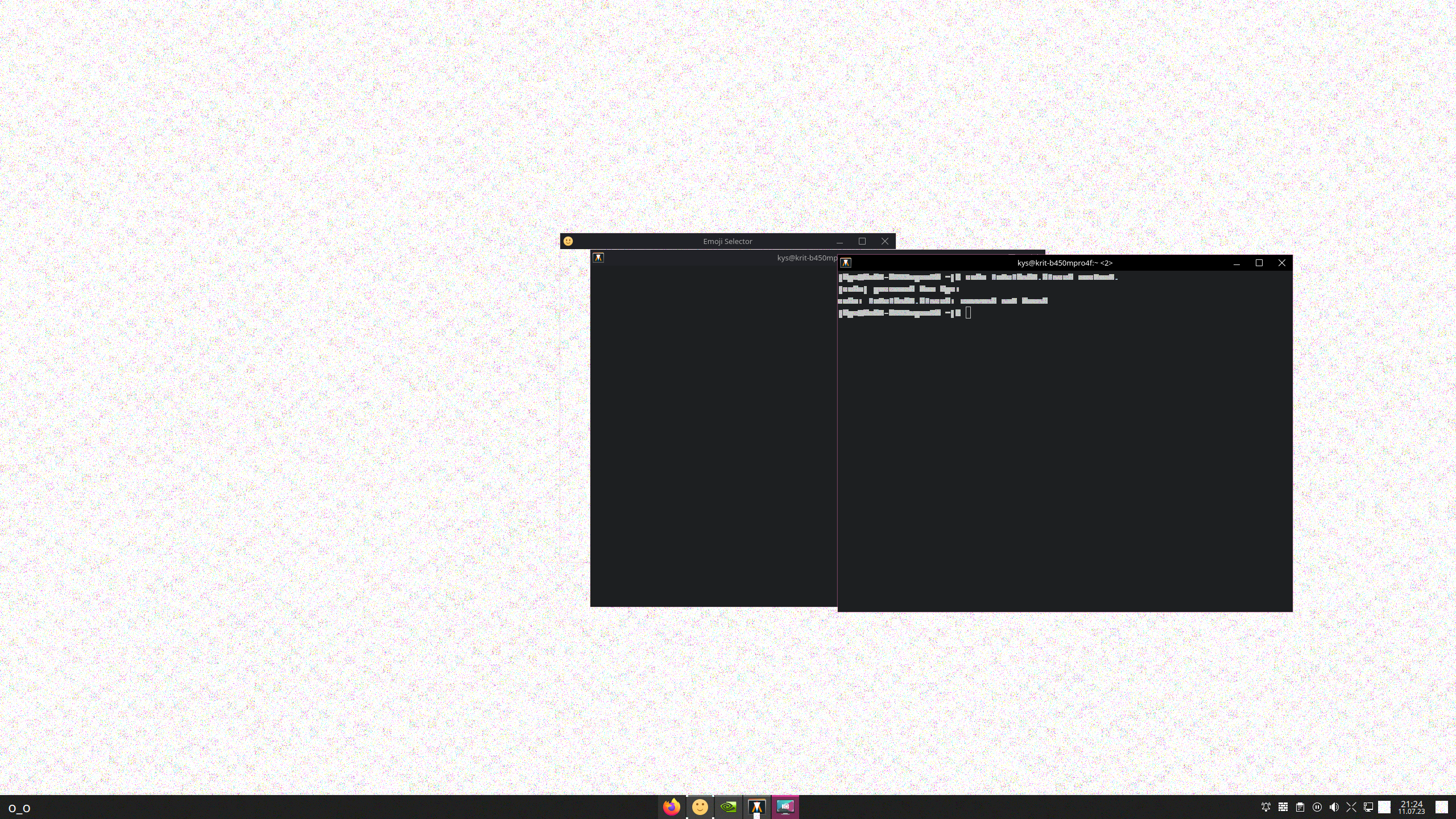
 - i was gone, so my computer got into sleep mode, and after the wake up: this happened