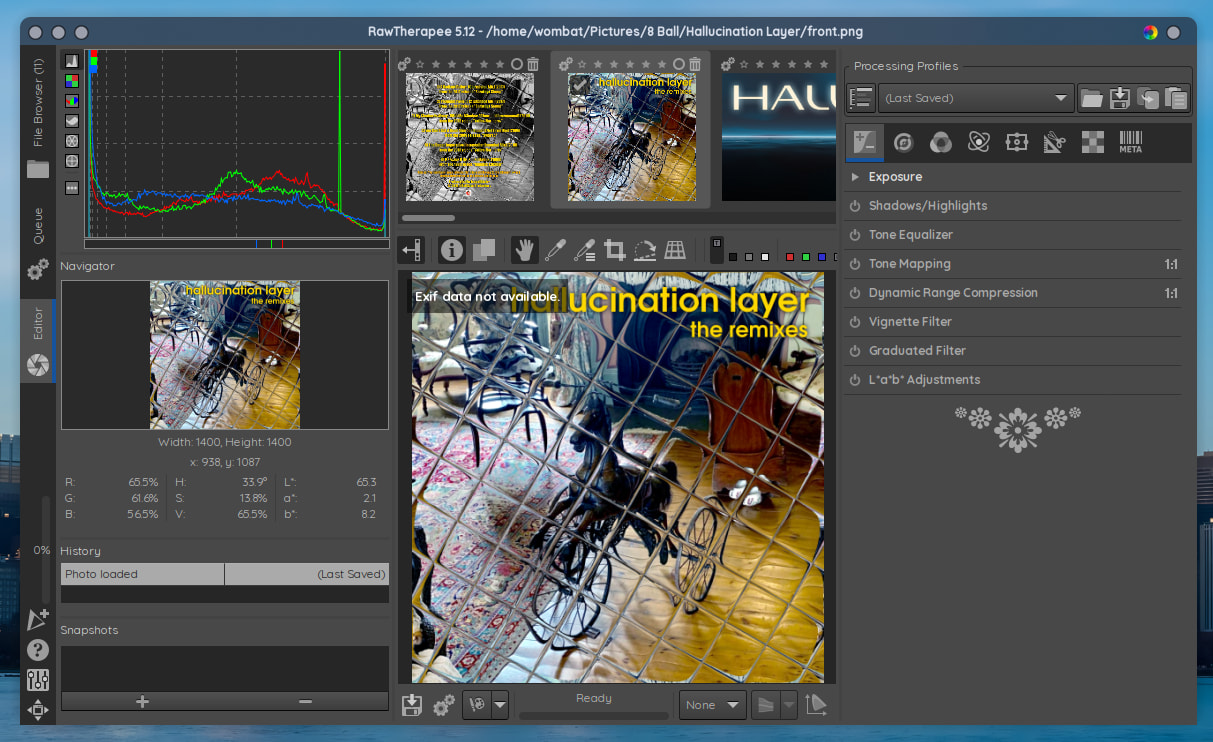
Just noticed that ‘Rawtherapee’ photo application now fails to initialize. . . . ? Any idea’s?
Rich;)
Just noticed that ‘Rawtherapee’ photo application now fails to initialize. . . . ? Any idea’s?
Rich;)
What if you launched it from a terminal, what output will you get?
Open a terminal and execute: rawtherapee
I haven’t used RawTherapee in a very long time. I just installed it via Arch Extra, and I have the same issue.
Removed it and installed the appimage, and it launches and works as expected.
I’m using rawtherapee-git and I can confirm it’s launching.
I make a couple tweaks to the PKGBUILD for optimization, but even without those, I expect it’d still work.
Edit: I rebuilt based on the latest commit just to double check, and can confirm again, it’s working.
[richardc@richard-ms7c91 ~]$ rawtherapee
Segmentation fault (core dumped) rawtherapee
[richardc@richard-ms7c91 ~]$
Rich 
This may be something that could be beyond the scope of most forum members to troubleshoot.
There seems to be already an issue report about this, here:
If you want to investigate it yourself a bit:
I guess you would need to wait for a fixed release. Or perhaps ask @Bink to help you out with building the git version.
Or:
The obvious workaround is to temporarily downgrade to
glibmm-2.66.8-1
as it says in the issue report.
This’ll suffice for installing the git version:
yay -Syu rawtherapee-git
I add additional compile flags to the PKGBUILD first, but these aren’t essential:
    -DPROC_TARGET_NUMBER="2" \
    -DOPTION_OMP="ON"
PROC_TARGET_NUMBER
From
0(default) to9.The PROC_TARGET_NUMBER option sets which CPU type to optimize for.
If building for yourself, use “2”. It means “native”, so the optimizations will be automatically detected for your CPU and RawTherapee will perform as fast as possible on your CPU. It might not run at all on older or other CPU architectures.
If building for distribution (for other people), use “1”. It means “generic”, so only optimizations supported by most CPUs will be used, meaning the build can be downloaded and used by anyone, though it won’t benefit from the best optimizations possible for the user’s CPU.
For more info, see the file “ProcessorTargets.cmake” in the cloned repository.
To make a build using “native” optimizations, set:
-DPROC_TARGET_NUMBER="2"
OPTION_OMP
ON(default) orOFF.Build with OpenMP support when enabled, which enables multithreading and makes RawTherapee much faster.
I’ll wait for the fixed version arrives. . . I was looking into the appimage version but will hold off of that also. . . . It will be fixed in time. No rush. . . . just my way of notifying everyone of issues as they become known. . .
Rich