You need to do alot to get a game working from watching your video. For me steam + proton is the way to go OR Heroic Games Launcher.
To put it simply:
Proton-autogen detects your hardware configuration, the DLLs required to launch an application, your display server (X11 or Wayland), and your CPU. It also detects the presence of Proton, GameMode, GameScope, and MangoHud.
The configuration adapts automatically, ensuring the best possible settings for your game. It creates the necessary prefix to execute the .exe file.
Furthermore, it applies optimizations relevant to newer versions of Proton.
It is quite simple to use: just drag and drop an .exe file to add it.
Manual configuration is available for advanced users.
It relies exclusively on the Proton, Wine, and other applications already installed on your PC; no special technical skills are required. For more advanced users, there is the option to add custom variables as desired.
I invite you to test it; I think you’ll be surprised. It’s extremely lightweight using virtually 0% CPU provided you set up your own shortcuts, like this:
proton-autogen "/home/user/Documents/Proton/env/main/pfx/drive_c/Program Files (x86)/Battle.net/Battle.net Launcher.exe" %U
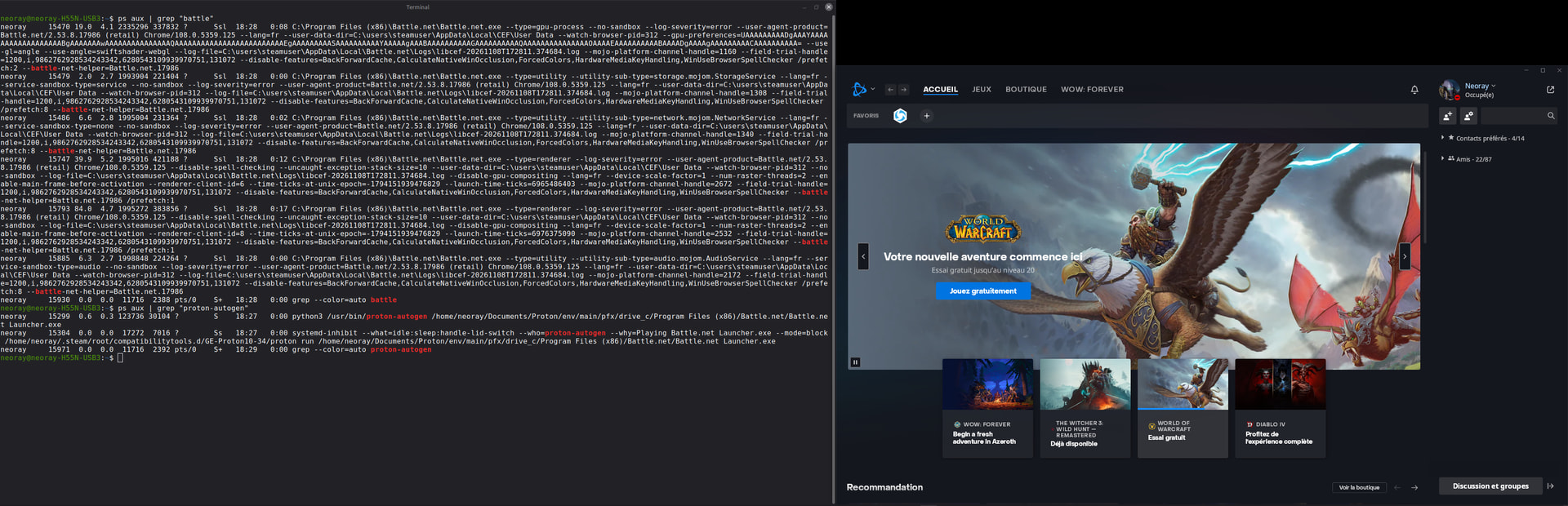
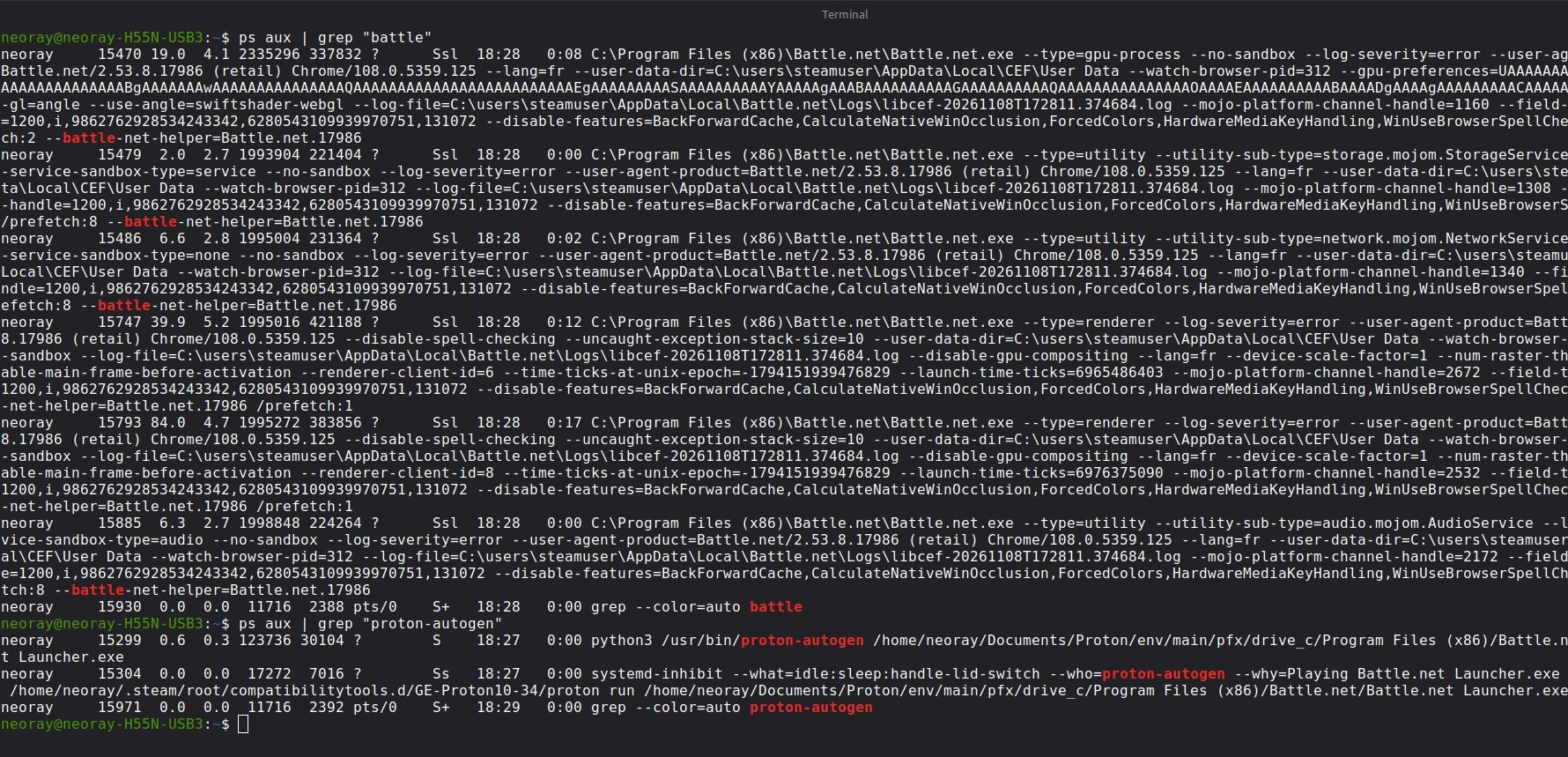
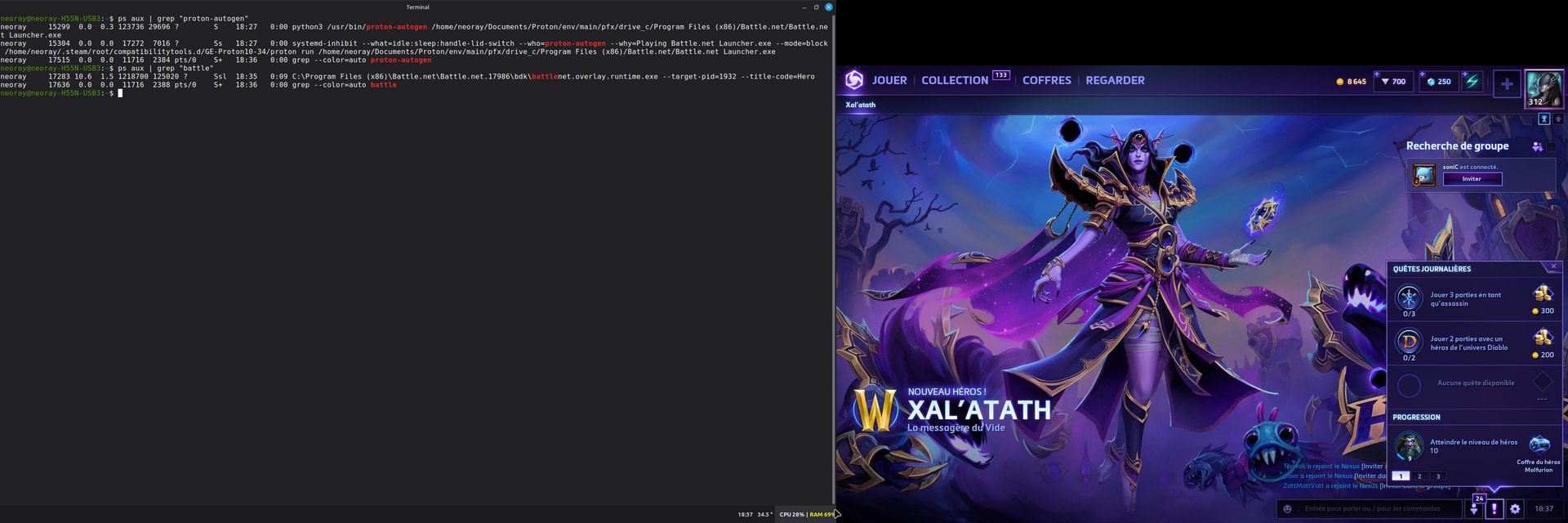
Installation is simple:
yay -S proton-autogen
And for Paru users:
paru -S proton-autogen
 Support Proton-Autogen
If you enjoy using Proton-Autogen, please consider voting for it on the AUR.
Your vote helps increase the project’s visibility and supports its continued development.
Vote for Proton-Autogen on AUR: