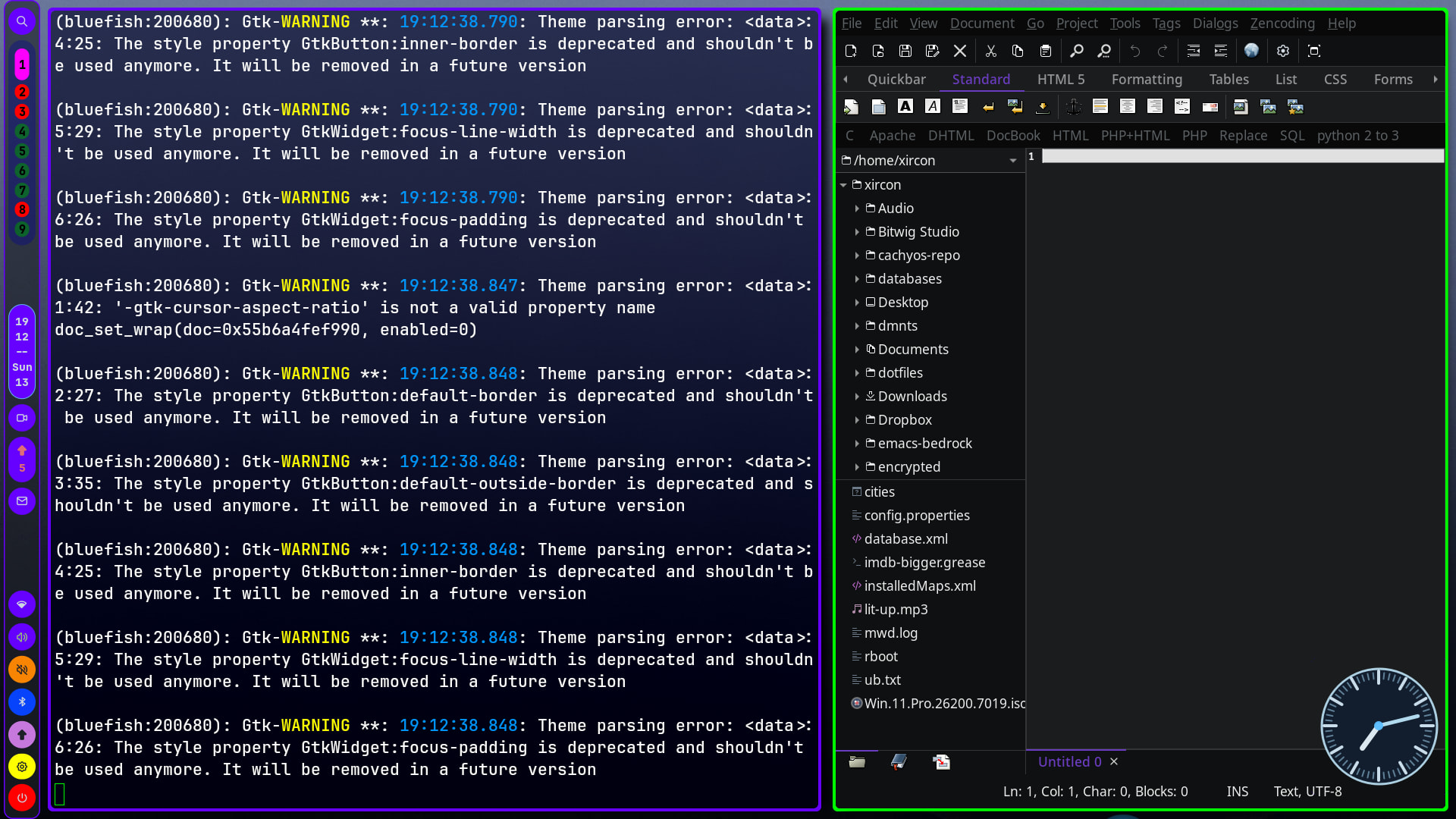
Converting from Manjaro to Endeavouros (which I’ve managed so far with invaluable help from the Forum) I’ve now hit a problem in transferring my html/php browser content pages because the bluefish editor which I have used in various other linuxes doesn’t want to play ball. When started from the Application Launcher/Development list, it can’t see the files, which I’ve placed in /var/www/html for ease of transfer from earlier systems. I’ve checked the Permissions for var and its sub-files, and they are identical with the Manjaro ones. I then tried opening bluefish from the terminal:
[petern@localhost ~]$ bluefish
bash: bluefish: command not found
[petern@localhost ~]$
Assuming that this response was caused by an access problem, I tried as root:
[petern@localhost ~]$ su -f root
Password:
[root@localhost petern]# bluefish
bash: bluefish: command not found
After this failure, I read up to refresh my memory about the PATH variable, and decided to try to add the path to bluefish, which I found by:
[root@localhost petern]# find / -type f -name bluefish -print
find: ‘/run/user/1000/doc’: Permission denied
find: ‘/run/user/1000/gvfs’: Permission denied
/var/lib/flatpak/app/nl.openoffice.bluefish/aarch64/stable/3337016f7b3ad4fbcd37eb5182a0dd8f458a2ae27830cc19784dec51984178e4/files/bin/bluefish
Two points, If I am root, why are the first two lines ‘Permission denied’? And why is bluefish hidden away so deeply in the file system? I did try adding this ref temporarily to the PATH variable, but it still didn’t enable bluefish to run successfully from either the Application Launcher or the terminal.
All that was a preamble to the real question; how can I get bluefish to read and write files in the \var\www and \var\www\html directories?