You know the problem with that Rick, 1) I have to learn what it needs 2) If I do it, someone might expect me to keep doing it lol and I hate commitments.
However, since I do have Pop_OS installed, I’m in a pretty good place to do this.
Regarding polkit, further research found this.
By the way, cosmic-1:1.0.0-1 release is available in the archlinux x86_64 repos.
Archlinux ARM has released 1:1.0.0-1 but it hasn’t got to the mirrors yet.
Pudge
The problem i have is I don’t know EXACTLY what it needs. PopOS already has it. 
Can you post the COSMIC-specific package list for Pop? I did not use the EOS Community repo for my install, just used a no-DE EOS install then added the cosmic group. My screen doesn’t look anything like yours, @ricklinux.
Yeah, I can do that..give me about ten minutes. I’ll edit this post after I reboot.
The are the POP-OS packages (ie Ubuntu deb). This list may help me when comparing apples and oranges too :0
cosmic-app-library
cosmic-applets
cosmic-bg
cosmic-comp
cosmic-design-demo
cosmic-edit
cosmic-files
cosmic-greeter
cosmic-greeter-daemon
cosmic-icons
cosmic-idle
cosmic-initial-setup
cosmic-initial-setup-casper
cosmic-justfiles
cosmic-launcher
cosmic-notifications
cosmic-osd
cosmic-osk
cosmic-panel
cosmic-player
cosmic-randr
cosmic-reader
cosmic-screenshot
cosmic-session
cosmic-settings
cosmic-settings-daemon
cosmic-store
cosmic-term
cosmic-wallpapers
cosmic-workspaces
pop-de-cosmic
xdg-desktop-portal-cosmic
2 Likes
pop-de-cosmic is probably why the desktops are different looking. Archlinux x86_64 & Archlinux ARM neither one offers pop-de-cosmic.’
Pudge
OK, doing a quick diff shows the packages that Pop has, but not Arch:
cosmic-design-demo
cosmic-edit (probably renamed as cosmic-text-editor)
cosmic-greeter-daemon (probably part of Arch's cosmic-greeter)
cosmic-initial-setup-casper
cosmic-justfiles
cosmic-osk
cosmic-reader
pop-de-cosmic
There are also a ton of plugins in the AUR for COSMIC.
1 Like
I’m with Pudge on this one…the only suspicious thing is the pop-de-cosmic (imo)
I’ll investigate the contents shortly, I’m back on Arch installing Endeavour in a VM
1 Like
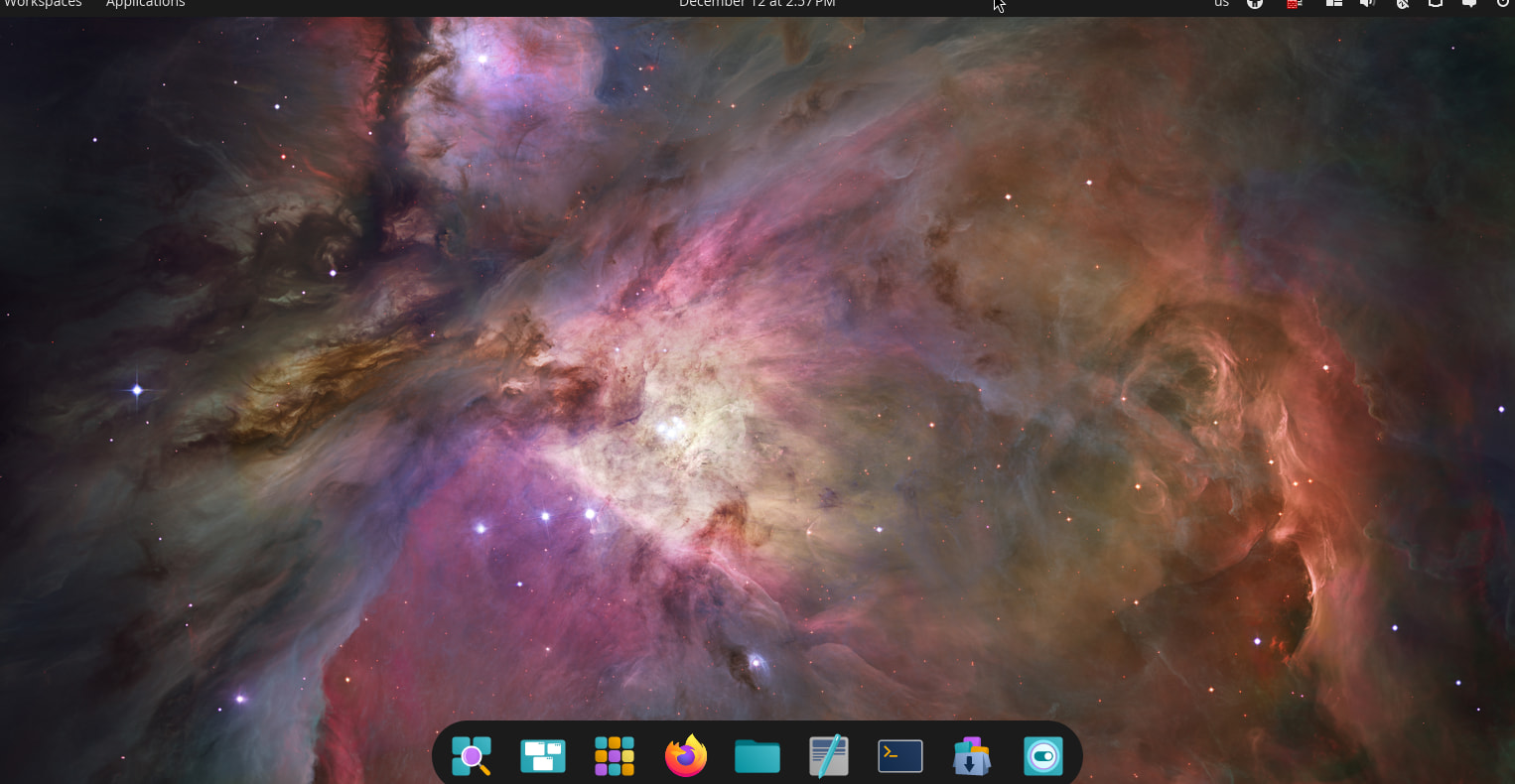
@ricklinux This is from a current NEW fresh install of Cosmic, you are definitely missing stuff that should come from ‘cosmic’ group.
Wait…I see settings in your VM post…didn’t you say you were missing that or am I having fever dreams?  Oh you posted two sets of images…ok.
1 Like
Here is my RPi 5 ARM EndeavourOS Cosmic desktop.
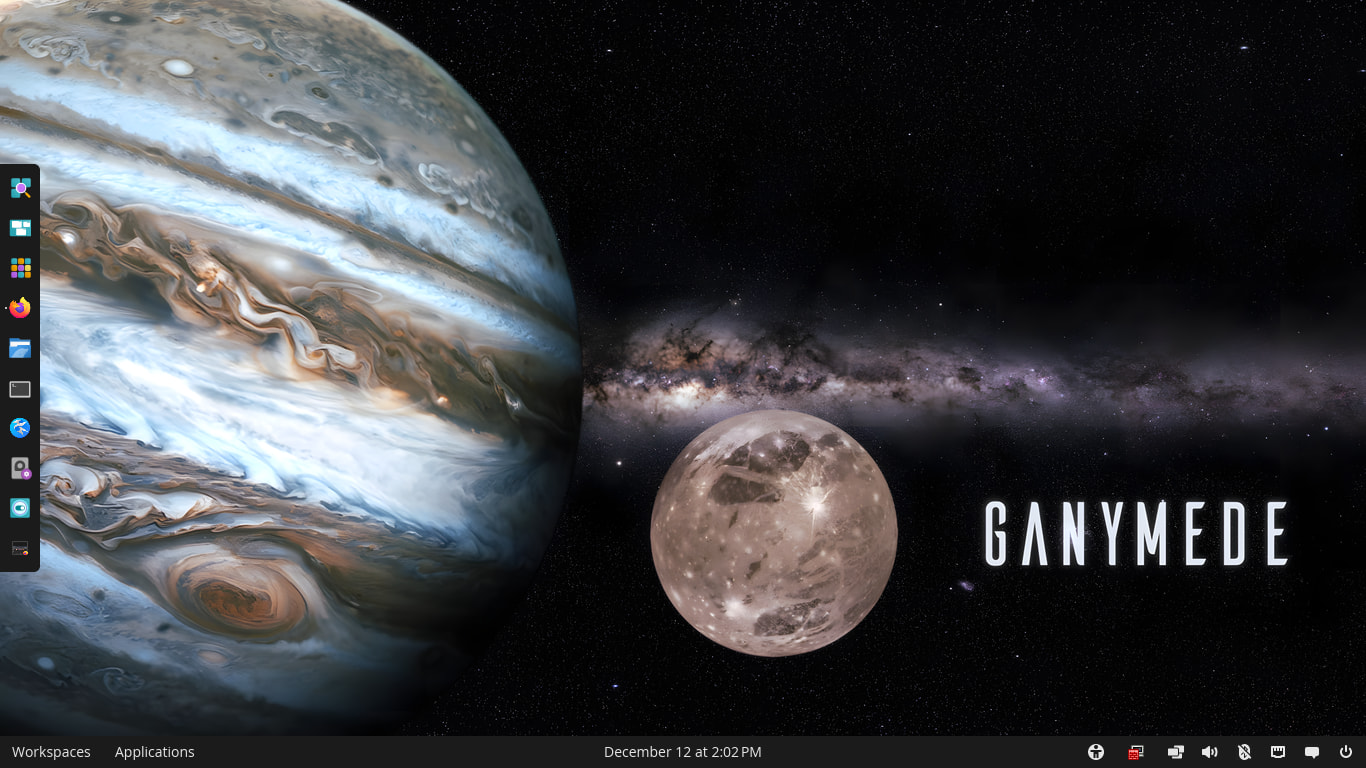
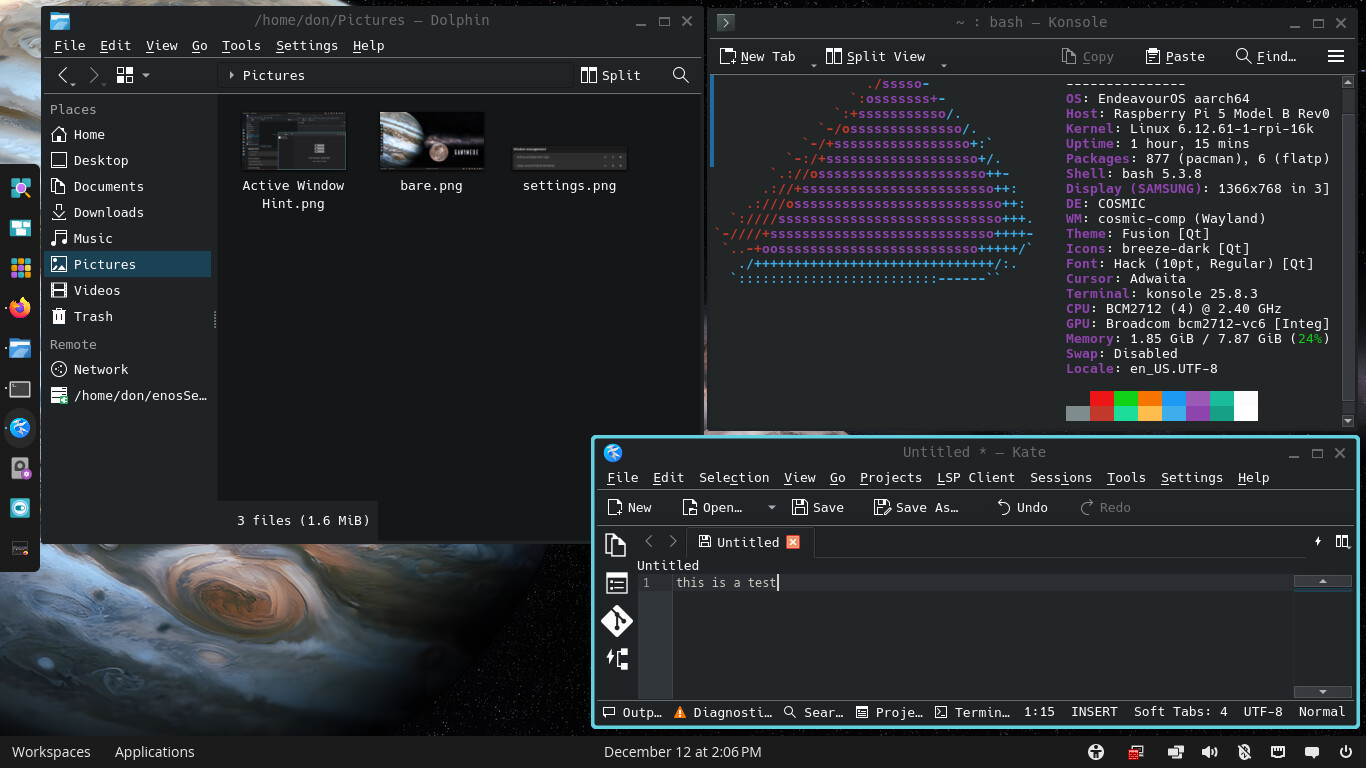
Note Dolphin, Konsole, and Kate nicely doing their thing with the Cosmic theme.
I call this Cosmic Plasma.
Pudge
1 Like
I noticed that the workspaces don’t seem to work/display in my Oracle VM. But they work fine in live (on arch).
I’m looking into the polkit stuff now.
Edit: Files is now opening my other drives fine on Arch, so apparently fixed (it had been pre 1.0 that I tested).
Didn’t find any issues..but I’ll look around more….umm so therefore nothing for me to fix yayay.
1 Like
I installed no desktop with eos and then installed cosmic yay -S cosmic. This is on vmware. Then i added gdm. Like i said before I have no idea what is required. I only know it’s not as good as PopOS.
Edit: Okay…. i took the time to install again from the github page on vmware again.
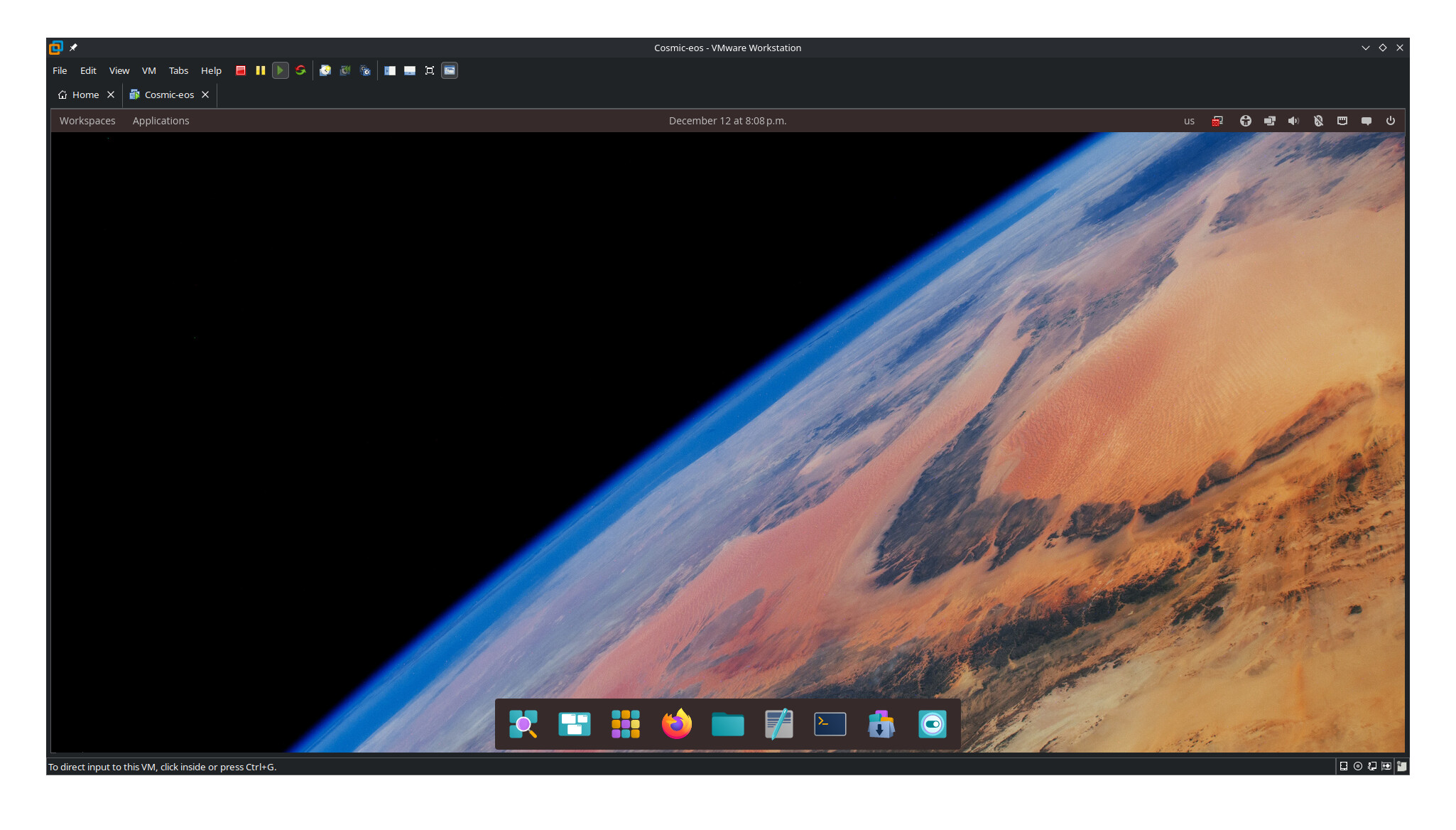
Edit: Now it is a lot better because it has what is needed. It’s using SDDM but I guess i could change it to GDM.
Edit: Seems like it’s comics greeter tied to SDDM? Not sure. Anyway it’s pretty darn good setup now.
Edit: Yes I did install the SDDM line that is on the github page. So i guess if you want GDM then you don’t run that line before the install.
I’ve always hated GDM so never had that problem
Glad you got it more sorted.
1 Like
Apologies for the late reaction, but now, I’ve created the Cosmic DE category under Desktop environments.
8 Likes
This topic was automatically closed 2 days after the last reply. New replies are no longer allowed.