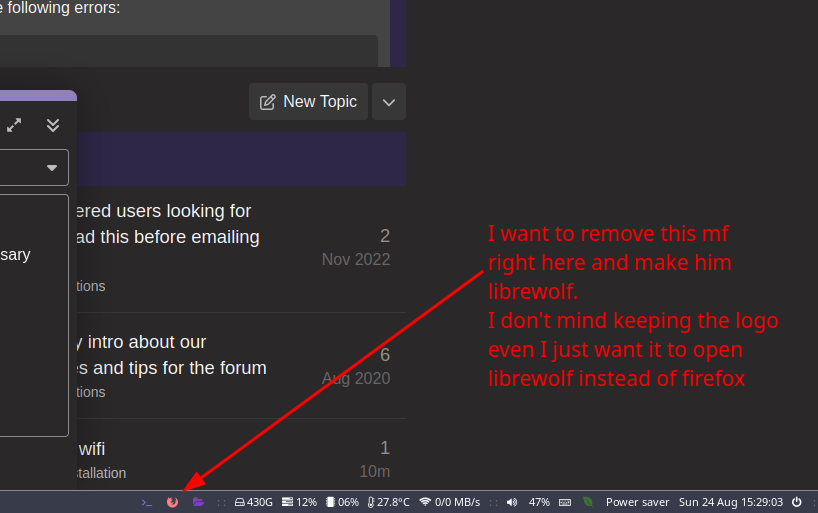
I’ve just discovered the “scripts” directory on i3 and I’m deleting/messing some of the unnecessary ones. I’m particularly looking for the part that shows the apps like terminal, firefox and file explorer. I want to add some of my own in there, I can’t seem to find it in the config or scripts files. Are they somewhere else or am I visually impaired? Even mod + W opens firefox even though I changed my default browser to librewolf. just trying to find where these scripts are.
Is there a way to search every file for a specific word? Like “which firefox” but instead of looking for a file that just says “firefox” it shows every file that contains the word “firefox”? feel like that would help with combing through files to edit things.
Linux scrub here apologies for my ineptitudidity