Hello! I’ve just installed Endeavour.
Everything works and I’m quite happy..
The only question - the virtual keyboard
on plasmalogin manager is not
active, though I’ve install both Maliita
and qtkeyboard and I can see them in
Settings. Where should I config it?
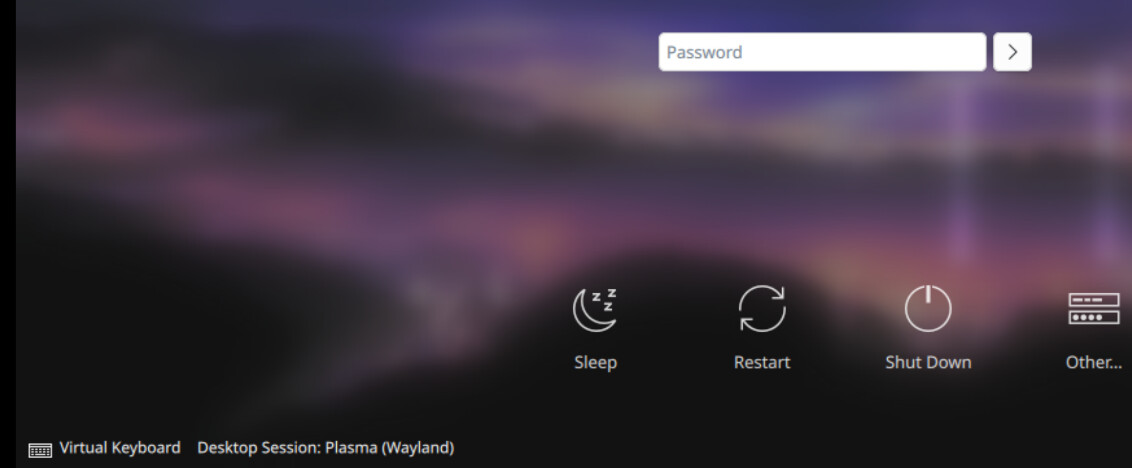
yes, I have the same picture of virtual keyboard on login screen but it does not work
Maybe it should use plasma-keyboard instead?
You mean password rejected or does not appear any virtual keyboard?
I did not use national characters in password.
I don’t use national characters too… I want to input my password using mouse but keyboard does not appear when I click on VK picture… plasma-keyboard? I will try