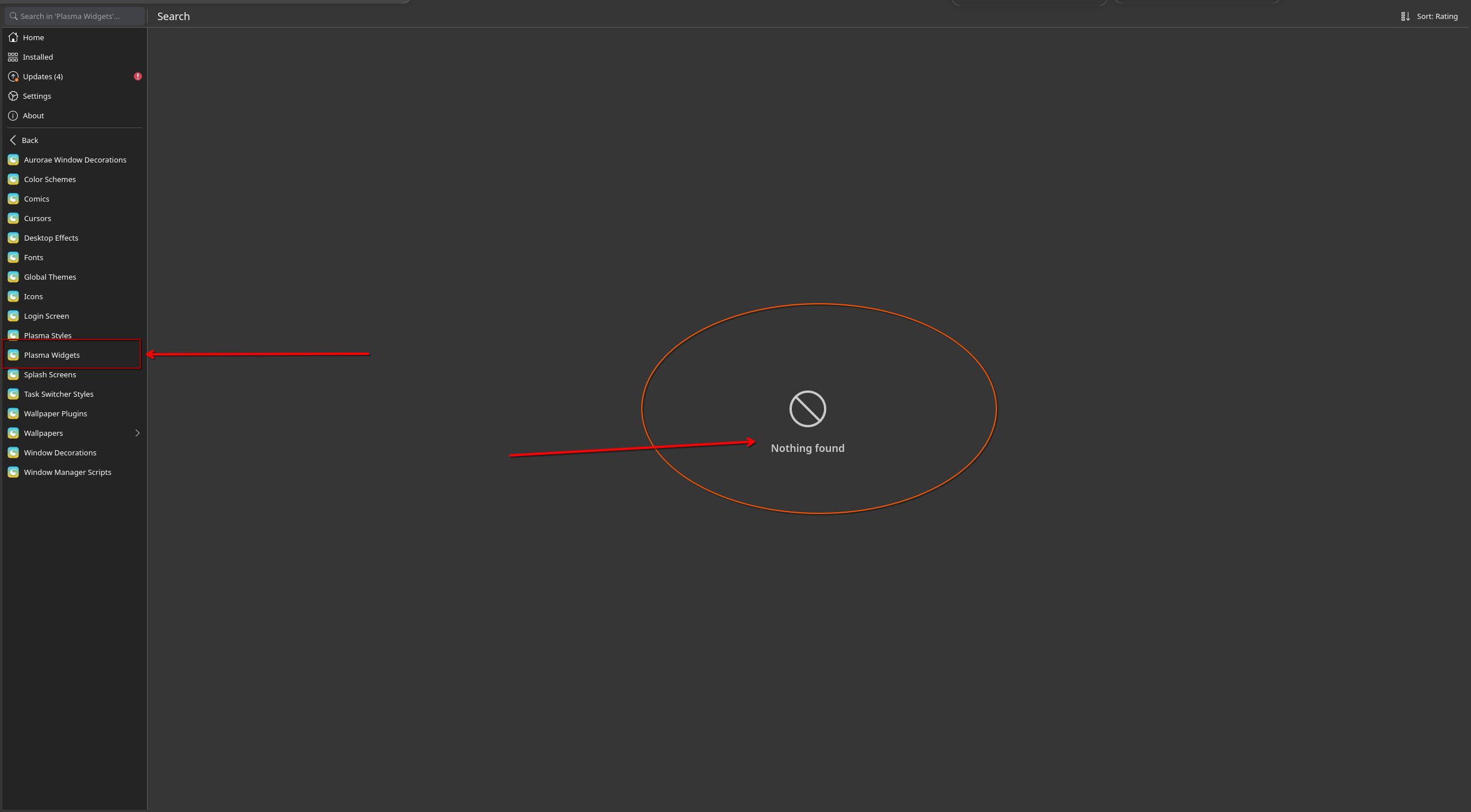
for some reason i can’t install more widgets and update what i have, can someone help me? i want to use some easy thing like discover or plasma widgets manager , looking it on KDE store is a bit annoying.
@serejo ,
I skip the question what is this application?
Let"s take an example for checking updates: Apdatifier
Having downloaded it
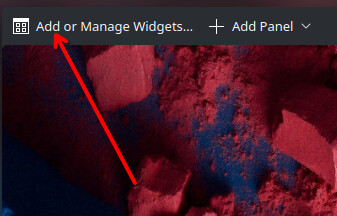
right-click on the panel and select Add or Manage Widgets
Add new / Install Widget from Local File
Let’s fetch the plasmoid file from Downloads folder
Then you will see it on the left side
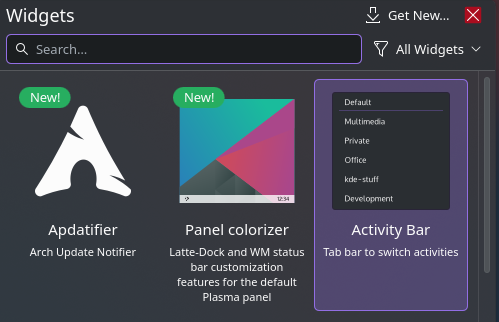
Drag it to your panel
it also are not working
what does this line show?
find . -name *.plasmoid
/.cache/yay/plasma-framework5/src/plasma-framework-5.116.0/autotests/signed.plasmoid
Then download the widget you want first.
I can only download it manually by searching the internet; the widget manager isn’t working, and I can’t do it with Discover either.
right click on desktop
Enter Edit Mode
Btw what version of plasma are you on?
Edit:
So, your first app is Discover. It shows 98 widgets here.
Edit2:
Using Discover – I haven’t done it for ages – I downloaded widget Launchpad Plasma Mod
which is plasma 6 compatible, it works. A special Gnome feeling…
Why are you using Discover? If you’re on EndeavourOS you really shouldn’t, it’s no good for Arch.
Get widgets by using add or remove widgets on the KDE toolbar right click.
1 Like
discover are not good for native packet but dont have problem for flatpak and plasma addons
man, forget discover, you are just telling me how to use KDE, i’m telling you i’m having a problem
maybe i will need to get a video
So if you do this do you still have the problem…
Select:
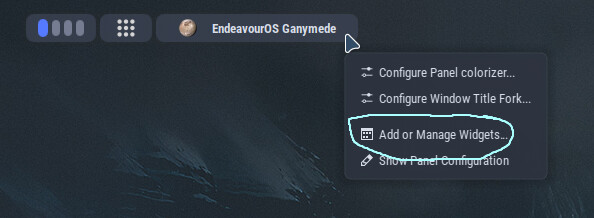
Screen looks like this:
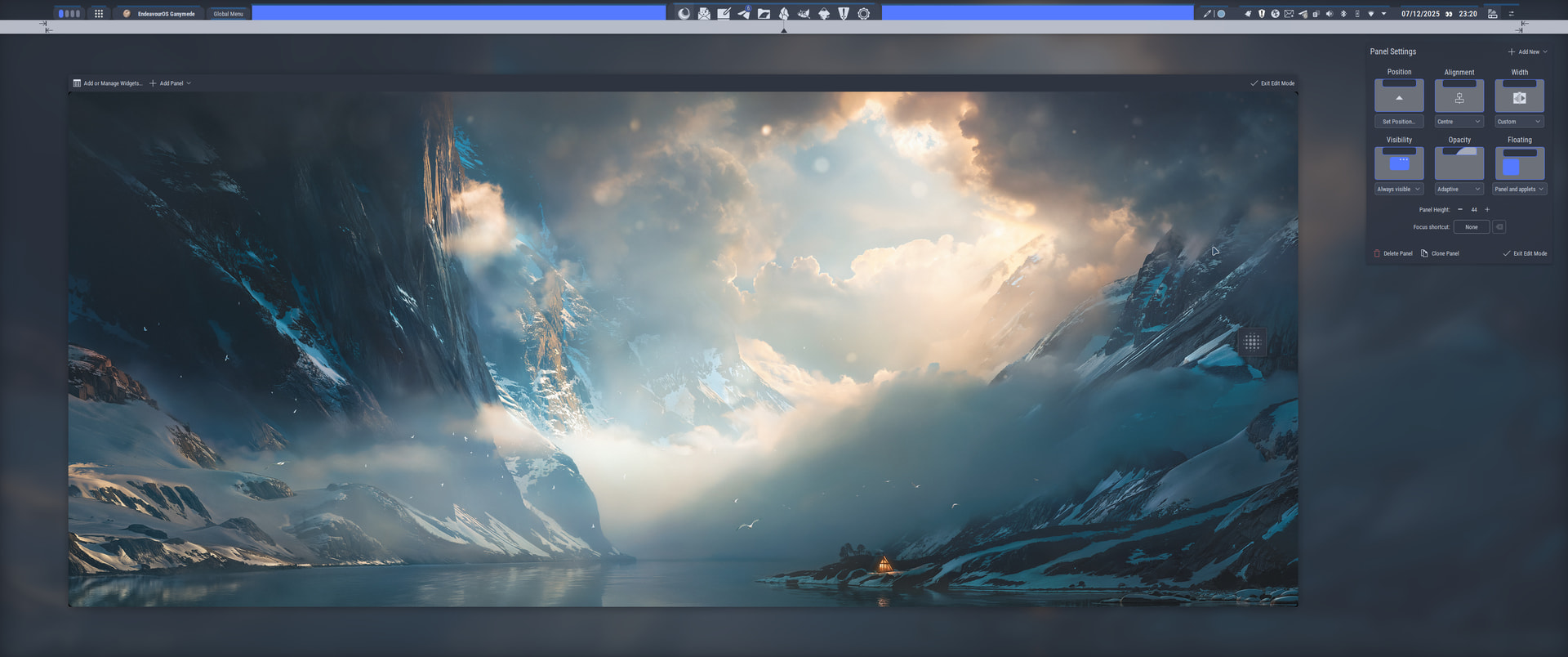
Choose:
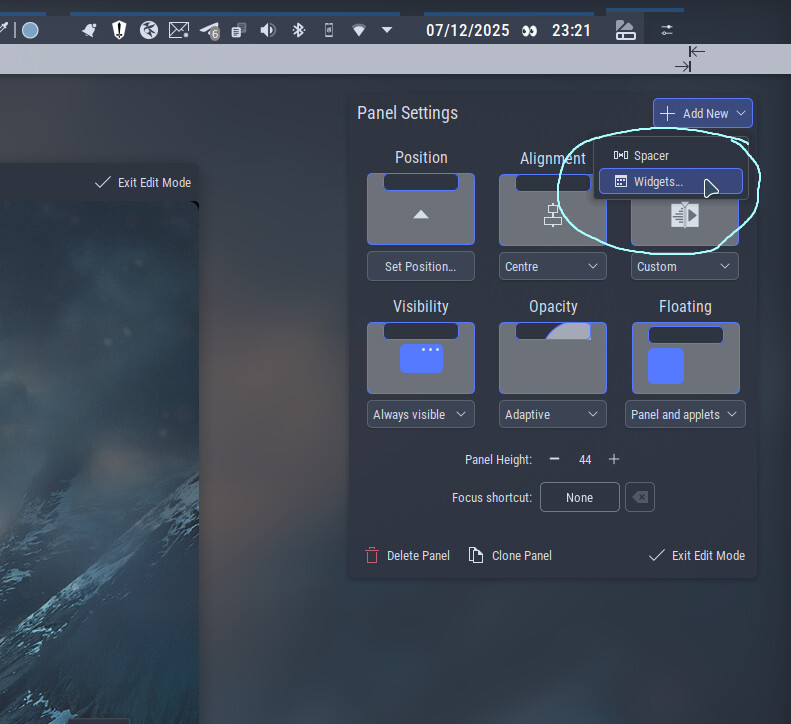
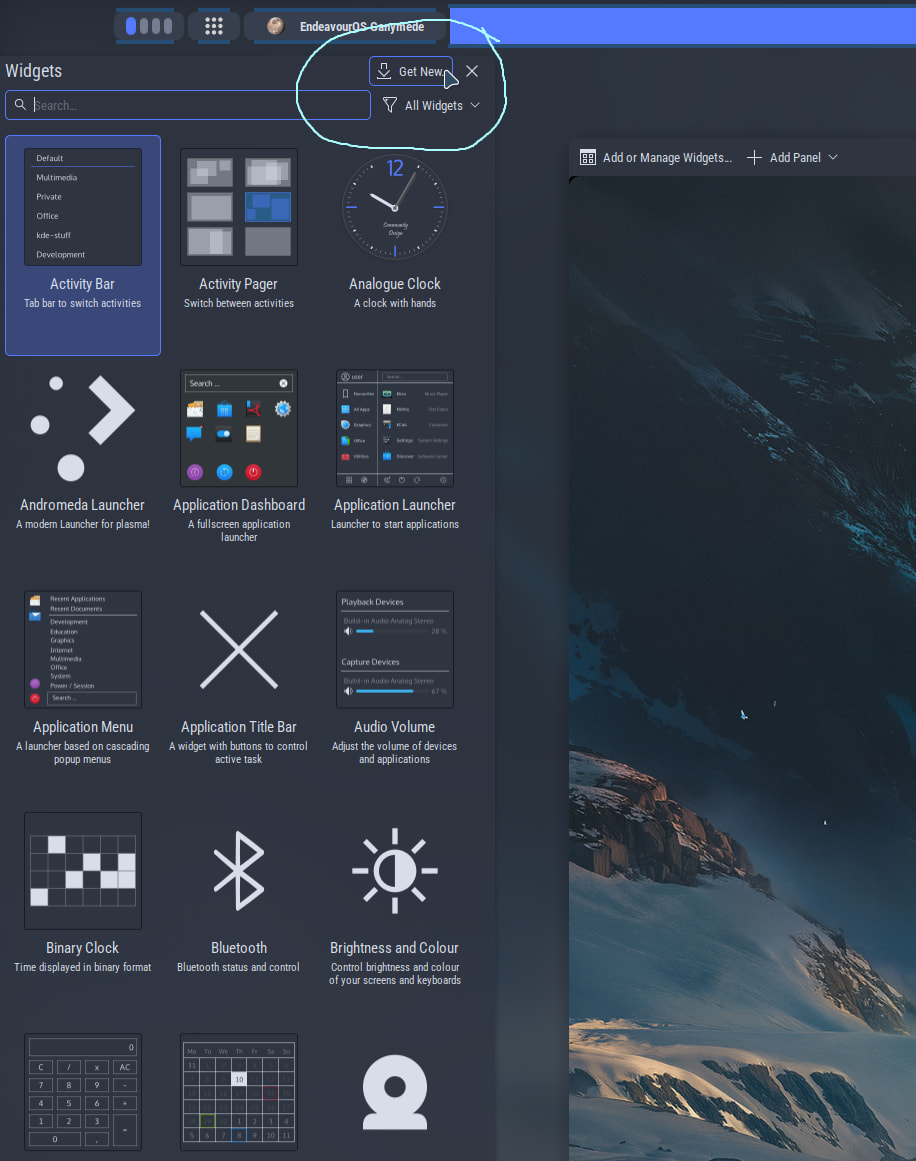
Either Get New or use currently installed widgets:
i give up, you are just telling me how go to something where i already told are not working
Oh man, no need to give up, it’ll be something simple, it usually is. So basically you can’t get the widget chooser to show any widgets? Is that right?
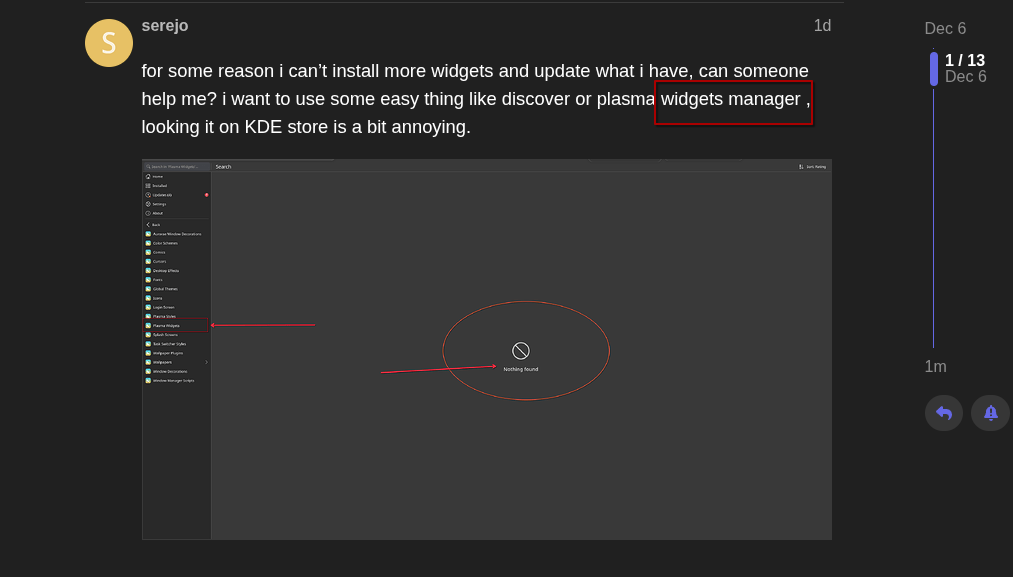

Hmm it does seem very odd, hopefully someone might have a clue.
Can you show me what your widget manager is doing in a screenshot?
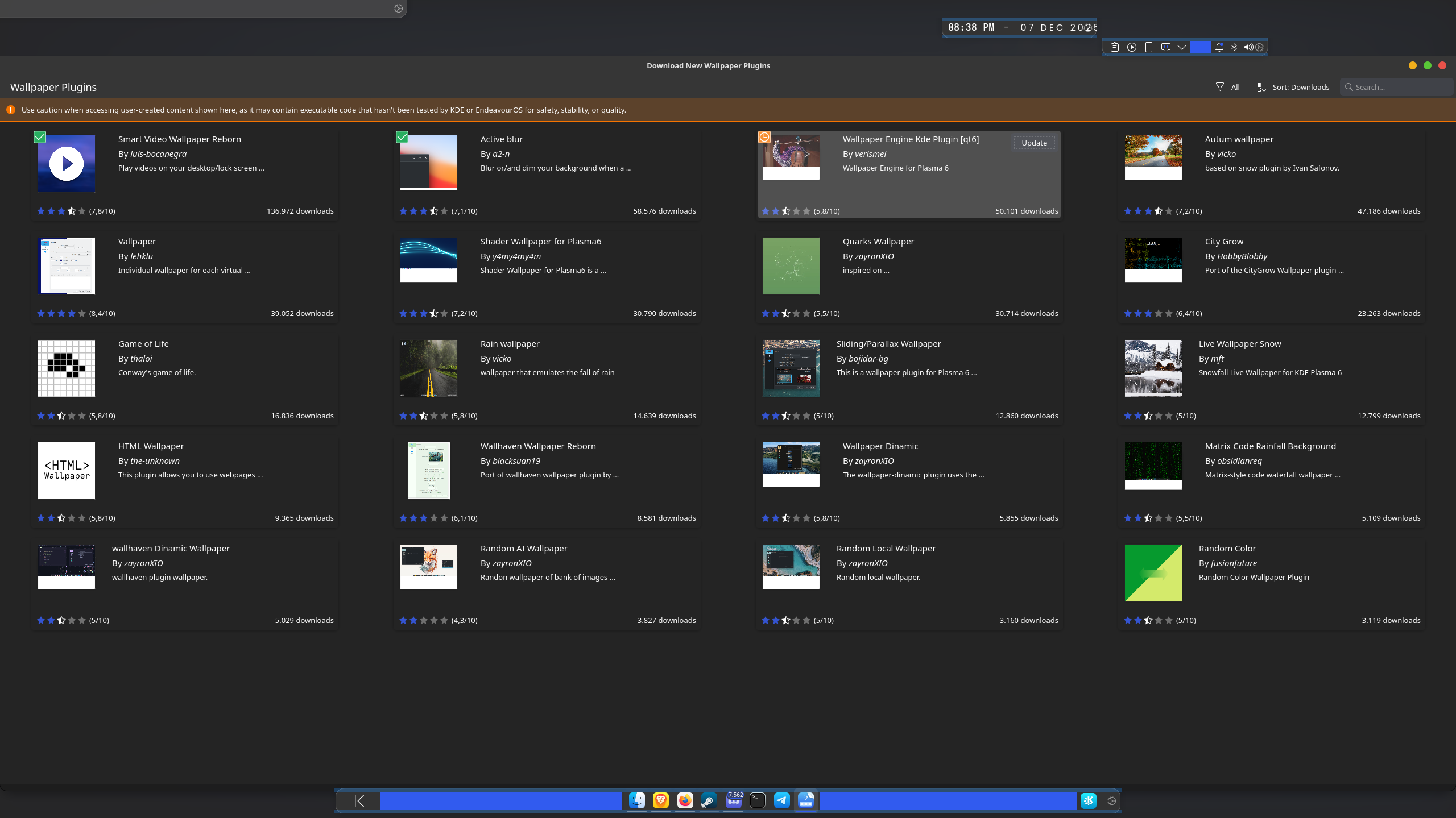
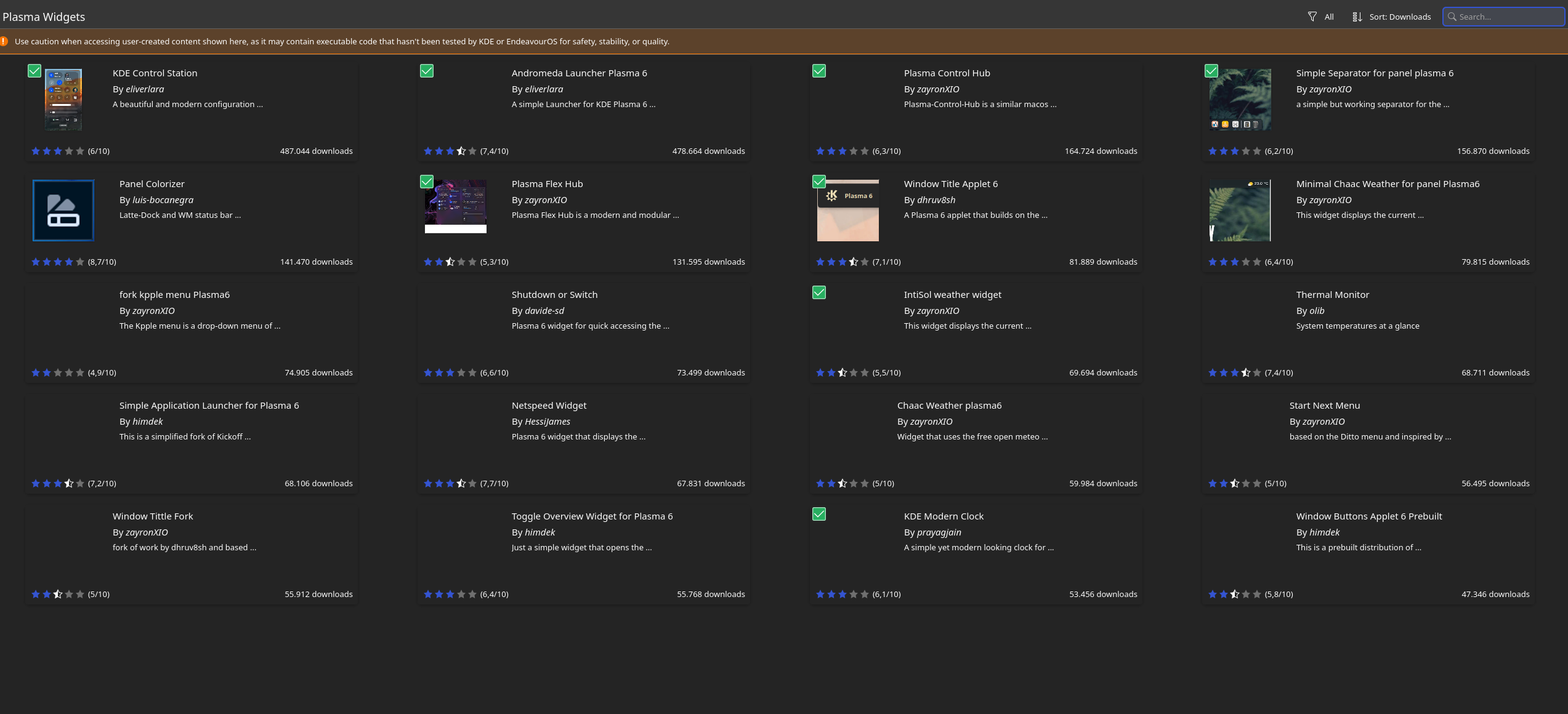
Is your system up to date?

maybe it can be the problem but i dont saw no one talking something about it