Plasma Login is configured by users through /etc/plasmalogin.conf, which overrides distro-provided defaults at /usr/lib/plasmalogin/defaults.conf. In managed scenarios, the latter file can be modified to set a default wallpaper or login session, with the settings module disabled via Kiosk.
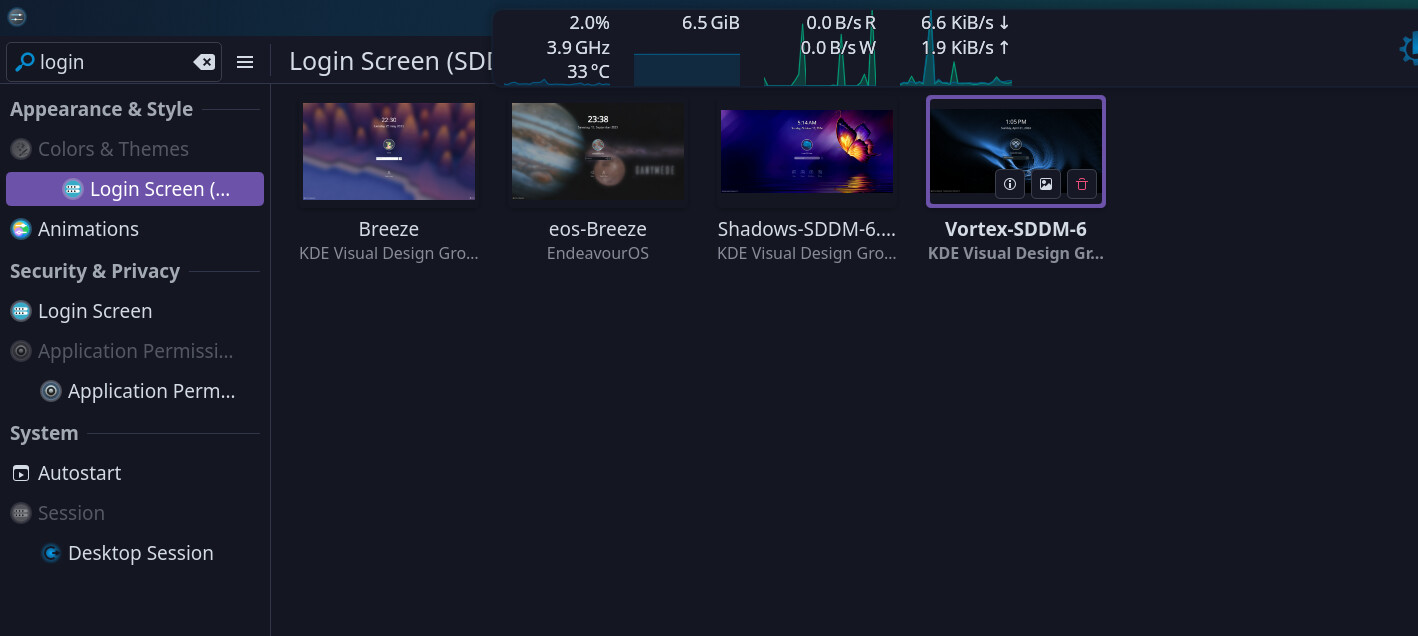
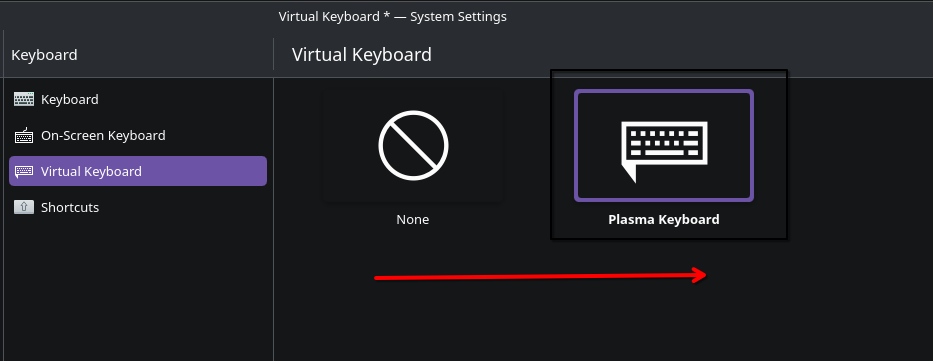
I will check out the plasma settings menu
On the other hand,
17:03:44.239 UTC plasmalogin.service Auth: plasmalogin-helper exited with 255
17:03:44.255 UTC user@934.service plasma-wallpaper.service: Consumed 16.300s CPU time over 13.422s wall clock time, 546.8M memory peak.
17:03:44.339 UTC user@934.service plasma-login-kwin_wayland.service: Main process exited, code=exited, status=15/n/a
17:03:44.339 UTC user@934.service plasma-login-kwin_wayland.service: Failed with result ‘exit-code’.
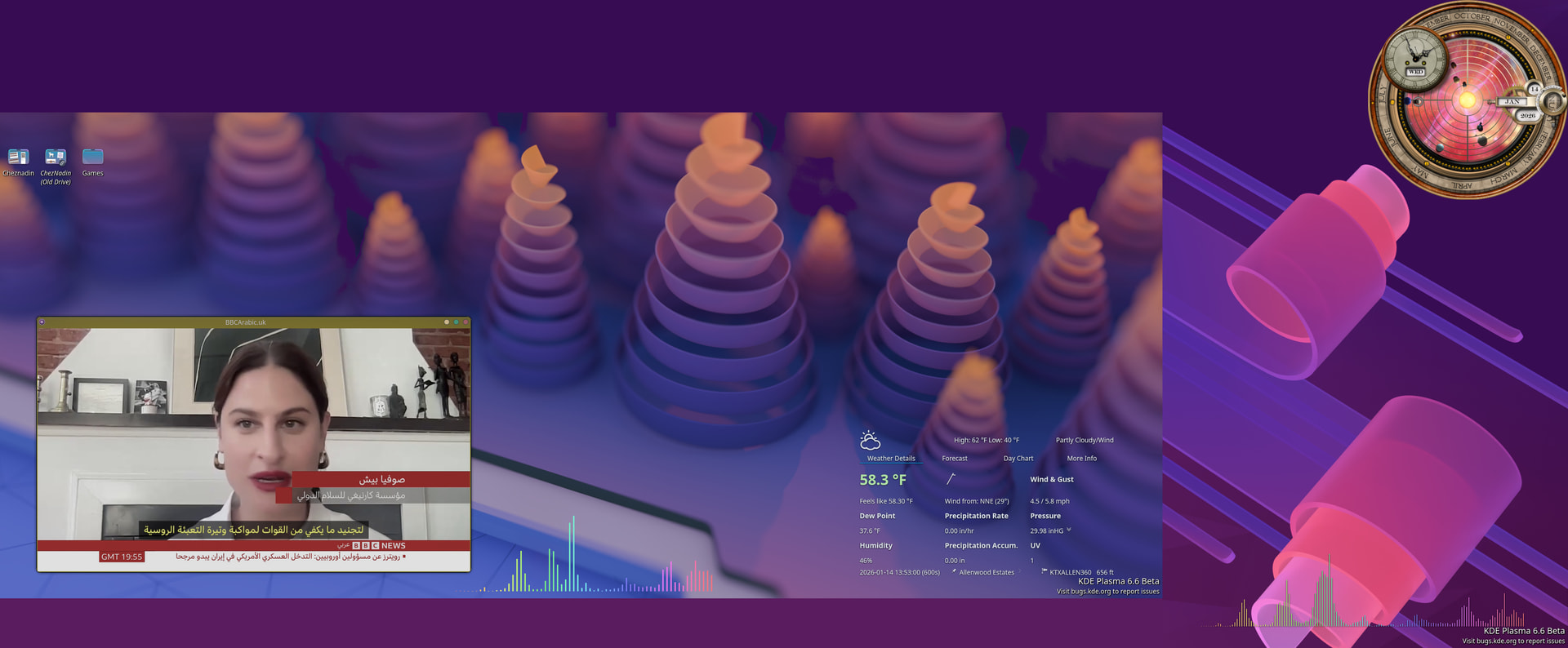
I reinstalled the plasma-login-manager and the orientation of the secondary portrait mode is fixed
The section for its setting is back as login screen with no SDDM.
Now trying to see if I can use the theme from SDDM. Note, there is no theme for in the login screen like that for the SDDM
I kept the kde-unsatble for now. However, I switched back to SDDM. It looks better as it was. The PLM icons were not rendered correctly when switching “on focus”