Hi,
I can’t seem to start Plank Reloaded.
I installed it correctly yay -S plank-reloaded-git
Added it to Auto Start.
It shows up at applications, but nothing happens.
Any Idea?
Regards,
Darakish766
Hi,
I can’t seem to start Plank Reloaded.
I installed it correctly yay -S plank-reloaded-git
Added it to Auto Start.
It shows up at applications, but nothing happens.
Any Idea?
Regards,
Darakish766
Can you provide some more info about your system and your DE?
You could try starting Plank Reloaded in the terminal and see whether there’s any output that may shed some light on what is going on.
Another option is to type
journalctl -f
in terminal and then start Plank Reloaded.
Hello,
OS: EndeavourOS Linux x86_64
Host: Latitude 5580
Kernel: 6.18.9-arch1-2
Uptime:
Packages: 1421 (pacman), 6 (flatpak)
Shell: bash 5.3.9
Resolution: 1920x1080
DE: Plasma 6.5.5
WM: kwin
Theme: Breeze-Dark [GTK2], Breeze [GTK3]
Icons: Tela-black-light [GTK2/3]
Terminal: guake
CPU: Intel i7-7820HQ (8) @ 3.900GHz
GPU: NVIDIA GeForce 940MX
GPU: Intel Kaby Lake-H GT2 [HD Graphics 630]
Memory: 3121MiB / 15866MiB
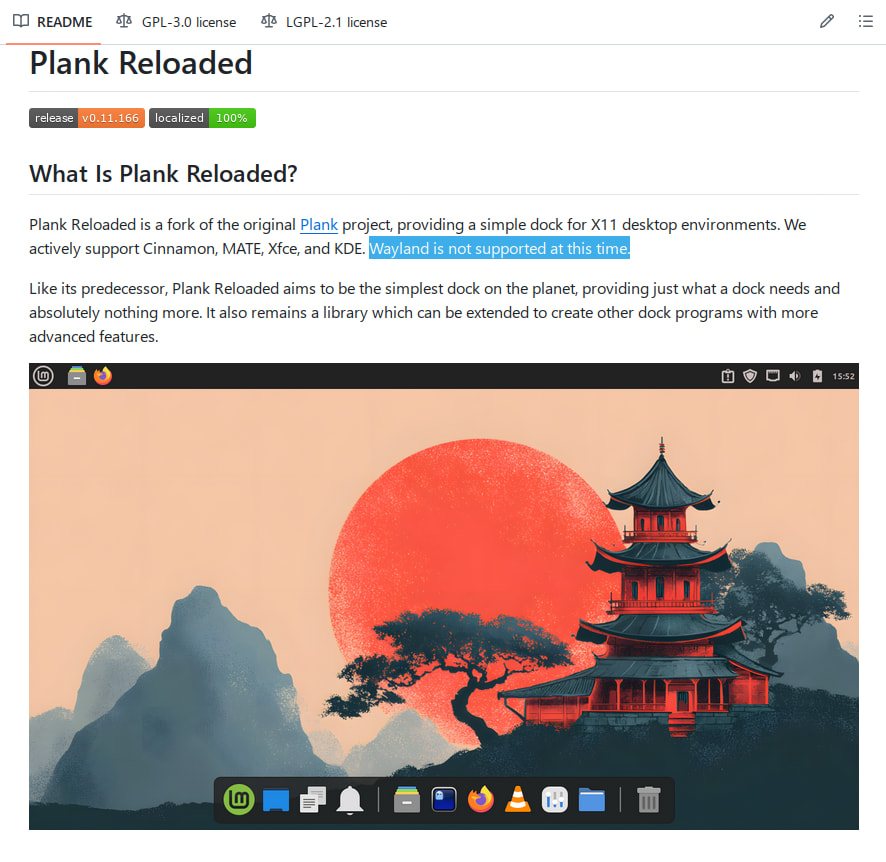
I had a look [1] and read that Plank Reloaded is built for ‘X11 desktop environments’
That may mean it won’t work with Wayland.
edit: in fact, in the FAQ it says:
Can I use Plank Reloaded on Wayland?
No, Plank Reloaded is designed for X11 desktop environments only. Wayland is not supported at this time.
So if you are on Wayland, then that may well be the reason for it not working.
Aha, so I have the wrong version?
Sorry, I know nothing about Plank Reloaded or its versions - all I can say is that from the github-page I gather they only cater for X11.
There may be other forks of Plank out there, but I don’t use Plank myself. Sorry.
@Darakish766 ,
At login screen you can select X11 session.
I checked both plank-reloaded-git and plank-reloaded .
It starts by
plank &
from Autostart I think. Ampersand means run as a background process
Have you installed x-wayland?
Please start plank from the konsole and post the output.
Okay, I’ll try this.
I installed plankfrom extra
╰─❯ sudo pacman -S plank
[sudo] Passwort für swh:
Abhängigkeiten werden aufgelöst …
Nach in Konflikt stehenden Paketen wird gesucht …

Paket (5)          Neue Version  Netto-Veränderung

extra/bamf         0.5.6-2                0,85 MiB
extra/gnome-menus  3.38.1-1               0,63 MiB
extra/libgee       0.20.8-1               1,82 MiB
extra/libgtop      2.41.3-2               1,26 MiB
extra/plank        0.11.89-5              1,51 MiB

Gesamtgröße der installierten Pakete:  6,07 MiB

:: Installation fortsetzen? [J/n] j
(5/5) Schlüssel im Schlüsselbund werden geprüft                                                                                                      [-------------------------------------------------------------------------------------------] 100%
(5/5) Paket-Integrität wird überprüft                                                                                                                [-------------------------------------------------------------------------------------------] 100%
(5/5) Paket-Dateien werden geladen                                                                                                                   [-------------------------------------------------------------------------------------------] 100%
(5/5) Auf Dateikonflikte wird geprüft                                                                                                                [-------------------------------------------------------------------------------------------] 100%
:: Paketänderungen werden verarbeitet …
(1/5) Installiert wird libgtop                                                                                                                       [-------------------------------------------------------------------------------------------] 100%
(2/5) Installiert wird bamf                                                                                                                          [-------------------------------------------------------------------------------------------] 100%
(3/5) Installiert wird gnome-menus                                                                                                                   [-------------------------------------------------------------------------------------------] 100%
(4/5) Installiert wird libgee                                                                                                                        [-------------------------------------------------------------------------------------------] 100%
(5/5) Installiert wird plank                                                                                                                         [-------------------------------------------------------------------------------------------] 100%
:: Post-transaction-Hooks werden gestartet …
(1/6) Reloading user manager configuration...
(2/6) Arming ConditionNeedsUpdate...
(3/6) Compiling GSettings XML schema files...
(4/6) Updating icon theme caches...
(5/6) Updating the info directory file...
(6/6) Updating the desktop file MIME type cache...
Then started from konsole and i got this error:
╰─❯  plank
[CRITICAL 16:54:25.116346] [AbstractMain:255] Only X11 environments are supported.
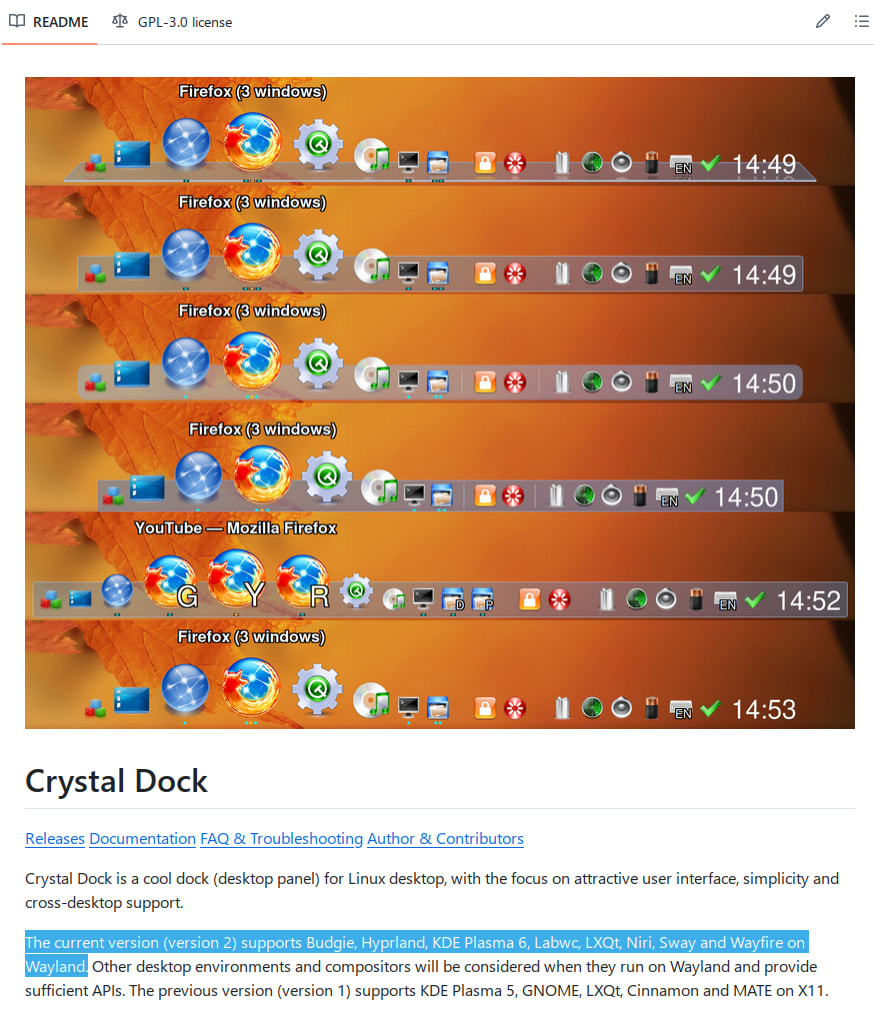
Please note that Plank and Plank-Reloaded are two different projects. Plank itself at this point is basically a dead project.
@Darakish766 There are plans for future editions of Plank-Reloaded to support wayland however I do believe that is still a ways off.
Thanks for pointing to. I wasn’t aware of that. 
I selected at login screen X11 session.
Plank Reloaded works.
Doesn’t it just use whatever icon set you use for your system?
Either by installing icons in Systemsettings > Icons
or
from kde store
even
selectively
The question is are you talking about icons themselves or are you talking about applications and how to add them to your plank-reloaded?
Yes, icons or a pack for for Plank reloaded.
Plank-Reloaded uses the icons of the application. If you want to have specific icons for plank then you will need to create a desktop file with a path for the icon you wish to specify. If your talking about changing the system icons you will need to do that through your settings. Someone who use’s KDE can tell you where to change icons at in KDE. this will reflect in your plank. If its the latter an you wish for new icons start here