So in the image the line which has the Video has the snippet hwdec: vaapi. Thus showing that it is using Hardware encoding or the GPU? In this case the Intel GPU drivers?
It means hardware video decoding, which is usually provided by the GPU. In this case it’s using the VA-API interface for the decoding, which is usually the default way for handling GPU hardware decoding on AMD and Intel GPUs in Linux.
PS: You can quickly toggle the decoder with ctrl+h.
Its a pretty old screenshot .. from one of the many many times I was assisting someone with their VLC player. Because of the issues mentioned.
So the options shown there do not necessarily represent the current VLC, but the situation it illustrates - that such outputs are available and for best efficiency and quality and sometimes to get any output at all VLC users must go and select the correct one - is still accurate.
Others have also mentioned how its only one component - theres another section for hardware acceleration which would also need attention.
And we havent even gotten to important things hidden yet, like
Which would have additionally been required to get hw-accel under certain circumstances.
Theres multiple ways.
You should probably know based on your settings if you were doing anything manual.
And as others have mentioned there are a few ways to pull stats.
But again, assuming your system can hw-accel, and its on auto, it likely will be.
Yes, haruna is an mpv frontend. Using mpvqt specifically.
Somehow, this was done for me without needing manual intervention.
sudo pacman -S phonon-qt6-vlcNow you can remove the other one:
sudo pacman -R phonon-qt6-mpv
Unless you installed during the month where phonon-qt6-mpv was in the repos, you would have already had phonon-qt6-vlc. So this is normal for many users.
Thanks for the tip on CTRL+H. I used that and it worked.
MPV really needs a better GUI frontend for it to showcase all of its ability. We are way past using command line for day to day work.
There are many, many GUI front-ends for MPV. The vast majority of the video players on Linux are actually just front-ends for MPV.
Here my specific recommendation:
together with
which together look like this:
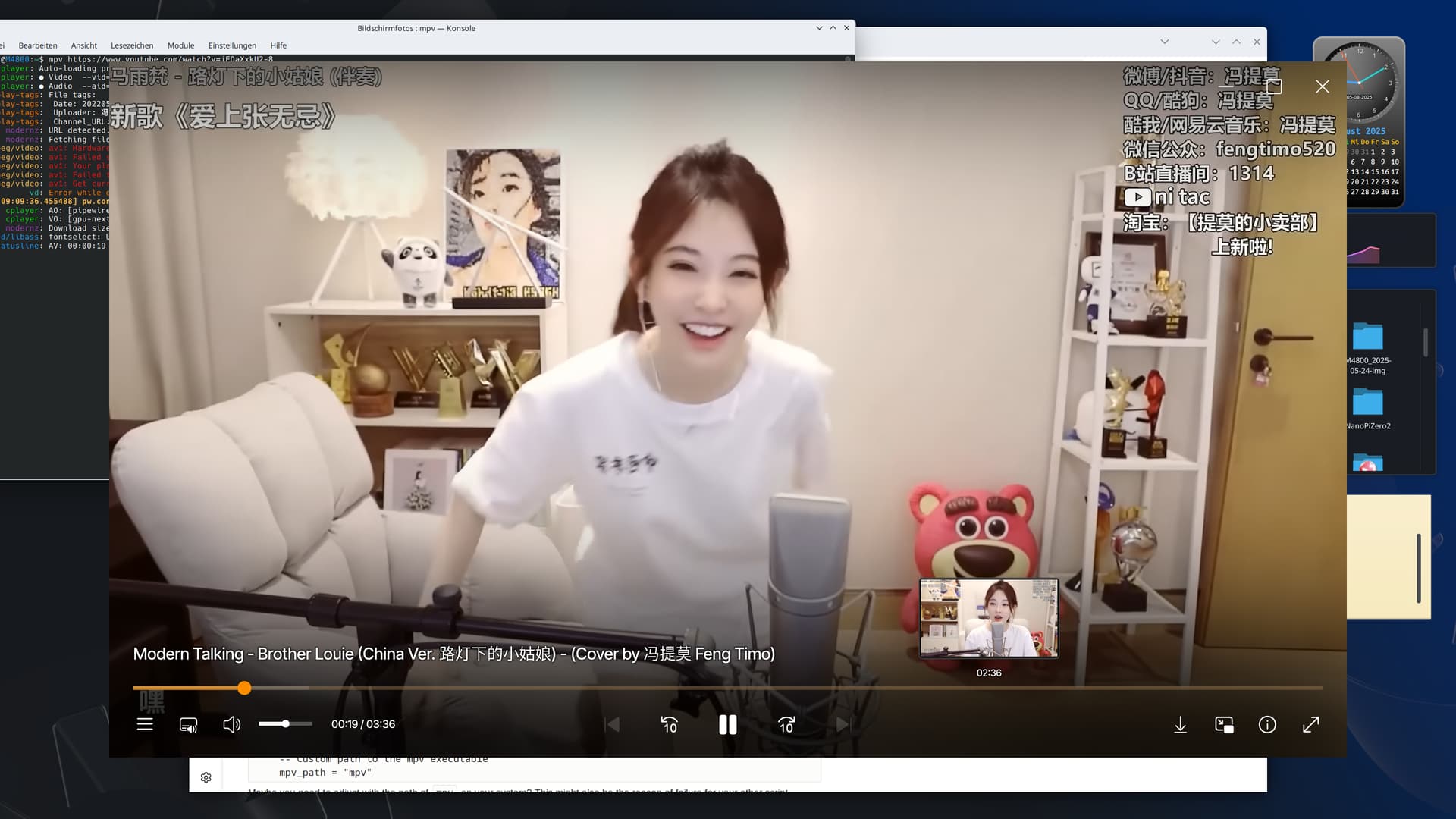
(mpv in borderless mode)
which gives mpv a sleek design with comfort features while staying lean.
Phonon-qt6-mpv is back! (AUR)
Now I don’t need a bunch of plugins, bye VLC.
It has always been in AUR. It was dropped from the repos to AUR.
It still doesn’t fully work and is unsupported.
What is not working?
I removed vlc and all the plugins and for me everything is working.
But I’m just a normal user…
Playing video previews in dolphin would crash dolphin if using the mpv phonon last I checked.
The difference I noticed was that the videos played automatically in gwenview, with vlc I had to press play.
How can I check video previews in Dolphin? Never seen that
You click on a video file and then if you have previews showing in the side then click the play button in the preview.