do we need this in the term!? What does the ~ do here!?
and last question: how do we adress the usb-stick “sdb” correct - so that the iso does not go onto a certain partition - but takes the “whole” sdb - which might be iimportant i think
first of all : many thanks for the quick reply and for sharing you ideas and experience here: This is very helpful!!
u@T420s:~$ sudo dd bs=4M if=~/Downloads/eos9.iso of=/dev/sdb status=progress && sync[sudo] Passwort für ubuntu:Das hat nicht funktioniert, bitte nochmal probieren.[sudo] Passwort für ubuntu:Das hat nicht funktioniert, bitte nochmal probieren.[sudo] Passwort für ubuntu:3144155136 Bytes (3,1 GB, 2,9 GiB) kopiert, 656 s, 4,8 MB/s749+1 Datensätze ein749+1 Datensätze aus
so i think that thre ~ is pretty important here.
and the term: of=/dev/sdb status=progress && sync
is this the right way to do the writing to the flash-drive - some friends argued that here some other options were possible too - but if we write it in another way - the we would probably write it to a certain partition of the usb - and indeed i once had the case that the iso was not found on the stick - after i have enteredd a “wrong” command !?
what can you say here - what is important here !?
btw:; i hopefully was able to spell out what is the question…
you need to make sure of the correct drive path before executing the command or you could wipe out the wrong device. To make sure you should run lsblk or sudo fdisk -l to see what /dev path you should be using.
As said above run lsblk to determine the correct device to write to. Then in your command designate the device and not a partition on that device.
Ie: use /dev/sdb and NOT: /dev/sdb1 or /dev/sdb2 etc.
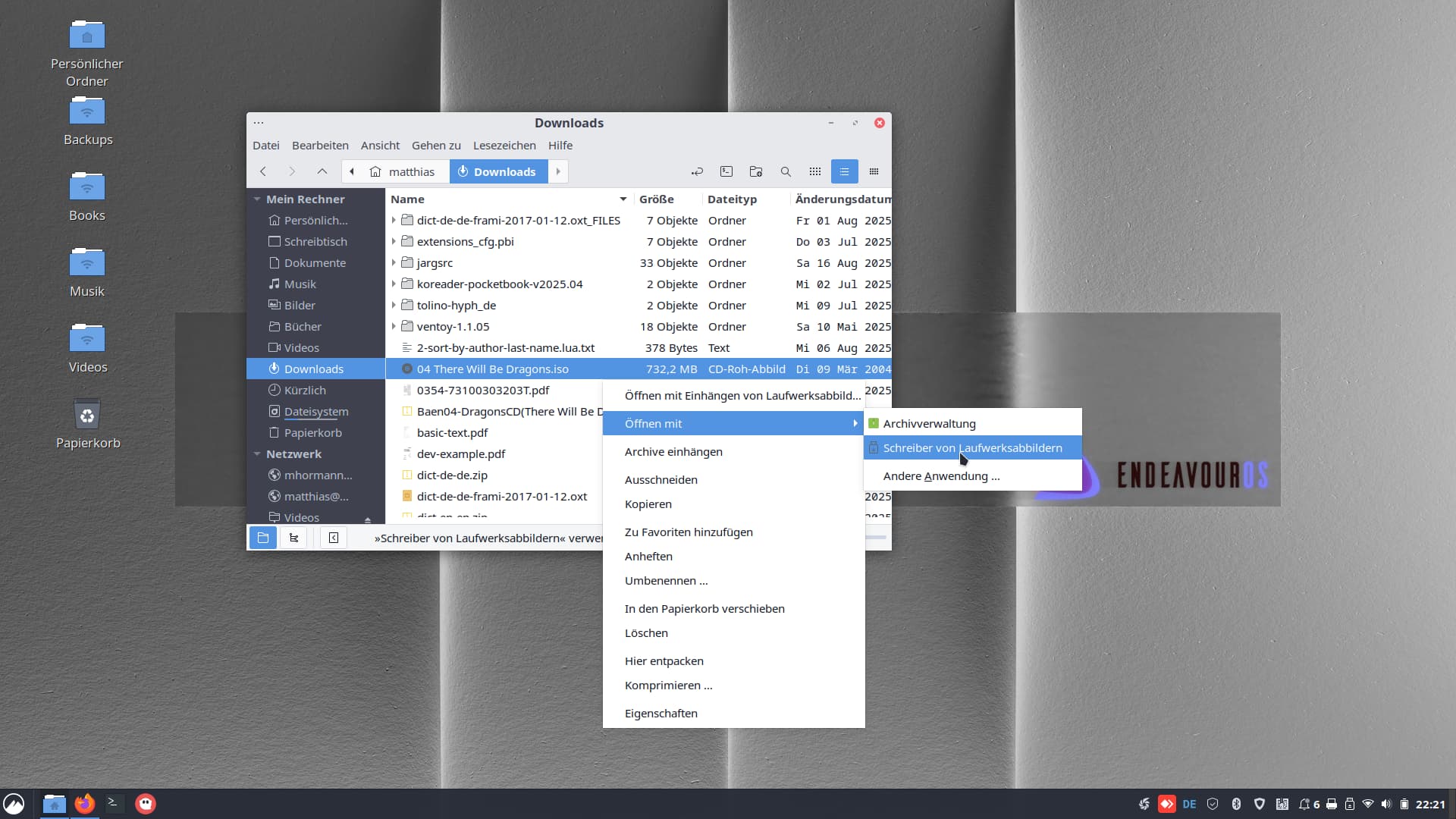
I know, just didn’t want to confuse a newbie, because you wont’t find it under that name. On the commandline, there are only gnome-disk-image-mounter and gnome-disks.
You installgnome-disk-utility and you get these two, plus “Laufwerke” (“Drives” or “Disks”) in the menu. Plus the Nemo integration.