Hi all.
I run a dual-boot system with EOS & Win11; I’m 90/10 between the two, but keep Win11 for work purposes. Between them is a shared drive, formatted to ntfs because of a mix-up on my part. I created this shared drive – SHARED – in Win11.
Upgraded to latest vanilla kernel (6.19) but am typing this on latest 6.18.21-1-lts.
After I rebooted from an upgrade for 6.19, my SHARED drive became inaccessible.
Mounting produced this error:
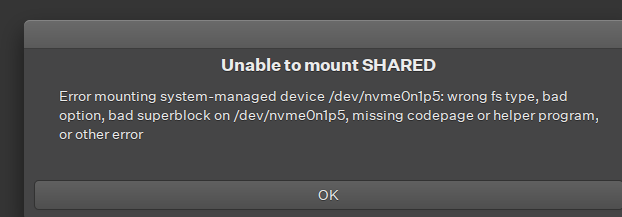
I looked around, and ran ntfsfix, then looked in dmesg, recommending I run chkdsk in Win11.
[ 1064.369305] ntfs3(nvme0n1p5): It is recommened to use chkdsk.
[ 1064.372836] ntfs3(nvme0n1p5): volume is dirty and "force" flag is not set!
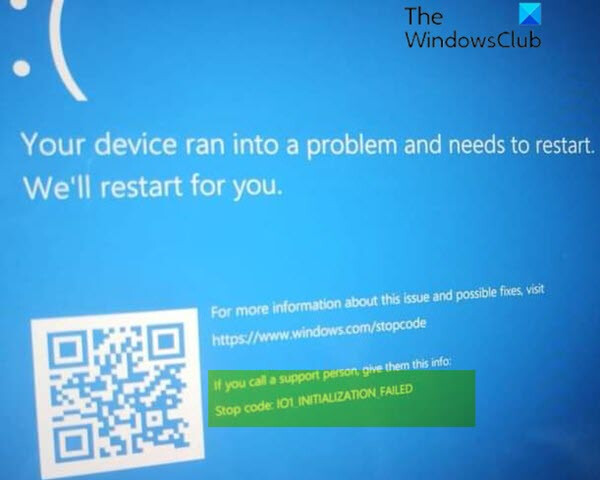
So, I went to boot into Windows. Well, I discovered that I couldn’t boot into Win11 now! I was greeted with the BSOD!
I was able to enter the command prompt and run chkdsk, which gave this:
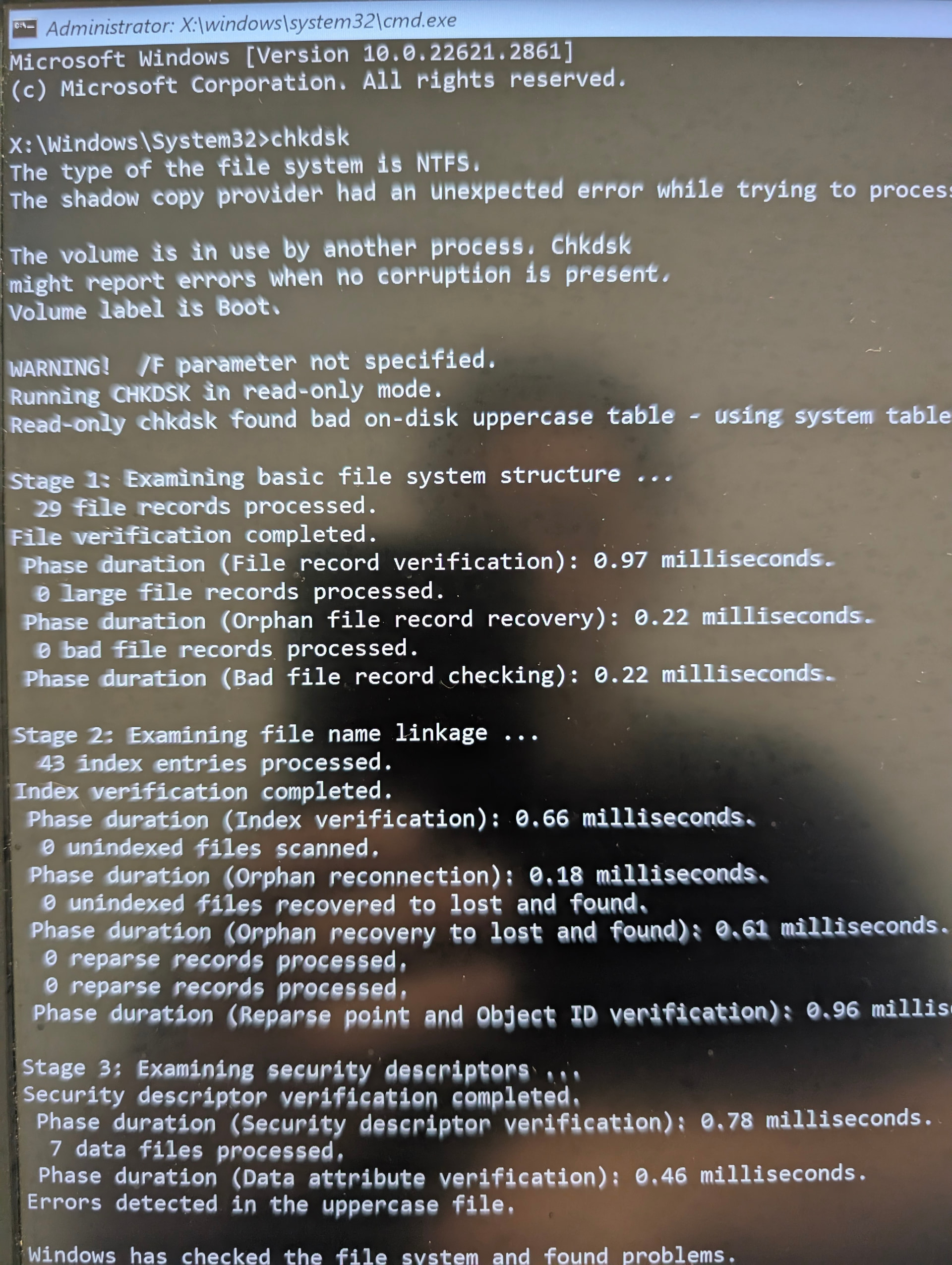
Win11 would still not boot. So, I went around poking for more info about the dirty volume; I found this thread: https://bbs.archlinux.org/viewtopic.php?id=271650
Post #3 advises to run a pair of commands, reproduced below.
[avantbored@avantbored ~]$ sudo ntfsfix -d /dev/nvme0n1p5
Mounting volume… OK
Processing of $MFT and $MFTMirr completed successfully.
Checking the alternate boot sector… OK
NTFS volume version is 3.1.
NTFS partition /dev/nvme0n1p5 was processed successfully.
[avantbored@avantbored ~]$ sudo mount -t ntfs3 /dev/nvme0n1p5
And I’m back in! Currently uploading all precious documents to secure cloud…
However, I have the sense that this is not a permanent solution. Of course, I would like to find that permanent solution.
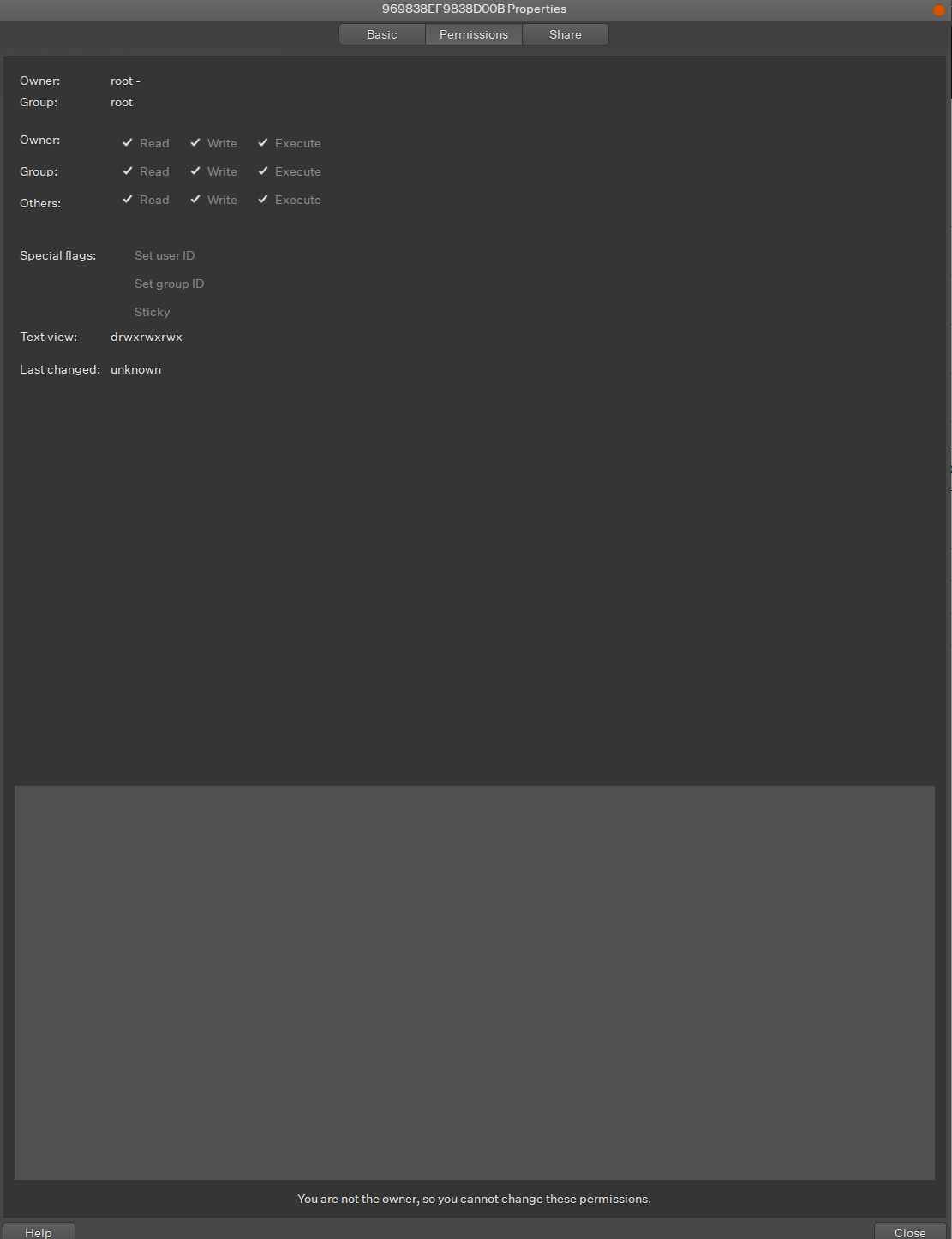
For one, SHARED now has an id of /mnt/969838EF9838D00B, instead of mnt/SHARED/. Maybe I am assuming something here that actually has no difference. Could you please clarify? Perhaps this is a mount point error now?
Secondly, I have been able to make a new Win11 recovery media with ventoy, but then I found one post from a Medium blogger warning against running that immediately, because:
Windows can and WILL install the boot manager to the very first Boot Loader Partition it sees and will not tell you a thing about it until you go to boot from BIOS and you see “Windows Boot Manager” on a random hard drive you had never selected or touched.
Definitely not booting with my live USB until I confirm this. Could anyone please confirm if this is indeed the case?
Additionally, if you have any insight how to repair this problem without the Win11 recovery media, I’d be glad to hear it!
Thank you all for your time. It was a very stressful half day!